Finding the right tools can be a game-changer for any graphic designer. Enter the world of Photoshop hair brushes, where every strand and texture brings your creations to life.
These brushes aren’t just tools; they’re the secret to adding realism and finesse to your digital illustrations.
Imagine crafting hair that looks so lifelike, it jumps off the screen. This article dives into the best examples of Photoshop hair brushes, ensuring you have the right resources to elevate your digital painting.
Whether you’re new to digital art or a seasoned pro, mastering these brushes will enhance your artwork’s quality and realism.
You’ll discover everything from hair brush presets to realistic hair brushes, with insights on brush customization and hair painting techniques.
Ready to refine your skills and make your designs stand out? By the end, you’ll know exactly which brushes to use and how to apply them for stunning, professional results.
How to select the right brush
As artists we are, we must be clear about what brush we should use. Each one has different configurations, both in size, transparency, shape, among other things.
Depending on the result we are looking for, the brush will act differently. For example, if we want a digital finish, the lines will be cleaner. In case we want to emulate traditional art, we can always opt for a textured brush that looks like graphite.
Uses of the different Photoshop brushes
The answers are many, and it is good to know them to decide whether to use them or not.
Among what we can do with a brush is: we can draw and paint, save large amounts of time by filling large spaces with colors, applying gradients with infinite colors, shading and delineating, applying textures, patterns, and other more delicate details, and virtually any aggregate that comes to mind.
Another important advantage of brushes, especially textured ones, is that they allow us to modify their texture, size, inclination, among other things. They are easily manageable together, which saves time.
The following list is just some of the house’s favorite options for you to customize your Adobe Photoshop toolbox. For convenience, we have broken down into free and premium options.
Photoshop hair brushes
Free Photoshop Hair Brushes set of 10 – Enough initial options
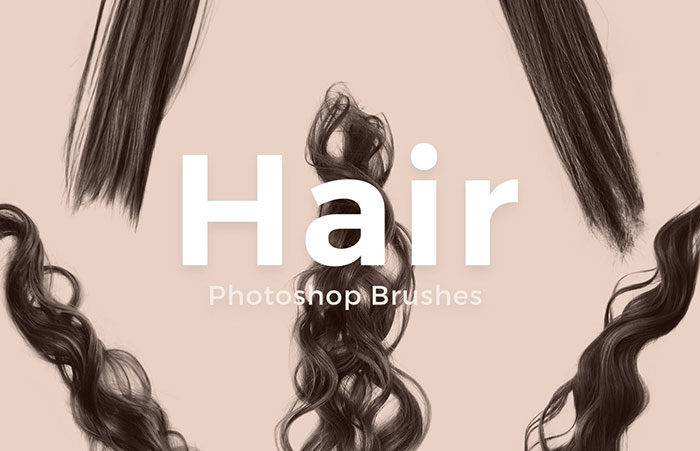
We begin the list with a complete package that offers us 10 brushes with options for all hair types. The quality of the textures used is very good, and it does not matter if it is straight or curly hair, we will get a brush that suits this.
The customization options are also wide since we can modify from size to density without losing quality.
Sakimichan Pack – When compatibility is important
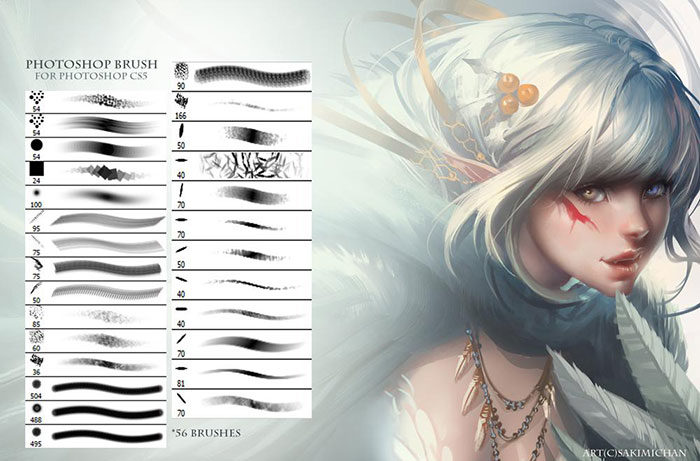
Compatibility is important when it comes to installing add-ons in programs. Sakimichan not only ensures that it is a complete set in terms of the number of brushes, since we have 54 options of multiple natures, but it is also possible to install them in Photoshop CS3 onwards.
Ultimate Brush Pack 5 – We not only have hair brushes
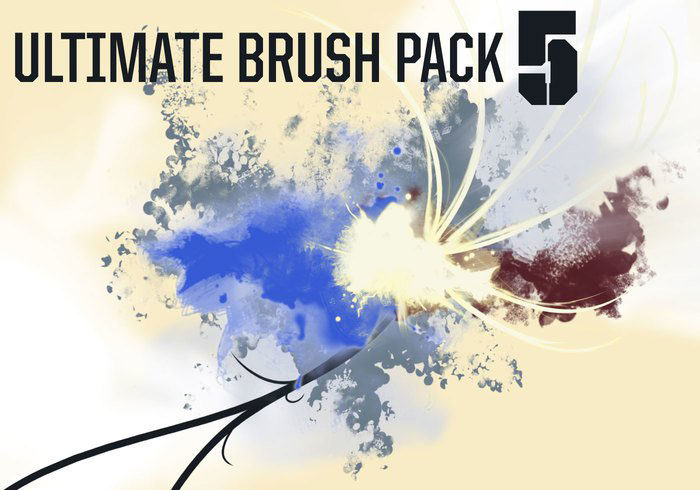
This package, as the name suggests, is an extremely large collection of 87 high-resolution brushes that have all kinds of images. If you are looking for Photoshop cloud brushes, water, hair, smoke, or anything dynamic, then you should download it.
Hair Retouching Brushes for Photoshop – A lightweight package
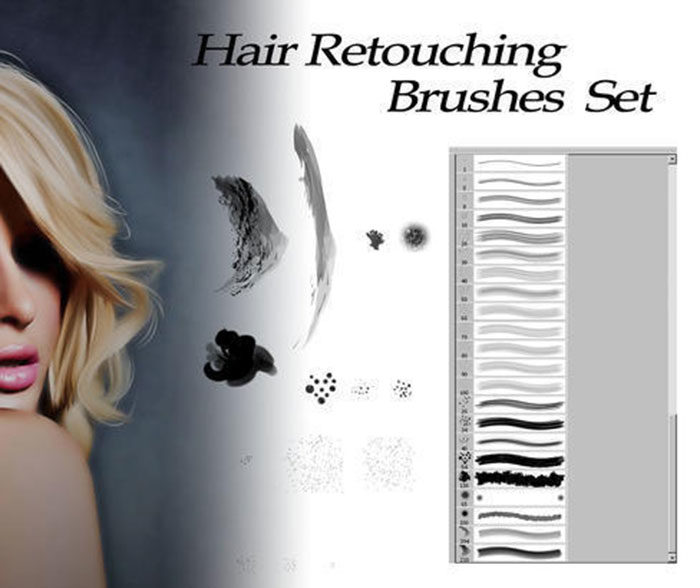
This small package of Photoshop hair brushes, compatible with version CS2 onwards, is perfect if we are looking for something specific to retouch photographs.
Hair Brush Pack – Hand Drawn Hair Styles – When we want something personal
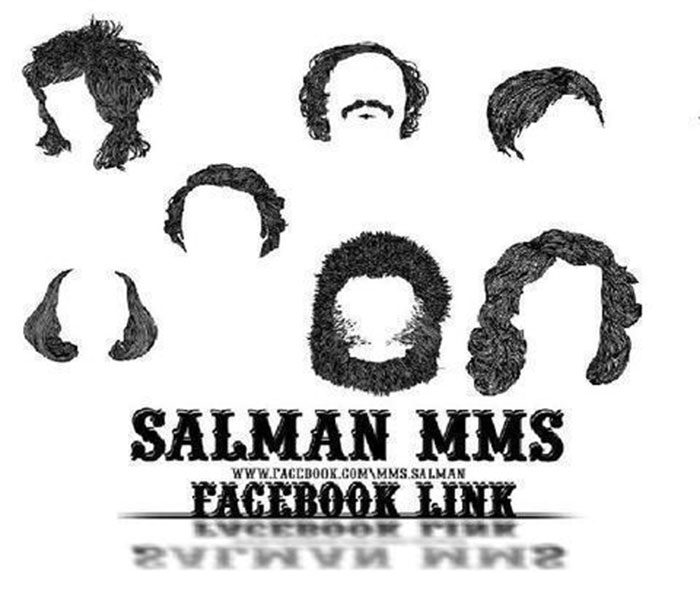
The set below consists of nine handmade brushes so you get the best hairstyle. If you want to make character projects in general, and you plan to use them commercially, this package will be your ideal complement.
Hair Brushes III – The Power of Curls
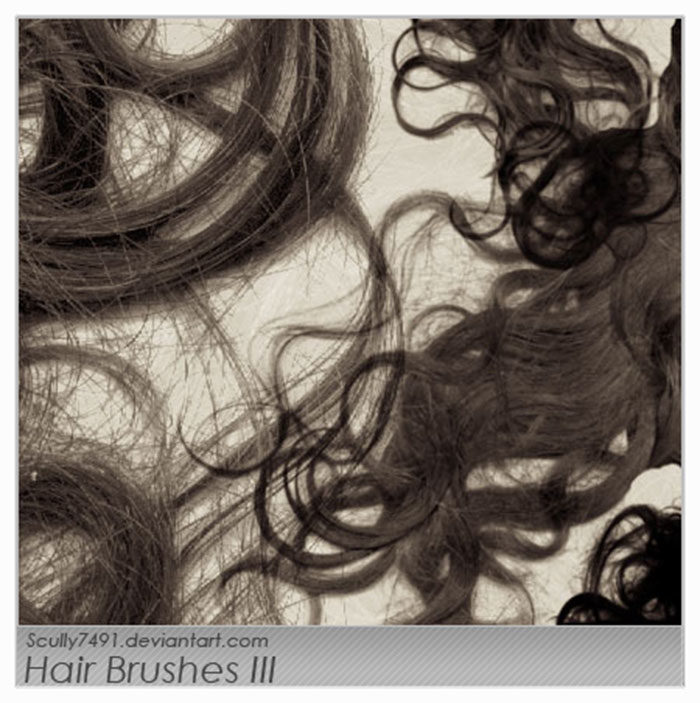
A realistic package with lots of curly hair brushes. Perfect for artists who retouch photos.
Hair Brush Set – Simple but effective retouching
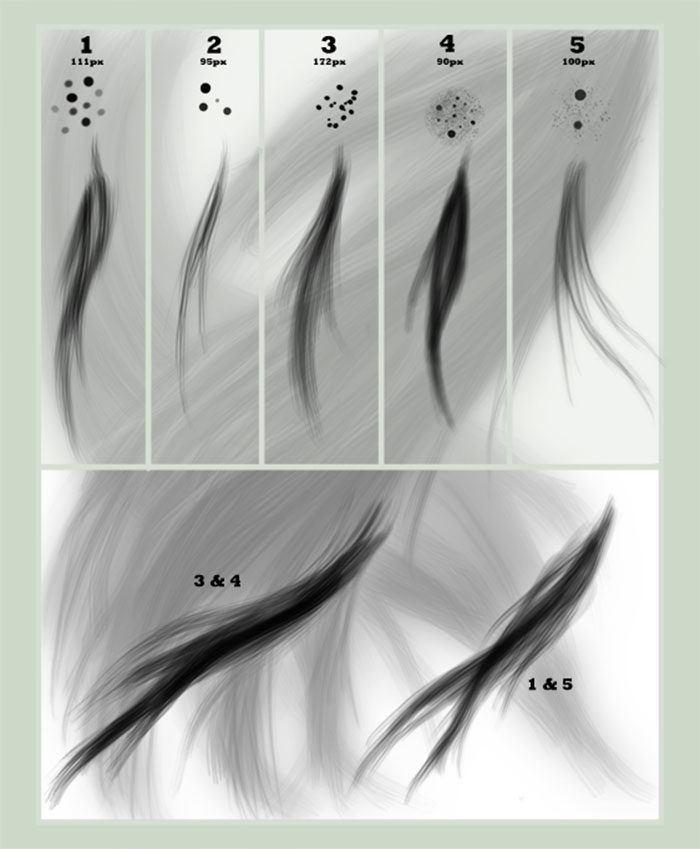
A simple package that allows us to add some shadows or make complex changes. This special package is ideal for working with a graphics tablet since it adapts perfectly to the force with which we use the pen.
Wavy Hair Strands Photoshop and GIMP Brushes – For people with wavy hair
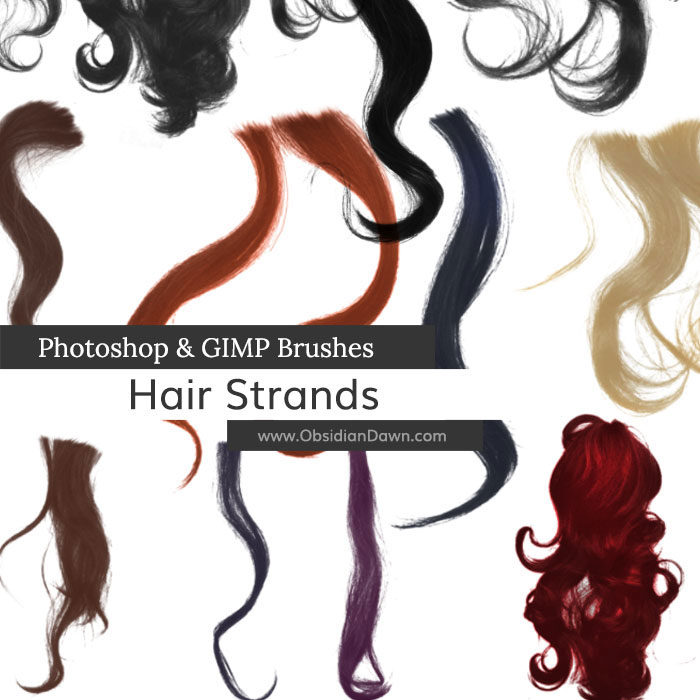
If we want to have half the work done, then we must use this ready to use set with strands of wavy hair. As easy as putting it into the design we want and then adjusting the dimensions and shape.
Hair brushes set 1 – Contemplating all hair types
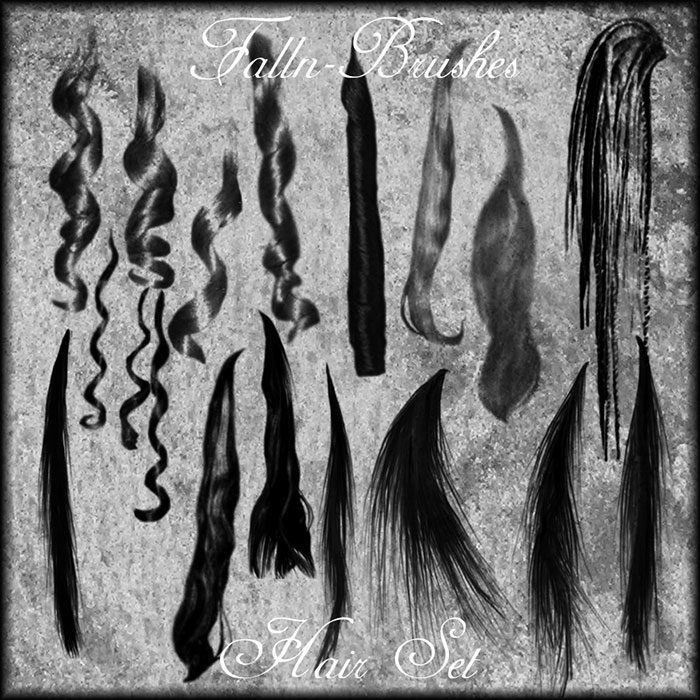
Be smooth, wavy, curly, long, short, it doesn’t matter. This set of free brushes has a detailed quality for each person.
Eyelash Brushes – Another hair type
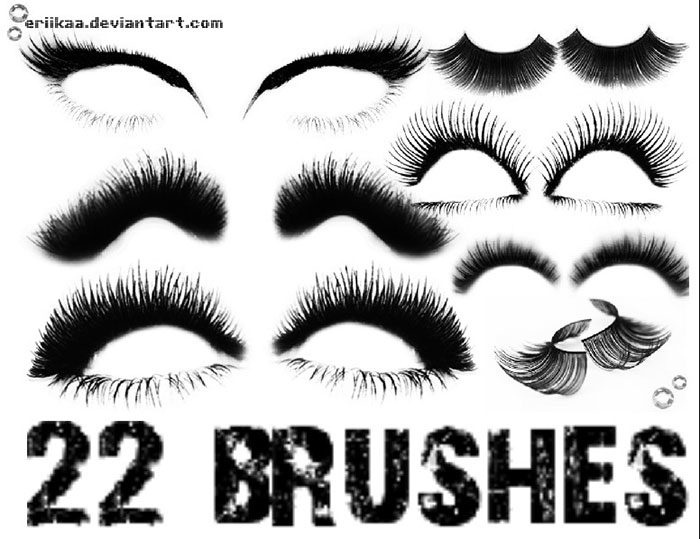
Eyelashes are also a constant touch up option when it comes to hair. 22 personalized options that allow us to adapt to any type of eye.
Hair Photoshop Brushes – Install and use
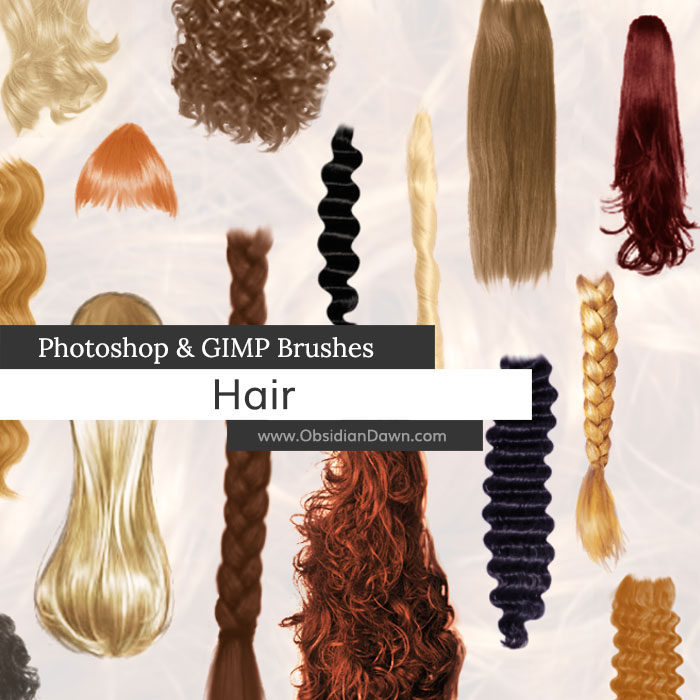
With this Photoshop file, we will get bangs, braids, curls, and all kinds of hairs that you can think of. Perfect if we don’t want to look hard to find a safe option.
Windblown Hair Brushes – Generate movement with these brushes
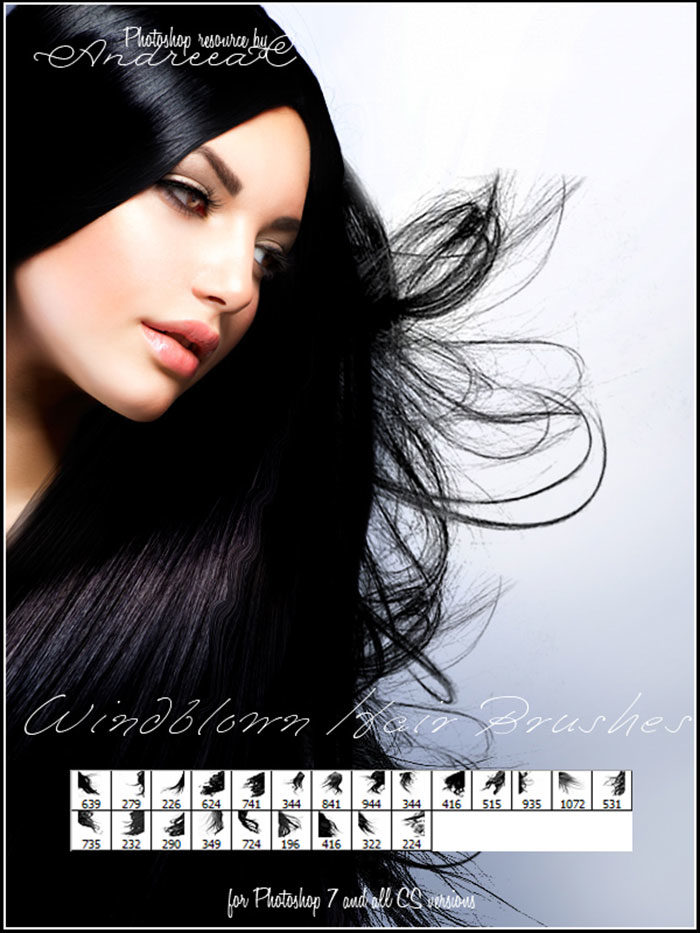
There is nothing more shocking than beautiful hair loose outdoors. If you want to achieve this effect, worthy of a professional photography studio, these 23 brush options will allow you to create them without much effort.
Hair Strands – The Modern Alternative
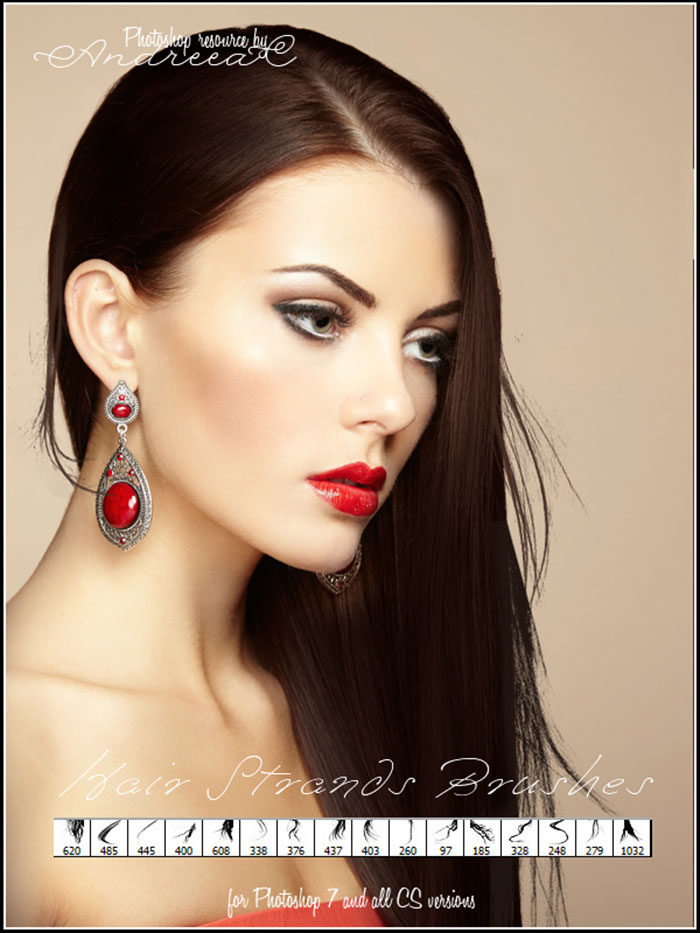
Another option of hair strands ready to use. Its more modern compatibility with Photoshop 7 makes the quality included in each of the 16 images unique.
Anime hair brushes – For the fans
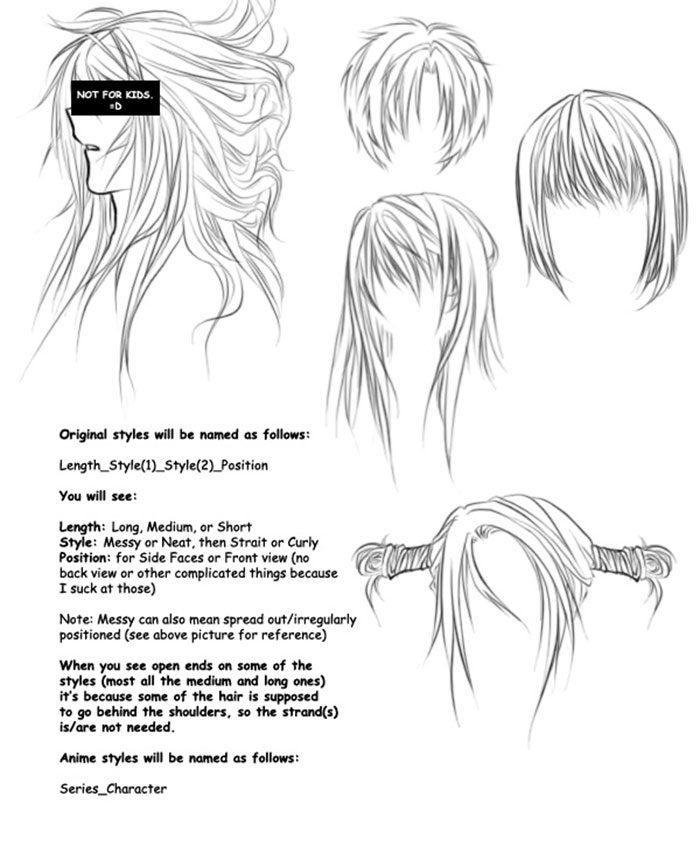
This DeviantArt brushes set includes five styles for you to create your anime character. In total, there are three original designs, one of the character Robin of Witch Hunter Robin, and another of Mello from Death Note. If you do not have Photoshop, you can also download the images in PNG to be able to use them anywhere.
Lineart Hair Brushes – Say goodbye to the lines
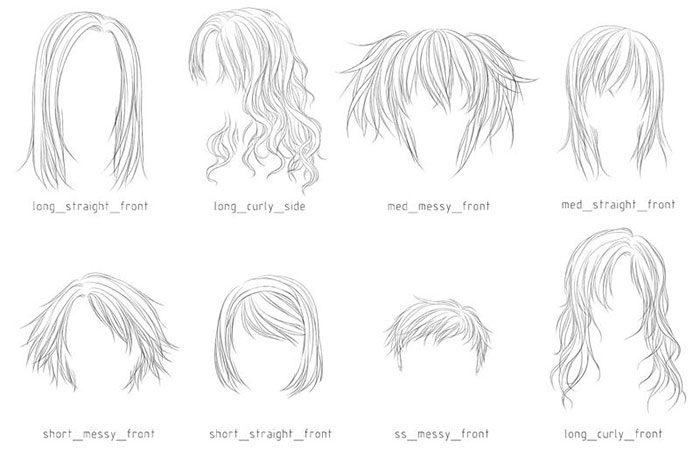
Sometimes, less is more, especially when it saves us work without losing quality. This hairbrush has a magical style where we will not need to draw lines one by one to get an excellent result.
8 High resolution hair brushes – Don’t settle for less
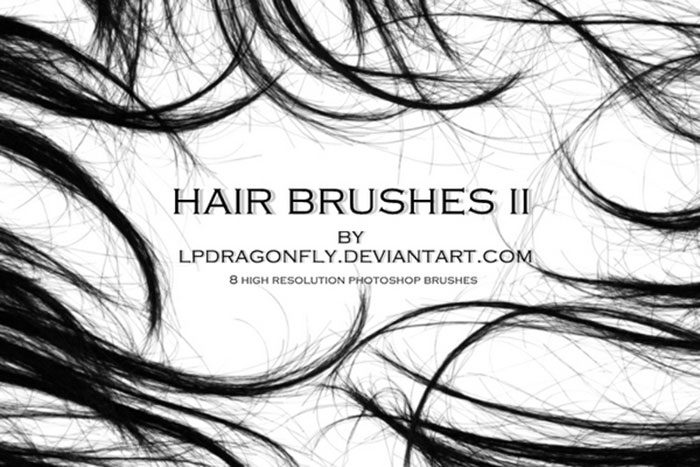
2000px resolution is the least we can accept for high-quality work and photorealism. With this set of eight brushes that meet this criterion, we can make professional editions in images of a high level of detail. Not only that, but the brushes were also created from real photos.
Stock Photoshop Brushes hair 4 – Quality for wavy hair
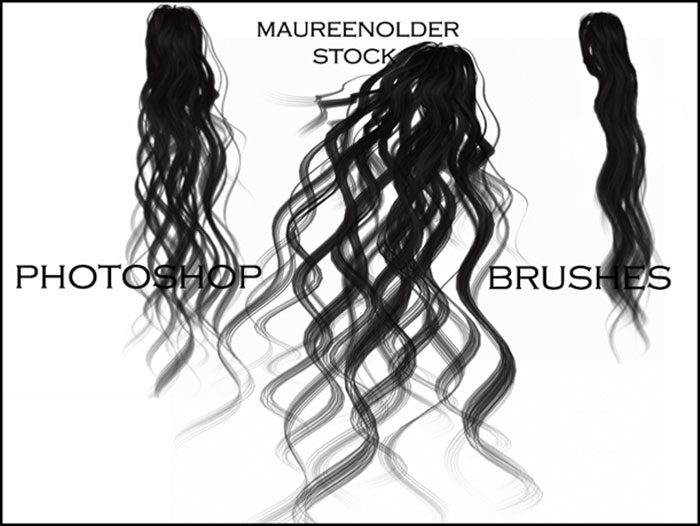
Three alternatives for wavy hair in a single package. The 593px images can be used for commercial uses, as long as the author is credited.
Curls – Curly effect for Photoshop 7
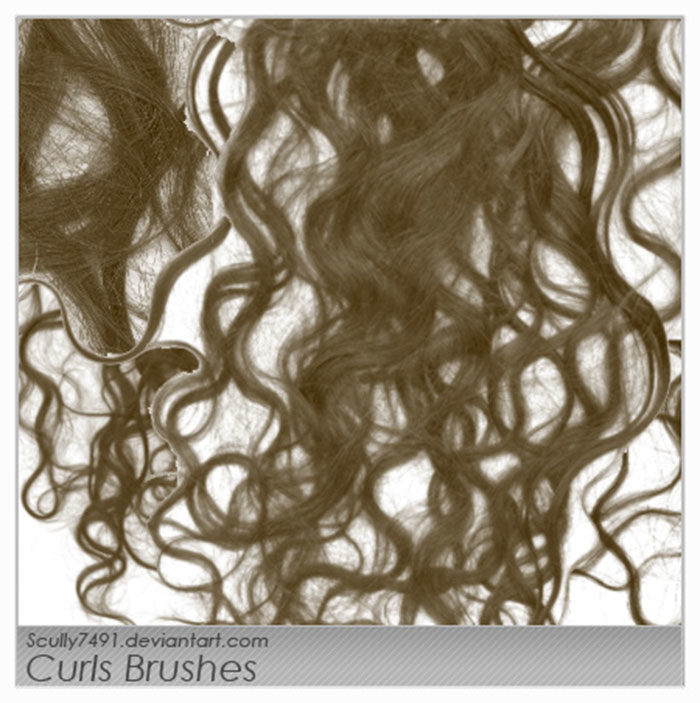
Although not many, these five brushes with resolutions higher than 1000 pixels are ideal for creating all kinds of curly hair. Not only that but because it focuses on them, we can use these brushes to touch up parts that we already create.
Hair Wigs Brushes Set – For artificial hair
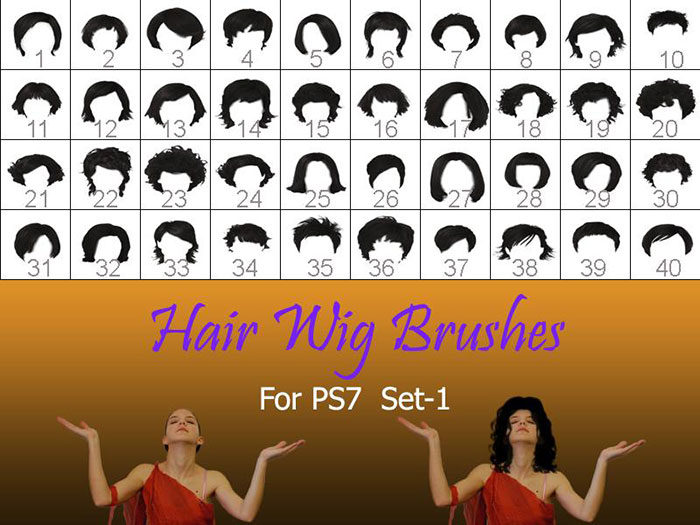
There are times that we do not fully master the options that Photoshop gives us. It is understandable, after all, there are many. If we are not so skilled at making cuts or hairstyles with the basic tools, we can always use one of the 40 pre-designed wigs to achieve an immediate result without deep editing skills.
Although they come in black by default, this is not an impediment in the Adobe tool, since it will be enough to change the main color.
Woman Hair Photoshop Brushes – Ready for the hairdresser
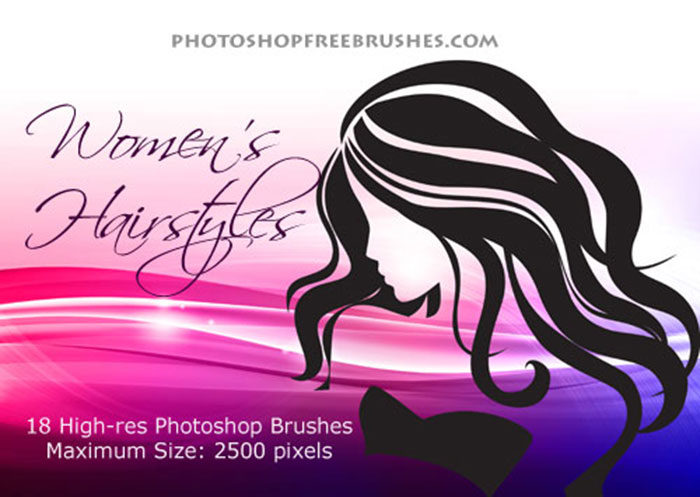
These high-resolution Photoshop hairbrushes (between 1500 and 2500px) are similar to those we would use to retouch images in successful beauty salons. Their large size makes them ideal for presentations on walls, web designs, brochures, and in general any advertising design.
Skin and Hair Photoshop Brush Textures – For complete compositions of people
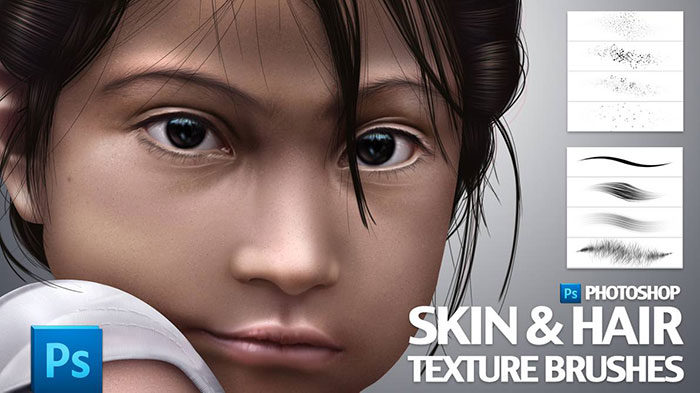
Beyond the silhouette, when we make drawings of real people it is essential to have the textures for hair and skin that allow us to achieve results similar to reality. This package includes the entire set of hair and skin brushes, all pressure sensitive.
Hi-Res Photoshop Hair Brushes – To sell your product
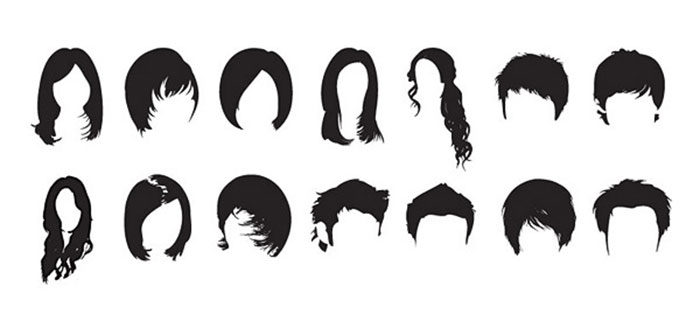
There are many options for free brushes, but few allow us to use them for our commercial projects. This alternative mixes both worlds, in addition to a sublime quality that reaches 2500px.
Painted Hair Brushes – A simple but useful collection
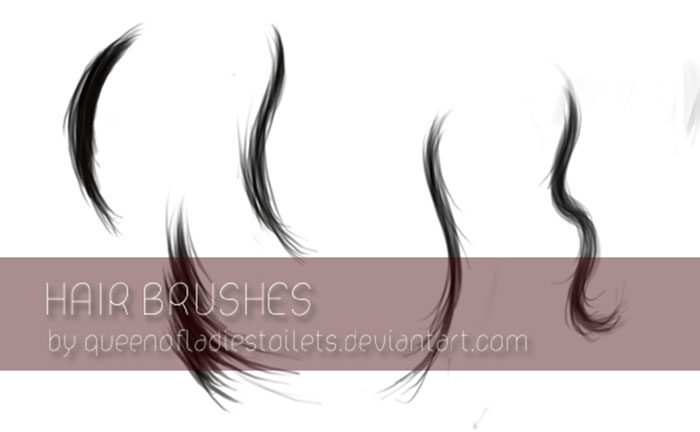
Another direct acquisition from DeviantArt. Similarly, to use it, we must give the corresponding credits to the author, as well as contact her in advance. The set is simple but effective, allowing us to save a good part of the hair drawing.
Hair Brushes I – With all the necessary measures
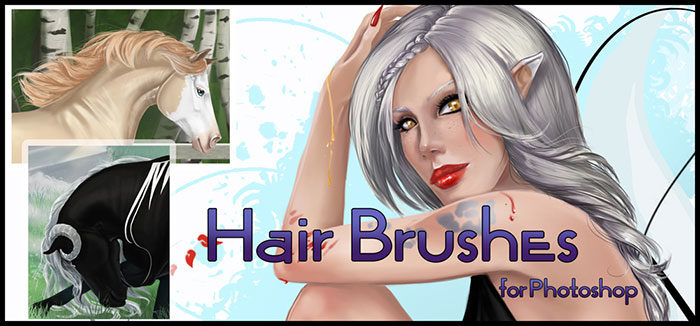
A set consisting of 3 different brush thicknesses: a thin one ideal for delineating and applying details, a thick one for coloring large extensions, and one in the middle to create pleasant details.
Hair Smudge Brushes – Give way to a disastrous option
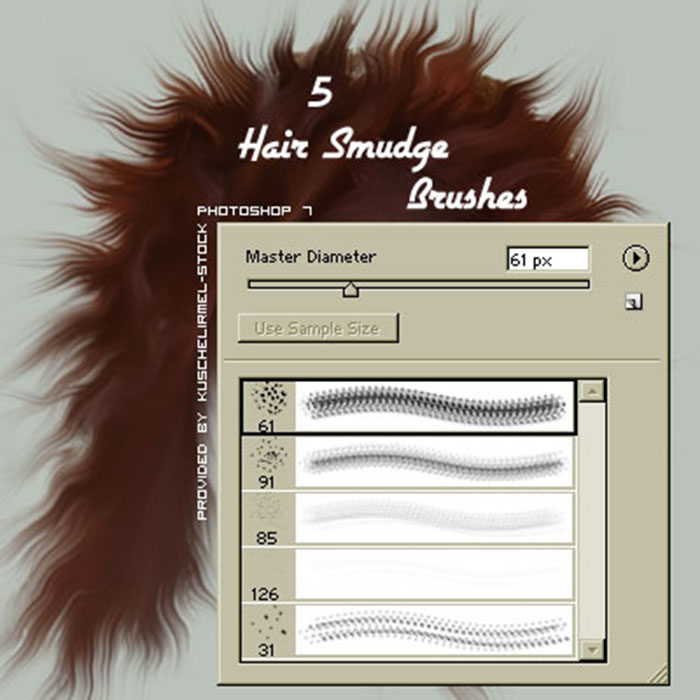
This brush is a mess, in a good way. It offers lines and spots that create random prints in the drawing, which gives it a curious, more unrealistic touch. In total, we get five files compatible with Photoshop 7 and up.
10 Premium alternatives for a guaranteed quality
Female Hair Brushes Pack – A Fashion result
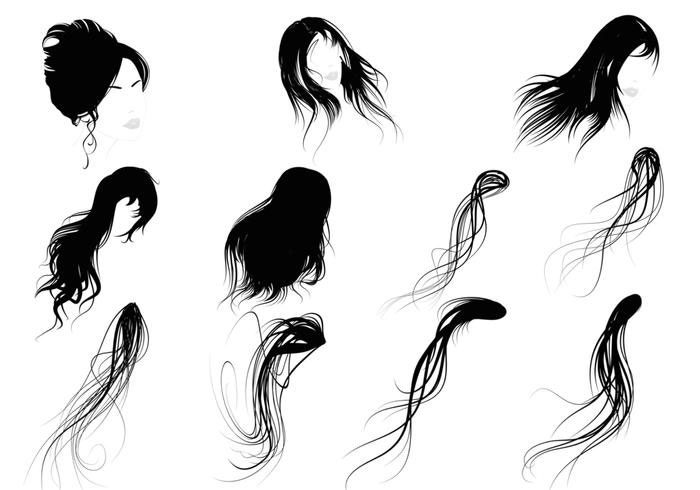
The elegance that women overflow is unique in their hair. This package, oriented to long hairstyles, allows you to achieve a sublime result while maintaining the fashion look of a hairdressing job.
Hair Filaments Brush for Photoshop – To finish the details
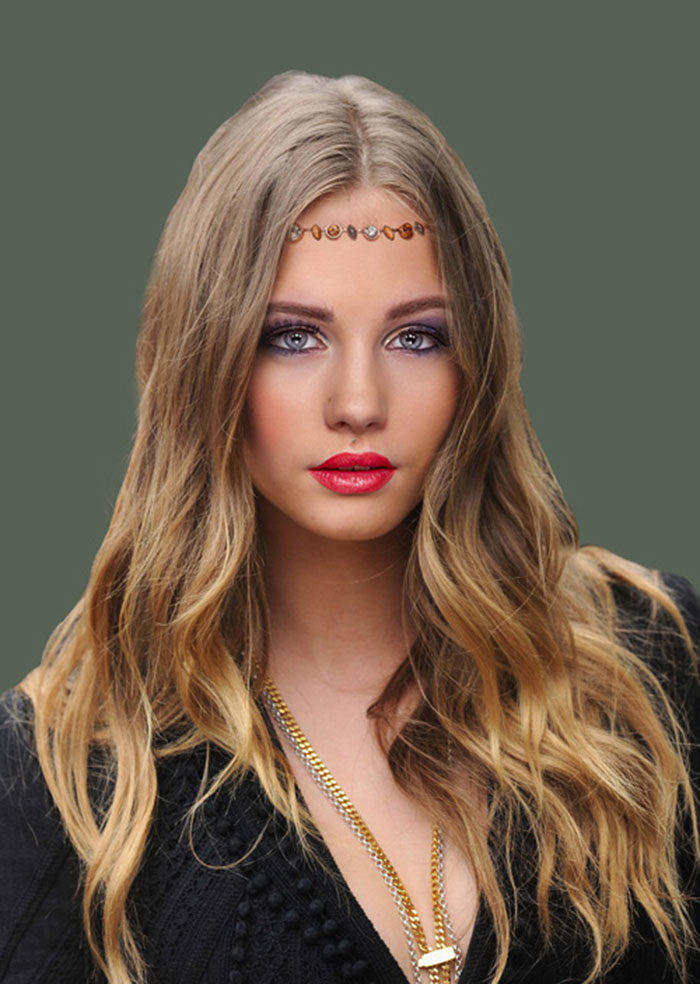
Once we have all the hair drawn, we can go one step further by adding additional levels of detail. The 41 filaments included in this package are perfect for placing those small hairs that we could erase while we retouched.
Custom Photoshop Brushes – Directional Hair / Fur Volume 2 – The most realistic result
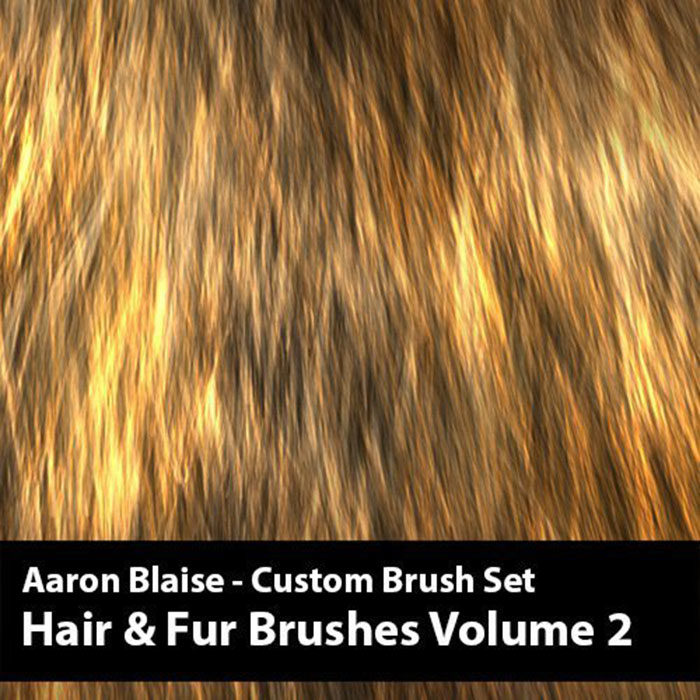
The quality of this brush pack is unmatched. Each of the tools has been designed to complement each other, so we have 21 brushes that are part of a whole. The task of achieving a realistic appearance without the use of textures was not easy, but this set succeeds.
Smooth Flow of Hair Photoshop Brushes – Let the background speak for you
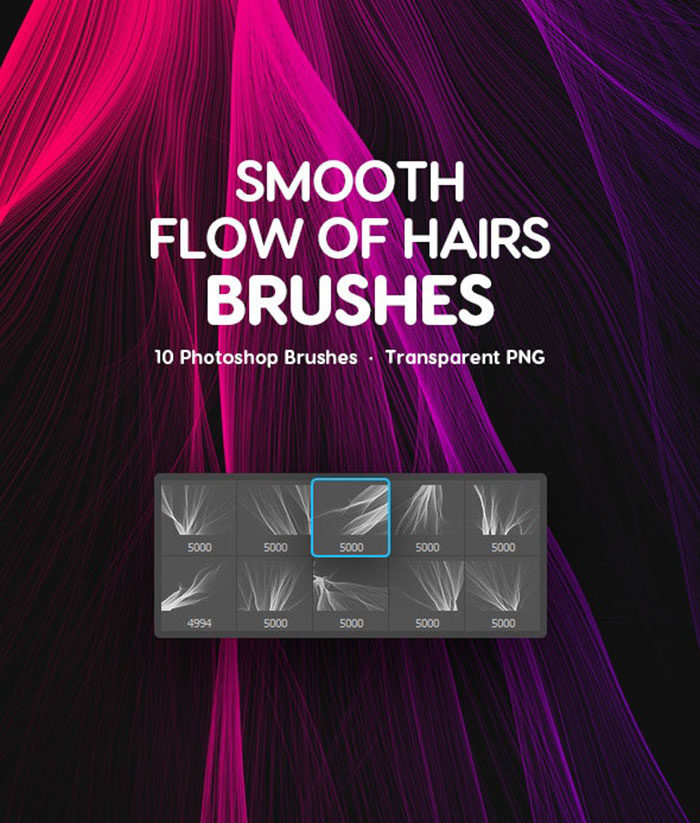
The emitting surface of these brushes makes them easy to work when we need more realism in relation to the background. Creating compositions with straight hair under lights will not be a problem for this brush pack.
Fur Realistic Painting Brushes for Photoshop – Creating hairy compositions
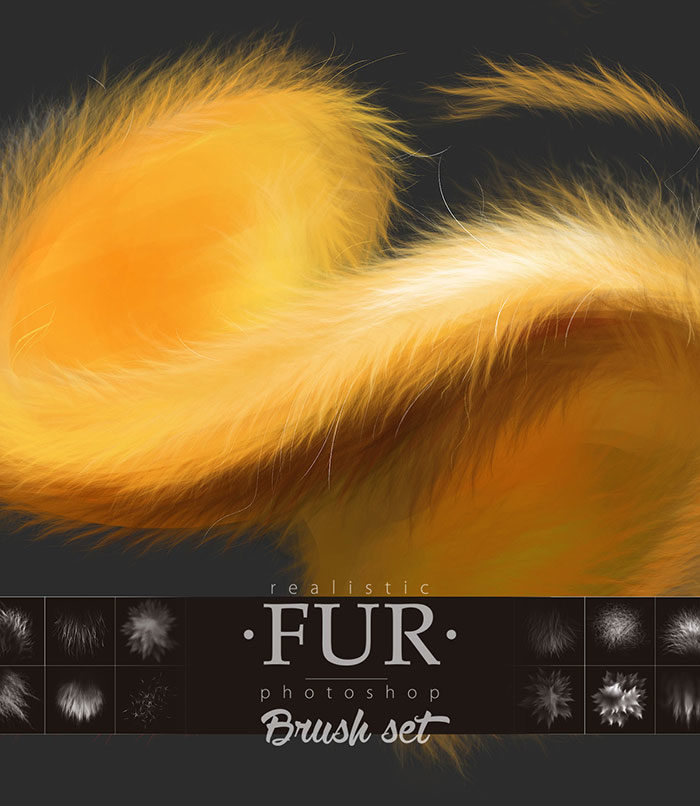
The amount of hair is important; especially when it comes to animals. This set of 20 brushes allows you to easily create all kinds of creatures with messy fur.
Makeup and Cosmetic Brushes Pack – Like a porcelain doll
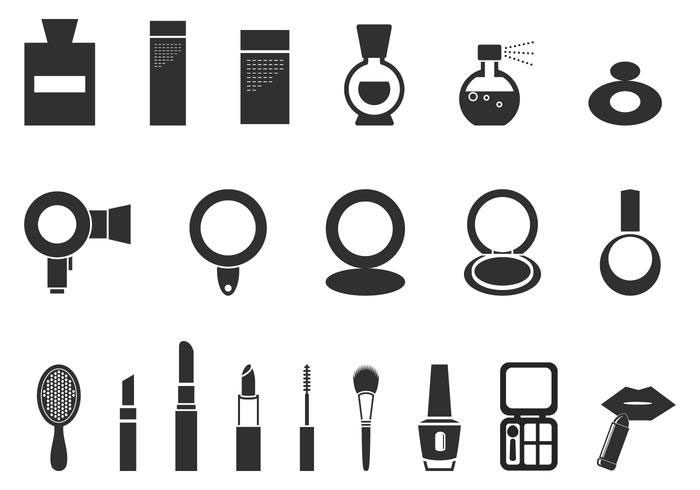
Makeup brushes are extremely useful for all types of touch-ups. Directly removed from the dressing table, this package has all kinds of creams, lipsticks, powders, and others that you can get at a makeup store. In total, it has 20 images to use as a brush.
Pro Rendering FX Brush Pack – A creation from the real world
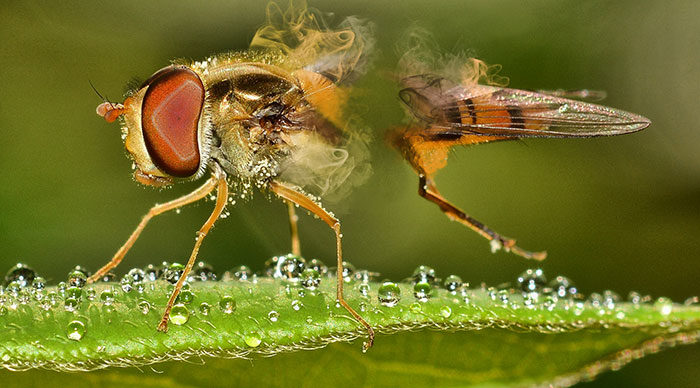
After an extensive study on how hair and skin react to different environments, all this information was gathered to build this package of high-resolution brushes that perfectly simulate the real world.
This set includes 18 hair brushes, 24 actions programmed for Photoshop, and a complete PDF guide to learn how to use everything.
Fur, Hair and Grass Brushes – An all in one
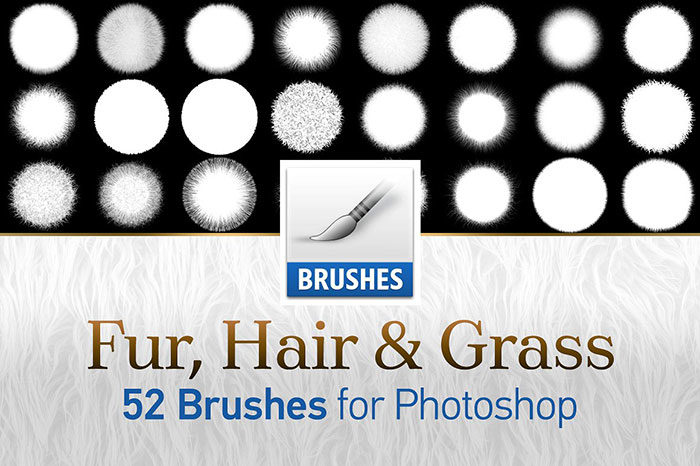
This packaging that again takes advantage of the rendering technique, has brushes that not only stay in the hair but also includes grass. To ensure compatibility, the package has a file for CS2 to CS5 Photoshop users and another for CS6 onwards (with overwhelming resolutions of 5000px).
Smooth Hair Flow Photoshop Brushes 2 – A final option for the collection
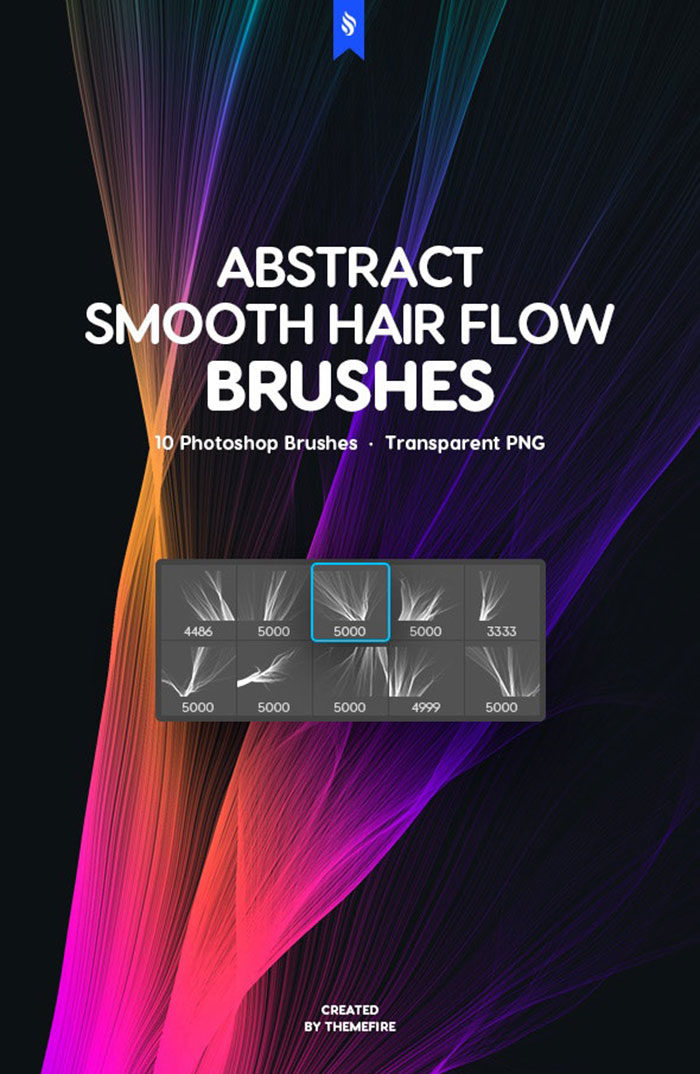
We finalize this list of Photoshop hair brushes with an option that includes 10 exclusive brushes for the software since they come in ABR format. Although 10 images are also included in PNG to complete the package.
How do I install the brush packs in Photoshop?
The installation process is simple, and the most important thing before starting is to have downloaded the package we want. After that, we follow these steps:
– With Photoshop open, we look for the brush tool and enter its settings, in the options tab.
– From here, you can see a triangle that will display a window. Look for the “Load brushes” option.
– Now, simply select the brush package you want to install. If all went well, you will see new images on this menu.
And with this, we finalize this guide. Remember that design is more a matter of attitude and practice, so although each of the options we present today can help you improve your work, everything will depend on how much dedication you apply. It doesn’t matter if it’s Photoshop or other software, it’s important to know it fully and know how to use its options.
FAQ On Examples Of Photoshop Hair Brushes
What are Photoshop hair brushes?
Photoshop hair brushes are specialized tools in Adobe Photoshop designed to simulate various hair textures and styles in digital art.
They allow for realistic hair painting and detailing, enhancing the depth and quality of your illustrations. These brushes can be downloaded or customized to fit specific artistic needs.
How do I install Photoshop hair brushes?
To install Photoshop hair brushes, download the brush file (usually in .ABR format), open Photoshop, go to the Brushes panel, click on the gear icon, and select “Import Brushes.” Navigate to your downloaded file, select it, and the brushes will be added to your collection.
Where can I find free Photoshop hair brushes?
Free Photoshop hair brushes can be found on various graphic design resources websites, digital art forums, and through Creative Cloud.
Websites like DeviantArt, Brusheezy, and even some blogs offer free downloads of high-quality hair brushes, perfect for enhancing your digital painting projects.
What are the best hair brushes for realism?
For the most realistic results, look for hair brush collections that include a variety of textures like straight, curly, and wavy.
Brushes that offer fine detail and varied strand thicknesses are ideal. Custom hair brushes designed by professional artists often provide the best realism for digital illustrations.
Can I create my own Photoshop hair brushes?
Yes, you can create custom Photoshop hair brushes. Use the brush tool to design your desired hair texture, then go to Edit > Define Brush Preset.
Name your brush and save it. This allows you to tailor brushes specifically to your project’s needs, ensuring unique and high-quality results.
What settings are important for hair brushes?
Important settings for hair brushes include spacing, shape dynamics, and scattering. Adjusting these settings allows you to control the flow and texture of the hair, creating more natural and realistic effects.
Experiment with brush settings to find the perfect balance for your digital painting.
How do I use hair brushes in Photoshop?
To use hair brushes in Photoshop, select the brush tool, choose your hair brush, and adjust the size and opacity as needed.
Start with a base layer for general hair shape and add layers for details, highlights, and shadows. This method helps achieve a more realistic hair effect.
Are there tutorials for using Photoshop hair brushes?
Absolutely, there are numerous hair brush tutorials available online. Websites like YouTube, Udemy, and various graphic design blogs offer step-by-step guides on using Photoshop hair brushes.
These tutorials cover everything from basic techniques to advanced hair painting methods, making it easier to master the tool.
Can these brushes be used in other software?
Some hair brushes designed for Photoshop can be adapted for use in other software like Procreate and GIMP.
However, the compatibility depends on the brush format and the software’s brush engine. Always check if the brush file is compatible with your preferred software before downloading.
How do I choose the right brush for my project?
Choosing the right hair brush depends on the specific look you’re aiming for. Consider the hair texture and style you need-straight, curly, wavy-and select a brush that matches.
Experimenting with different brushes and settings will help you find the perfect tool to bring your digital art to life.
Conclusion
Mastering the art of digital hair creation transforms your projects from ordinary to extraordinary.
By exploring these examples of Photoshop hair brushes, you’ve seen the potential to bring depth and realism to your digital illustrations. These tools, ranging from hair brush presets to custom hair brushes, are essential in achieving professional and lifelike results.
From understanding the basics of digital painting to diving into advanced brush customization, you now have a solid foundation to enhance your artwork. Incorporating these brushes into your workflow not only improves the quality of your projects but also expands your creative possibilities.
As you experiment with different hair texture brushes, remember to utilize the tips and settings discussed to refine your technique. The right combination of hair painting brushes and proper brush settings can make all the difference.
If you enjoyed reading this article about Photoshop hair brushes, you should read these as well:
- Photoshop cartoon effect for images (19 great PS actions)
- 37 Photoshop textures that must be a part of your toolbox
- Photoshop 3D text tutorials you should check out
- How to draw hair: Quick tutorials to help you out

Renowned for his expertise in logo design and visual branding, Bogdan has developed a multitude of logos for various clients.
His skills extend to creating posters, vector illustrations, business cards, and brochures. Additionally, Bogdan's UI kits were featured on marketplaces like Visual Hierarchy and UI8.
He also wrote in the past years on sites like Design Your Way, WebDesignerDepot, WPDean, Designmodo, Speckyboy, Slider Revolution, and more.
- How Designers can Build a Stronger Online Creative Identity - 9 October 2026
- Minecraft Font Generator - 8 October 2026
- How Top Meta Ad Creative Is Designed for E-commerce Brands - 8 October 2026

Bogdan Sandu is a seasoned designer who has been designing websites since 2008. Renowned for his expertise in logo design and visual branding, Bogdan has developed a multitude of logos for various clients. His skills extend to creating posters, vector illustrations, business cards, and brochures. Additionally, Bogdan's UI kits were featured on marketplaces like Visual Hierarchy and UI8. He also wrote in the past years on sites like Design Your Way, WebDesignerDepot, WPDean, Designmodo, Speckyboy, Slider Revolution, and more.
You Might Also Like