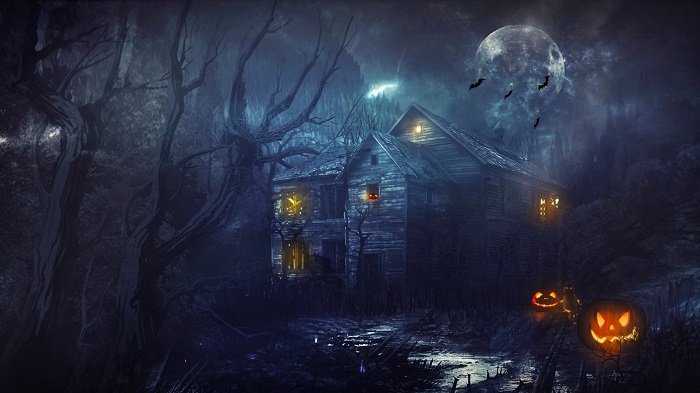
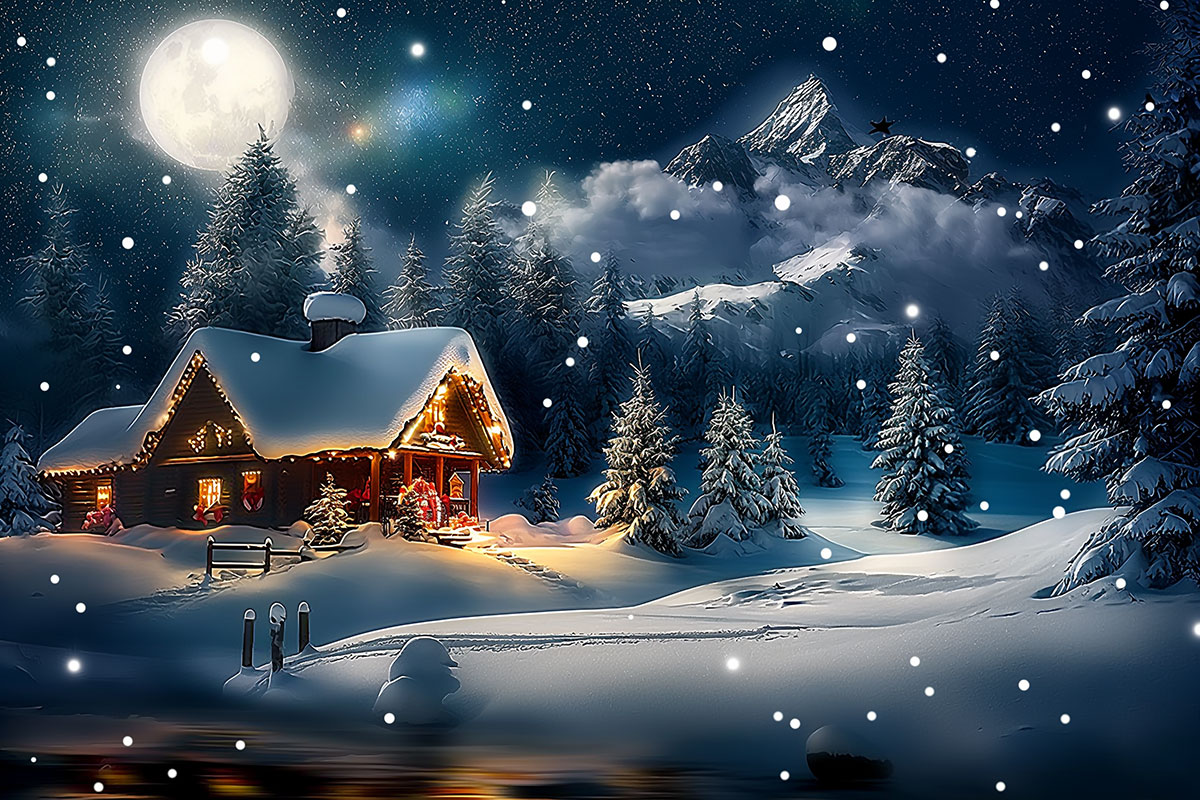
Would you like to add a beautiful wallpaper to your desktop or mobile device? A wallpaper is a desktop background that you place on your computer’s home screen. In some ways, wallpaper is an old-fashioned term that was used by Microsoft before they invented Vista. The name stuck, and people often use the term ‘wallpaper ‘ for their screen backgrounds.
If you want to add a background or beautiful wallpaper to your computer you will need to begin with the size of your screen.
Your wallpaper will need to fit the size of your screen in order to look the most effective. A stretched or cropped image may not give you the look you need.
Beautiful wallpapers
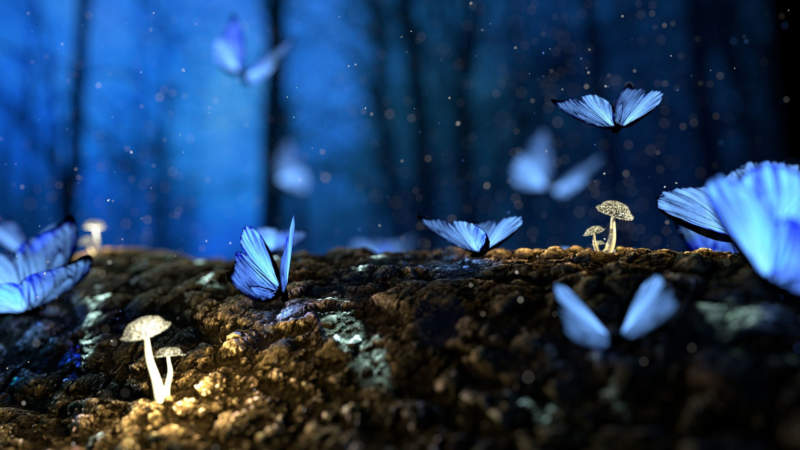
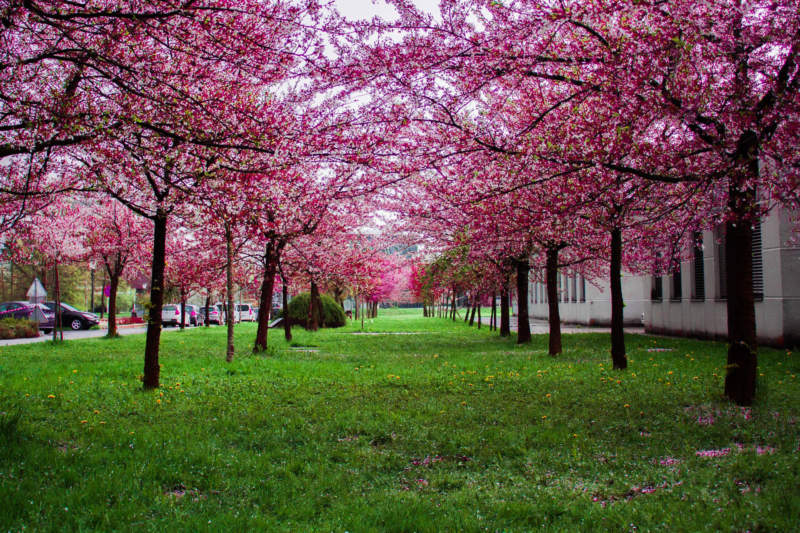
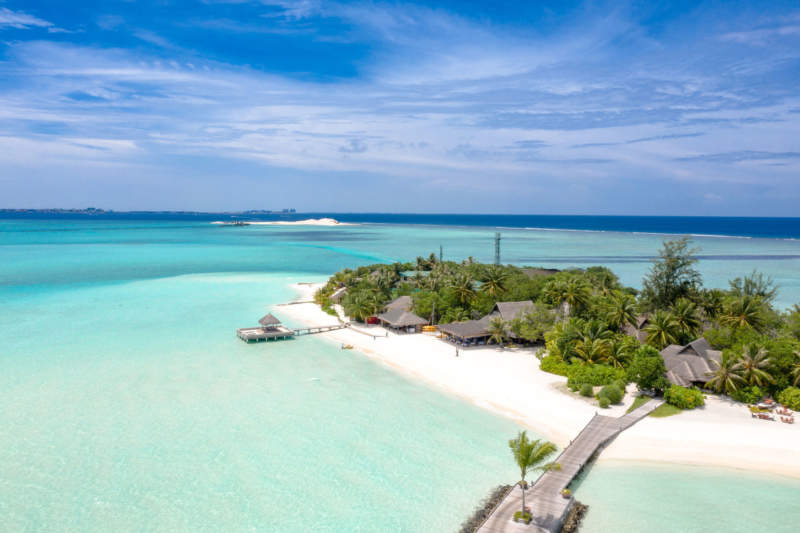
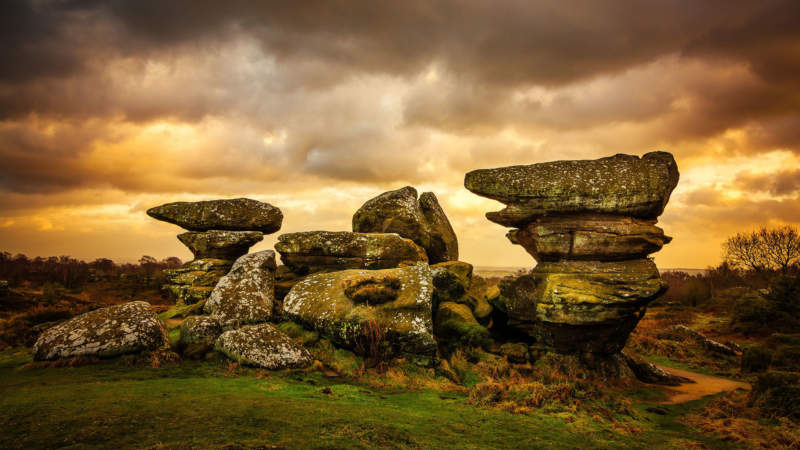
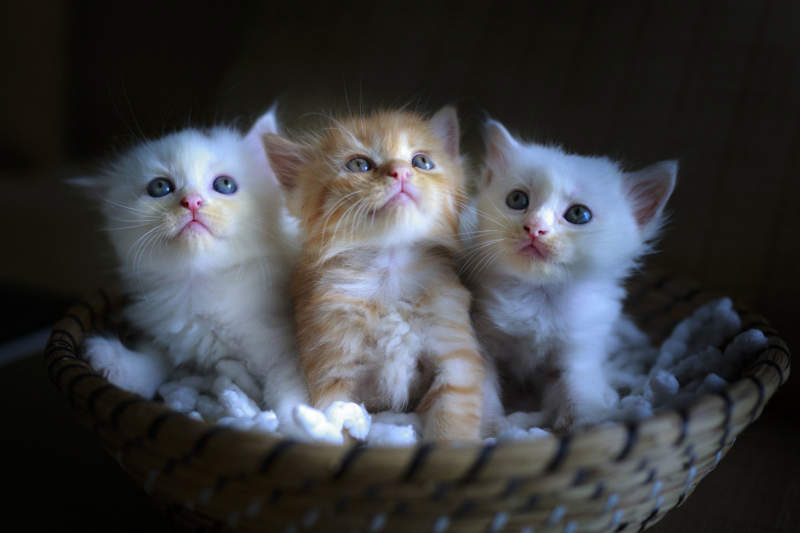
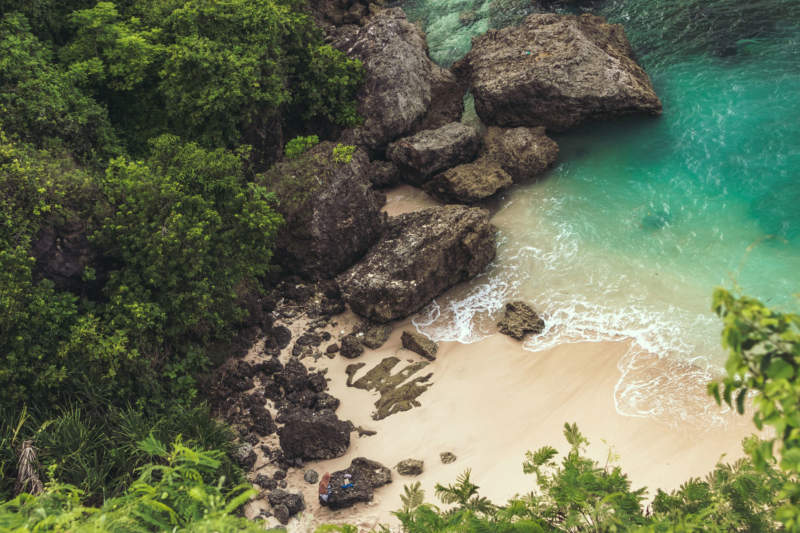




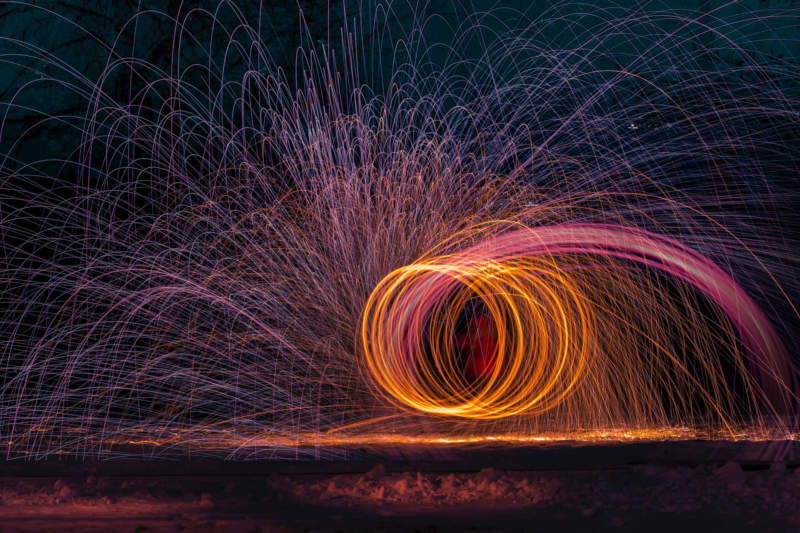
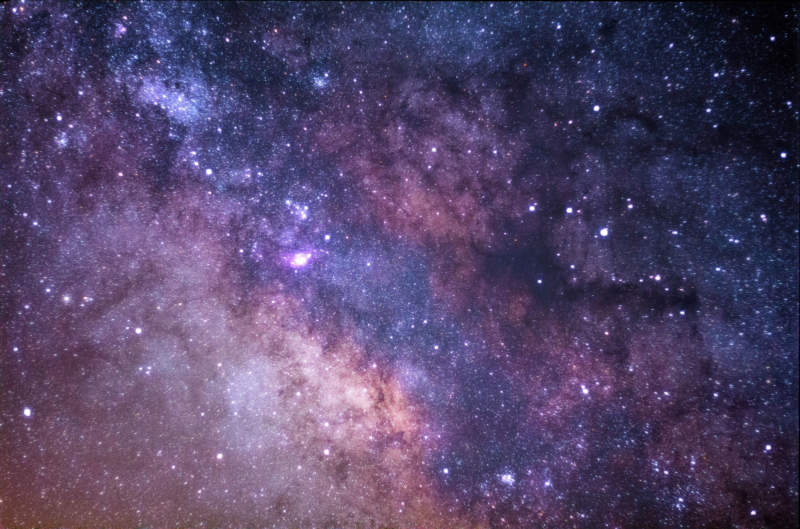
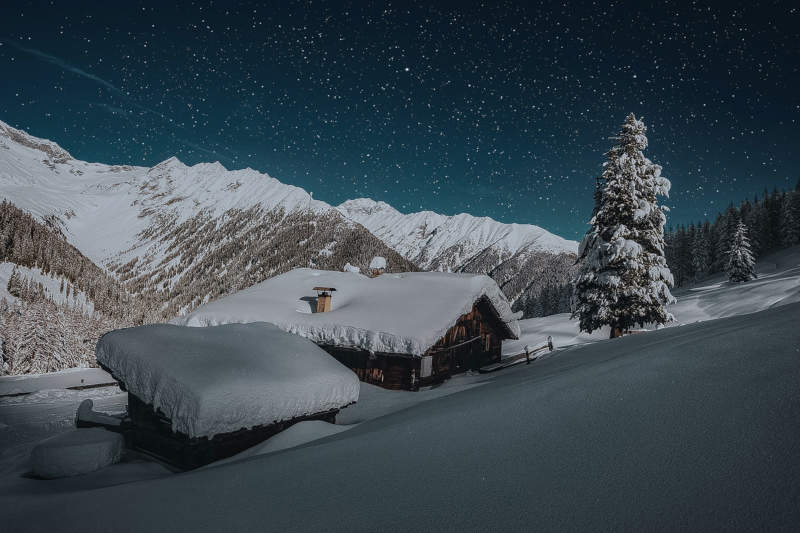
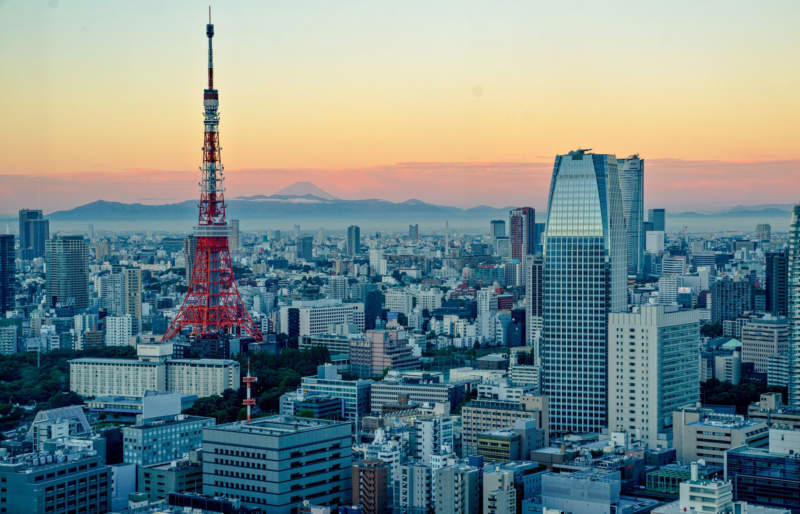

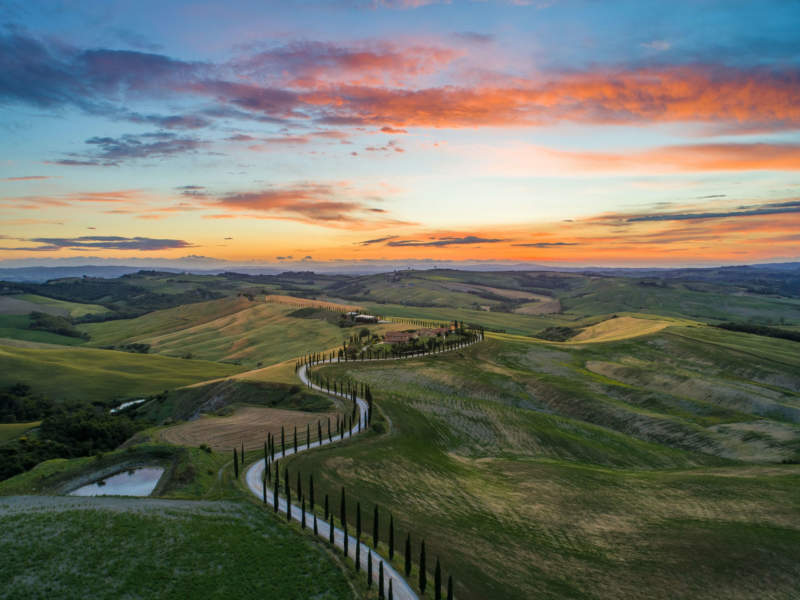
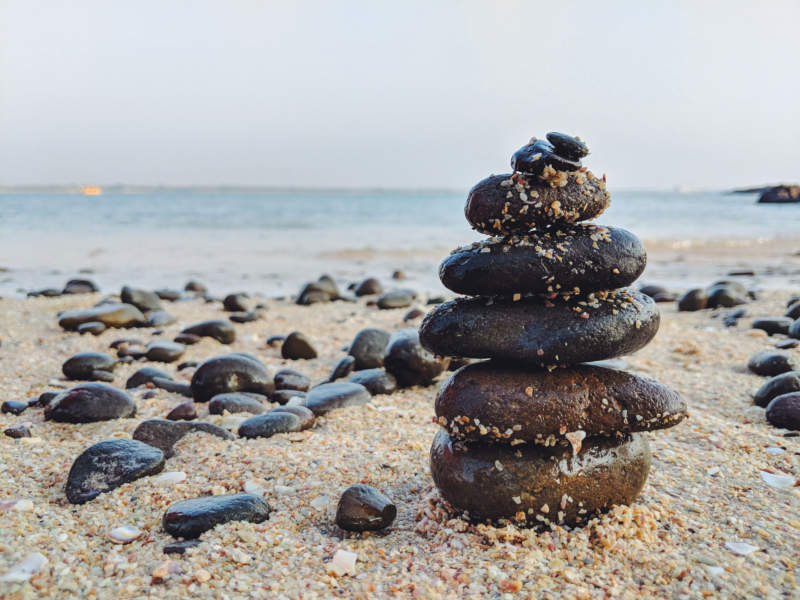
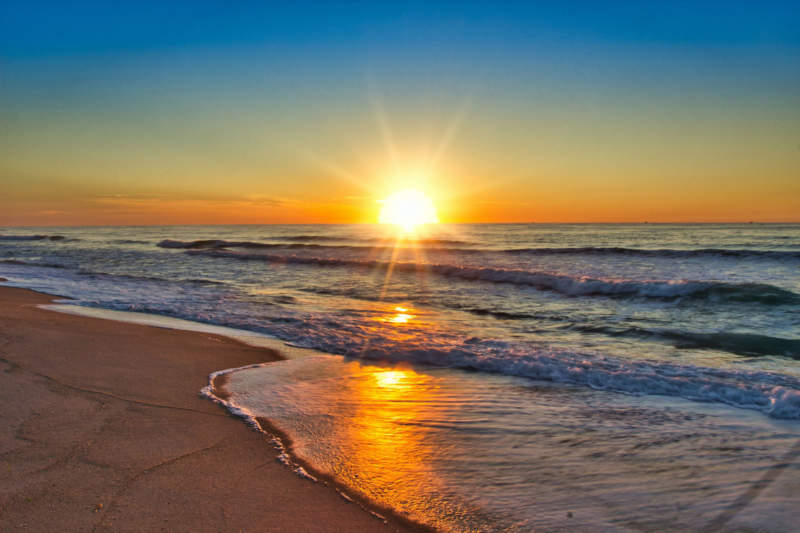
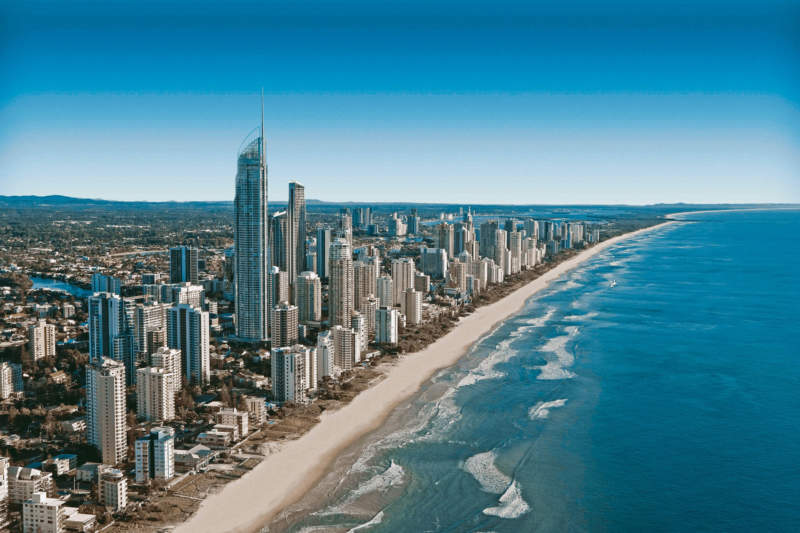
FAQ about beautiful desktop wallpapers
Where can I find beautiful desktop wallpapers?
Well, there’s a treasure trove of beautiful desktop wallpapers on the internet. Some great websites include Unsplash, Pexels, and Wallpaperflare, where you can download high-resolution images for free. Also, don’t forget to check out the personalized themes available on operating systems like Windows and MacOS. These often have stunning wallpapers. And hey, if you’re feeling adventurous, you can always create your own with graphic design tools like Canva or Adobe Spark!
What resolution should my desktop wallpaper be?
Resolution matters, trust me. For a crisp, clear image, you should match your wallpaper resolution to your screen resolution. This can vary widely depending on your monitor but for many, it’s typically 1920×1080 (Full HD), 2560×1440 (QHD), or 3840×2160 (4K). Just right-click on your desktop, select display settings, and you can find out your screen resolution. Remember, the higher the resolution, the sharper your wallpaper will look!
How can I change my desktop wallpaper?
Changing your desktop wallpaper is easy as pie. If you’re on a Windows machine, just right-click on the desktop, choose “Personalize”, then “Background”, and select the image you want. For MacOS, go to “System Preferences”, then “Desktop & Screen Saver”, and choose your photo. Be aware that the steps might differ slightly depending on your operating system version, but generally, it’s a breeze!
Are there live desktop wallpapers and how can they be used?
Yes, indeed! Live wallpapers can bring a fresh, dynamic look to your desktop. They’re basically moving images or animations. In Windows, you can use apps like Wallpaper Engine or Lively Wallpaper. On MacOS, you might want to check out Live Wallpaper or Wallpaper Wizard. Keep in mind though, these might use more of your system resources, so if your computer is already running slow, it might not be the best option.
Can I use any image as my desktop wallpaper?
Absolutely, you can use any image as your desktop wallpaper. But remember, you want it to look good, right? So, make sure it’s high resolution. Low-resolution images might look grainy or blurry when stretched to fit the screen. Plus, consider the orientation of your monitor – landscape images usually work better. And finally, remember that very bright images might make your icons hard to see.
How often should I change my desktop wallpaper?
Well, there’s no hard and fast rule about this. Some people love a change and switch up their wallpaper every week. Others might only change it when they get a new computer! It’s really up to you. Changing your wallpaper can freshen up your workspace and provide a nice change of scenery, especially if you’re staring at your screen all day. So why not give it a try?
Can desktop wallpapers slow down my computer?
Generally speaking, a standard static desktop wallpaper won’t have any noticeable impact on your computer’s performance. However, live or animated wallpapers can potentially slow down your machine because they use more system resources to keep the animation running. If you notice that your computer is running slow after setting a live wallpaper, you might want to switch back to a static image.
Is it legal to use any image from the internet as a desktop wallpaper?
Well, it’s totally fine to use any image for personal use as a desktop wallpaper. But here’s the kicker – if you start distributing someone else’s copyrighted image or use it for commercial purposes without permission, you could land yourself in hot water. So, while it’s generally okay to use an image as your personal desktop background, always respect copyright laws.
How can I create my own desktop wallpaper?
Creating your own desktop wallpaper can be a fun and creative process. You can use graphic design tools like Adobe Photoshop, Canva, or even Microsoft Paint to design a wallpaper. Start by setting the canvas to the resolution of your screen, then let your imagination run wild! You could use personal photos, vector graphics, or even text to create something truly unique. Just remember to save it as a high-quality JPEG or PNG to maintain the quality.
Can I set different wallpapers on dual monitors?
Yes, you can definitely set different wallpapers for each monitor if you’re running a dual monitor setup. On Windows, simply right-click on the desktop, go to “Personalize”, then “Background”, and right-click on the images you want to assign them to your monitors. On MacOS, open “System Preferences”, then “Desktop & Screen Saver”, and you’ll be able to drag and drop images onto the screens. It’s a cool way to differentiate your workspaces, isn’t it?
Ending thoughts on these beautiful wallpapers
If you have both a Mac and a Microsoft computer, you will be able to work with interchangeable backgrounds. By adding beautiful wallpaper to your computer you will be able to feel joy and appreciation whenever you look at your computer screen. If you love beautiful wallpapers, you can change your images regularly. With a double screen, you can create images that harmonize. With a single computer screen, you can choose an image that suits your mood as well as one which can be changed whenever you need new inspiration.
A beautiful wallpaper will help you to add personality to your computer. You will be able to change and adjust your designs to suit your mood, the seasons, or even just a new project you are working on. Eventually, adjusting your beautiful wallpaper so that you remain inspired no matter what will feel like second nature. Your computer will always feel very personal and appropriate to the moment.
Computers are such a vital part of life. They are important for both work and pleasure. How much more rewarding, then, to include beautiful wallpaper as part of your home screen? This way, whenever you look at your computer, you will feel better.
Adding beautiful wallpapers helps you to gain satisfaction from your work whenever you look at your computer. This will help you to feel relaxed and happy while you work in your jobs or projects.
When you work, you will be most likely to use your laptop or desktop to complete a project. When you make your computer very personal, and you use beautiful wallpaper to inspire you, you’ll be able to work under the best conditions.
Laptops work quickly and efficiently. A computer that is efficient will help you to achieve your goals quickly. When your operating system feels intuitive, it will help you to enjoy your job. However, you will need more than this too. Computers that are both intuitive and attractive offer the very most. Add an aesthetic element to your computer with beautiful wallpaper.
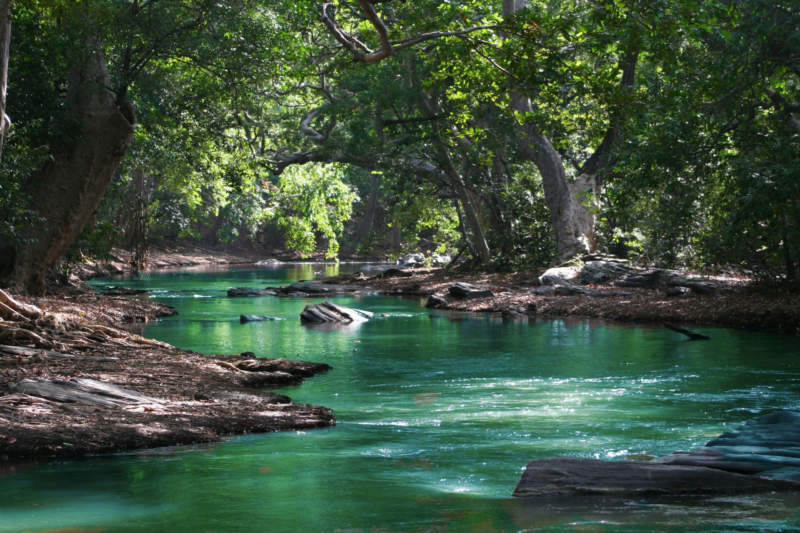
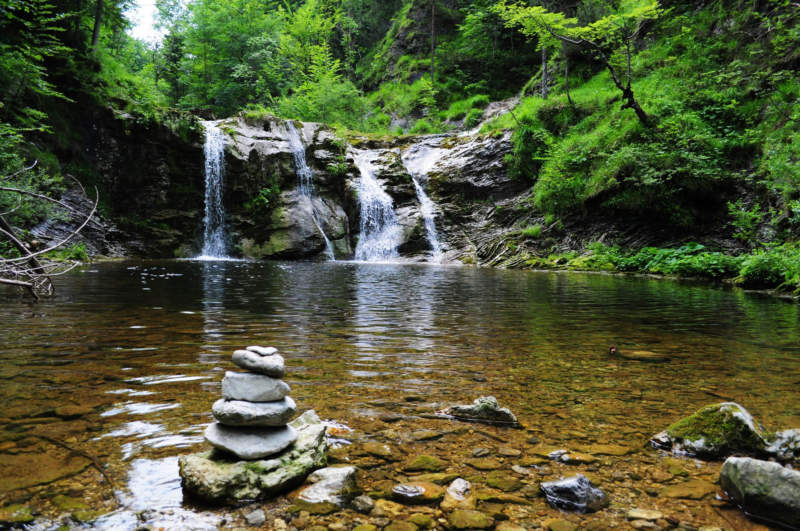
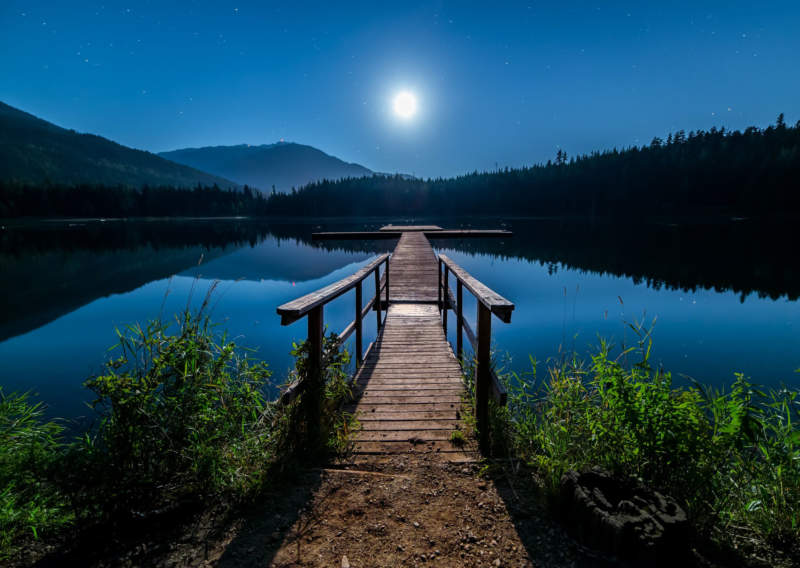
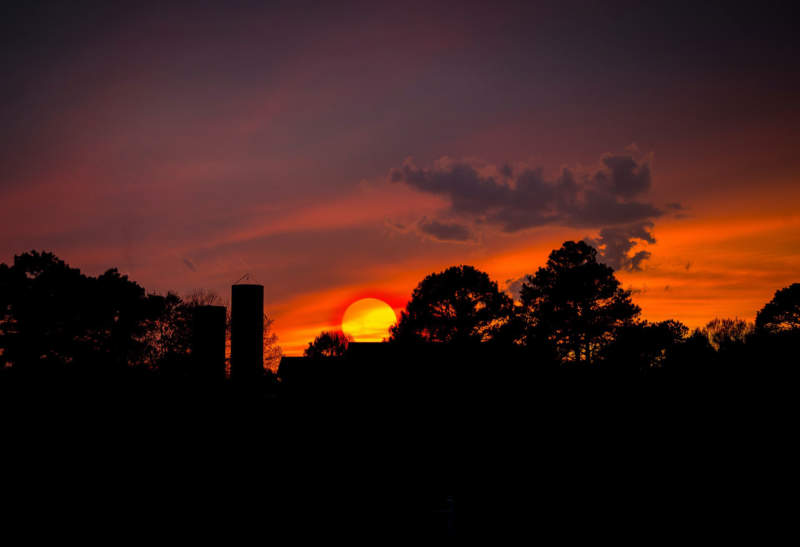
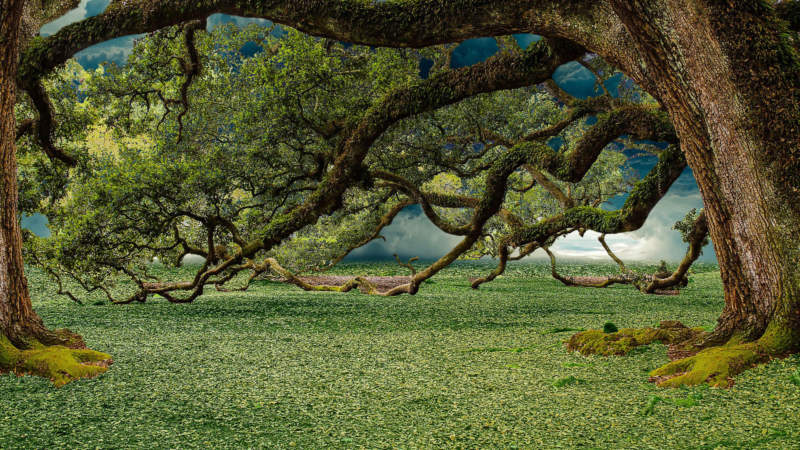
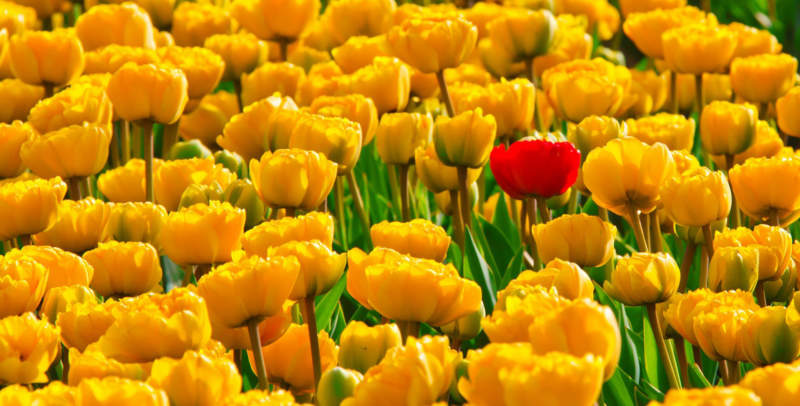
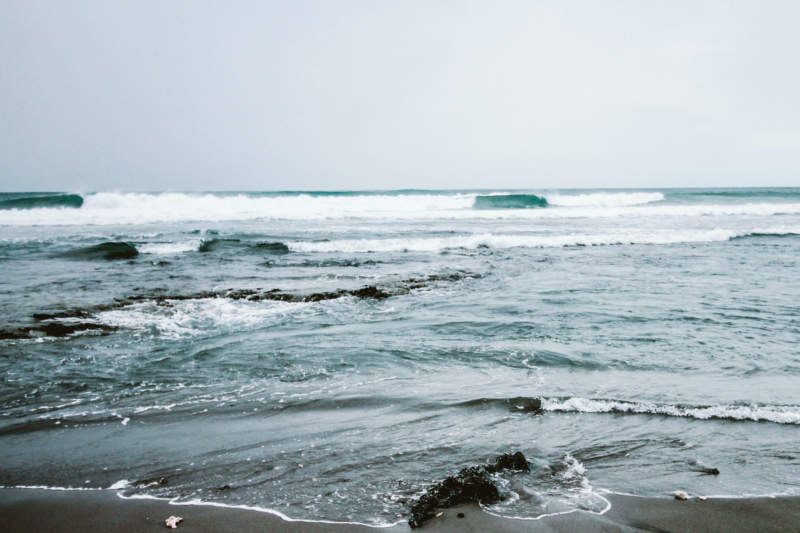
Beautiful wallpapers may have different meanings to different people. Some people are inspired by nature wallpapers. They love the sunlight as it reflects on the sea or the vibrancy of a field full of flowers. An eco-friendly wallpaper would feel the most beautiful and would feel nurturing and inspiring at the same time.
Others love the beauty of poetry or the simplicity of an inspiring quote. These people see language as beautiful and a beautiful wallpaper would offer up text as inspiration. Wallpapers are highly personal and reflect your needs at any given moment. This is why high-quality and very beautiful wallpapers make such a big difference.
If you feel down, you can always use a beautiful wallpaper to lift your spirits. You can use your wallpaper to motivate or inspire you. Beautiful wallpapers often up images of life itself, showing us that the world turns, and we remain connected to the beauty and wonders. nature at every moment.
If you couldn’t imagine a world without the beauty of trees, gorgeous landscapes, and the Rocky Mountains, these are the wallpapers for you.
Will you envision an existence without flying creatures, plants, and trees add nature to your beautiful wallpaper designs. You can change your wallpaper daily or weekly, adding beauty to your life so that you feel inspired at every moment of your day.
How often would you like to change your beautiful wallpaper? No matter how often you choose to do it, know that you can make your computer into a beautiful space. Your beautiful wallpaper will create a unique and inspiring touch that will make you feel at home every time you open your computer.
To help you out, we have found beautiful wallpapers for your computer. The designs are high quality and very simple, and the color is balanced.
These beautiful wallpapers have been chosen by designers to add beautiful detail to your computer screen. If you love beautiful wallpapers but feel overwhelmed by the sheer quantities online, we’ve done the work for you. You won’t have to search to find the perfect high-quality and beautiful wallpaper for your device. Instead, you’ll find beautiful designs for your home screen. We hope you enjoy the joy these beautiful wallpapers will add to your life.
If you enjoyed reading this article about beautiful wallpapers, you should check out these similar articles with Xbox One wallpapers, dark wallpapers, vector wallpapers, spring wallpapers, sky wallpapers, colorful wallpapers, Avengers wallpapers, and love wallpapers.

Renowned for his expertise in logo design and visual branding, Bogdan has developed a multitude of logos for various clients.
His skills extend to creating posters, vector illustrations, business cards, and brochures. Additionally, Bogdan's UI kits were featured on marketplaces like Visual Hierarchy and UI8.
He also wrote in the past years on sites like Design Your Way, WebDesignerDepot, WPDean, Designmodo, Speckyboy, Slider Revolution, and more.
- The Windsurf Logo History, Colors, Font, And Meaning - 10 October 2026
- How to Remove Background From Product Photos (No Photoshop) - 10 October 2026
- How Designers can Build a Stronger Online Creative Identity - 9 October 2026

Bogdan Sandu is a seasoned designer who has been designing websites since 2008. Renowned for his expertise in logo design and visual branding, Bogdan has developed a multitude of logos for various clients. His skills extend to creating posters, vector illustrations, business cards, and brochures. Additionally, Bogdan's UI kits were featured on marketplaces like Visual Hierarchy and UI8. He also wrote in the past years on sites like Design Your Way, WebDesignerDepot, WPDean, Designmodo, Speckyboy, Slider Revolution, and more.
You Might Also Like