A pirate font generator can give you copy-paste pirate text in only one style: blackletter. The Unicode Standard's Mathematical Alphanumeric Symbols block places the fraktur alphabet at U+1D504 to U+1D537, which gives plain text exactly one pirate style to work with. Treasure-map script and skull alphabets exist only as font files.
Type a phrase into a pirate font generator and it hands back pirate-style lettering as copy-paste Unicode characters, a saved image or an installable font file. People use them for party invitations, Talk Like a Pirate Day posts on September 19, Discord handles, game branding and early logo drafts.
A free preview doesn't make the lettering free for commercial work, because the licence follows the font, not the tool.
What Is a Pirate Font Generator?
You type a phrase, pick a style, and the preview updates as you go. Whatever comes out, you can copy, save or download.
Don't confuse it with a pirate translator, which rewrites the words ("hello" becomes "ahoy") and leaves the letters alone. The optional pirate speak box above does a light version of that, and it is separate from the lettering style. A pirate name generator is something else again. It builds aliases out of nautical nouns, usually with a title and an adjective bolted on.
Pages for all of them land in the same search results, so it's worth checking whether a tool changes letters or words before you paste anything.
Almost every pirate typeface is a display font, which means titles, labels and logos. Set a whole paragraph in one and your eyes give up quickly.
The generator itself is usually free. The font behind the preview is where prices and licence terms start.
How Does a Pirate Font Generator Turn Text Into Pirate Lettering?
It depends on which kind of generator you're using, because each one works differently. Copy-paste tools swap your letters for look-alike Unicode characters. Image tools draw the text in a real font and give you a picture. Font-file routes install an actual typeface on your device. Only the font file carries a full set of pirate letterforms.
| Output | Mechanism | Runs where | Editable as text |
|---|---|---|---|
| Unicode copy-paste | Swaps letters for look-alike code points | Bios, chat, captions | Yes |
| Rendered image | Draws text in a real font, exports a picture | Posters, thumbnails, graphics | No |
| Font file | Installs TTF or OTF on a device | Design apps, documents, websites | Yes |
Unicode Copy-Paste Text
The Unicode chart for the Mathematical Alphanumeric Symbols block (U+1D400 to U+1D7FF) places the fraktur alphabet at U+1D504 to U+1D537. The chart notes that the style is sometimes known as black-letter.
Five capitals (C, H, I, R and Z) are reserved in that range because they already live in the Letterlike Symbols block, so a generator has to patch those gaps by hand.
What you get is a character swap, not a font. The receiving app draws the symbols in whatever font it has, so the styled text shows up only where the device or app has a font that covers that Unicode block.
It works in Instagram bios and captions, and anywhere else a plain-text field accepts Unicode (Discord chat included).
The pirate look stops at blackletter. The block has no treasure-map script and no skull alphabet, so a Unicode generator only reaches a slice of the pirate style.
Rendered Image Output
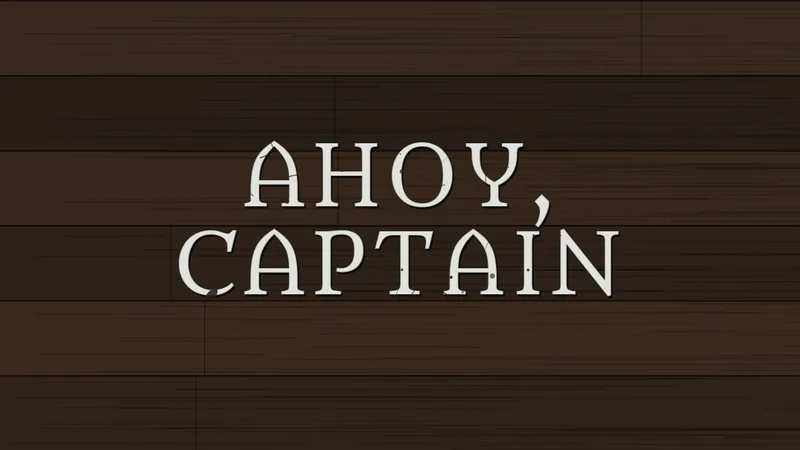
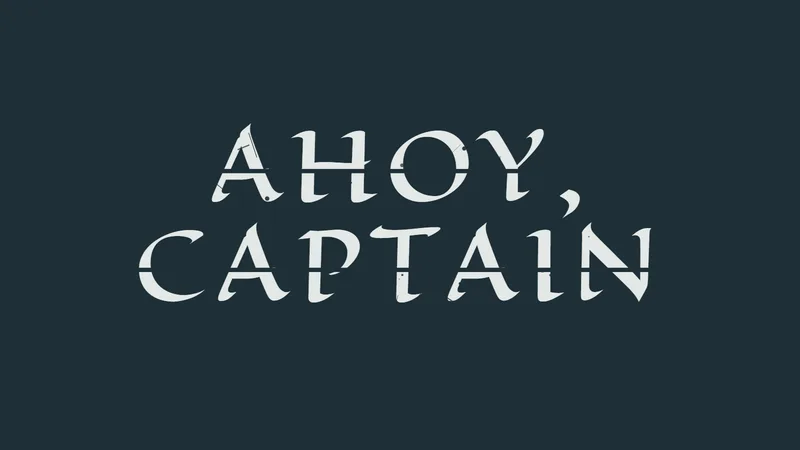
Image generators draw your text in a real font and hand back a picture. This one works that way. Typical controls are color, outline, shadow, letter spacing and wear, and some image tools add bend, curve, rotation and perspective.
What you get is pixels, not text. Spot a typo later and you regenerate the whole graphic.
Font Files
A font file is the only output that carries the full pirate alphabet, symbols and alternates included. TTF and OTF are the desktop formats, and the gap between OpenType and TrueType comes down to features such as alternates and ligatures.
Font-library listings show what a generator preview can miss. Some pirate fonts map their symbols to the brace, bracket and angle-bracket keys, and others hide splash and ligature glyphs that Illustrator reaches through private-use encoding, according to their designers' notes.
A preview that shows only A to Z skips all of that.
Which Pirate Font Styles Can You Generate?
Pirate lettering runs from gothic blackletter and weathered serifs to treasure-map handwriting and letters built out of skulls and bones. Which of those you get depends on the font behind the generator, not on the generator.
Blackletter Faces
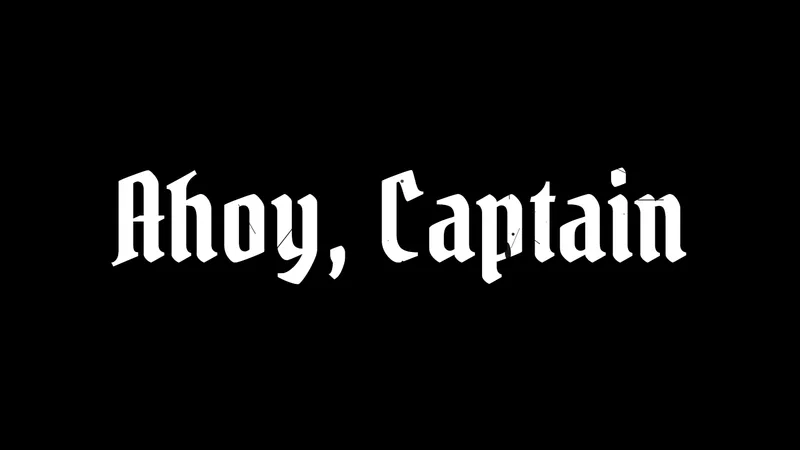
Google Fonts lists Pirata One as a gothic textura simplified for screens and pixel displays.
Rodrigo Fuenzalida and Nicolas Massi designed it, and it ships in a single style with no bold or italic.
Blackletter earns its pirate reputation in headlines. Set in full paragraphs, a blackletter face turns tiring to read.
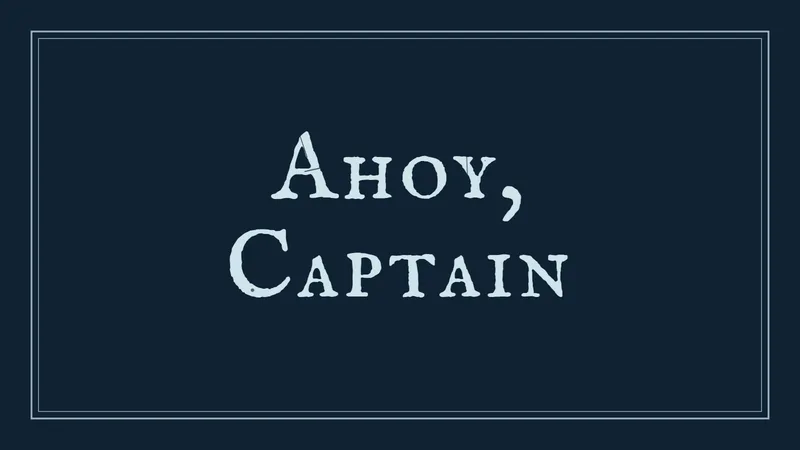
For body text, Pirata One pairs well with IM Fell English, an antique serif that supplies the weathered, old-document feel.
This generator loads Pirata One, New Rocker, Almendra, Metamorphous, Caesar Dressing, Eagle Lake, IM Fell English SC, Uncial Antiqua and Macondo from Google Fonts, all under open licences.
Treasure-Map and Handwritten Script
Treasure-map and handwritten pirate fonts are mostly independent designs sold or shared on font libraries such as FontSpace and Creative Fabrica. In the open-licence tier, IM Fell English SC and Almendra get closest to an old chart label.
These fit invitations and game maps better than logos. Labels work too.
If the brief is maritime but not strictly piratical, nautical fonts widen the pool.
Skull, Bone and Symbol Sets
Some pirate fonts build the theme into the letters themselves, with letterforms made from bones and skeletal elements. Others turn the brace, bracket and angle-bracket keys into pirate symbols.
Skip those keys and the symbols never appear.
Which Pirate Font Generators and Sources Are Worth Using?
Match the source to the output you need. Image generators suit one-off graphics, Unicode generators suit bios and chat, and font libraries are where the installable files live. For anything you publish or sell, Google Fonts is the safer place to start. Subscription libraries only pay off if you download a lot.
| Option | Output | Best for | Cost |
|---|---|---|---|
| Image generator (this page) | Image | One-off graphics | Free to use |
| Unicode generator (this page) | Copy-paste text | Bios, chat, captions | Free to copy |
| Font library (FontSpace) | Font file | Documents, design apps | Free download, terms vary by font |
| Open web font (Google Fonts) | Font file or CSS embed | Websites, products | Free, open licence |
| Subscription library (Creative Fabrica, Envato Elements) | Font files | Heavy or commercial use | Paid subscription |
Image Generators
An image generator costs nothing, there's no font to install, and you can see the wear, outline and shadow settings before you save. The catch is that the output is a picture rather than editable text, so every edit means regenerating the graphic.
Unicode Copy-Paste Generators
The cards under the style options work by typing, picking a style and copying.
There's nothing to install and nothing to pay, and the result works in bios and chat. Blackletter is the closest style on offer, though, and screen readers do not read the styled symbols as ordinary words.
Font Libraries
FontSpace labels each pirate font by licence, from 100% Free to Personal Use Free, with donation-based terms in between, and shows a preview before you download.
| Pros | Cons |
|---|---|
| Wide range, from handwriting to treasure maps | Terms differ font by font |
| Preview before download | Commercial licences are bought from each designer |
Google Fonts
Pirata One is the safest free pirate-style pick for published work.
It is openly licensed, and you can embed it on a site the way any Google Font is added, with one stylesheet link.
It is free and web-ready. It is also one style, so the treasure-map and skull looks need a different font.
Subscription Libraries
Creative Fabrica's subscription plans include commercial use, and its promotional prices vary a lot from one offer to the next, so check the live checkout page before you commit.
The main draw is that every download includes a commercial licence. Envato Elements offers unlimited downloads at one flat price. The cost recurs whether or not you need another font, which is the part that annoys me.
For a single pirate headline, skip the subscription. Pirata One costs nothing.
Can You Use Pirate Fonts Commercially?
Only when the font's own licence says so. The generator's terms and the font's licence are separate permissions, and a free download does not carry commercial rights by default.
Many fonts in FontSpace's pirate collection carry the Personal Use Free label. Commercial use then costs whatever the designer decides, from a small flat fee to a donation or a registration fee.
What the Licence Labels Mean
Personal Use Free means commercial work needs a separate licence from the designer. Freeware that requires a donation for commercial use works a little differently, since the payment is whatever the designer sets. Fonts marked 100% Free carry no commercial fee on the listing.
The designer's note inside the download outranks the label. Read it before anything ships, and brush up on how font licensing works if the terms read like legalese.
When Sources Disagree: Pirata One and Look-Alike Names
Pirata One's own licence text is the SIL Open Font License 1.1, and Google's FAQ says every font in its catalog can be used commercially, including in logos, print, websites and apps.
Then there are third-party listings titled Pirata Font that say the font must be purchased for commercial use and offer the free download for testing only. Pirata One ships in a single style, so a listing that describes extra weights and distressed versions most likely describes a different, commercial typeface with a similar name, not a mirror of Pirata One.
Check the designer names (Rodrigo Fuenzalida and Nicolas Massi) before you trust a "Pirata" listing. A paywall on an OFL font would also clash with the SIL OFL FAQ, which says OFL fonts cannot be sold by themselves. Either way, the licence file in the original download governs.
A Decision Rule for Client and Product Work
- Start with an open-licensed font from its original source. Pirata One on Google Fonts qualifies.
- If the look needs a personal-use font, buy the commercial licence from the designer, not from a mirror.
- Skip fan fonts with unclear terms. Pieces of Eight, the fan font that recreates the Pirates of the Caribbean title style, carries a freeware notice that rules out commercial use.
Treat an image rendered in a personal-use font the same way. If Pirata One does not fit the brief, a roundup of fonts with free commercial-use licenses is the next stop.
How to Make and Use Pirate Text Step by Step
Pick the output first, then follow its path: copy for Unicode text, save for an image, install for a font file. The licence check closes every path.
- Match the method to the job. Bios and chat take Unicode text, posters take an image export, and documents and logos take a font file.
- Type your real text. Use the actual wording, numerals and punctuation, not a test phrase.
- Pick a style. Blackletter works for headlines, script for invitations, bone or symbol sets for accents.
- Adjust the controls. Size, color and spacing exist on the image and font-file paths. Unicode text has none.
- Copy, save or install, then check the licence before publishing.
Copy-Paste Method
Paste the text into the target field and look at it on a phone and a desktop before posting.
Devices without a font that covers the Unicode block show empty boxes instead of letters.
Image Export Method
Save the picture and place it like any other graphic.
Write the exact words in the alt attribute or description field, because the image carries no text for assistive tools.
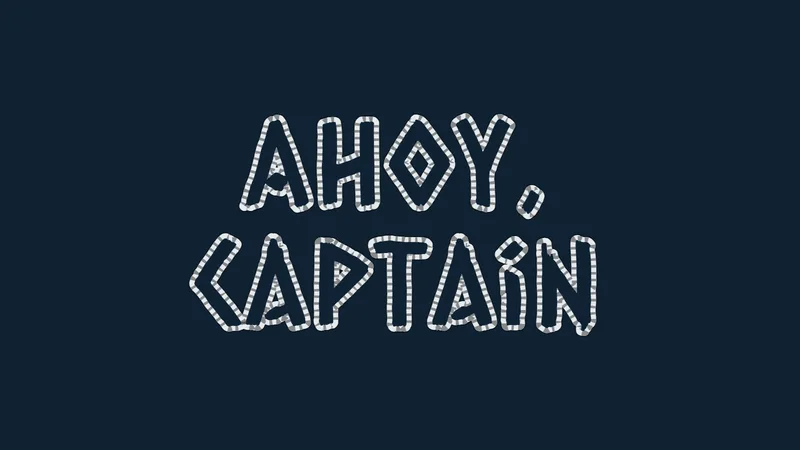
Export at the largest size the tool offers. Scaling a small PNG up blurs the edges. The PNG 2x button on this page doubles the pixel size.
Font File Method
| Where | Format | Route |
|---|---|---|
| Canva | OTF, TTF, WOFF | Brand Kit upload |
| Word | TTF, OTF | System install, optional embed |
| Photoshop | TTF, OTF | System install |
| Website | WOFF2 | @font-face rule |
Canva's help center limits font uploads to certain roles and says fonts should be licensed for embedding or the upload can fail. The walkthrough for uploading fonts to Canva covers the Brand Kit route, which sits on paid plans.
Microsoft's support article says Word can embed TrueType fonts in a document, if licensing rights allow, so other readers see the same lettering. An embedded font works for that document only, so anything else still needs the font installed.
Design apps read fonts from the system, so installing the file is the whole job. The steps to add fonts to Photoshop follow the usual install route.
For websites, convert the file to WOFF2, which is typically around 30% smaller than WOFF. List WOFF2 first in the @font-face rule so supporting browsers take it and the rest fall back to WOFF.
When Does a Pirate Font Generator Not Work?
It breaks down when assistive technology reads Unicode text aloud, when the font is missing characters you typed, when an image sits where real text should be, and when a personal-use font ends up on commercial work. Most of these have a workaround, and it's rarely another generator.
Unicode Text and Screen Readers
A screen reader does not read stylized Unicode as words.
RNIB warns that fancy-font generator text is hard to read and inaccessible to screen reader users, with readers often announcing "bold" or "italic" between letters or skipping words. Others read each symbol by its Unicode name, so a single fraktur letter can come out as "mathematical fraktur g".
Keep Unicode pirate text to a name or an accent word. Put full sentences in plain text, and see the guidance on fonts chosen for accessibility when readability for everyone matters.
Fonts That Lack Your Characters
Some pirate fonts cover fewer glyphs than the 26 letters of the Latin alphabet, and demo files cut coverage further. Designers often sell the paid version for its expanded punctuation and language support.
Type the real text into the preview before committing. Numerals, apostrophes and other punctuation, accented names and lowercase (some fonts are capitals only) are the usual casualties.
Images Where Text Belongs
Logos, posters, thumbnails and one-off graphics are fine as images. Website headlines, buttons, menus and anything a visitor selects or a screen reader must read should stay real text.
W3C's WCAG 2.2 guidance (Success Criterion 1.4.5, Level AA) asks for real text instead of images of text where the technology can deliver the same look. It treats logotypes as an essential exception.
Personal-Use Fonts on Commercial Work
A generated graphic hides which font made it, and the licence follows the font, not the tool.
For a logo, start from vector graphics built on a font whose licence you have read.
Pirate Font Generator FAQ
Which font is used in the Pirates of the Caribbean title?
Sources disagree on a name. The film and theme park logos appear to use custom lettering rather than an off-the-shelf font.
Fans stand in with Caribbean (free for personal use) or Pieces of Eight by Steve Ferrera.
Can I use a pirate font in Cricut Design Space?
Yes, once the file is installed on your device. Cricut's help center says Design Space reads installed system fonts each time you sign in and lets you use them for free, listed under the System filter.
System fonts stay tied to the device that has them, so the steps to add fonts to Cricut Design Space repeat on every machine.
How do I turn plain text into pirate speak?
Use a pirate translator, which rewrites words instead of letter shapes. It swaps pronouns (you becomes ye) and common words (understand becomes savvy). The optional pirate speak helper on this page covers a short list of everyday words.
Paste the translated text into a font tool afterward to restyle it.
Can I paste a skull and crossbones or pirate flag next to the lettering?
Yes, as an emoji sequence, not as part of the font. The pirate flag joins U+1F3F4, a zero width joiner, U+2620 and the emoji variation selector U+FE0F, and Emojipedia dates it to Emoji 11.0 in 2018. The Flag frame card on this page uses it.
Where a platform lacks support, the 2018 Unicode Technical Committee proposal says it falls back to a black flag followed by a skull.
What to Do When Generated Pirate Lettering Falls Short
When a pirate font generator misses the look, the next step is a licensed font file, then edited vector artwork, and a different style only after both fail.
Each step costs more than the last and removes a dependency. First comes an open-licensed font. After that, buying the commercial licence for a personal-use font. Last, outlining the type as vector artwork.
The free, commercially safe route reaches blackletter and weathered serif only. Treasure-map, handwritten and bone-built looks sit mostly in the personal-use tier, where every commercial licence is bought separately.
Outlining turns letters into editable shapes and removes any font dependency, but a typo then means reworking the artwork.
This sequence reflects licence terms checked in November 2026. A change to a designer's licence note changes the second step, so read the note again before each new project.
Once the headline lettering is settled, a font pairing generator picks the body text that sits beside it.
Built by Bogdan Sandu at Design Your Way, one of our free design tools. Last updated November 21, 2026.