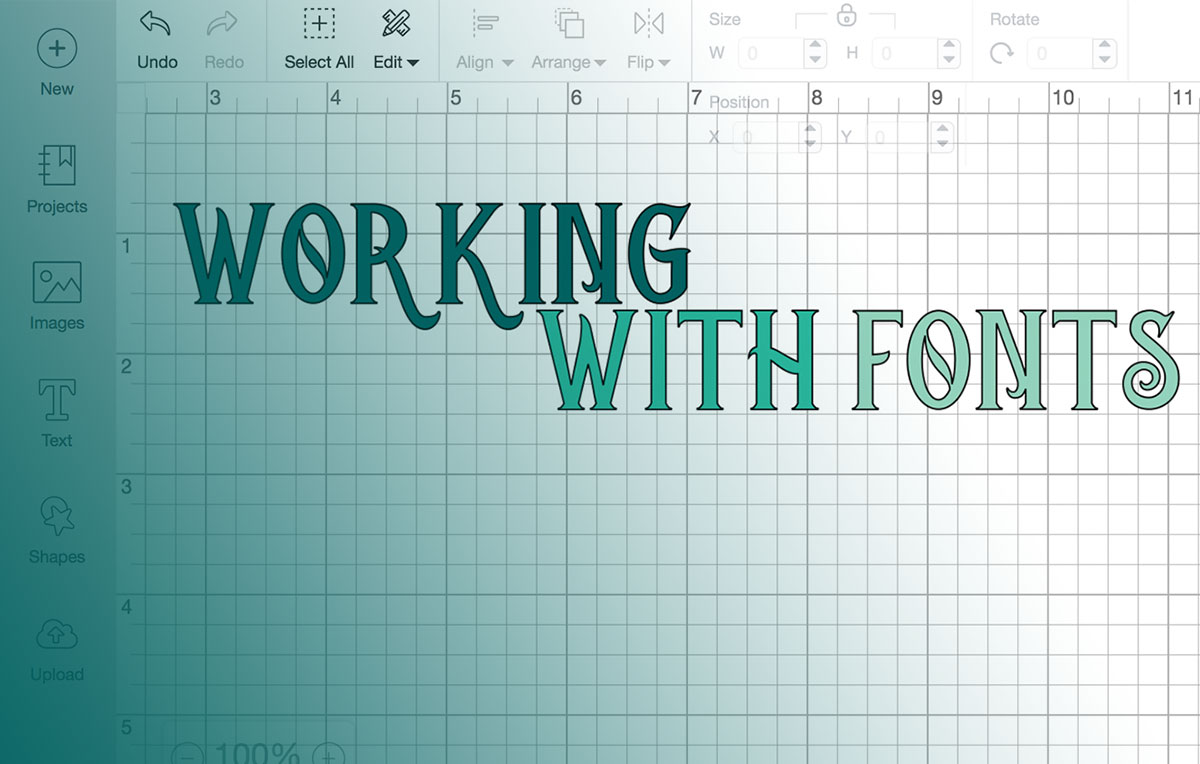
Install the TTF or OTF file on your computer, then relaunch Cricut Design Space so the font shows up in the list.
Design Space has no upload button for fonts. It reads whatever your operating system already has installed, and that single detail explains most of the confusion people run into. The app handles the rest, turning those installed fonts and any artwork you upload into cut-ready files for Cricut’s machines.
Cricut, Inc. makes the software. Font installation, though, is an operating system job, not something tied to your Cricut account or any cloud library.
Cricut counted just under 5.9 million active users at the end of 2025, a scale that keeps font compatibility a frequent question in its own help documentation (Cricut, Inc., fourth quarter and full year 2025 financial results, March 2026).
What Does Adding a Font to Cricut Design Space Actually Mean?
Nothing gets added to the app, strictly speaking. You install the font on the computer, Design Space scans the system list when it launches, and the font turns up next to everything else already there.
Every new text box opens in Cricut Sans until you change it.
Most people go hunting for a custom font because they want a particular script, or a heavy display face for a vinyl lettering project, a tumbler, an iron-on transfer. Cricut’s own library is decent. It doesn’t cover everything.
Two things follow from the way this works. A font has to exist on the operating system before it can exist in Design Space, and nothing you install ever touches a Cricut server or gets saved to your account. Design from a second computer later and you’ll be installing that font again.
A font is a data file the operating system keeps track of. Design Space borrows that file rather than keeping a copy of its own.
What Font File Types Does Cricut Design Space Support?
TrueType and OpenType, meaning TTF and OTF files, install like any other font on Windows or Mac and both work fine.
Web formats are the trap. WOFF and WOFF2 will often install at the system level and then never appear in the app’s font list, which sends people back to re-download a file that was never going to show up.
| Format | Origin | Works in Design Space |
|---|---|---|
| TrueType (TTF) | Designed by Apple, later licensed to Microsoft | Yes |
| OpenType (OTF) | Developed jointly by Microsoft and Adobe | Yes, extra glyph data mostly unused |
| WOFF / WOFF2 | Web-only compressed formats | No |
Microsoft’s own typography documentation traces TrueType back to Apple, which later licensed the format to Microsoft, with OpenType arriving afterward as a joint Microsoft and Adobe project built on top of it.
Should You Install the TTF or the OTF Version?
Take the TTF when a download offers both. It installs cleanly and Design Space picks it up without argument. OTF carries ligatures and alternate characters the app mostly can’t reach anyway, so that extra data sits unused unless another program on the same machine actually needs it.
Honestly, this rarely matters. Most fonts arrive as a zip with both versions inside, and there’s nothing stopping you installing both.
How Does Cricut Design Space Find Fonts on Your Computer?
It reads the same font registry every other program on the machine reads.
Install a font system-wide and it appears in the app’s font list on its own, with no separate step inside Design Space. Drop the file into some folder without installing it and it stays invisible, not only to Design Space but to Word, Photoshop and everything else. Switch to a second device and you start over, since none of this is attached to a Cricut account.
Detection happens locally, on that machine, every time the app opens. Cricut’s servers play no part in it.
How Do You Install a New Font So It Shows Up in Design Space?
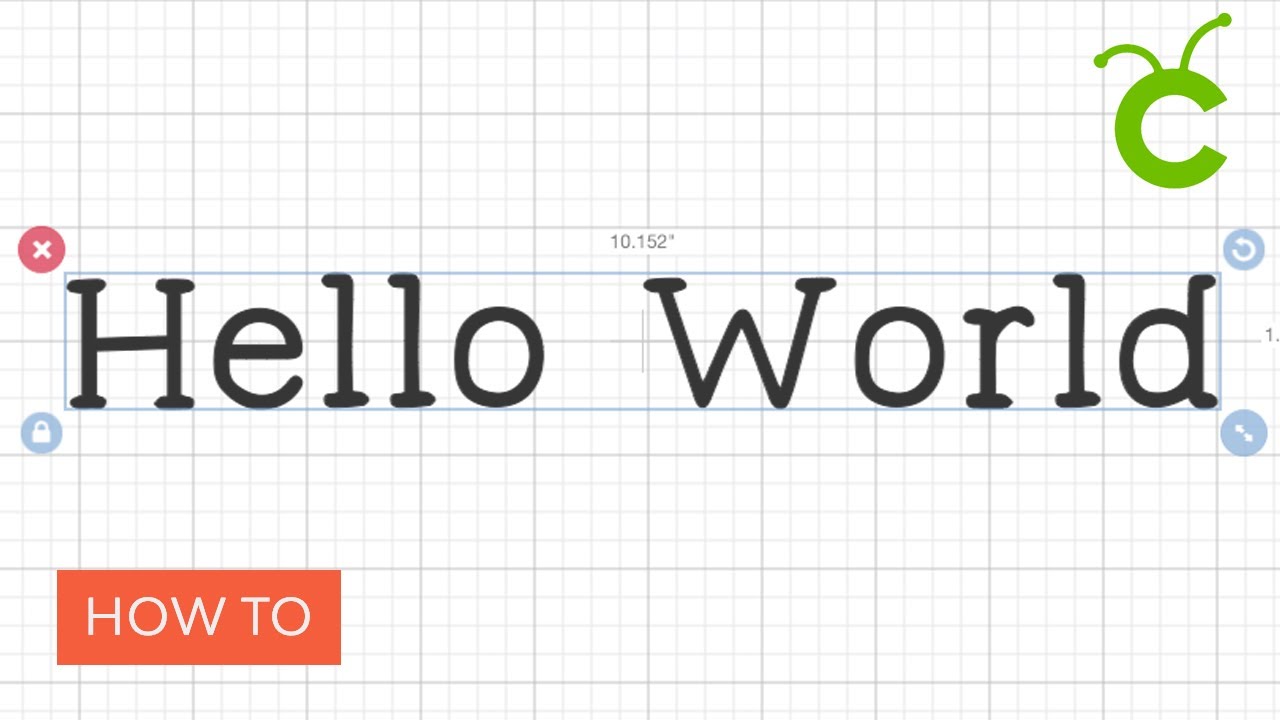
Download, install, relaunch. That’s the sequence, and it’s near enough identical to installing a font for Adobe Illustrator or any other creative program, because Design Space is only reading what the system already holds.
A couple of things to sort out first. Fonts almost always arrive compressed, so unzip the download and check you have a TTF or OTF sitting in there. Close Design Space properly too, not minimized.
Google Fonts listed 1,826 font families as of May 2025 (Photutorial), nearly all packaged as ready-to-install TTF files, so downloads from there move straight into the next step without any conversion.
Installing on Windows
- Locate the unzipped TTF or OTF file in the Downloads folder
- Right-click the file and choose Install
- Wait for Windows to confirm the font was added
- Close Design Space fully, then reopen it
Installing on Mac
Mac routes fonts through Font Book, Apple’s built-in manager. There’s a longer walkthrough of installing fonts on a Mac if you want the detail, but four steps covers it.
- Double-click the downloaded TTF or OTF file
- Click Install Font when Font Book opens
- Confirm the font now appears in Font Book’s list
- Restart Design Space to trigger a fresh scan
Skipping that restart is far and away the most common reason a new font doesn’t appear. Design Space caches its font list and only rebuilds it on launch.
Which Platform Should You Use to Add a Custom Font?
Only the desktop app, Windows or Mac, reads your system font list. The browser version and both mobile apps stay inside Cricut’s own library.
| Platform | Reads Custom Fonts | Notes |
|---|---|---|
| Windows desktop app | Yes | Fonts pulled from the Windows font list |
| Mac desktop app | Yes | Fonts pulled from Font Book |
| Browser version | No | System and Cricut filters only, no custom install |
| iOS app | Limited | Offline mode available, no direct system font install |
| Android app | Limited | No offline mode, per Cricut’s help center |
Cricut’s help center also confirms the app isn’t supported on Chromebooks or Unix/Linux computers, and no font choice gets around that.
Install something on a laptop this afternoon and it won’t be on your tablet tonight. Custom installs don’t sync.
What Do the System, Cricut, and My Fonts Filters Mean?
Each filter answers a different question about where a font came from. System covers everything installed on the device, free or paid, Cricut-made or not. Cricut covers the app’s own library, marked in green, part free and part locked behind a subscription. My Fonts trims the list down to what you own or installed yourself, which becomes genuinely useful once a few hundred fonts have piled up on the machine.
That Cricut library runs to over a thousand fonts, inside a design catalog that also includes more than 1.6 million images, according to the company’s fiscal year 2025 Form 10-K. Paid Cricut Access subscribers came to just over 3.09 million by the end of 2025, up more than 4% from the year before, per Cricut’s fourth quarter and full year 2025 financial results.
Set that against the total user count and the gap is wide. Plenty of people are working entirely from free system fonts and the free slice of Cricut’s library, which is exactly when the My Fonts filter earns its keep.
Much of what sits behind the green Cricut label leans toward monogram-style lettering and script work built for cutting rather than for reading on a screen.
What Is the Difference Between Single Layer, Multi-Layer, and Writing Fonts?
This filter lives in the same menu as System and Cricut, but it sorts by construction instead of origin.
Single layer fonts cut as one solid shape per letter. Multi-layer fonts split each letter across stacked pieces. Writing fonts aren’t built to be cut at all.
| Font Type | Structure | Best For |
|---|---|---|
| Single Layer | One solid shape per letter | Vinyl decals, quick cuts |
| Multi-Layer | Two or more stacked pieces per letter | Layered card projects, shadow effects |
| Writing | Stroke paths instead of cut shapes | Cricut pens, foil transfer |
Script-style designs are frequently multi-layer, since connecting strokes and decorative flourishes get pulled onto their own cutting layer. Single layer usually means bold display lettering that reads from across a room, with no second layer doing the contrast work.
With a writing font the blade never touches the mat. A Cricut pen or the foil transfer tool traces the letterforms onto the material instead.
What Happens to Script and Multi-Layer Fonts When You Cut Them?
Letters stay on separate layers by default, so the mat preview shows gaps where strokes were supposed to connect. It looks broken. It isn’t.
Attach and Weld both close those gaps, in different ways.
| Fix | Reversible | Best For |
|---|---|---|
| Attach | Yes, detach anytime | Testing layouts, ongoing edits |
| Weld | No, permanent once saved | Finished designs ready to cut |
Attach leaves every letter on its own layer while locking their positions relative to each other, so the whole word cuts in one pass with nothing drifting on the mat. Weld fuses the layers into a single shape, and there’s no undo once that file is saved. I leave welding until a design is genuinely finished for exactly that reason.
There’s a way to skip both. Ticking Only Kerned Fonts in the font filter shows you the fonts where letter spacing already connects on its own.
What Does PUA Encoded Mean for a Font’s Glyphs?
PUA is short for Private Use Area, a block of Unicode code points set aside for custom characters that sit outside the standard alphabet.
When a font uses it, Design Space can reach the extras: swash capitals, connecting alternates, decorative ampersands, catchwords, ornamental flourishes, the odd bit of extra punctuation. When a font doesn’t, you get basic letters, numbers and punctuation, even though the file itself contains far more.
Nothing in the font preview tells you which one you’re looking at. Checking the shop listing or asking the designer before buying is the only reliable way to know, and sellers of script fonts usually say so up front.
Where Should You Get Fonts, and What Do the Licenses Allow?
Google Fonts, DaFont, Font Squirrel and Creative Fabrica cover most of what crafters reach for beyond Cricut’s own library. Each treats font licensing differently, and rules from one source rarely carry over to the next.
| Source | Typical License | Best For |
|---|---|---|
| Google Fonts | SIL Open Font License, personal and commercial | Free, no-paperwork projects |
| DaFont | Mixed, checked font by font | Casual and personal projects |
| Font Squirrel | Curated for commercial clearance | Business and resale work |
| Creative Fabrica | Commercial license bundled with purchase | Script and display fonts to sell |
Cricut’s own fonts run on a separate set of rules called the Angel Policy, which covers finished physical projects only, never digital files.
- Up to 10,000 finished projects can be sold per year using Cricut-owned fonts and images, per Cricut’s Angel Policy
- A small green “a” inside Design Space marks the content that policy covers
- Licensed Digital Content, such as Disney or Sanrio branded fonts, sits outside the Angel Policy and stays personal-use only, per Cricut’s own subscription terms
A font you installed yourself from Google Fonts or a marketplace has nothing to do with any of that. Its license travels with the font file, not with Cricut.
Is a Cricut Access Subscription Worth It for Fonts?
Cricut Access unlocks the paid portion of the in-app library. It changes nothing about how you install your own system fonts.
The Standard plan runs $9.99 a month or $95.88 a year, and the Premium plan runs $14.99 a month or $119.88 a year, according to Cricut’s own subscription page.
What that buys is a large, regularly updated library of over 1,000 professionally designed fonts at no extra per-item cost, with new ones added on a rolling basis. The catch is that they’re locked to Design Space and Cricut devices. You can’t pull them into Illustrator.
Without a subscription you still get:
- 100+ Cricut fonts included even without a subscription
- Unlimited free system fonts from any source you install yourself
- No monthly cost, and no rolling additions either
Buying premium fonts a la carte instead of subscribing runs roughly $0.99 to $4.99 each, so the math tips toward a subscription once you’re pulling more than a couple of paid fonts a month (Cuttabl, 2026).
Why Isn’t a Newly Installed Font Showing Up in Design Space?
A font can be installed perfectly at the system level and still be invisible inside the app, simply because Design Space hasn’t rescanned its list yet.
Work through these in order before deciding the file is broken.
- Close Design Space completely, not just minimize it, then reopen the app
- Confirm the font shows up in the Windows Fonts panel or Mac Font Book, not just sitting in a downloads folder
- Check the System filter instead of All Fonts, since a long list can bury a recent install
- Reinstall the font after deleting the first copy, since a duplicate install can silently fail
- Restart the computer if the font still doesn’t appear after a full app restart
Step one fixes it most of the time.
When Does a Custom Font Not Work in Design Space?
Some fonts refuse to behave no matter how cleanly they installed. The file isn’t defective in any of these cases.
- Many of Cricut’s own fonts don’t include character sets for languages other than English, according to Cricut’s Help Center, so accented and non-Latin characters just don’t render
- Fonts activated through Adobe Fonts rather than installed the traditional way often don’t appear in Design Space at all, based on font troubleshooting reports on Adobe’s own community forum
- Cricut Access fonts are licensed for use inside Design Space and on Cricut devices only, not for export into Photoshop or Illustrator, per Cricut’s subscription terms
- Cancelling Cricut Access locks its subscriber-only fonts from further use, though projects that already used them keep their saved artwork
Reinstalling won’t help with a single one of these.
FAQ on How To Add Fonts To Cricut Design Space
Is Uploading a Font the Same as Uploading an Image?
No. Image uploads save a file to your Cricut account in the cloud.
A font never leaves the computer, because Design Space is only reading what the operating system already has installed, the same way any other program does.
Why Does a Downloaded Font Only Show Basic Letters and Numbers?
The font isn’t PUA encoded.
Design Space reaches a font’s extra glyphs, swashes and alternates only when the file uses Private Use Area encoding. Without it you get standard letters, numbers and punctuation, even when the font contains a great deal more.
Does Cricut Design Space Store Custom Fonts in the Cloud?
No, they stay local to the device they’re installed on.
Cricut Access content, including the app’s own font library, syncs through the cloud. A font you download and install yourself never leaves your computer’s operating system.
Is TTF or OTF Better for Cut Accuracy?
Neither format wins here. Cut accuracy comes from the font’s outline design, not its file format.
Clean, simple shapes cut cleaner than intricate or very thin ones whatever the format. TTF and OTF affect compatibility and glyph access, not blade precision.
How Do You Use a Writing-Style Font With a Cricut Pen or Foil Tool?
Filter fonts by Writing, pick one, then set the line type to Draw or foil instead of Cut.
Load a Cricut pen or the foil transfer tool into the clamp and the machine traces the letterforms rather than cutting them.
Do Custom Fonts Carry Over Between Devices, Like a Laptop and a Phone?
No, each device needs its own install of the font.
A project already designed with that font sends to the machine fine from any device. Editing the text again is what requires the font installed locally.
What Should You Fix First in How To Add Fonts To Cricut Design Space?
Format comes before source. Getting a correct TTF or OTF onto the operating system solves more problems in Cricut Design Space than changing where the font came from.
After that comes confirming you’re on the desktop app rather than the browser or a phone. Licensing terms matter last, once the font is actually usable.
Installation problems disguise themselves as licensing or platform bugs, so ruling out the format and where the file lives first saves you chasing a cause that was never real.
Design Space itself needs Windows 10 or macOS 12 at minimum, per Cricut’s help center system requirements, and a computer stuck below that line can’t run the desktop app regardless of which fonts are ready to load.
Once installation and platform checks clear, the practical next step is learning how to pair complementary typefaces for a single cut file.

Renowned for his expertise in logo design and visual branding, Bogdan has developed a multitude of logos for various clients.
His skills extend to creating posters, vector illustrations, business cards, and brochures. Additionally, Bogdan's UI kits were featured on marketplaces like Visual Hierarchy and UI8.
He also wrote in the past years on sites like Design Your Way, WebDesignerDepot, WPDean, Designmodo, Speckyboy, Slider Revolution, and more.
- Iconic Helvetica Font Pairing Ideas That Always Work - 30 October 2026
- Designing One Flutter App for Phones, Tablets, Mac and Vision Pro - 30 October 2026
- The Clickup Logo History, Colors, Font, And Meaning - 28 October 2026

Bogdan Sandu is a seasoned designer who has been designing websites since 2008. Renowned for his expertise in logo design and visual branding, Bogdan has developed a multitude of logos for various clients. His skills extend to creating posters, vector illustrations, business cards, and brochures. Additionally, Bogdan's UI kits were featured on marketplaces like Visual Hierarchy and UI8. He also wrote in the past years on sites like Design Your Way, WebDesignerDepot, WPDean, Designmodo, Speckyboy, Slider Revolution, and more.
You Might Also Like