
Every designer knows the gulf between a rough content sketch and a polished slide presentation. It takes ten minutes to block it out. The rest of the afternoon is visual polish. AI presentation makers promise to bridge that gap, but most of them still provide generic material that needs extensive refining.
We tested five AI presentation apps against the identical criteria – a twelve slide product launch deck with data charts, speaker notes and visuals aligned to the brand – to find out whether tools can really deliver on design quality. Criteria included the ability to customize the templates, control over typography and colour, export flexibility and how much manual clean-up each deck required afterward. Here are the results.
The Test
We rated each of the tools below on four criteria: the quality of the information produced, the polish of the layout and design, the ease of use day-to-day, and the transparency of their cost.
1. Slideonic
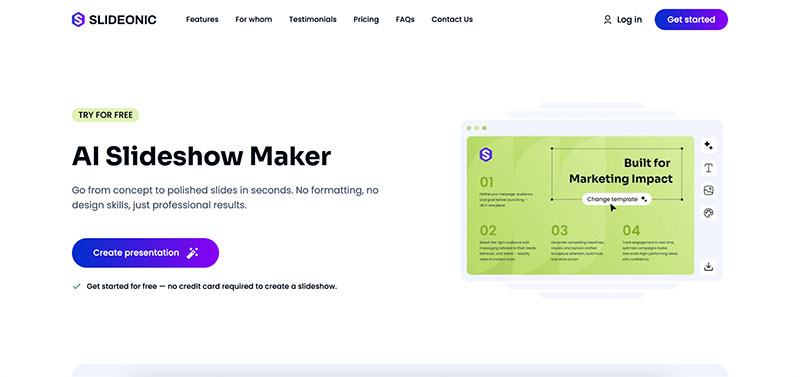
Slideonic began as a simple AI slideshow generator, but the standout feature in our test was its file-to-deck process. We supplied a 12-page product brief, in PDF format, and in approximately forty seconds Slideonic.ai produced an organised slide deck. All keeping heading hierarchy and extracting critical data points into chart placeholders. The output did require some small font tweaks, but the content mapping was a lot more accurate than manual copy-paste operations we’ve tried with other tools.
The colour palette editor allows you to lock down your primary and accent colours before generation, saving you a whole round of reformatting. Typography settings cover font pairing and weight control per slide section. Our tests showed that both PPTX and PDF exports operated without any layout adjustments.
Pricing: Free tier offers one presentation per day. 7 day trial with full features for $2. Paid plans begin at $14.99/month or $9.99/month (paid annually).
2. Gamma
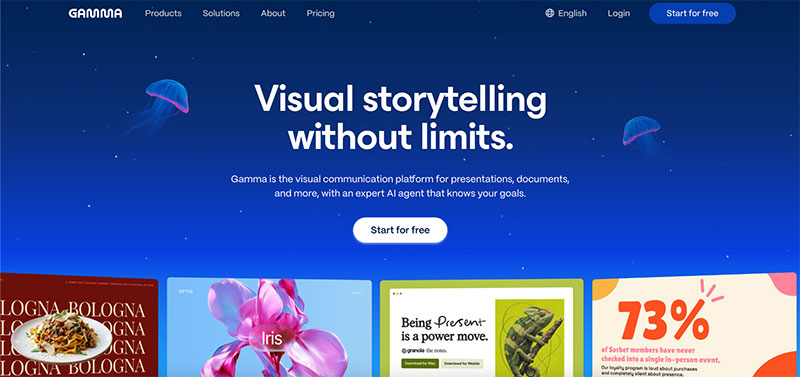
Gamma has a distinct view on AI-generated slide decks. It makes regular slide files, but spits out scroll-based visual pages that feel more like a microsite than a PowerPoint. We gave it the same product launch brief. The outcome was a graphically polished narrative page with embedded charts and image blocks.
- Content quality: Prompt-to-deck generation fills slides with well-written, organised material. Long form briefs means narrative portions rather than bullet heavy layouts.
- Design polish: Built-in themes provide you consistent space, card-style containers, and accent visuals. But you can customise it, only using Gamma’s own design system.
- Usability: The editor is easy to use. Drag-and-drop reordering, inline picture search, embed blocks for videos or charts all operate quite fine.
- Limitations: Exporting to PPTX flattens many of the interactive aspects. Designers who need editable PowerPoint files may be restricted.
Pricing: Free plan with Gamma branding. Pro plan $10/month removes branding and unlocks powerful AI capabilities.
3. Canva
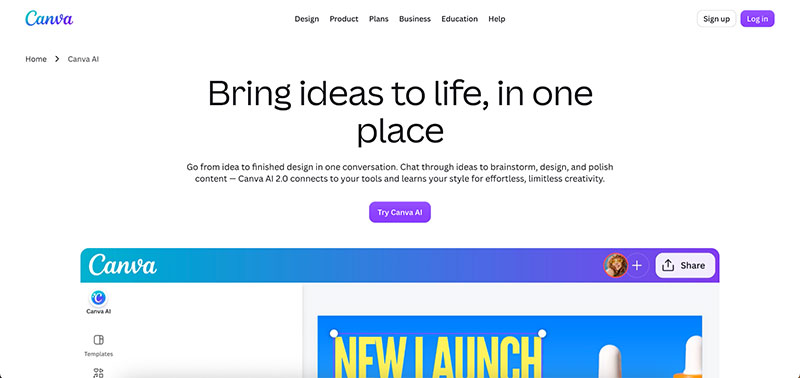
The AI to help generate presentations has come a long way, and it’s still the go-to option for teams already committed to its ecosystem. The stored Brand Kit imports logos, typefaces, and colour palettes automatically, and our test deck came out well-branded in seconds.
There are many different templates. Thousands of pitch decks, educational slides, social media presentations & reporting layouts. The Magic Design tool takes a text prompt and builds a full deck utilising those saved brand assets, a major advantage for marketing organisations who want to maintain consistency across dozens of decks each quarter.
The only place where Canva failed our test was in the depth of AI content development. The program does a good job of layout and visual composition but the text supplied is often quite surface level. Most of the copy was rewritten. The chart generation works, but lacks the data-binding expertise of the dedicated tools. PPTX export keeps much of the formatting, while there are occasional font substitution concerns when the deck includes fonts proprietary to Canva.
Pricing: Free plan with basic templates. Pro at $13 per person per month includes Brand Kit, premium templates and background removal.
4. Decksy
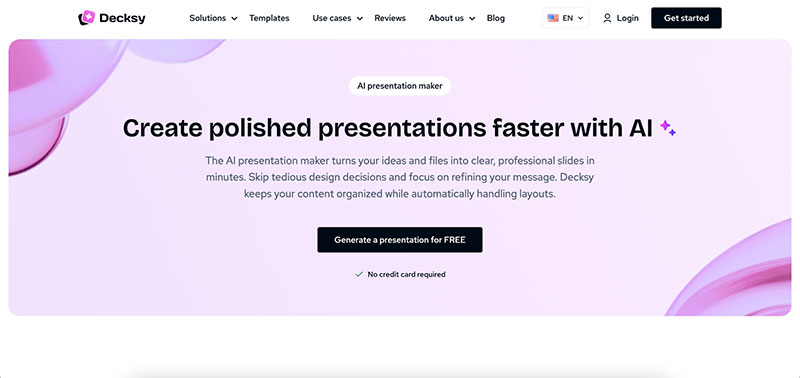
Decksy is all about speed and our test proved the promise. The identical 12-slide brief generated a finished deck in under 30 seconds.
| Feature | Test Result |
| Generation rate | 12 slides in 28 seconds |
| Template library | Moderate, business orientated |
| Custom Brand | Pre-generate Font & Colour Selection |
| Formats of Export | PPTX, PDF |
| Factual accuracy | Solid framework. Needs a few copy tweaks. |
The quality is in a practical middle ground. Slides are clean and professional, but not visually daring. Speed-to-quality ratio we were amazed for internal presentations, status updates or short customer bids. Designers needing pixel-level control can export to PowerPoint or Figma and fine-tune.
Pricing: Free presentation each day. 7 days full access for $2. $19.99/month, $9.99/month/year.
5. Plus AI
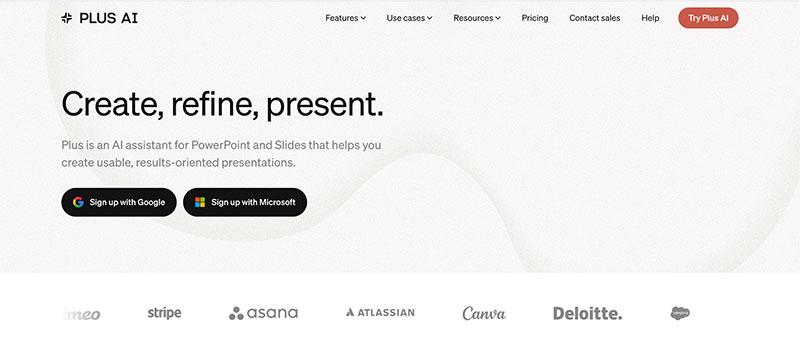
Plus AI is an add-on that works right inside Google Slides and PowerPoint, making it the best AI tool for PowerPoint presentation processes that need to stay in the Microsoft or Google ecosystem. We tested it in Google Slides itself and each created slide was immediately editable with native tools. No export step, no format conversion, no layout drift.
You enter a question in the sidebar and slides are generated into your existing deck. This is the place where content reworking happens, slide redesign happens, and outline to deck conversion happens. The quality of the test output was very much dependent on the base template we chose before generating anything. Plus AI doesn’t even follow its own design system. Strong result, strong template. Poor template, bland result. This makes it useful for organisations who already have brand templates in place, but less so for someone beginning from scratch.
One killer feature is the “remix” tool, which regenerates a slide’s layout with the same information, allowing you to swiftly A/B visual approaches without having to retype anything.
Pricing: There is a free trial. For individuals, plans start at $15 a month.
Quick Comparison
| Tool | Best For | PPTX Export | Free Tier | Price |
| Slideonic | Quick drafts, PDF to Slide conversion | Yes | 1 presentation/day | $9.99/mo (annual) |
| Gamma | Web-based narrative decks | Limited | Yes | $10/mo |
| Canva | Brand kit merge | Yes | Yes | $13/mo (Pro) |
| Decksy | Speed-first AI slideshows | Yes | 1 presentation/day | $9.99/mo (annual) |
| Plus AI | Google Slides / PowerPoint users | Yes (native) | Trial | $15/mo |
How to Pick the Right Tool
The ideal AI presentation app relies on where your actual bottleneck lies.
Tools that can take documents as input are helpful for content-heavy workflows. Existing briefs, reports or PDFs can be reformatted into slide decks, removing the majority of the production time spent on manual reformatting.
Teams that are brand-strict should prioritise tools that offer pre-generation brand controls. Post generation application of colours and fonts is arduous at scale. Tools that allow you to set brand criteria before the AI starts to work will save you hours per quarter.
The ability to export is more important than you think. When the layout is broken by PPTX export, a great AI deck becomes worthless. Before committing to a subscription plan, test the export pipeline with your exact version of PowerPoint or Google Slides.
Conclusion
All five tools speed the time from a preliminary notion to a passable deck. Slideonic and Decksy are good at speed and file conversion. Gamma is the most visually unique result. Canva wins on brand consistency at scale. Plus AI works best when the entire workflow is within Google Slides or PowerPoint.
The practical advice is to attempt the free tier of each tool on an actual project brief, not a test prompt. Generative AI for presentations depends on the type of material, the length of the deck and the complexity of visuals. A hands-on test with your actual material will tell you more than any feature comparison table.

Renowned for his expertise in logo design and visual branding, Bogdan has developed a multitude of logos for various clients.
His skills extend to creating posters, vector illustrations, business cards, and brochures. Additionally, Bogdan's UI kits were featured on marketplaces like Visual Hierarchy and UI8.
He also wrote in the past years on sites like Design Your Way, WebDesignerDepot, WPDean, Designmodo, Speckyboy, Slider Revolution, and more.
- Death Note Font Generator - 26 October 2026
- 5 Best AI Presentation Makers: Tested & Compared - 26 October 2026
- Versatile Georgia Font Pairing for Timeless Layouts - 24 October 2026

Bogdan Sandu is a seasoned designer who has been designing websites since 2008. Renowned for his expertise in logo design and visual branding, Bogdan has developed a multitude of logos for various clients. His skills extend to creating posters, vector illustrations, business cards, and brochures. Additionally, Bogdan's UI kits were featured on marketplaces like Visual Hierarchy and UI8. He also wrote in the past years on sites like Design Your Way, WebDesignerDepot, WPDean, Designmodo, Speckyboy, Slider Revolution, and more.
You Might Also Like