This Stussy font generator writes your name or slogan in a hand-drawn Stussy-style script and hands it back as a ready-to-use image. Type it, pick a look, download it.
Everything runs in your browser. No sign up, no watermark, and nothing you type leaves your device.
How to use this Stussy font generator
- Type your text. Up to 3 lines and 40 characters. Short names and two-word slogans look best.
- Pick a style. Each preset sets ink, outline, effects and background in one click.
- Choose a letter style. Natural mix is the default. Hit Reshuffle letters until the word looks right.
- Add street effects. Signature underline, paint drips, drop shadow, neon glow, worn print, slant or a curved arch.
- Set the background. Keep it transparent for a logo file, or drop the text on a tee, hoodie or tote bag mockup.
- Download. PNG keeps transparency, PNG 2x doubles the size for print, JPG gives the smallest file.
The styles at a glance
| Style | What it looks like | Works well for |
|---|---|---|
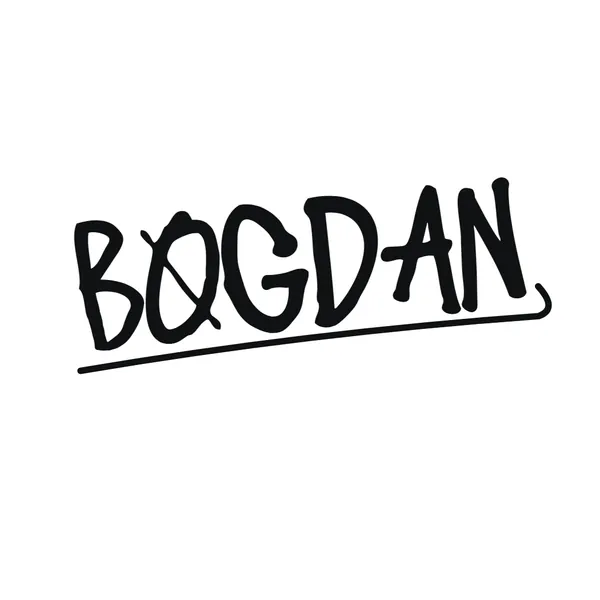
| Signature | Black marker script with a swooping underline | Name logos, email signatures |
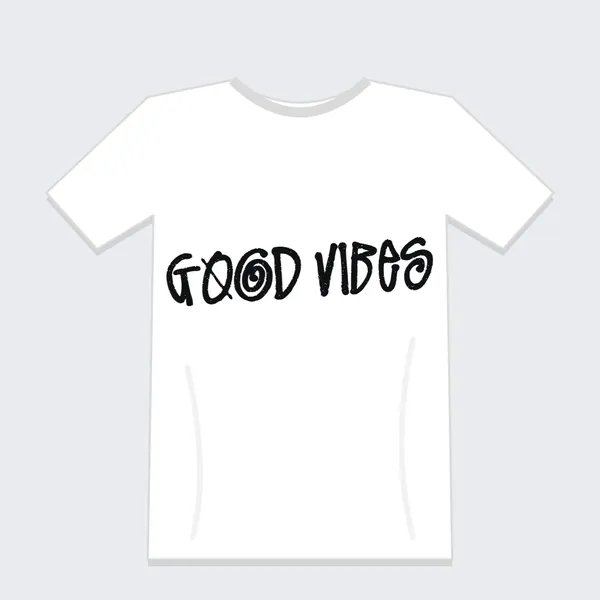
| White Tee | Worn black print on a white T-shirt | Merch previews |
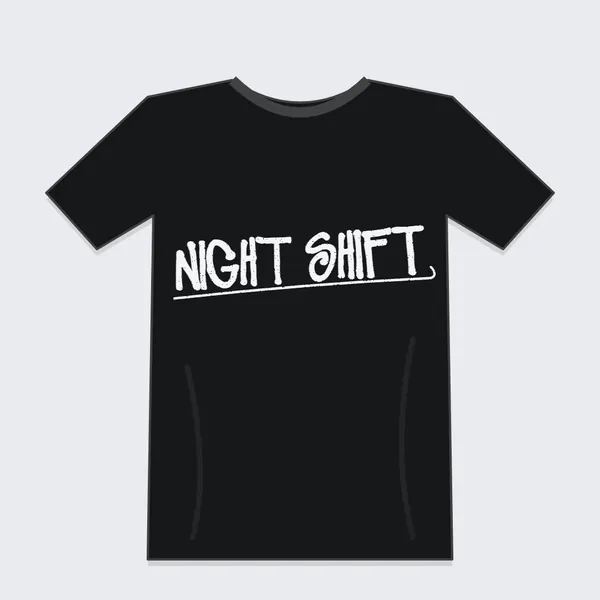
| Black Tee | White print and underline on a black T-shirt | Drop announcements |
| Sticker | Thick white die-cut border with a soft shadow | Laptop and skate stickers |
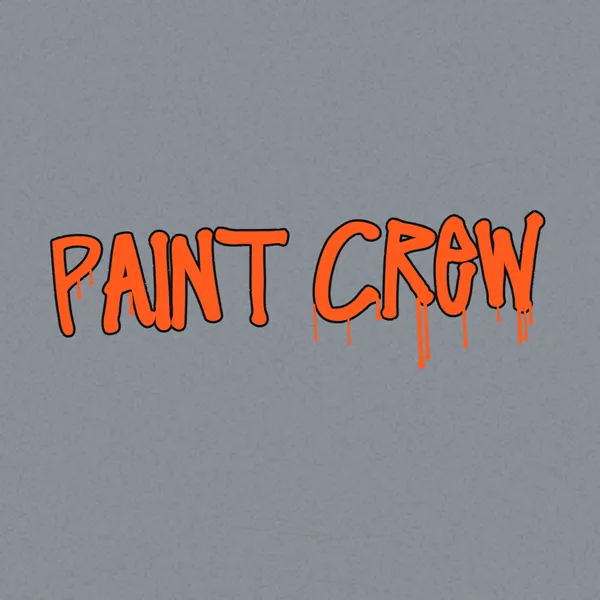
| Spray Tag | Orange paint with drips on a concrete wall | Graffiti-style posts |
| Shadow Pop | White letters with a black 3D extrude | Thumbnails, flyers |
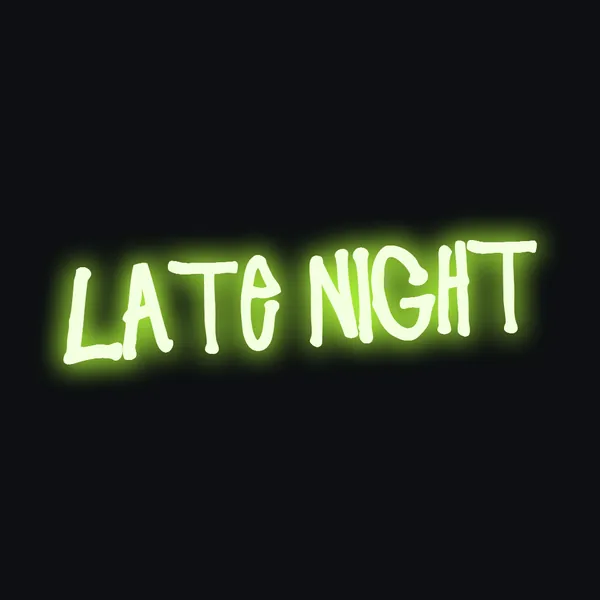
| Neon Sign | Lime glow on near-black | Banners, wallpapers |
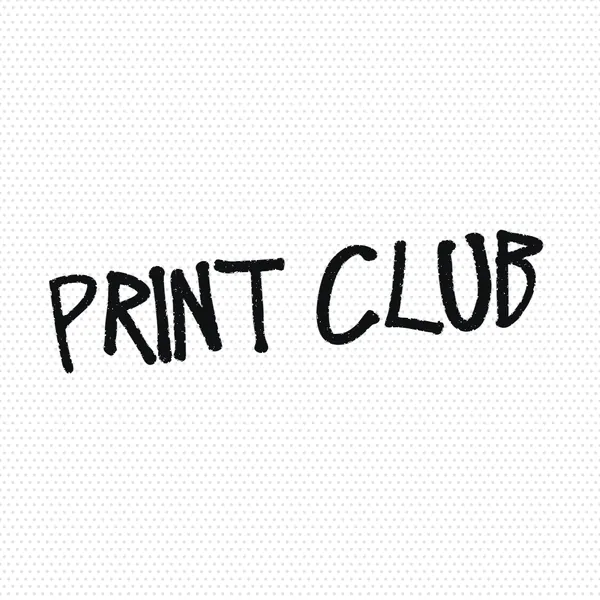
| Zine Print | Rough photocopy ink on halftone dots | Zines, posters |


Why the letters change shape
Stussy Script has two drawings of every letter. Oddly, both look like capitals: the lowercase keys just hold a second version.
A real signature never repeats a letter exactly, so Natural mix picks one of the two versions at random for each letter. The two S shapes in "Stussy" end up different, which is what makes it read as handwriting. Prefer a fixed pattern? Switch to Capital set, Small set, Alternating or As typed.
Mockups and exports
- T-shirt, hoodie and tote bag mockups place the text on the chest area and let you change the garment color. Good for checking a design before you print it, or for picking fonts for t-shirts side by side.
- Fit crops the canvas tight around the text, with adjustable padding, which is ideal for a transparent logo file.
- Square, wide, banner and story sizes match posts, thumbnails, headers and stories.
- Copy image sends the PNG straight to your clipboard on most desktop browsers.
Tips for cleaner results
- The script is thin. Raise Marker weight a little when the background is busy or the text will be small.
- Stussy Script only covers letters. Numbers and symbols are drawn in Permanent Marker, and accented letters such as é become plain e. The tool tells you when that happens.
- Curved text turns the signature underline off, because a straight swoosh under an arch looks broken.
- Paint drips land where the ink actually is, so reshuffling letters also moves the drips.
- The font is free for personal use only. Keep the images for your own projects, and see the licensing notes below before selling anything.
What Is a Stussy Font Generator, and Does an Official Stussy Font Exist?
A Stussy font generator is an online tool that renders typed text in a marker-style script imitating the Stussy logo.
No official Stussy typeface exists. The logo is a handwritten signature, so every "Stussy font" you can preview or download is a lookalike.
Where the lettering comes from
Origin: In 1980 Shawn Stussy was shaping surfboards in Laguna Beach and writing his surname across them with a broad marker, according to Shelflife magazine.
The signature itself traces back to his uncle, the artist Jan Stussy (Wikipedia, Stussy entry). Shawn later printed the mark on T-shirts, shorts and caps he sold out of his car.
What the letterforms look like
- Connected cursive strokes
- Uneven weight from a broad-tipped marker
- Forward slant
- Loose, sketch-like proportions that a grid-based typeface cannot copy exactly
Lookalike fonts approximate this. Stussy Script by Kitch22, listed on Font Meme, is a 21 KB TTF with 56 glyphs and 40,968 downloads.
The strokes land close, never identical. The same applies to any signature fonts that imitate autograph writing, because a real signature is drawn once and a font repeats the same letter shape every time.
How Does a Stussy Font Generator Turn Text Into Stussy-Style Lettering?
A generator maps each typed character to a glyph in a lookalike script font and draws the result as an image, or it swaps characters for Unicode symbols that only resemble script. The first method gives you a design file. The second gives you copyable text that never matches the Stussy strokes.
| Output type | What you get | Editable later | Main limit |
|---|---|---|---|
| Image preview generator | PNG or JPG | No, it is flattened | Fixed resolution |
| Unicode fancy text | Copyable characters | Yes, as text | Generic script, not Stussy |
| Installable font file | TTF, OTF or WOFF | Yes, in any design app | Needs a license check |
Image generators
Controls: Font Meme's preview tool for Stussy Script offers font size, gradient and shadow effects, outline, fill, color, and a transparent, white, black or custom background.
Export: it saves PNG or JPG. Nothing on the page offers SVG.
Unicode fancy text
The Mathematical Alphanumeric Symbols block (U+1D400 to U+1D7FF) holds 996 characters across 13 styles, according to Unicode FYI.
Those are real characters, not a font, so the look comes from the character itself. Screen readers can announce each one by its full Unicode name, and search treats the text as different from plain letters.
- Pastes into bios and usernames
- Script style is generic
- Breaks search and accessibility
Input and character limits
Supported characters depend on the font under the generator more than on the tool itself.
Stussy Script holds 56 glyphs, which leaves little beyond the alphabet. The Creative Market font by Infernostudio3 lists numerals, punctuation and OpenType stylistic sets, so numbers and symbols render properly there. In the 56-glyph version they may fall back to another font or drop out. The generator on this page draws them in Permanent Marker, a free marker font that sits close to the Stussy strokes.
How to Make Stussy-Style Text Step by Step
Pick the output type first, type the text, set the colors, export with a transparent background, then test the result at the smallest size you plan to use.
- Choose the output type from the table above. Images suit graphics, font files suit repeated edits.
- Type your text into the generator and select a Stussy-style script font.
- Set font size, effect, outline, fill and color.
- Switch the background to transparent.
- Generate the image and save it as PNG.
- Shrink the file to its smallest planned size and check that the strokes still read.
When you need SVG
Font Meme saves raster files only, and so does the generator on this page (PNG, PNG 2x or JPG). For a vector, install the TTF, set the text in Illustrator, and convert it to outlines with Type, Create Outlines.
Figma and Inkscape handle the same job once the font is installed.
What goes wrong
Thin joins vanish. Connected strokes thin out at avatar sizes and the word turns into a smear.
Spacing drifts. Script letters that should touch sometimes leave gaps, so adjust letter spacing until the joins close.
One letter set breaks the rhythm. In Stussy Script the capitals and the lowercase are two drawings of the same capital shapes, so a line set in only one of them repeats identical letters and looks typed rather than written. Mixing both sets, as the Natural mix option above does, keeps the hand-drawn feel.
Which Stussy-Style Script Fonts Come Closest?
Two lookalikes are verifiable today: Stussy Script by Kitch22, which is free for personal use, and Stussy Script Font by Infernostudio3 on Creative Market, which carries more features. A hand-drawn wordmark of your own beats both when the design leaves your desk.
| Option | Source | Cost model | Files and features |
|---|---|---|---|
| Stussy Script (Kitch22) | Font Meme | Free for personal use | TTF, 56 glyphs |
| Stussy Script Font (Infernostudio3) | Creative Market | Sold under the seller's license | OTF, TTF, WOFF, stylistic sets, numerals |
| Hand-drawn wordmark | Your own pen and scanner | No third-party license | Vector trace, any format |
Stussy Script by Kitch22
Pros:
- Free download
- Built-in image generator on the same page
- Small 21 KB file
Cons:
- Personal use only
- 56 glyphs, no stylistic sets
- Single weight
Stussy Script Font by Infernostudio3
The Creative Market listing ships OTF, TTF and WOFF files, OpenType stylistic sets, numerals and punctuation. It works on Mac and PC, and the seller describes it as adapted from the brand's logo style.
Pros: richer character set, three file formats, alternates through stylistic sets.
Cons: a purchase, and the license terms come from that listing, so read them before you use it on anything you sell.
When a custom wordmark beats both
A lookalike script suits mockups and personal projects.
Anything sold under your own brand needs lettering that is not a copy of someone else's logo, and these fonts for clothing brands are a safer starting point. Sketch your name with a broad marker, scan it, and trace it. For more candidates, browse a large collection of free handwriting and script fonts, or start from a library of fonts cleared for commercial use if the project will be sold.
Where Does Stussy-Style Text Work?
Stussy-style text works anywhere you can place an image, and in any app that reads a font file you installed.
It fails wherever only characters travel, because a font never moves with pasted text.
Design tools
Canva: custom fonts go into a Brand Kit, and uploads are open to Pro, Teams, Business, Education and Nonprofits accounts, per Canva's Help Center. Files must be OTF, TTF or WOFF, a Brand Kit holds up to 500 fonts, and variable fonts are not supported.
The font upload in Canva takes a few clicks once the plan allows it.
Photoshop: install the font, set the text, then right-click the type layer and choose Convert to Shape. The edges stay resolution independent, while Rasterize Type bakes the letters into pixels, according to print vendor 4OVER4. If the font is not in the list yet, this guide on how to add fonts to Photoshop covers the install.
Illustrator: save an editable AI copy before outlining. Outlined text cannot be edited as text afterwards (AM Custom Clothing, 2023). Getting the font into the app first is covered in how to add fonts to Adobe Illustrator.
Figma: the desktop app reads system fonts at launch, so a font installed mid-session shows up only after a restart. The browser version needs the Figma Font Installer, covered in this guide to adding fonts to Figma.
Social platforms
Upload the PNG, not the font.
Profile images, story graphics and banners take a transparent PNG from any generator. Bios and captions take characters, so only Unicode lookalikes fit there.
Works as an image:
- Profile pictures
- Story and post graphics
- Channel banners
Does not carry the style:
- Bios and captions
- Usernames
Can You Use Stussy-Style Lettering Commercially?
Only under the license of the specific font you use, and never in a way that copies the Stussy marks.
Two separate permissions apply. The font license covers the file, and the trademark covers the brand.
What the font license allows
Font Meme defines personal use as work that does not generate profit, such as a T-shirt made for yourself or friends and not sold. Commercial use covers logos, business cards, advertising, and shirts or stickers sold for money.
A "Free for personal use" tag blocks commercial work until the designer grants permission. Font Meme applies the same rule to images made in its text generators: a graphic created with a personal-use font inherits that restriction.
Paid fonts carry their own limits. Creative Market sells fonts under Desktop, Webfont, App and E-pub licenses, and a Webfont license allows use only through the @font-face selector in CSS, while prohibiting desktop and other uses.
The wording differs from seller to seller, which is why font licensing deserves a read before you buy.
What the trademark covers
- Registration 1395006: STUSSY for clothing, registered May 27, 1986, with first use claimed in February 1980
- Registration 3359114: STUSSY as a standard character mark for clothing, footwear and headwear, registered December 25, 2007
That second entry matters most. A standard character claim covers the word itself, with no specific font or design attached (USPTO records).
The USPTO tests confusion by comparing appearance, sound, meaning and commercial impression, and similarity in any one of these can be enough. The goods do not need to be identical or even competing, per USPTO examining guidance.
Stussy put that into practice in March 2022, when it sued Shein over products it said bore close reproductions of its marks and were likely to confuse consumers (World Intellectual Property Review).
A licensed font settles the font license. It does not settle the trademark.
This is general information, not legal advice. A trademark lawyer should review anything you plan to sell.
When a Stussy Font Generator Will Not Give You the Real Logo
It will not, and no generator can: the logo is a drawn signature, and the brand has registered more than one version of it.
Where a generator fails:
- Exact reproduction: USPTO records list a stylized STUSSY registration from 2000 (2393339) and a separate stylized form with an umlaut over the u from 2018 (5564336), so no single glyph set matches every version.
- Anything sold: apparel with Stussy-style lettering sits on the same goods the registrations cover.
- Parody claims: calling a design a parody did not end the dispute in the case below.
Fresh Jive printed its own name in the graffiti-style Stussy logo and called the shirt a parody. Stussy rejected that and filed suit for trademark infringement in December 2004 (Apparel News, 2005).
Handwriting-based mark: no typeface sits behind it, so lookalikes only approximate.
Type-based mark: a streetwear logo such as the Supreme logo typeface has a real font behind it, so a lookalike can get much closer (Made Good Designs, 2026).
Use a script font only for your own original name and design, never to imitate Stussy.
More free font generators
Want a different look? Try the Jujutsu Kaisen font generator for anime brush lettering, the emo font generator for gothic and glitch text, or the pixel font generator for retro 8-bit styles. Building a full brand? The font pairing generator finds a clean body font to sit under your script.