This Jujutsu Kaisen font generator turns any name, quote or caption into brushy lettering modeled on the anime's title, then hands you a ready-to-post image. Type, pick a style, download. That's it.
It runs in your browser. No sign up, no watermark, and nothing you type gets uploaded anywhere.
How to use this Jujutsu Kaisen font generator
- Type your text. Up to 4 lines and 60 characters. Press Enter to break a line.
- Pick a style. Each preset sets colors, outlines and effects in one click.
- Tweak what you want. Letter weight, ink texture, glow, shadow, slant, background.
- Choose a size and format. Fit for a tight transparent logo, or 16:9, 1:1, 3:1 and 9:16 for thumbnails, posts, banners and stories.
- Download or copy. PNG, PNG 2x or JPG. On most desktop browsers you can also copy the image straight to your clipboard.
The styles at a glance
| Style | What it looks like | Works well for |
|---|---|---|
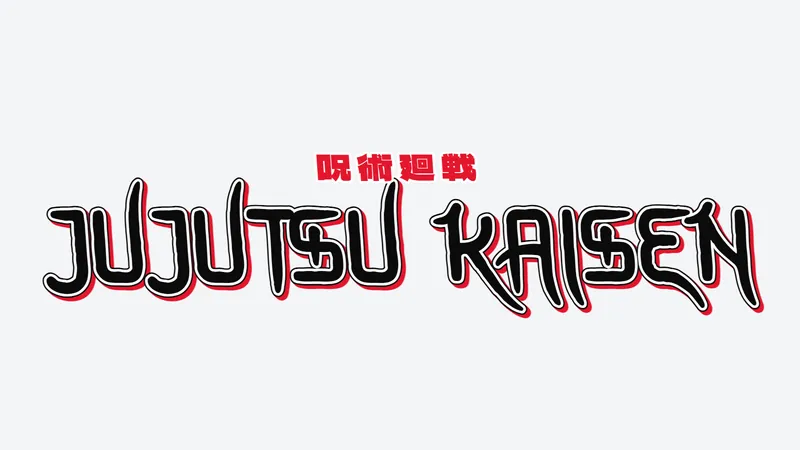
| Title Card | Black letters, white outline, red 3D extrude | Thumbnails, edit intros |
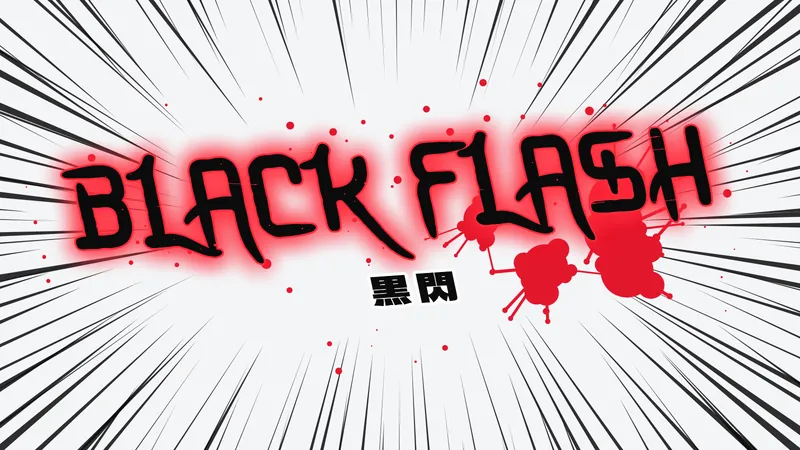
| Black Flash | Red glow, speed lines, blood splatter | Fight edits, hype posts |
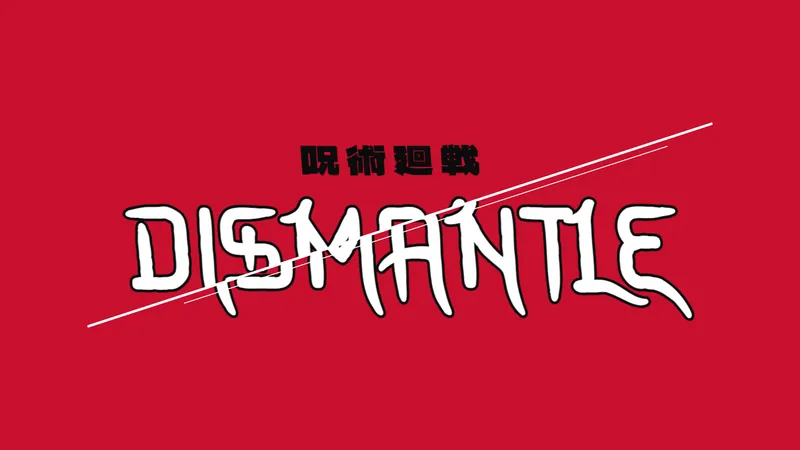
| Cleave | Text sliced in two by a diagonal cut | Sukuna themed posts |
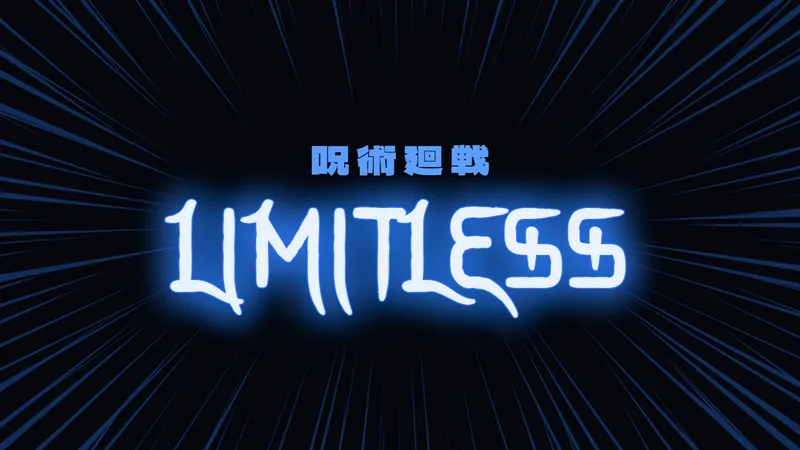
| Limitless Blue | Pale text, blue glow, dark speed lines | Gojo edits, wallpapers |
| Reversal Red | Red neon on black | Profile banners |
| Cursed Energy | Black text with a blue aura and ink drops | Discord server art |
| Manga Panel | White letters, halftone yellow background | Stickers, memes |
| Brush Seal | Worn ink lettering with a red 呪 stamp | Name cards, prints |
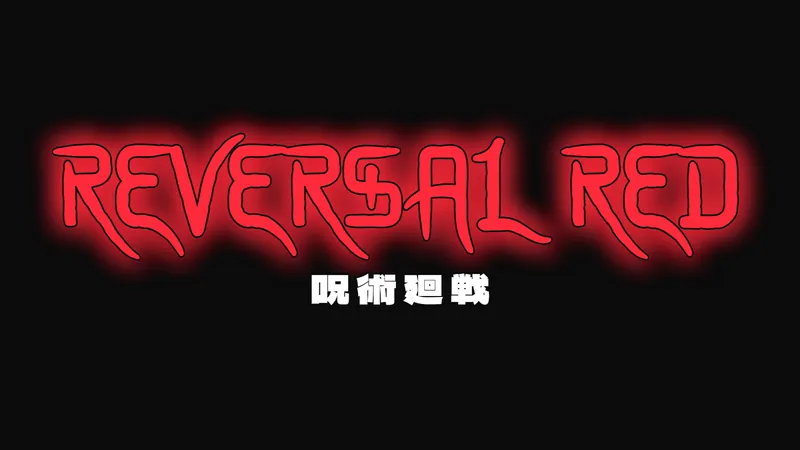
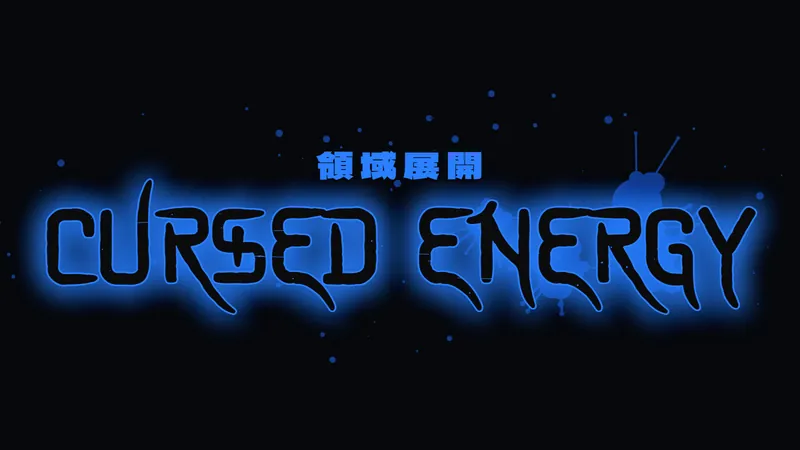
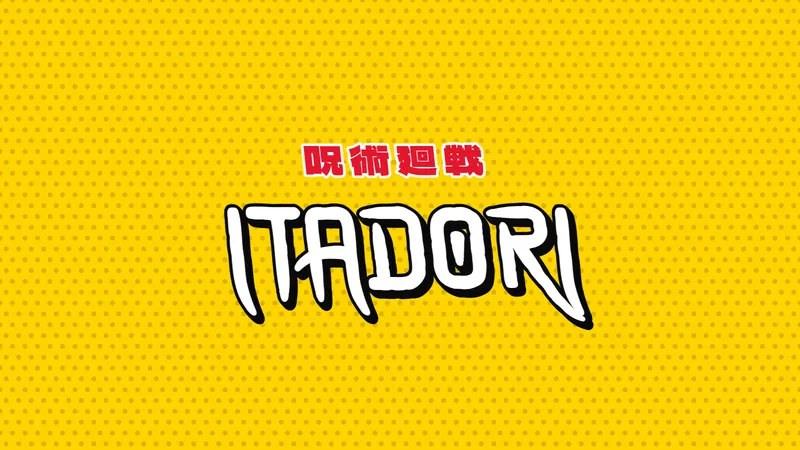
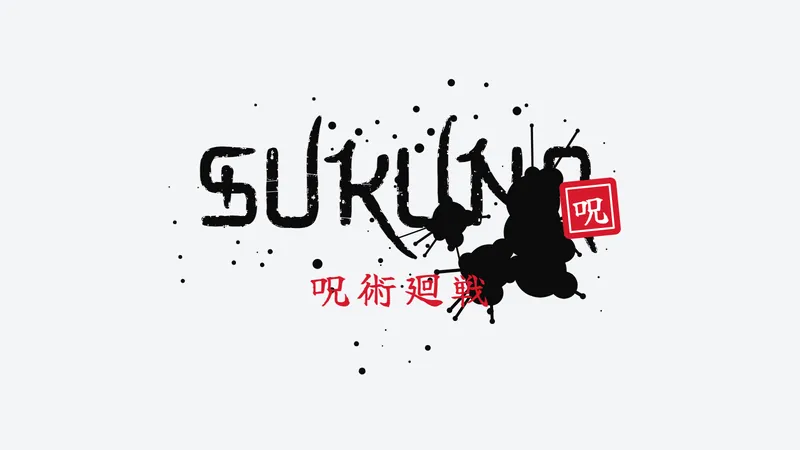
Your name in katakana
Hit Convert my text to katakana and your name lands in the subtitle, written in Japanese. Bogdan becomes ボグダン. Patrick becomes パトリック.
Katakana spells foreign names by sound, so there is rarely one correct answer. That's why the tool shows up to three spellings to choose from. Common names and JJK characters use their usual spelling.
Want the Japanese up front? Turn on Name card layout. The katakana goes big and your name sits underneath in the JJK font.
Which export to pick
- PNG keeps a transparent background. Use it for overlays, logos and anything you'll layer in an editor.
- PNG 2x doubles the resolution, so a 16:9 image comes out at 3200 × 1800. Good for YouTube thumbnails and print.
- JPG gives the smallest file. No transparency, so a background gets filled in for you.
Tips for cleaner results
- The JJK lettering is thin. Add a little letter weight when the background is busy.
- Keep it short. Two or three words read best at thumbnail size.
- The JJK font has no accented letters. Letters like é or ș get drawn as plain e and s, and the tool tells you when that happens.
- Japanese text needs its own font. Change it under Subtitle font.
- Splatter and speed lines are random. Hit Shuffle drops until the layout looks right.
- Need text for a bio or username? Use Copy and paste JJK text. Each card shows how it behaves on Instagram, Discord and TikTok, and counts against Instagram's 30 character name limit.
- On a phone, a mini preview sticks to the bottom of the screen while you scroll through the settings.
- The default lettering is a fan-made font, so keep it for personal edits. For anything public or monetized, switch to Bangers or Anton in the Font panel. Both are open-license.
What a Jujutsu Kaisen font generator does
A Jujutsu Kaisen font generator is an online text styling tool that imitates the brush-ink, jagged title look of the series and returns it as an image or as copyable text.
No official version exists. Every generator is a fan-made imitation, and one of them says so on its own page: it uses no real logo, no trademarked typeface and no copyrighted art (Fontszilla).
Two mechanisms sit behind almost all of these tools.
- Character swapping: each letter you type is replaced with a styled lookalike from Unicode, so the result pastes as plain text into a bio, caption or chat.
- Image rendering: the tool draws your text in a real font, adds outline, glow or texture, and exports a PNG, SVG or vector file.
The swap method draws on the Mathematical Alphanumeric Symbols block, which runs from U+1D400 to U+1D7FF. Those code points were built for math notation, such as bold vectors and script variables, not for anime lettering.
That is why swapped text keeps its look when pasted. It is also why it never looks like brush ink, since the letter shapes come from existing math alphabets and there is no jagged edge to adjust.
The trade-off is accessibility. Screen readers often read each swapped character by its Unicode name, such as "mathematical bold capital H", instead of the word.
Some older or restricted apps also strip these characters and leave blanks or question marks.
Image generators avoid both problems because the output is a picture. The cost moves elsewhere: FontInLogo, for example, watermarks its preview and reserves clean downloads for a Pro plan.
Pick the mechanism before you pick the site.
What font does the Jujutsu Kaisen logo use?
The logo is custom brush and gothic lettering, not a named font, so no downloadable file reproduces it exactly.
| Source | Font named | Stated status |
|---|---|---|
| FontBolt | Qetod, Manga Temple | Similar, not the logo font |
| FontInLogo | Bangers | Recreates the look, original is custom |
| Playbite reader answers | Dharma Gothic E ExBold | Close, not exact |
| Wordscr | Modified Futura | Not officially confirmed |
| Free Fonts Vault | None | Custom lettering, no retail font |
Read together, the five sources agree on one point: every named font is an approximation. Only Free Fonts Vault points to official material, citing the anime's own site and its 5th-anniversary logo announcement.
Each site that names a font is matching traits. Bangers brings rounded comic weight, Qetod brings hand-lettered roughness, Dharma Gothic E ExBold brings bold impact. None carries all three.
Free Fonts Vault describes the official artwork as uneven strokes, pointed terminals, compressed spacing and irregular letterforms. That mix is what defeats font matching.
Font identifier tools compare an uploaded image against a catalog of released typefaces, so custom lettering returns near neighbors rather than a source file.
The series itself is by Gege Akutami, serialized in Shueisha's Weekly Shonen Jump since March 5, 2018, with the anime produced by MAPPA. The name and logo are trademarks of the rights holders (Made Good Designs), and no retail typeface has been released as the logo font (Free Fonts Vault).
Which type of generator fits your project?
Match the tool to where the text will live: Unicode swappers for bios and usernames, image generators for thumbnails and posters, downloadable fonts for anything edited in a design app.
| Tool type | Output | Cost and access | Best for |
|---|---|---|---|
| Unicode text swapper (Fontszilla, Sarojmeher) | Copyable plain text | Free, no signup on Fontszilla | Bios, captions, Discord names |
| Text effect editor (TextStudio) | Image with background and effects | Free editor, Premium tier | Banners, avatars |
| Open-font previewer (FontInLogo) | PNG, SVG or PDF | Watermarked preview, Pro for clean files | Posters, thumbnails |
| Fan font download (FontBolt, FontGet) | TTF file | Free for personal use | Design apps, local edits |
Unicode text generators
Fastest route, weakest look.
- Fontszilla advertises no signup, no download and no usage limit
- Output is plain text, so Discord, Instagram and TikTok all render it
- Letter shapes stay generic, with no brush texture and no jagged edge
Use it where an image cannot go, such as a username field or a caption. For anything people will actually look at in a feed, it falls short.
Image and logo generators
TextStudio: a free online editor with zoom, character spacing, rotation and text shape controls. Its Jujutsu Kaisen font is credited to Coquito and marked personal use only.
FontInLogo: renders in Bangers, watermarks the preview, and sells clean PNG, SVG and PDF exports through Pro.
Textmaker: a card-style tool with 160 Jujutsu Kaisen-inspired styles and Copy, Copy HTML and Download buttons.
Thumbnails are the main use case here, and picking fonts that hold up in a small YouTube thumbnail matters as much as picking the generator.
Free fonts that come closest to the logo style
Bangers and Anton are the two open-license fonts the sources keep returning to, and both come from designer Vernon Adams.
Both sit in the catalog of free Google Fonts under the SIL Open Font License 1.1, which covers personal and commercial use.
Bangers
Pros:
- Free for commercial work under the SIL Open Font License 1.1
- Drawn after mid-20th-century superhero comic cover lettering
- Already the font behind FontInLogo's generator
Cons:
- Round corners soften the jagged edge of the title art
- Needs rough edges and an outline added to read as ink-heavy
Anton
Anton is a heavy condensed sans, added to Google Fonts on 23 February 2011 (FontAlternatives). It ships as one style and is not a variable font.
Both Anton and Bangers are display fonts, drawn for large headline sizes, which suits a title card.
Pros: OFL 1.1 license, tall bold letters that fill a thumbnail. Cons: clean edges, so every bit of brush texture has to come from your effects.
Fan-made Jujutsu Kaisen fonts
At least three different files carry the name Jujutsu Kaisen. TextStudio credits its font to Coquito, FontGet lists one by FG Studios, and the metadata of a third credits MedRida (Free Fonts Vault).
Qetod, an FG Studios fan font, is not officially licensed or credited, according to Free Fonts Vault.
| Pros | Cons |
|---|---|
| Hand-lettered look close to the title art | Personal use only on most listings |
| Free TTF download | Same name, different files, different authors |
| Brush and anime styling built in | Coverage varies, 103 characters in one listing (Free Font Download) |
Dharma Gothic E ExBold appears only in reader answers, and the sources reviewed give no license terms for it, so it stays out of this comparison.
For commercial work, Bangers beats a fan font. For personal edits where the hand-lettered look matters more than the license, a fan font gets closer.
For more lettering with a Japanese feel, browse these samurai fonts and Chinese, Japanese and Korean styled fonts.
How to make and export Jujutsu Kaisen style text
Pick an open-license base font, type the text, tighten the spacing, add an outline and glow on a dark background, then export a transparent PNG or a vector file.
- Choose the base font. Bangers or Anton for anything public, a fan font only for personal edits. All three are in the Font panel above.
- Type the text in capitals.
- Pull the character spacing in until the letters nearly touch.
- Add a bold outline in a contrasting color.
- Add a blue or purple glow, plus a rough-edge texture if the tool offers one.
- Set the background to dark, or to transparent if the text goes on top of other artwork.
- Export as PNG or vector, and check that no watermark sits on the file.
Spacing does more work than it looks like. Knowing how font spacing behaves (tracking moves every letter, kerning moves single pairs) keeps tight settings from jamming specific letters together.
Style settings that match the title look
- Background: dark, so the glow has something to read against
- Glow: blue or purple
- Outline: bold, high contrast
- Texture: rough edges, because open display fonts ship with clean outlines
The first three come from Textmaker's advice for anime-style titles. The texture tip follows Made Good Designs, which suggests adding rough edges and an outline to a heavy display face.
Choosing PNG, SVG or vector export
PNG for screens, vector for anything that gets resized.
- PNG: fixed pixel size, supports a transparent background
- SVG: scales without blur
- AI or EPS: vector files for editing in design software
The generator on this page exports PNG, PNG 2x and JPG, so a true vector file needs a different tool. TextStudio lists a vector file in AI or EPS format and offers transparent, white and black backgrounds in its palette.
Copy-and-paste Unicode tools skip this step entirely, since the output is the text itself.
On any tool with a free tier, open the exported file before building a layout around it. A watermark is much cheaper to find at that point than after the poster is done.
How to install a downloaded font in Canva, Photoshop and Figma
Install the TTF or OTF file at the system level first. Photoshop and Figma read it from there, while Canva needs a separate upload to its Brand Kit.
Windows and Mac
Windows: extract the ZIP, right-click the TTF or OTF file and choose Install, or Install for all users (Microsoft Support).
Mac: add the file through Font Book, or drag it onto the Font Book icon. Font Book validates the font and checks for duplicates during installation (Apple Support).
Per-user versus all-user installs get a fuller walkthrough in this guide on how to install fonts on Mac.
Photoshop
Photoshop has no font installer of its own.
It uses the fonts activated on your computer, and Adobe lists both OTF and TTF as compatible formats. A font installed through Windows or Font Book shows up in the type menu.
If it does not appear, restart Photoshop. The full walkthrough is in how to add fonts to Photoshop.
Figma
- Desktop app: includes the font installer, so system fonts show up on their own
- Browser: needs the separate Figma Font Installer, which appears as FigmaAgent in the process list
- Shared files: collaborators need the same font installed, or they see a missing font warning
Figma's help center recommends restarting the app or reloading the browser tab after installing new Adobe fonts. The same habit fixes a local file that refuses to appear. More detail in how to add fonts to Figma.
Canva
Canva accepts up to 500 fonts per Brand Kit, in OTF, TTF or WOFF format (Canva Help Center).
Uploads go through the Brand Kit, and the help article limits them to Canva Pro, Teams, Business, Education and Nonprofits plans. Team owners, administrators and brand designers do the uploading, and the free plan is not on that list.
The step-by-step on how to upload fonts to Canva covers the Brand Kit screens.
Two catches sit in the same help article. Canva does not support variable fonts, which is fine for Anton since it is a single-style, non-variable file.
The other catch is licensing: Canva says fonts should be licensed for embedding, and its Terms of Use say to upload only fonts you are licensed to use. A fan file marked all rights reserved fails that test.
Licensing and where generators fall short
The font license and the trademark are two separate questions, and a generator answers only the first one.
What each license type allows
| License | Example | Commercial use |
|---|---|---|
| SIL Open Font License | Bangers, Anton | Allowed, no permission needed |
| Personal use only | TextStudio font by Coquito | Not allowed |
| All rights reserved | Fan file credited to MedRida | Not granted |
Under the OFL, logos, posters, video titling and t-shirts need no extra permission, and the artwork you make is not itself subject to the license (OFL-FAQ, SIL).
The limits are narrow: the font cannot be sold by itself, copyright notices stay attached, and fonts carrying a Reserved Font Name cannot be modified under that name. Anton's OFL file carries no Reserved Font Name clause (FontAlternatives).
For more open-license picks, this list of fonts that are free for commercial use goes well beyond Bangers and Anton.
FontGet's listing for its Jujutsu Kaisen font shows a personal-use label and a commercial-use label side by side, while the text underneath says free for personal use only. Treat it as personal.
Reading the license line before downloading takes ten seconds, and this primer on font licensing explains how personal, commercial and embedding terms differ.
Where generators miss the official look
What a generator settles:
- The font license, when the font is open
- The file format
- Transparent or vector export
What it does not settle:
- Trademark rights in the series name and wordmark
- Any approval from the rights holders
The sources disagree on the surface. FontInLogo says anything made on its page is free for commercial use with no attribution, while Made Good Designs says commercial use of the wordmark risks infringement.
Both are right about different layers. The OFL covers the font file, and the trademark covers the words and logo that the text imitates.
Officially licensed products come through licensees such as Banpresto and Good Smile Company, which retailers like JumpIchiban list as licensed merchandise. A font choice does not replace that route.
Decision rule: personal edits, any tool. Monetized channel art, an OFL font with original wording. Products that carry the series name, a license from the rights holders, and a trademark attorney for the gray areas.
More free font generators
Want a different look? Try the kawaii font generator for cute text, the emo font generator for gothic and glitch styles, the Minecraft font generator for blocky game lettering, or the pixel font generator for retro 8-bit text. Building a full layout? The font pairing generator finds a body font to sit under your title.