This black metal font generator turns a band name, a nickname or a demo title into a spiky, symmetrical logo and saves it as an image. Type the name, pick a style, regrow the thorns until it looks right.
Everything is drawn in your browser. No sign up, no watermark, and the fonts underneath are open-license, so the logo is yours to use.
How to use this black metal font generator
- Type the name in the field under the preview. Up to 32 characters, shorter names make stronger logos.
- Pick a style from the strip of thumbnails. Each one sets the base font, thorn density, ink and background.
- Hit Regrow thorns until the spikes land where you want them. Every click draws a new set.
- Fine-tune in the tabs below. Letters sets the font, weight, stretch and tagline. Thorns controls spikes, roots, length, branching and jagged edges. Shape handles symmetry, wings, arch and slant. Finish covers ink, background, grime and canvas size.
- Download a PNG, a PNG 2x for print, or a JPG, or copy the image straight to your clipboard.
The styles at a glance
| Style | What it looks like | Works well for |
|---|---|---|
| Grim classic | Black blackletter with thorns, roots and wings | Band logos, demo covers |
| Frostbitten | Thin white strokes with icy spikes on black | Album art, banners |
| Forest roots | Heavy letters sinking into long branching roots | Atmospheric and folk projects |
| Total chaos | Spikes everywhere, legibility gone | Raw, underground logos |
| Cathedral arch | Traditional fraktur bent into an arch | Patches, back prints |
| Dried blood | Dark red ink on black with light grime | Posters, flyers |
| Xerox demo | Photocopy noise on white paper | Tape covers, zines |
| Clean gothic | Plain fraktur, no thorns at all | Readable titles, merch text |
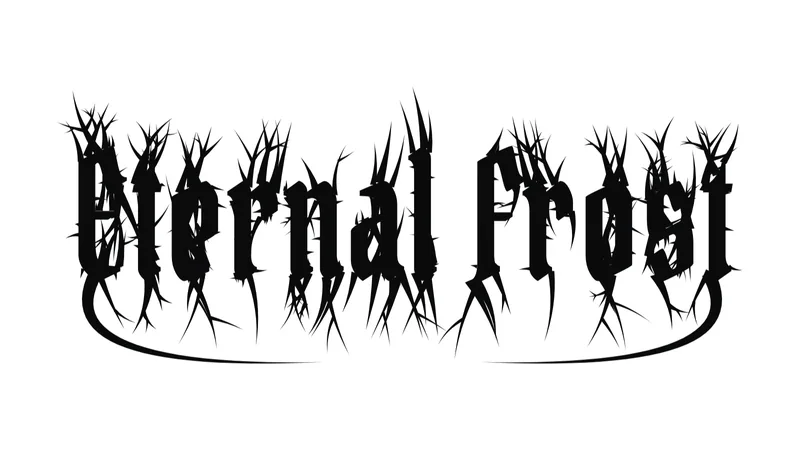
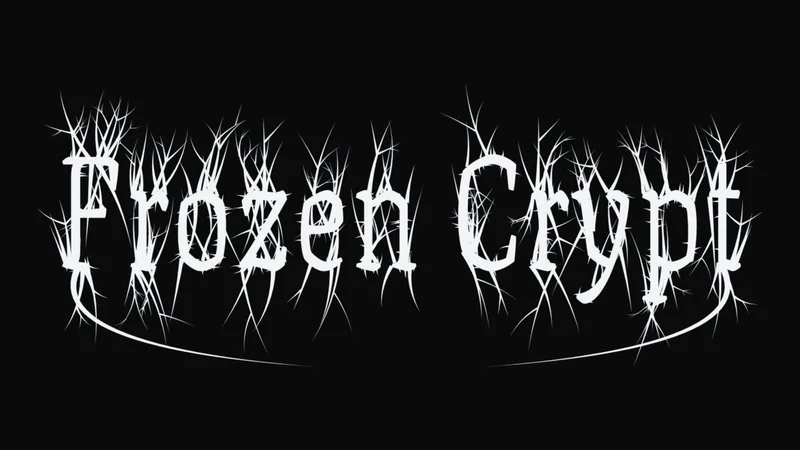
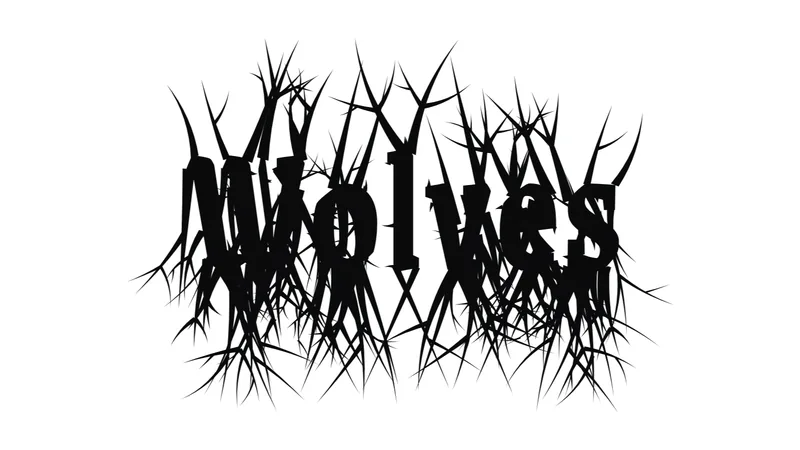
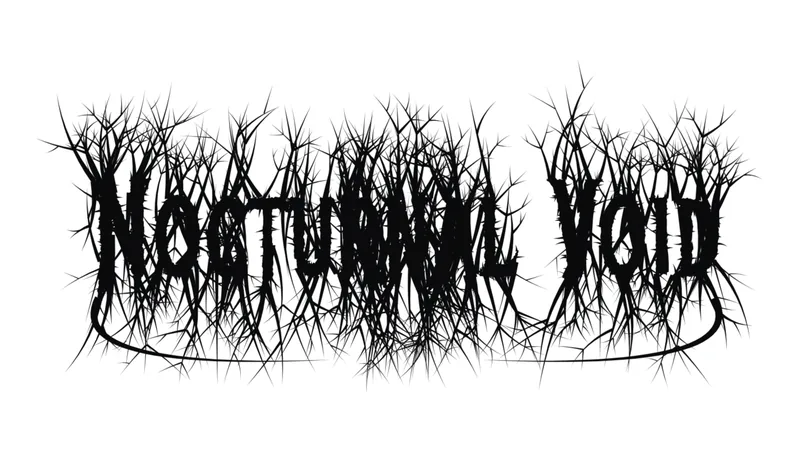
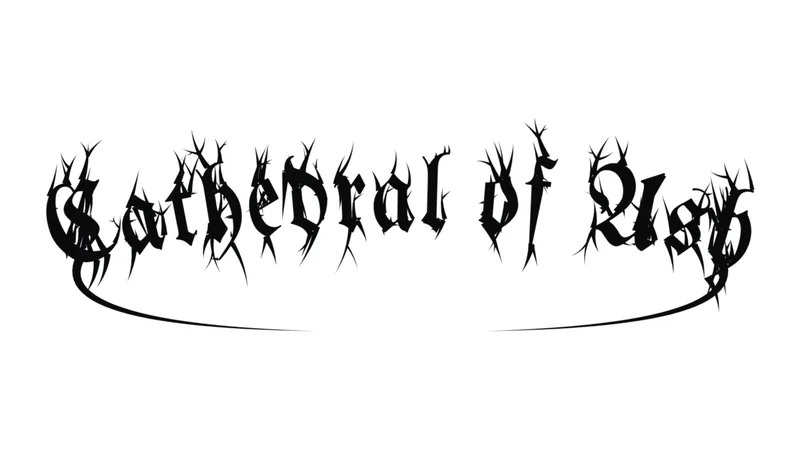
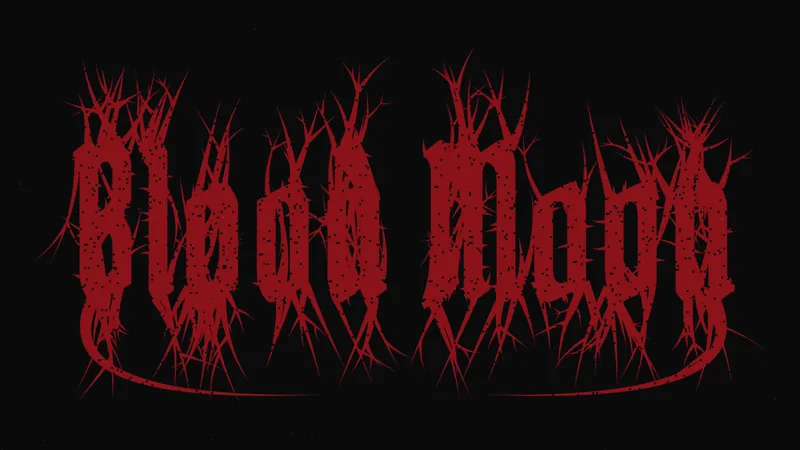
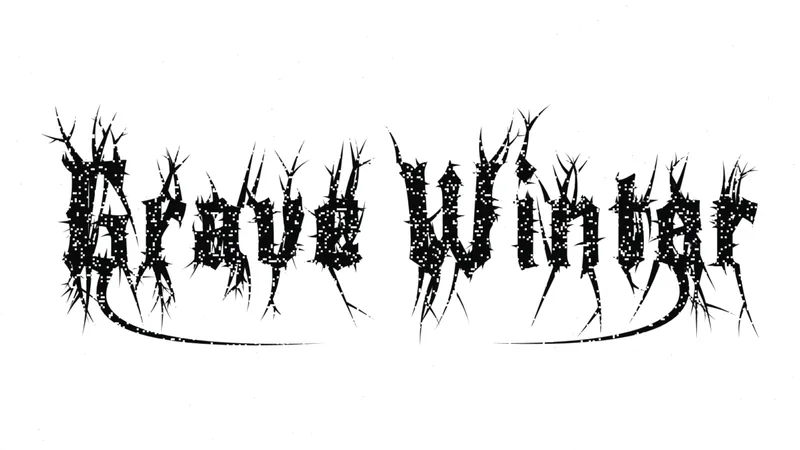
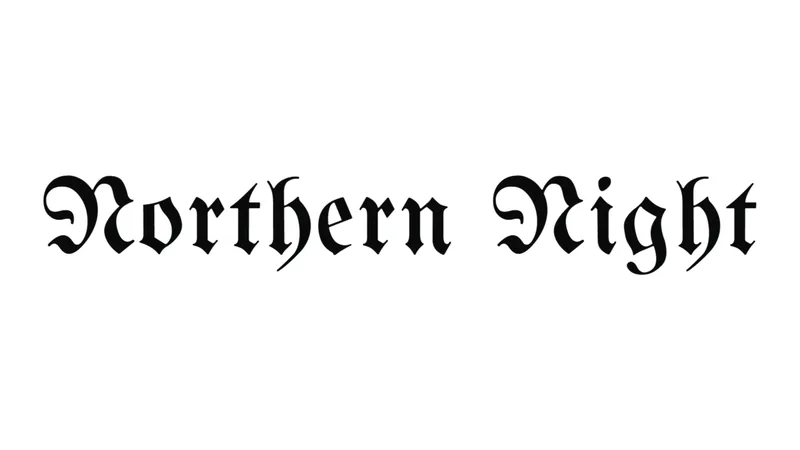
How the thorns are grown
The generator writes your name in a blackletter font, then scans the edges of every letter. Spikes grow up from the top edges, roots grow down from the bottom edges, and some of them split into smaller branches.
With Mirror symmetry on, each thorn on the left half gets a twin on the right, attached to the nearest edge of the matching letter. That is why the logo reads as one balanced shape even though the letters themselves are not symmetrical. Wings add two long sweeping strokes from the first and last letter that close under the name.
Tips for a stronger logo
- Short names give the thorns room. Two words is plenty, one is better.
- Turn Thorn length down and Jagged edges up when the logo has to work small, like a profile picture.
- Use the Patch background to preview the logo as a sew-on patch, with a stitched border.
- The tagline under the logo is set in clean fraktur, so a year or a release title stays readable.
- Pick None as the background and download a PNG to drop the logo onto a photo or a shirt mockup.
What does a black metal font generator produce?
A black metal font generator is an online text-styling tool that turns typed text into blackletter, gothic or spiky band-logo lettering.
The output takes 3 forms: Unicode text you paste, a PNG or SVG image, or a font file you install.
- Unicode text: each typed letter is swapped for a look-alike character, so the result pastes into a bio or username. No file, no font.
- Image or SVG: the tool renders your text in a specific font and exports it. The generator on this page draws PNG or JPG images.
- Font file: a TTF, OTF or WOFF2 download you type with in Photoshop, Illustrator or Inkscape.
AI logo generators are a fourth class. They return image concepts from a prompt (jagged symmetry, frost-like spikes, rune-inspired forms), not typed text.
Of the three direct outputs, the font file gives the most control. Black metal typefaces are display fonts built for logos and headlines, which makes them poor choices for body copy.
The tool is also narrower than a general fancy text generator. Those usually list death, thrash, gothic, blackletter and industrial styles in a single menu, while a black metal tool targets one genre's lettering.
How does Unicode black metal text work, and what does it leave out?
A Unicode generator swaps each typed letter for a code point from a styled alphabet, almost always the fraktur sets in the Mathematical Alphanumeric Symbols block (U+1D400 to U+1D7FF). The result is plain text that looks like blackletter but carries no font.
Unicode added the block in version 3.1 in 2001 for mathematics. The W3C's MathML specification draft (2007) states that these characters should not be used for styled text.
Where the letters come from:
- Mathematical Alphanumeric Symbols block: the fraktur and bold fraktur alphabets, starting at U+1D504 for fraktur capital A
- Letterlike Symbols block: 5 black-letter capitals that plain fraktur borrows, namely C (U+212D), H (U+210C), I (U+2111), R (U+211C) and Z (U+2128), per the Unicode Consortium code chart
Five capitals living in a second block is why a pasted name can pull its C, H, I, R or Z from a different place in the standard than its neighbors.
What the output leaves out:
- Digits. The block's digit sets come in bold, double-struck, sans-serif and monospace styles, none in fraktur, so numbers stay plain.
- Accented letters. Fraktur has no forms for them.
- Spikes, mirrored forms and tangled strokes. The letters are standard fraktur shapes, nothing more.
How zalgo text stacks combining marks
Zalgo text keeps the original letter and piles combining marks above and below it. The marks come from the Combining Diacritical Marks block, U+0300 to U+036F, which holds 112 code points (Unicode Standard).
Fraktur replaces the letter. Zalgo decorates it.
The effect reads as corrupted rather than gothic, so it fits glitch and horror aesthetics better than classic black metal lettering.
What makes lettering look black metal?
Black metal lettering is a set of conventions, not one typeface: a blackletter base, spiky or branch-like strokes, mirrored symmetry and legibility given up on purpose.
Blackletter and fraktur as the base layer
Blackletter supplies the gothic skeleton.
Fraktur is only one branch of the wider family of blackletter typefaces, though Codepoints.net notes that the word is often misused for all of them.
Blackletter: the broad family of gothic scripts.
Fraktur: one branch, and the only one Unicode encodes as an alphabet.
Fraktur Unicode output reads as formal gothic type, which is why it rarely passes for a band logo.
Spikes, symmetry and illegibility
A Village Voice roundup of unreadable black metal logos calls Darkthrone's the most perfectly symmetric on its list.
- Symmetry: strokes mirror around a central axis, so the name reads as one emblem
- Spikes: thorn or branch extensions replace serifs and terminals
- Illegibility: the name is meant to be decoded by fans, not read at a glance
Christophe Szpajdel, who drew Emperor's logo, draws on Art Nouveau, Art Deco and natural forms, not only on gothic scripts, according to Gestalten, the publisher of his book Lord of the Logos.
That is the gap most generators cannot close. Typed letters in a blackletter font only give you the base. The generator on this page grows the spikes and mirrors them for you, but a logo drawn by hand, stroke by stroke, still goes further.
Legibility is optional on a band logo. In a username it is not.
Which type of generator fits your use?
Match the output to the destination: Unicode text for bios and usernames, image or SVG export for banners and posters, a font file for merch and logos, and AI output for concepts only.
| Output type | Editable letters | Best for | Main limit |
|---|---|---|---|
| Unicode text | No | Bios, usernames | Screen readers and search struggle with it |
| Image or SVG | Paths (SVG) | Banners, posters, mockups | Limited to the fonts the tool offers |
| Font file | Yes | Merch, logos, print | License terms vary |
| AI image | No | Concepts, flyer mockups | Image only, not typed text |
Unicode text
- Pros: free, instant, nothing to install, and it pastes into any field that accepts the characters
- Cons: fraktur letters only, no digits or accents, and screen readers read the characters by name
Image or SVG
- Pros: the look stays fixed on every device, and SVG output pastes into Adobe Illustrator or Figma for editing
- Cons: limited to the fonts the tool offers (six in the generator above), and PNG loses quality when scaled up, which is what the PNG 2x export is for
Font file
- Pros: full control over spacing, size and layout, and it works offline in any design app
- Cons: free downloads are often personal-use only, as with the Woodcutter Black Metal font
AI image
- Pros: fast concepts for album art, merch and flyer mockups
- Cons: the name cannot be retyped or adjusted letter by letter
A username does not need a font file. A tour poster does not run on Unicode text.
Anyone who lands on the font-file route can compare more typefaces in this collection of heavy metal fonts. Most of the genre's lettering still needs hand adjustment before it works as a logo.
Which black metal fonts are free, and what do the licenses allow?
Free to download and free for commercial use are two different labels. Open-license blackletter fonts on Google Fonts allow commercial work, logos included, while many genre-specific display fonts ship as personal-use only with a paid commercial tier.
Google's Fonts FAQ states that every family in its catalog can be used commercially, in logos, print, websites and apps.
Open-license starting points on Google Fonts (all six are built into the generator above):
- UnifrakturMaguntia: traditional fraktur, released under the OFL with a Reserved Font Name
- Pirata One: condensed blackletter built for screen legibility
- Grenze Gotisch: a modern blackletter with several weights
- Texturina: a textura-style blackletter with a weight range from hairline to heavy
- Metal Mania and New Rocker: rockier display faces, closer to a band logo than to a manuscript
Grenze Gotisch and Texturina ship as variable fonts, so a single file covers their weights.
License key figures:
- SIL Open Font License 1.1, dated 26 February 2007, is the most common license on Google Fonts. A few families use Apache or the Ubuntu Font License (Google Fonts FAQ)
- Making logos or other graphics with an OFL font counts as ordinary use of the font in a design process (SIL OFL FAQ, update 7, November 2023)
- Two limits apply: the font files cannot be sold on their own, and a modified font cannot carry the original Reserved Font Name
- Embedding an OFL font in a document does not change the license of that document (SIL OFL FAQ)
Genre-specific sellers work differently. Denu Studios sells the full version of its Astaroth Textura and Regolax black metal fonts with a commercial license, and requires a separate corporate license for corporate use.
Creative Fabrica includes a commercial license with every download from its subscription library. Its black metal fonts Darkpulse and Omenist each list 5 alternate styles stored as PUA-encoded characters.
Private Use Area code points have no standard meaning, so those alternates exist only inside the font that defines them. Unicode text from a generator never includes them.
Listings also disagree with each other. One third-party comparison directory lists UnifrakturMaguntia and UnifrakturCook as GPL-2.0, while Font Squirrel distributes UnifrakturMaguntia with the OFL 1.1 text.
Read the license file inside the download, not the listing page. This guide to font licensing helps when a seller's terms read differently from the OFL.
Where does black metal text break?
Unicode black metal text fails in 4 places: devices with no font for the characters, username fields that accept only plain letters, screen readers that read each character by name, and search that cannot match the styled letters.
- Device fonts: a character missing from every available font draws an empty box. One social media tool's help center notes that very old devices render the rarer styles, medieval among them, as boxes.
- Username fields: as of October 2026, Discord limits new usernames to Latin letters, numbers, periods and underscores, while display names accept special characters and emojis. Instagram does not publish its username rules, and tool vendors that tested the field report only letters, numbers, periods and underscores.
- Screen readers: Scope, the UK disability charity, notes that a styled letter can be announced as "mathematical sans-serif script t". Readers differ, since some voice most special characters and others very few.
- Search: Howard Oakley of the Eclectic Light Company (2020) points out that styled characters disrupt search, and that a screen reader would need mapping tables to remap them to plain Latin.
A 2015 test by Parker Higgins found empty boxes on several Windows versions and plain Latin letters on Android. Platforms have changed since, so read it as a map of failure modes, not a compatibility chart.
Discord's June 2025 Social SDK guide tells game developers to fall back to the username when a display name cannot be rendered in their font.
Style the display name and one tagline. Keep contact details, links and anything people need to search for in plain letters.
For longer text, a readable typeface from a list of fonts for accessibility beats any styled alphabet.
How to turn generator output into a usable black metal logo
Start from a font file or an SVG, not Unicode text, and rebuild the name as editable paths. The steps below use Inkscape, which is free.
Made your logo with the generator above? Import the PNG into Inkscape and run Path, Trace Bitmap to turn it into vector paths, then pick up from step 4.
Install the base font first. This guide covers getting a new font into Inkscape.
- Type the name in a license-cleared blackletter or spiky display font.
- Set size, letter gaps and alignment while the text is still a text object.
- Convert the text to paths with Path, Object to Path (Shift+Ctrl+C).
- Mirror the decorative strokes across the vertical axis with the Mirror Symmetry path effect (Ctrl+Shift+7).
- Use the node tool to stretch terminals into spikes and tangle the strokes, keeping the axis intact.
- Export as SVG, then test on a dark background and at small size.
Where it goes wrong:
- Converting too early: once text becomes a path, changing the typeface or spacing is awkward or impossible, according to ByteXD's Inkscape guide.
- Mirroring live text: Logos By Nick notes that the Mirror Symmetry effect works only on paths.
Letter gaps are part of the look, so settle the font spacing before step 3.
In this genre, a name that still reads at a glance usually needs another round of node edits.
More free font generators
Want another look? Try the Death Note font generator for scratchy notebook handwriting, the emo font generator for gothic and glitch text, or the Jujutsu Kaisen font generator for anime brush titles.