Website design isn’t just about looks. It’s about creating experiences that captivate visitors from the moment they arrive.
Today’s internet is packed with millions of sites competing for attention. What separates forgettable pages from those that leave lasting impressions? The answer: cool website designs that blend creative web layouts with functionality.
Modern site aesthetics have evolved dramatically. Front-end developers and UI/UX designers now create user-friendly interfaces using tools like Figma to build stunning website examples that work across devices.
In this showcase, we’ll explore:
- Trendy web interfaces pushing creative boundaries
- Innovative UI designs that transform user experience
- Responsive design examples that adapt perfectly to any screen
- Interactive website elements that engage visitors
Whether you’re seeking website inspiration or looking to update your digital portfolio, these eye-catching web designs will spark ideas for your next project.
Cool awesome websites to check out
Booqable
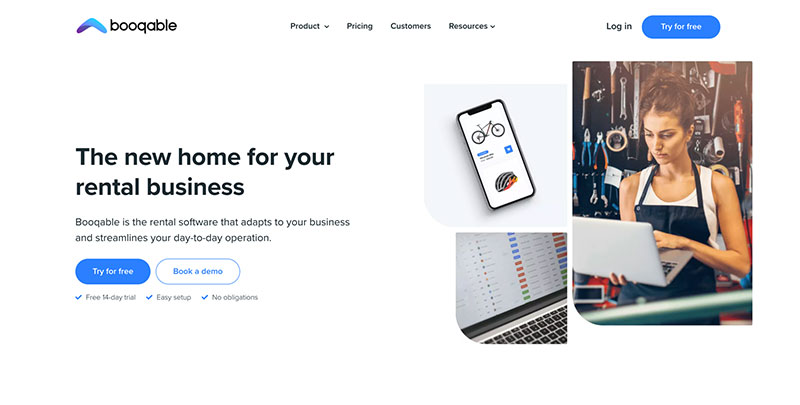
Booqable’s rental software is making rental management simple for teams worldwide. It provides companies of all sizes with the tools they need to accept bookings, serve customers, and manage their rental business online.
Amelia WordPress Booking Plugin
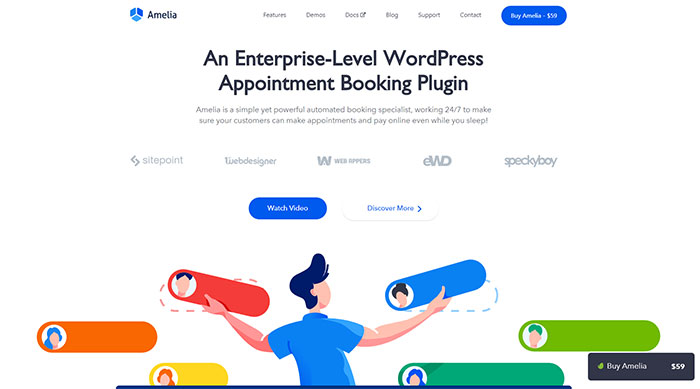
Amelia is a simple yet powerful automated booking specialist, working 24/7 to make sure your customers can make appointments and pay online even while you sleep!
Volusion
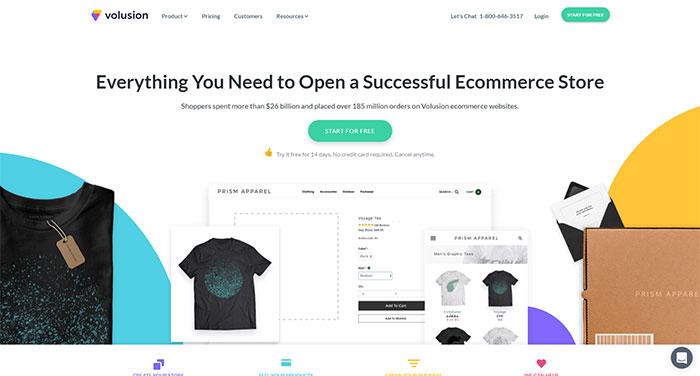
Volusion is a fully hosted, all-in-one shopping cart software trusted by over 30,000 merchants. The platform, designed for small and medium business owners, includes everything you need to succeed in terms of cool website design.
BigCommerce
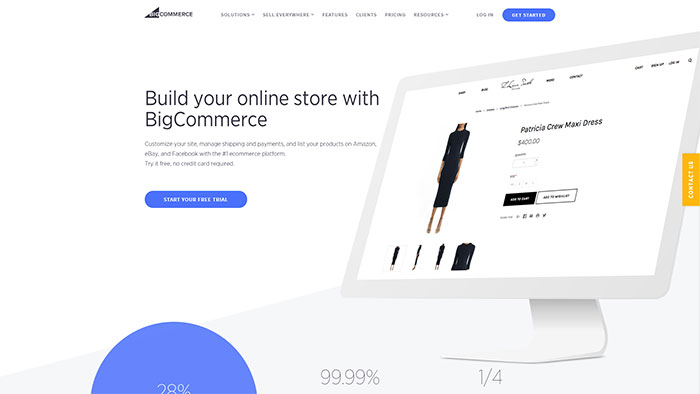
Another one of these cool websites is BigCommerce. It is a robust, flexible eCommerce platform providing established and emerging brands everything they need to launch, promote, manage and scale a successful online store. “BigCommerce does a great job of providing plenty of customization that provides flexible design features as well as necessary options for search engine optimization,” says Igor Kholkin, founder of a top-ranked Los Angeles SEO agency Avidon Marketing Group.
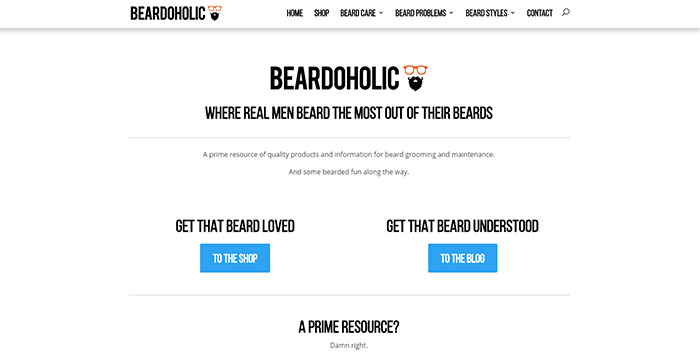
Beardoholic
Wealthsimple
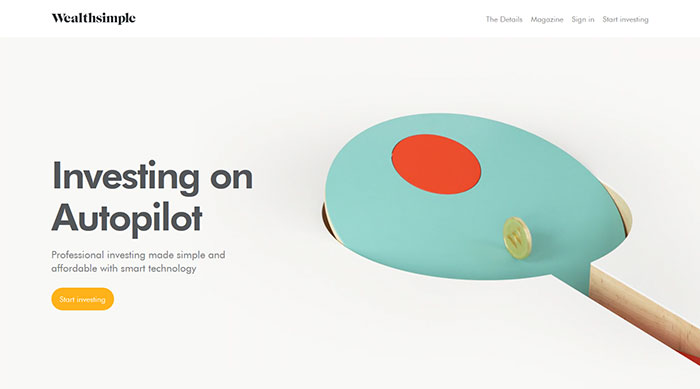
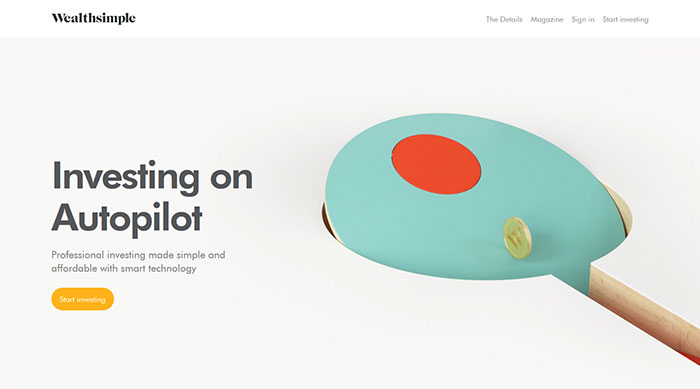
This company invests your money across thousands of companies using Exchange Traded Funds (ETFs), tracking different global economic sectors.
This way, you can bet on bigger slices of the economy while taking advantage of market diversification, without being affected by the growth or loss of one company. In a few easy steps, they’ll determine the right mix of investments that suits your personal goals. Cool web designs can be used for specific companies as well.
Ramotion
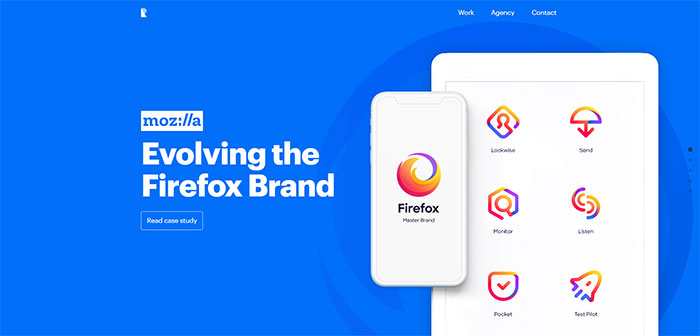
Ramotion is a top website design agency that has been delivering amazing solutions for a lot of clients.
InSymbiosis
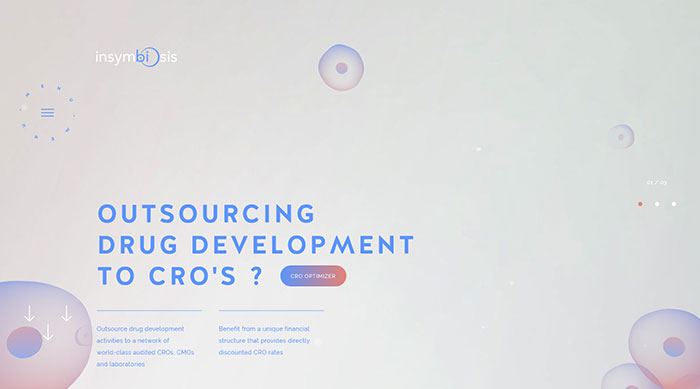
With its cool simple designs, it provides the biopharma industry with an alternative strategy for outsourcing for speeding-up drug development programs while providing lower costs for the patients. It enables critical new drugs to reach patients faster.
Chaptr
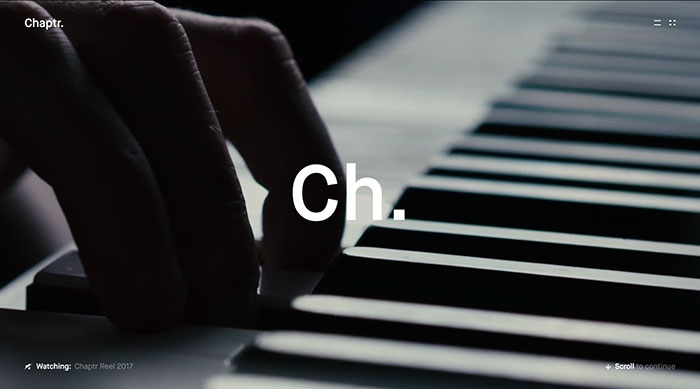
Chaptr provides end-to-end creative products to forward-thinking brands. Their handcrafted digital experiences tell stories that connect with people. It has a good website design, visually powerful, and unforgettable.
MENDO
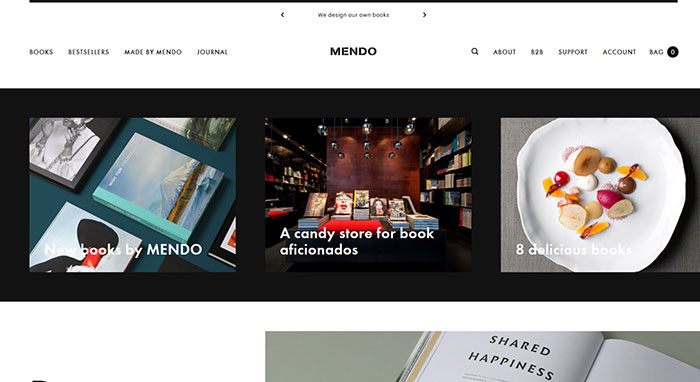
Another one of these cool website designs belongs to MENDO. It is a candy store for book aficionados with a flagship store situated in one of Amsterdam’s most inspirational neighborhoods, called The 9 Streets (De 9 Straatjes). The store is fully dedicated to sharing the love for beautiful books.
Héloïse Thibodeau Architecte
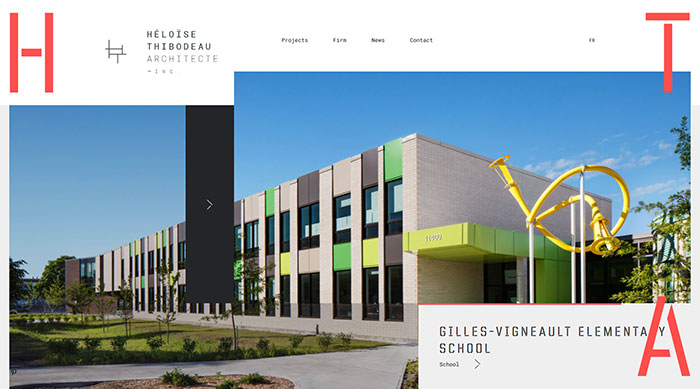
This is another example of interesting websites. The main goal of the architecture firm is to outline the most innovative standards of excellence in design while maintaining superior norms in the field of construction.
The company believes in the importance of applying high standards for every project. From conception stages to the final outcome, the team aims at guaranteeing to both the clients and their users the best functionality and design which makes each project a long-term success.
QC Terme
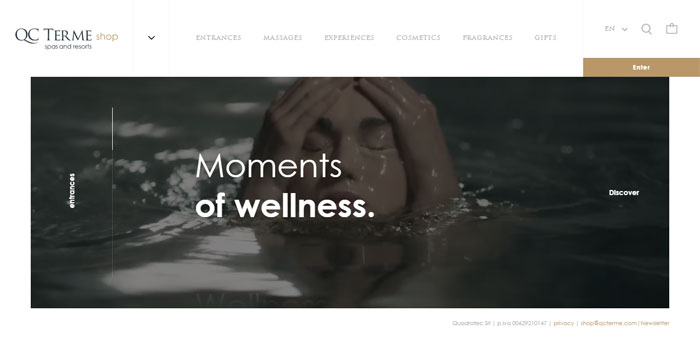
A restyling of the e-commerce for QC Terme spas and resorts, but also a new seamless, cool and good omni-device experience for the user.
Bulgari Serpentiform
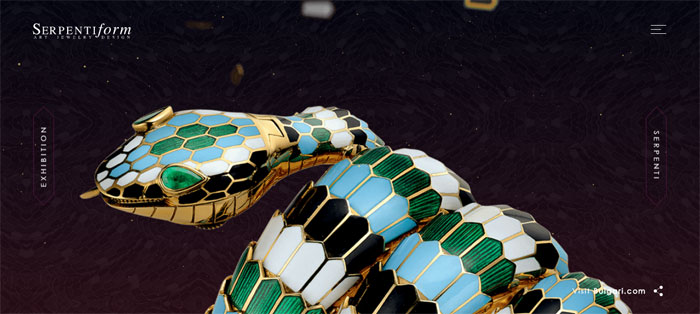
Design your Serpenti is an interactive project, allowing the user to be one of the artists of the Serpentiform exhibition, from the Singapore ArtScience Museum and at Mori Tower of Tokyo.
Piero Milano
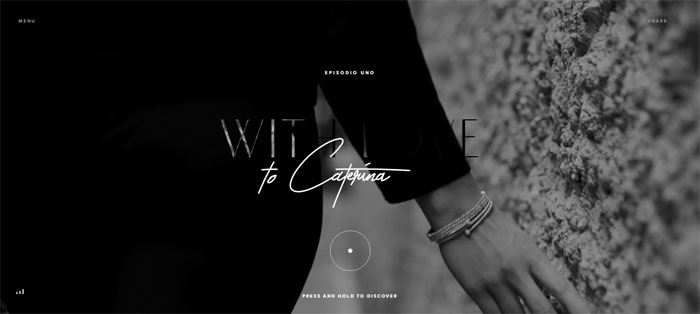
Piero Milano Gioielli is synonymous with excellence and prestige, creating the most original lines of jewelry, reflected in the awesome designs of the websites too.
PeekaBeat
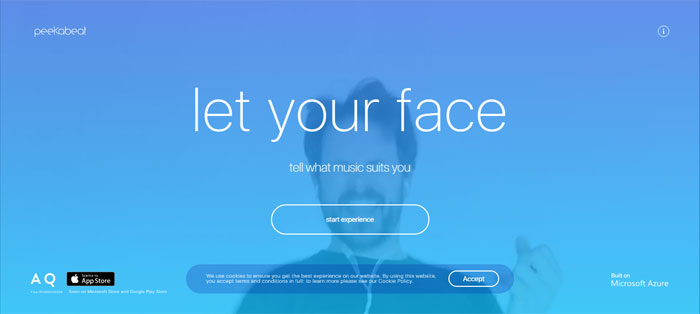
The right playlist at a glance. PeekaBeat uses the Facial Action Coding System for recognizing your mood and suggesting a customized playlist on Spotify. You can add this one to the really cool websites.
Pal Zileri
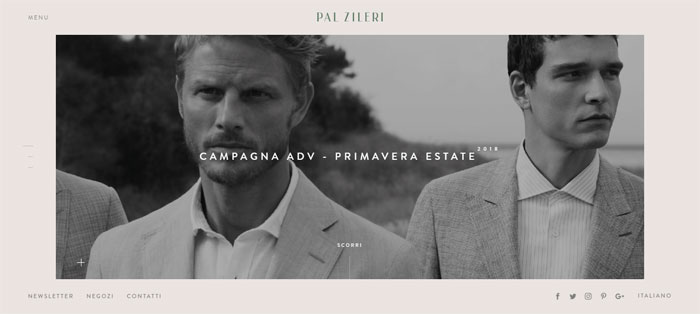
The high-end Pal Zileri men’s label was launched in 1980 and continues to embody the tailoring excellence and a strong contemporary creativity. It has cool and simple patterns and timeless elegance.
Linea Light
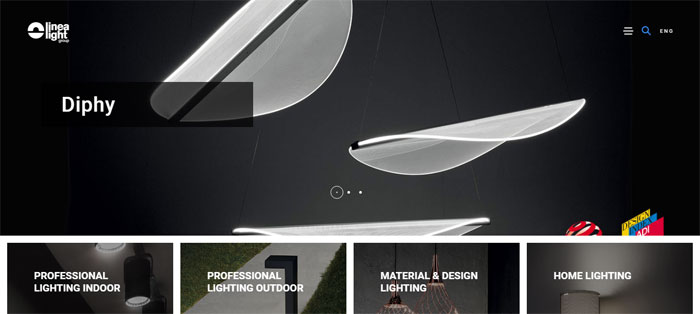
Linea Light Group combines the research on the best lighting solutions with the concepts of technology, sustainability and quality, through cool easy designs.
Cecchi Winery
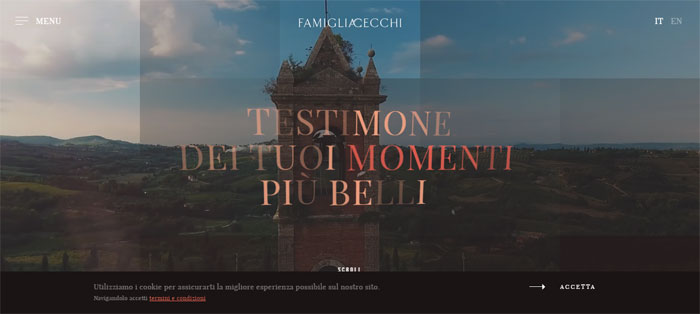
Cecchi Winery is part of the history of the Italian wine, handled with passion by Cecchi Family.
Claraluna
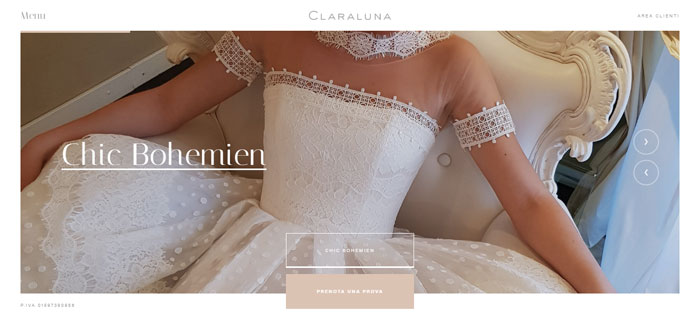
Claraluna makes every bride’s dream come true, with elegant and timeless wedding gowns displayed on a great website design.
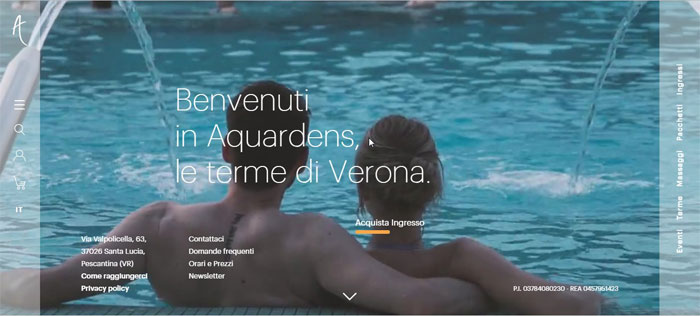
Aquardens
Müller
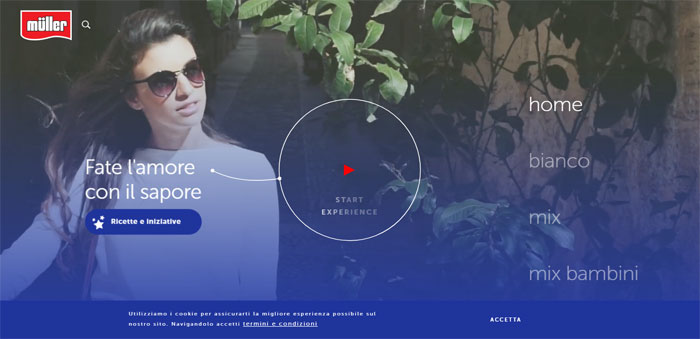
Tap your way into the world of flavors, almost too sinful to resist and savor your journey in the realm of Müller.
Assos
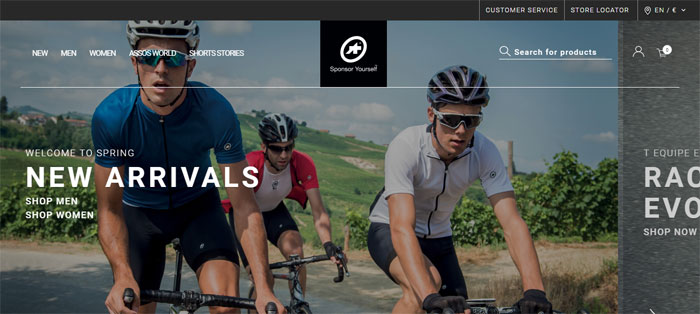
A top cycling apparel brand that focuses its attention on the perfect product performance requires a website that not only is distinguished, sporty and modern but includes all of its niche interests and cool articles.
Citco
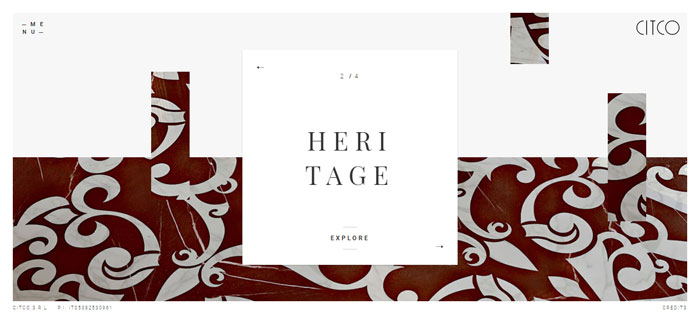
Citco creates stunning marble surfaces capable of generating a scenic impact that speaks contemporary languages in one of the most inspiring great websites designs.
Cars and Coffee
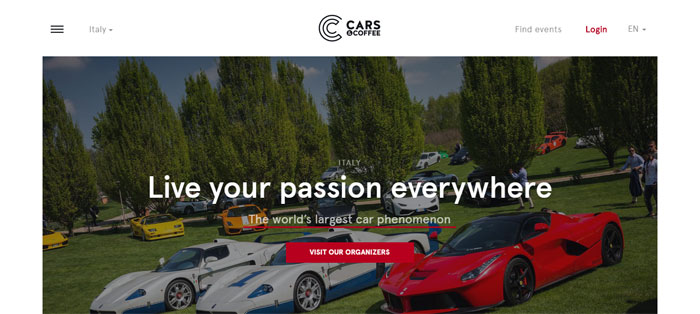
Cars and Coffee is not just a rendezvous for cars but also one of the websites with good design: it’s a meeting point for the supercar owners’ passion, super sporty and prestige vintage cars.
Galvan Mobili
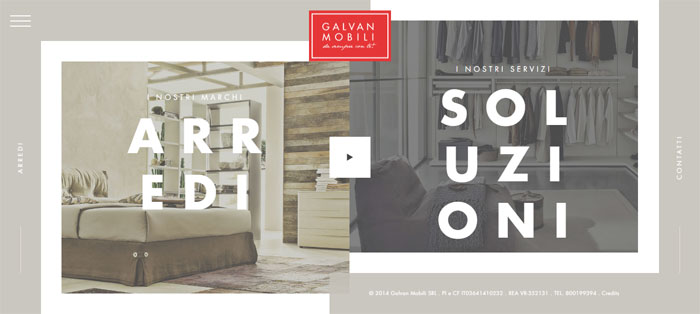
The tradition and the innovation in a single Italian name: Galvan Mobili. More than 50 years of passion and dedication that meet the needs and tastes of everyone in the heart of Veneto in good examples of good websites.
Risotteria Melotti
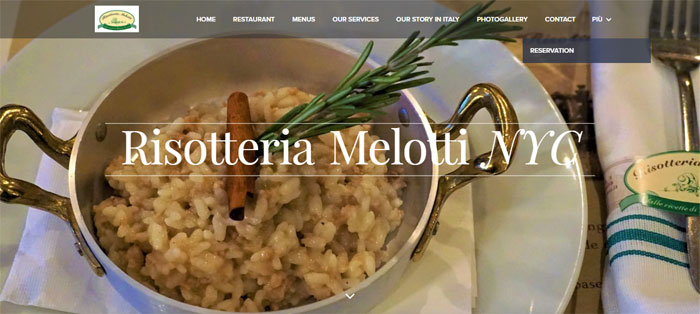
When eating is motivated by pleasure, rather than hunger. The websites designs is a combination of traditional craftsmanship and the quality of “Made in Italy”.
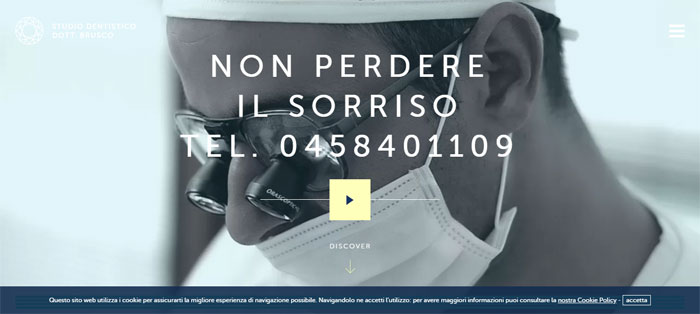
Studio Brusco
Grand Hotel a Villa Feltrinelli
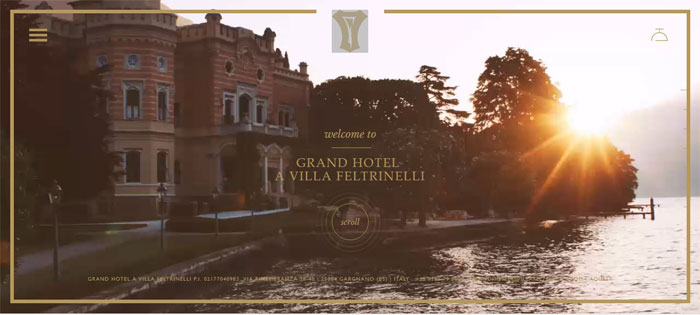
Villa Feltrinelli was restored in 1997 and transformed into a deluxe hotel by the famous hotelier, Bob Burns, the founder of Regent International Hotel. It is one of the great web design examples in the hotel industry.
Space Style Concept
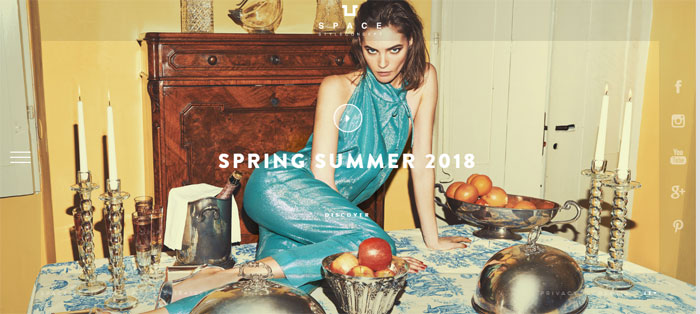
Another one of those amazing websites: The Space Style Concept nourishes by creativeness and values “Made in Italy”, for a strong and ultra-feminine identity, beyond the boundaries of conventional luxury.
Four days in Paris
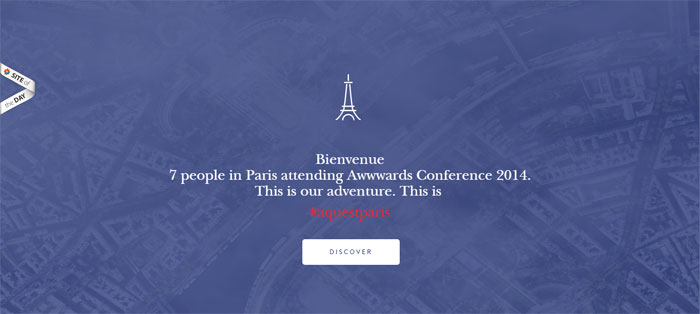
Bienvenue! 7 people in Paris attending Awwwards Conference 2014. This is #aquestparis. The answer to ‘show me something cool!’.
Lubiam | Luigi Bianchi Mantova
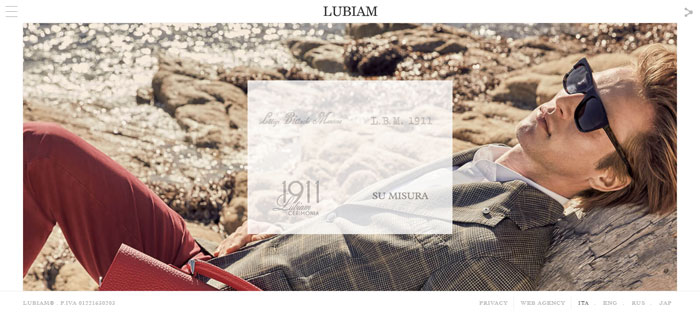
One of the few Italian companies still run by the family of its founder, Luigi Bianchi, who in 1911 set up Primaria Sartoria Luigi Bianchi – menswear and women’s dresses. Its unique web designing has cool stuff to look at.
Andrè Maurice
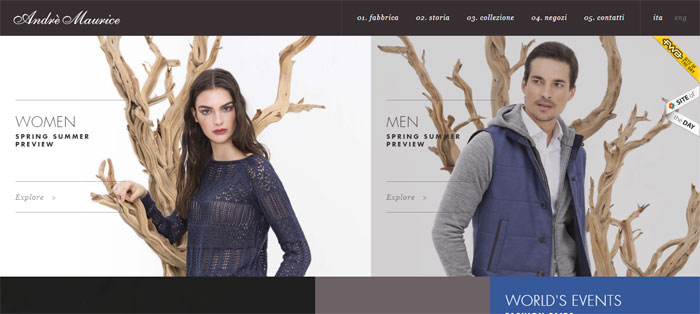
Andre Maurice can be counted among fascinating websites and combines contents and production processes of a modern industrial company with traditions and taste of the old handicraft.
Codetex Group
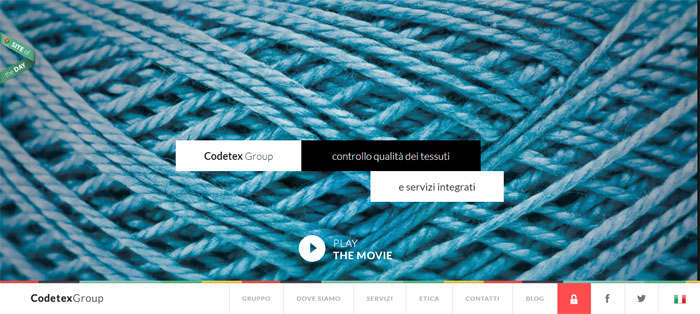
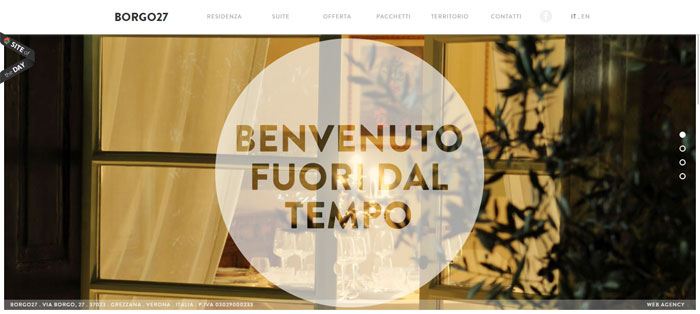
Borgo 27
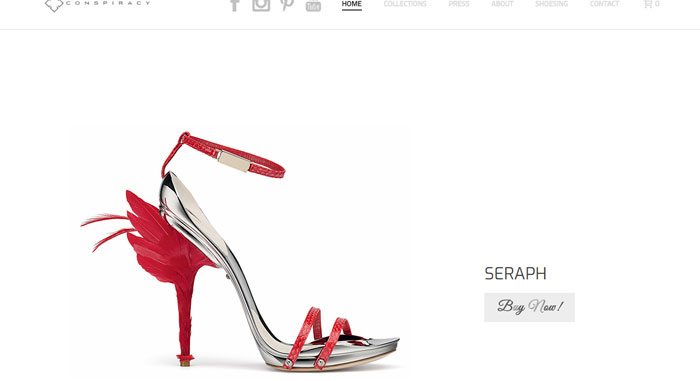
Conspiracy
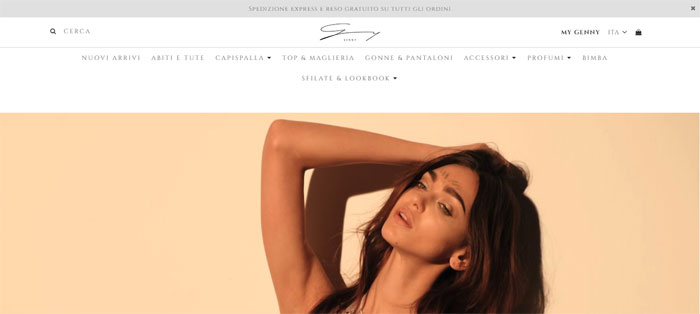
Discover Genny
Digpro
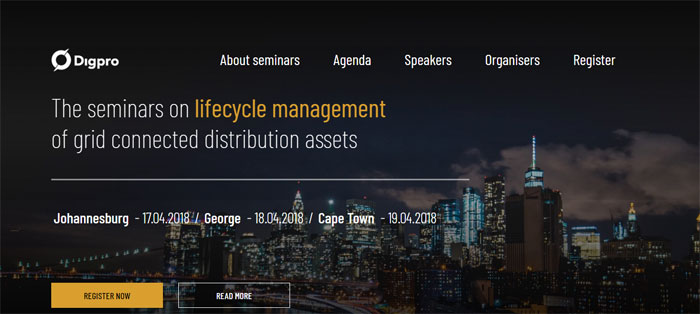
Digpro company provides cutting-edge technology to their clients all over the world and can be counted among the websites to visit if you are looking for geek stuff.
Spa Monkeys
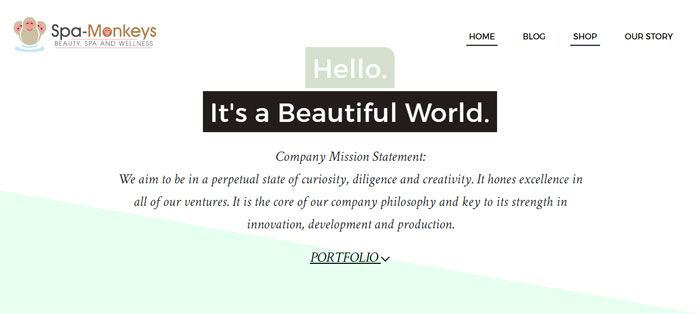
Spa Monkeys is all about beauty and wellness. Recommended to include it among the examples of great websites, its aim is to gradually implement a local service catalog, online shop, and blogging, in a way guaranteeing the highest comfort for users.
EZYcount
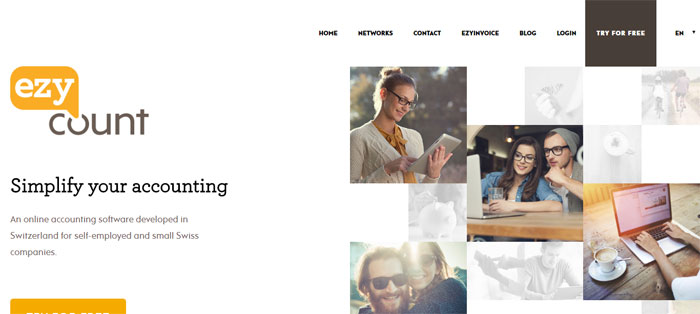
Among the neat websites, EZYcount provides an easy and secure online accounting solution. This clear and well-structured information architecture is a result of the challenging knowledge mix – design, UX and UI.
Planet Escape
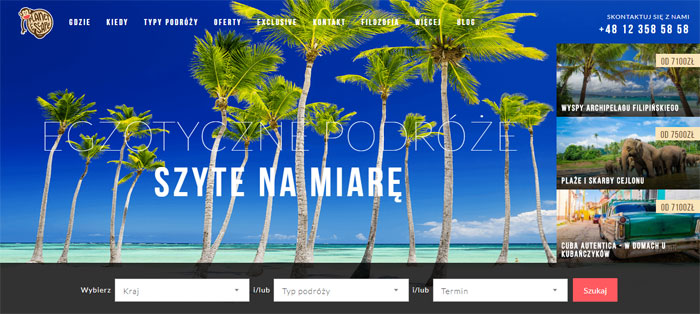
Re-design always generate a lot of controversies – how to find a trade-off between funny solutions beloved by the current audience and the need of changing the branding. With its cool designs patterns, this website seems to have solved some of those issues in a very smart way.
Seasoning School
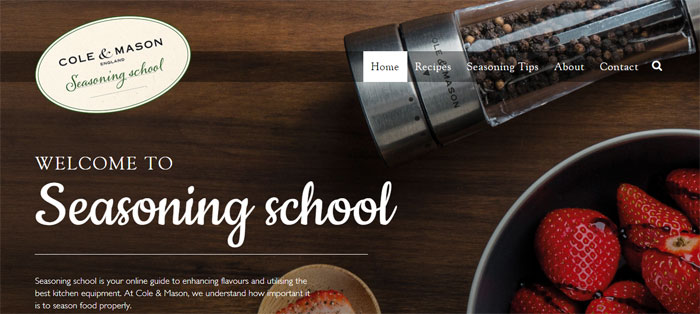
Seasoning School is an online guide with many tasty graphics and visuals. This Responsive Web Design Website with a well-organized set of tiles make it easy to find desirable recipes and designed kitchen equipment to prepare the dishes. Do you like this cool web design, isn’t it?
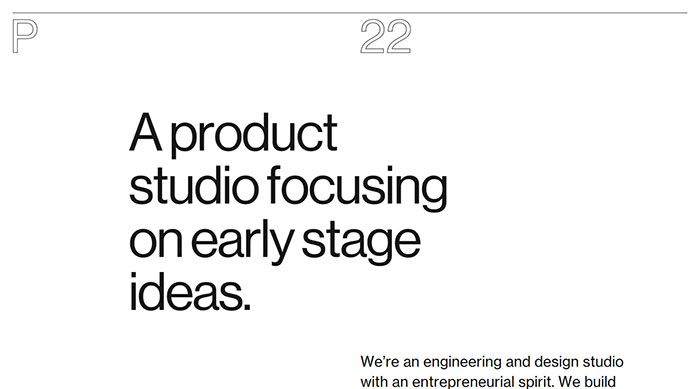
P22
Shantell Martin
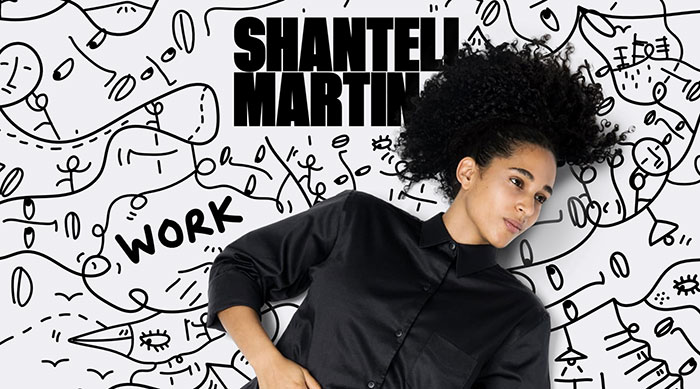
Autobiographical and dreamlike, Shantell Martin bridges the fine art and commercial world, as well as the objects, places and conversations of the everyday experience with a cool website design.
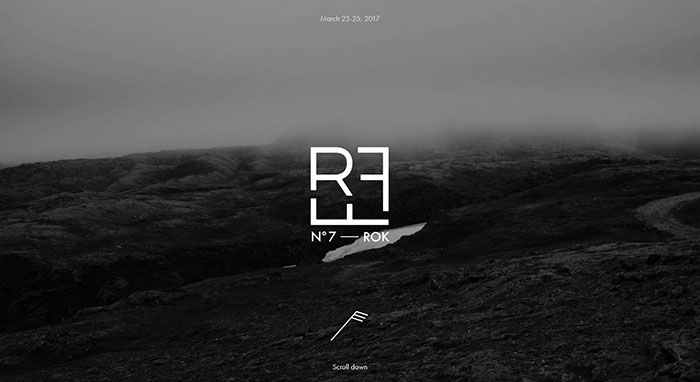
RFF – Reykjavik Fashion Festival
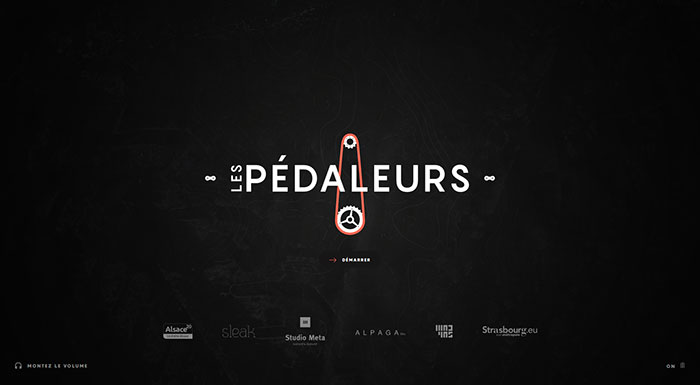
Les Pédaleurs
Size
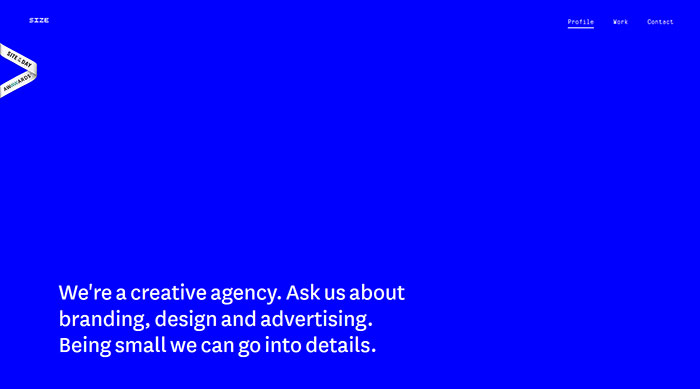
Size is a small creative agency based in Zagreb, Croatia. They do branding, design, and advertising. And they have designed a website with cool simple patterns for themselves, worth to can be included among good website designs.
The New Panamera
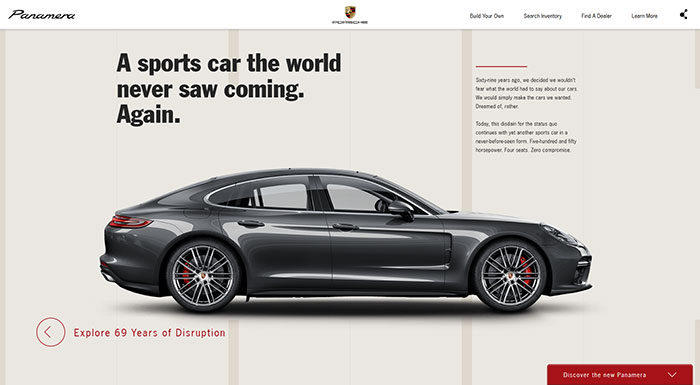
Redesigned, Reimagined, Reborn: The new Panamera is like no other sedan in the world. This presentation site is one of the cool web sites included in this article.
European Music Incubator
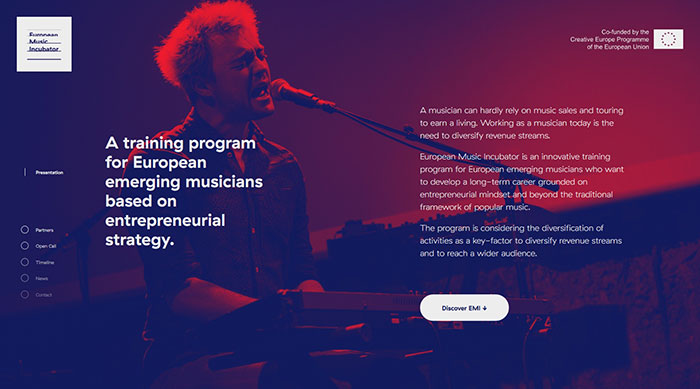
An innovative European cooperation aimed at developing support programs breaking the boundaries between music sector and other creative sectors at local and European level, you can count European Music Incubator among the cool websites to visit.
All the organizations of the partnership operate throughout the music value-chain.
Erminando Aliaj
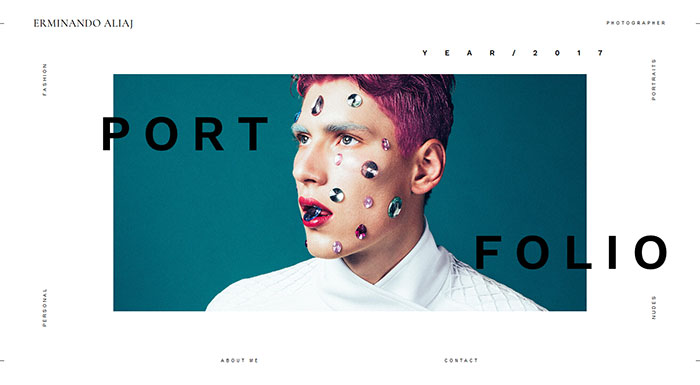
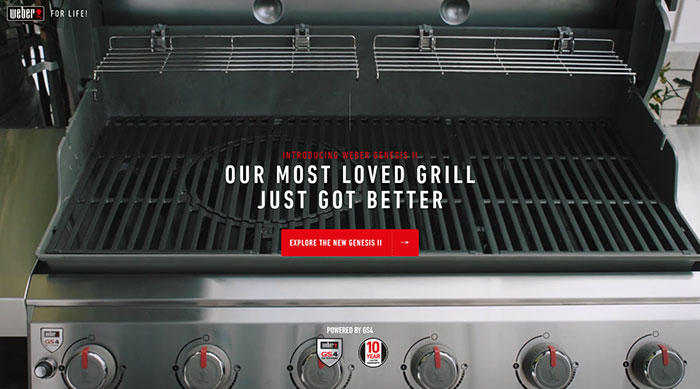
Genesis II
Volta Footwear
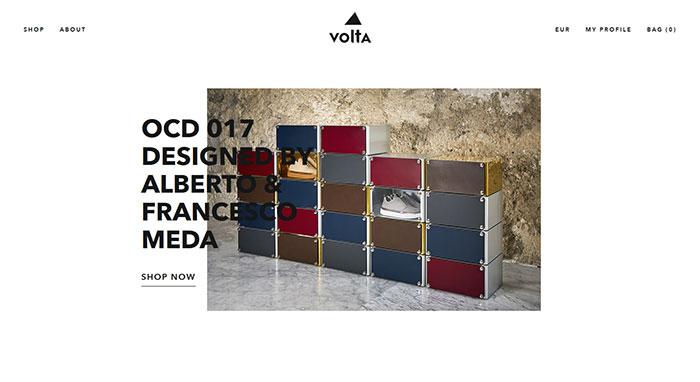
Since the launch of its first collection, Volta’s design idea was instantly clear: the blending of different and sometimes even apparently contrasting aesthetic realms.
Volta’s research focuses on designing and manufacturing the original Instant Classic, synonymous with a contemporary style withstanding the wear and tear of time. The cool website layouts are a good medium for sending this message.
Anagram.paris
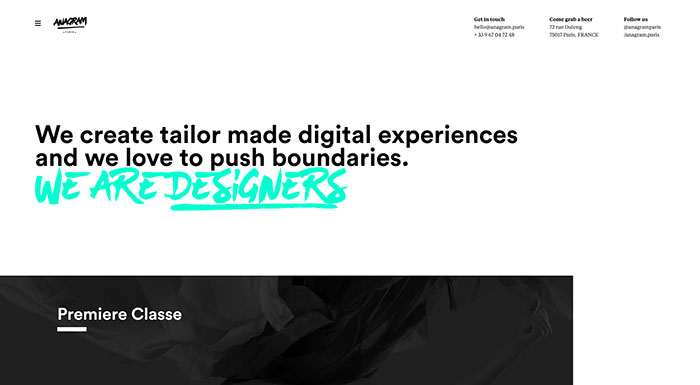
They’re not just another digital agency. They are passionate digital creatives in love with the web and its unlimited possibilities. And they have really cool designs too.
Taptaro
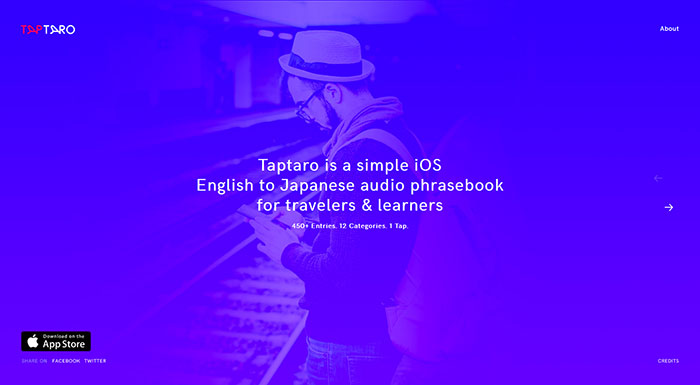
Taptaro is a simple yet effective audio phrasebook of more than 450 useful English words and phrases translated and recorded by native Japanese speakers helping you communicate better and learn more about the Japanese culture. One of the best websites if you are looking to learn and improve your Japanese.
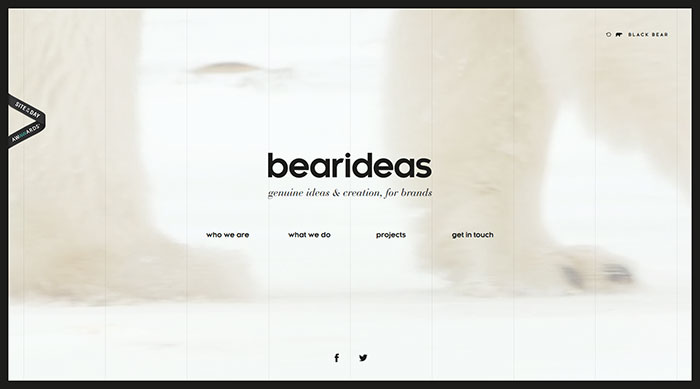
bearideas
DOT
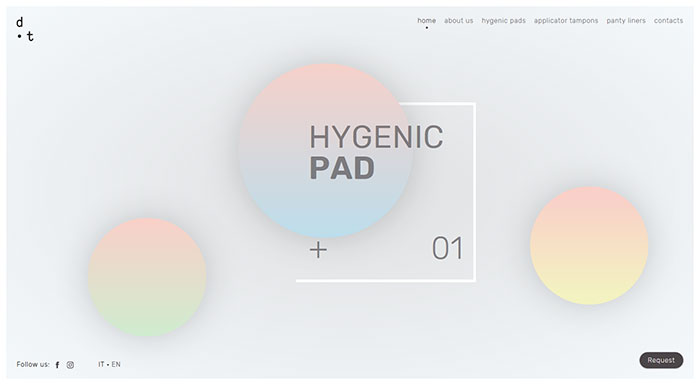
DOT is a line of innovative products, dedicated to feminine and hygienic issues during the menstrual cycle. Thanks to their 100% Cotton composition and to its special Combimedica patent, they are not only hypoallergenic but also naturally antibacterial. Probably the best website dedicated to such an issue.
It is quite clear that the company cares about their image, as their cool website was designed by a great agency.
HotelTonight
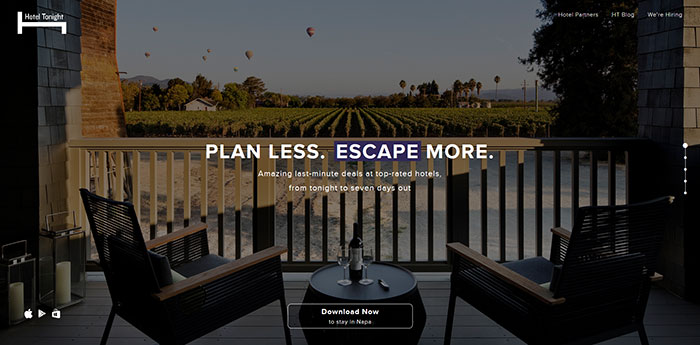
One of the good websites on this list is HotelTonight. It was built because the owners don’t think the big booking websites offer such great mobile experiences, and they felt the world needs a fresh approach – a reinvention of hotel booking for the mobile era.
Still want more cool website designs?
Our list of most interesting websites continues.
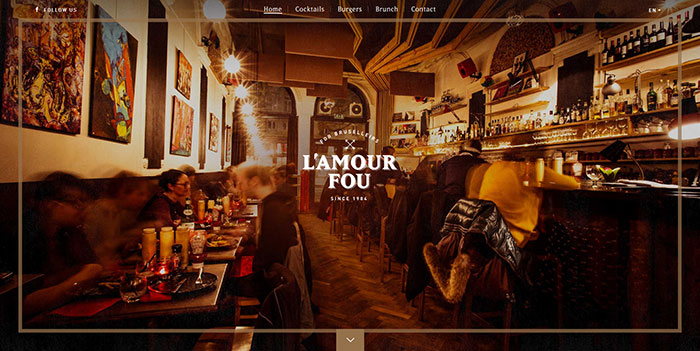
l’Amour Fou
Character
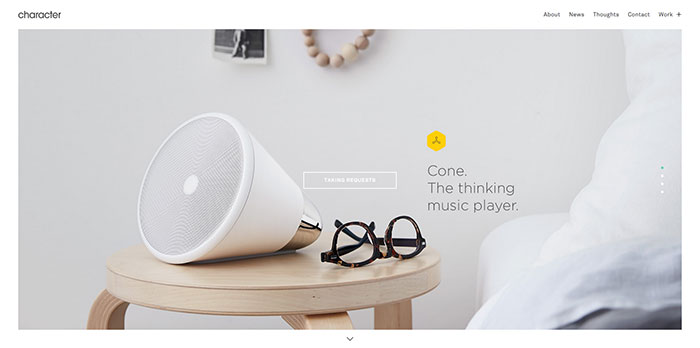
Character is one of the awesome cool sites from this list. It is a San Francisco-based branding and design agency with a passion for launching, rejuvenating and supporting interesting brands.
Their goal is to create lasting and meaningful relationships between their client’s brand and their audience through smart thinking and thoughtful design. They aim to do this by crafting stories touching people on a personal level, sparking a change in their everyday behavior. They also have amazing website ideas.
You Gotta Love Frontend
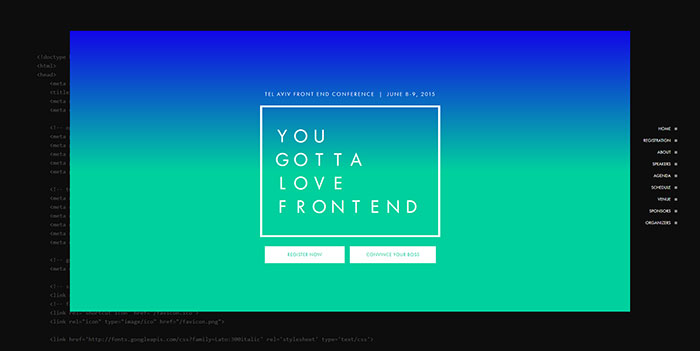
You Gotta Love Frontend has a cool website, providing a fun, energized atmosphere in which the freshest minds in this field can share their experiences, creative ideas and latest technologies – over pints of beer. Like-minded developers find an enriching opportunity to interact with each other, learn from one another and establish a professional network of communication.
Madeo Acadaemy
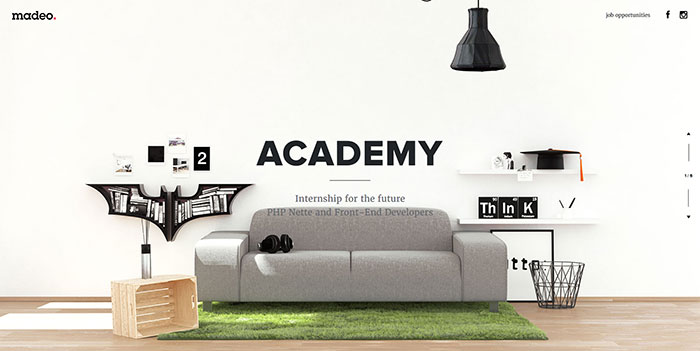
Based on the experience of the founders, you can learn few of the things necessary for the everyday coding practice. This is available, especially when working in a team. Therefore, they decided to run madeo.academy – a challenge for all future web developers. Based on their previous know-how, the participants will be offered well-tailored pieces of advice.
Helbak
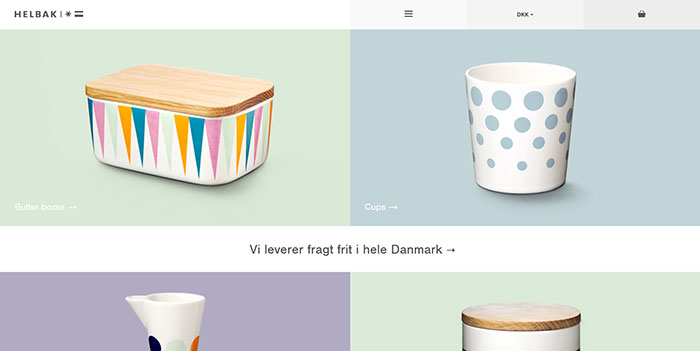
Danish ceramist, Malene Helbak, combines the simplicity of Scandinavian design with a world of exquisite colors. Her ambition is to produce articles for everyday use that make a difference, attract positive attention and become a source of joy in our daily lives. This webpage is among the unknown websites but can be added to the list of cool sites to visit.
Why only ever use a cup for drinking coffee or tea? Why not use it for flowers or pencils? Malene Helbak’s simple designs can be perfectly used in multiple ways.
Pen & Quill
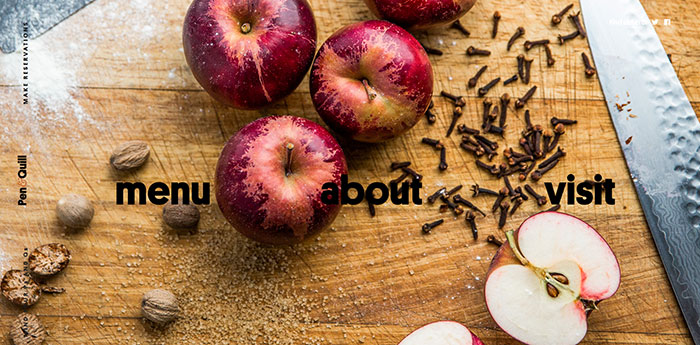
Located at the corner of N. Charles and E. Lanvale, Pen & Quill offers quality food and drinks in a refreshed setting that’s right at home in Station North. Now, one of Baltimore’s most famous buildings is once again full of great food, drinks, and life. One of the best unknown websites to visit if looking for some foodie inspiration.
ADAY
Goodmoods
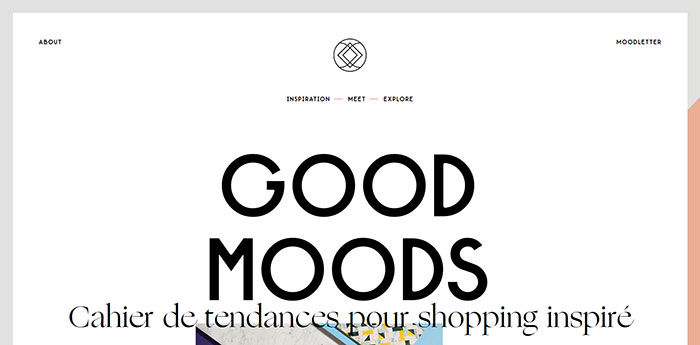
Another one of these great websites examples is Goodmoods. This is a place of inspiration dedicated to the eShopping with the mix of product styles: vintage design with new publishers, art streetwear, from handmade to home-made.
The products mix & match creating specific moods and styles offer are a trend, a time, a combination of colors, a place, an artistic movement. Everything is an inspiration and the web is an endless source of products and talents. One of the websites you should visit.
Scottie & Russell
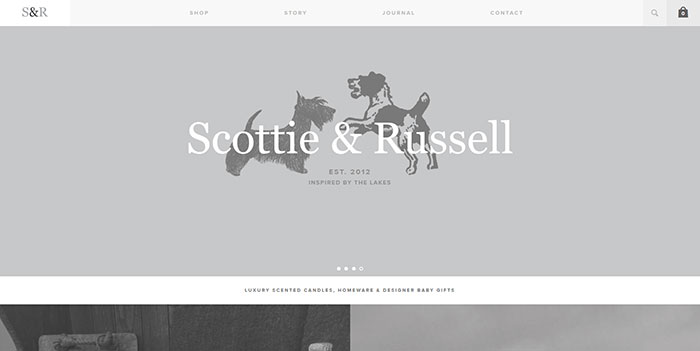
Scottie & Russell was established in 2012. After visiting small county shows & St.Tropez markets, Lucy Bee was inspired to develop her own range of fragrance candles & supplying beautiful baby gifts & accessories. Scottie & Russell is now a successful online business featured in Glamor magazine, along with an ever-increasing select list of stockists throughout the United Kingdom. You can count it among simple websites with great design.
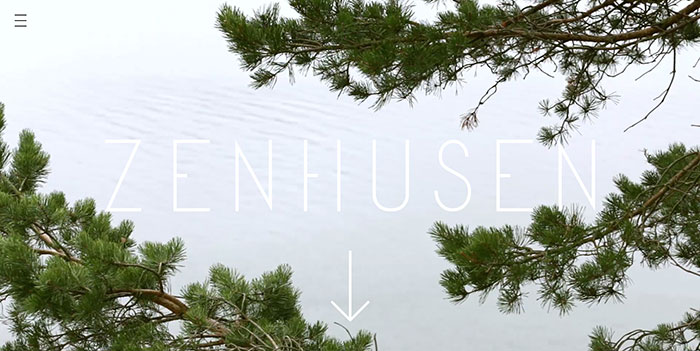
Zenhusen
One World
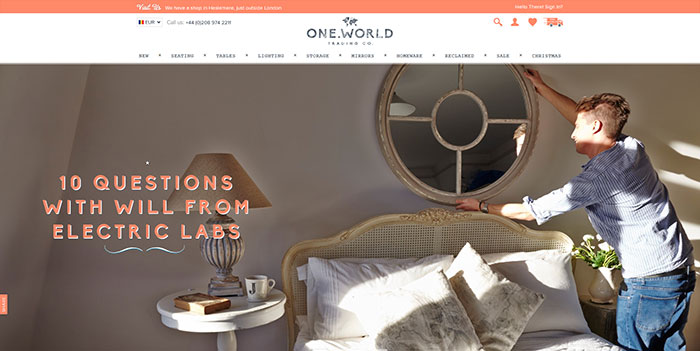
One World Trading Company offers beautiful things for home at great prices, without compromising on quality, customer service or delivery – whilst maintaining a fun and rebellious spirit along the way. No boring websites here!
Freddie Meadows
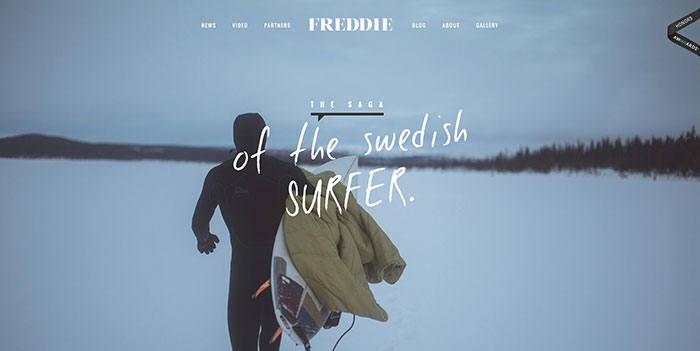
Coming from Sweden and being a surfer aren’t two things regularly connected. Especially on a professional level. Freddie was introduced to waveriding at a time when the Swedish surf team was compared to the Jamaican bobsled team.
Since his first wave in Sweden aged 13, he has navigated his way to being the first Swedish professional surfer and after many years on tour, he is currently on a sabbatical from the contest world; instead, residing at home amongst the familiar swells of the Baltic Sea in search of a little magic. One of the most amazing websites for those in love with sports but also with a unique life story.
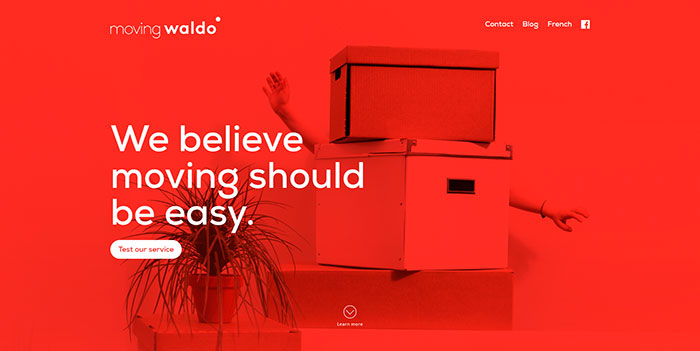
Moving Waldo
Fhoke
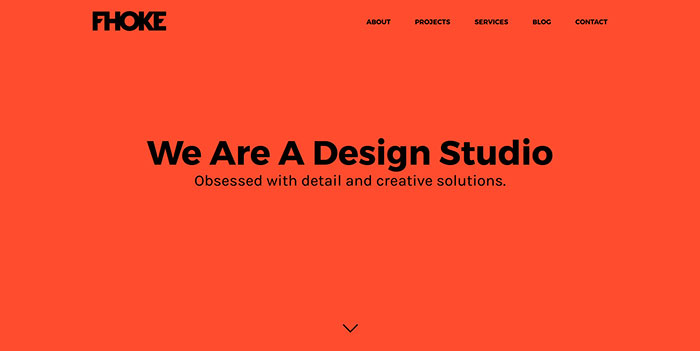
They’re honest folk believing in hard work and building lasting relationships. They enjoy making companies look better with great design, going above and beyond to please the clients.
Katvig
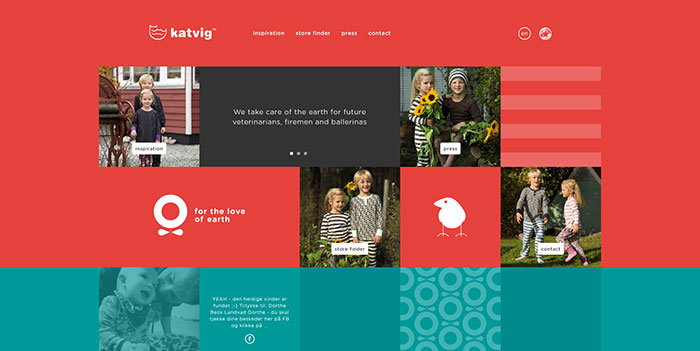
Cultivated Wit
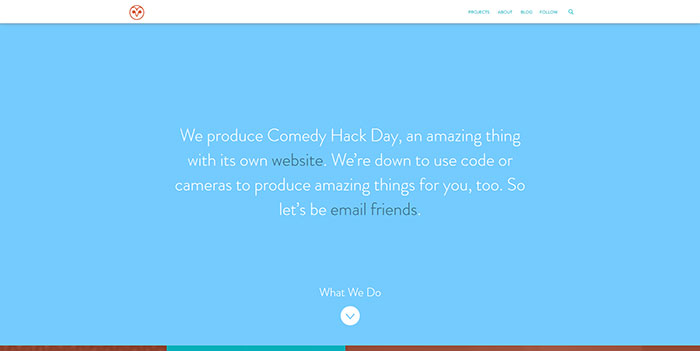
Having an awesome design made them worth including them among the random cool websites. They are a company of creative conspirators telling stories, building community, making products, and teaching too. They collide comedy, design & technology to bring good ideas to “Earth.”
Ginventory
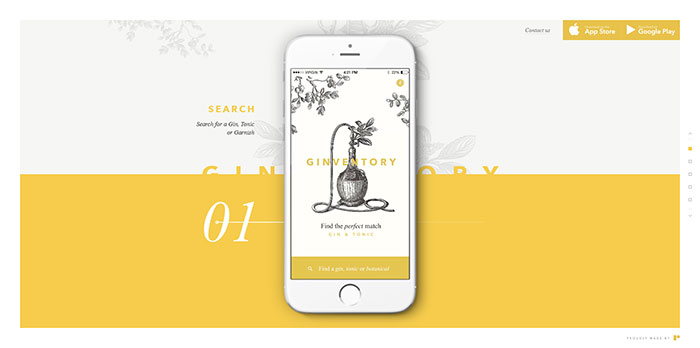
Ginventory offers one of the great websites design examples. On the site, you can search for your favorite gin, tonic or garnish and find the Perfect Serve. Discover the best Gin & Tonic combinations according to distillers and connoisseurs.
Creative Clash
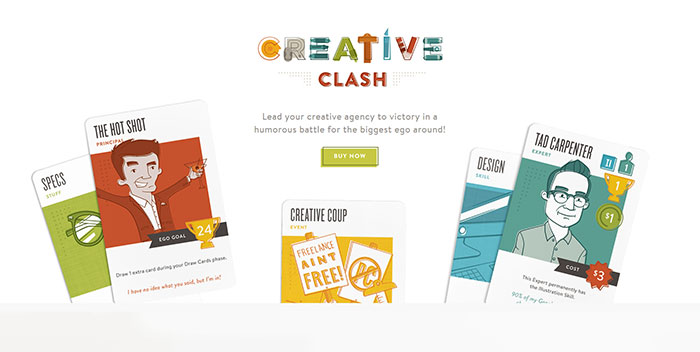
Creative Clash is one of the coolest websites ever, created and produced by The Infantry, a design and branding studio from Lancaster, PA. It’s always been a dream of their growing agency to make a game based on their experiences in the wide world of advertising and design and they finally made it! It is one of the cool websites for guys, but not only. Count it among the stuff to do online without wasting your time.
Postbox
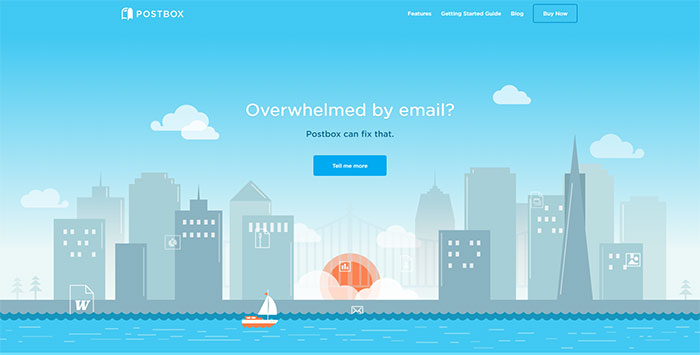
Postbox is a new desktop messaging application that can be used in a smart and efficient way. You can check and view your email messages and their content, organize your work life, and simply get things done.
Postbox works behind the scenes to catalog everything in your email: every bit of text, contact, address or link, every picture, document, or attachment. This smart information engine provides ultra-fast search, smarter and more intuitive views, and tools to help you organize and focus.
Mah-Ze-Dahr Bakery
Tan Handbags
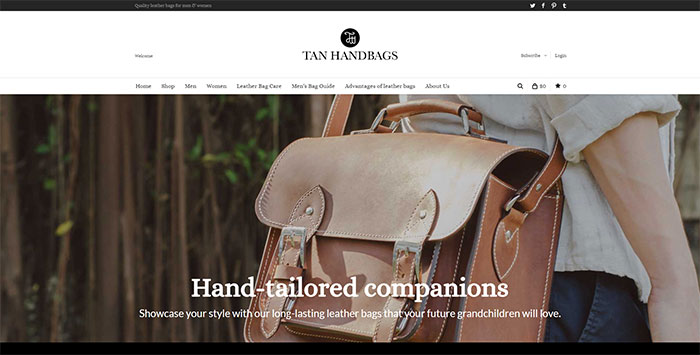
Another example of websites with cool stuff is the Tan Handbags. They are a company specializing in all sorts of leather handbags. Their bags are manufactured from high-quality leather. Skilled designers with a long experience in this field are creating stylish and practical bags handcrafted with precision for a flawless appearance.
P & Co
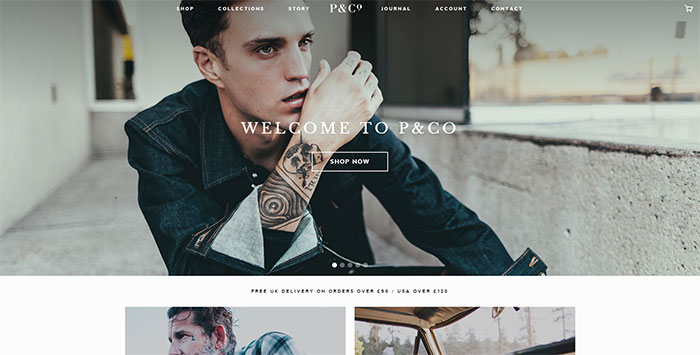
P&Co as a brand has now traded online by Clark & Timms for almost three years reaching customers from around the world. Continually creating products and ideas, there’s lots more to come from the pair and the brand’s journey will most likely continue. The awesome website designs give a lot of hope for the future.
Frank Digital
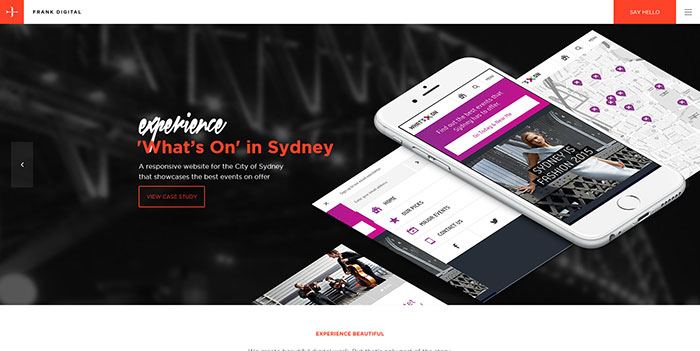
Frank Digital offers good website design examples. Their beautiful digital work is only one part of the story. For them, every part of the experience must be beautiful – from user interactions to your journey throughout the development process (and beyond). The experience of their team and the projects developed by the agency are a guarantee for this.
By combining strategy, creativity, and technology, they’ve made a deliberate commitment to putting the user ‘front-of-mind’, engineering every aspect of the process aimed at achieving this outstanding experience. Their simple cool designs are a guarantee in this respect.
8 Bis Agency
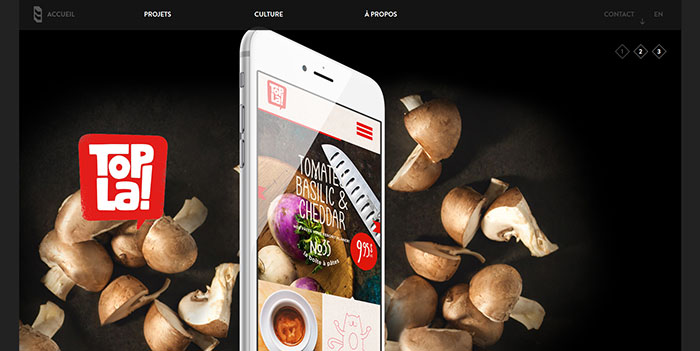
Besides being counted among good web site examples, 8 Bis is an innovative brand, design and communication agency creating consistent dialogues and emotional experiences between brands and customers.
Award winning websites you should check out
STERLING
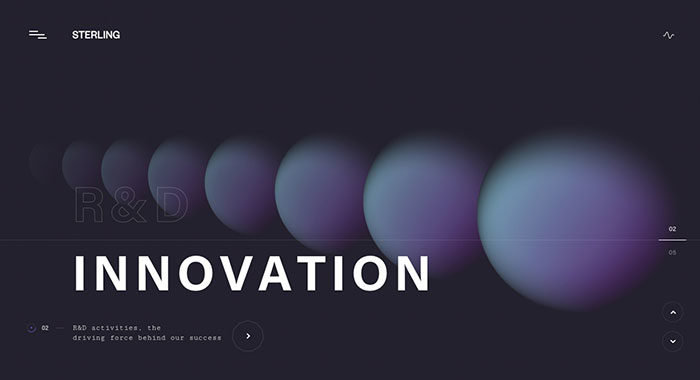
A visual experience that mixes colors, 3D models and sound-fx into the alchemy of the steroidal production.
Dominic Berzins
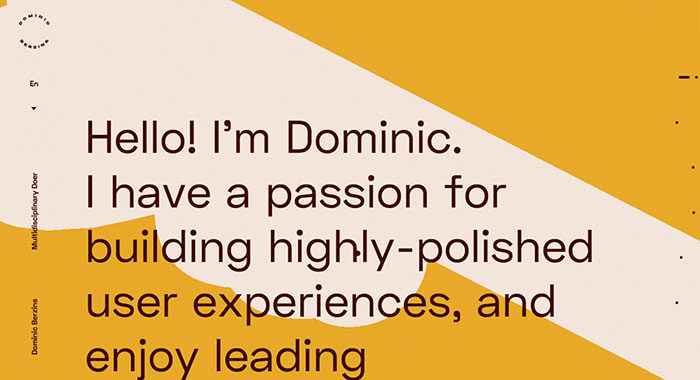
Dominic is a digital leader, based in London, UK. Experienced in high-end web, VR/AR, apps & games.
Mirage Festival – 7e Édition
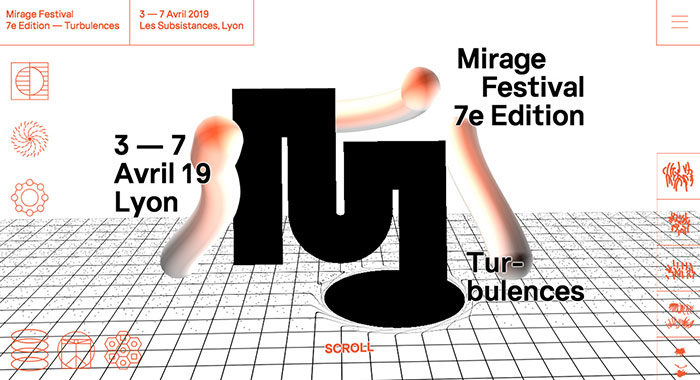
An interactive website for the Mirage Festival 7th edition. It’s using three.js and curtains.js WebGL libraries and features a lot of small animations as well. Fully responsive and mobile friendly.
BRANU Rebranding
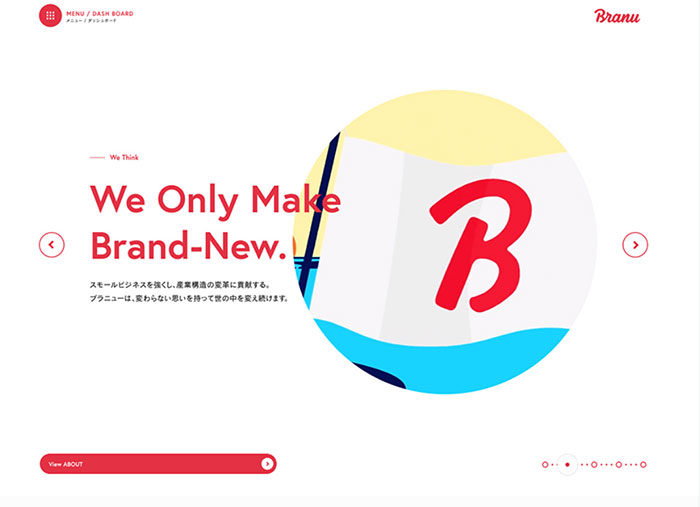
We created a website for BRANU Inc. which develops industry cloud dedicated digital solutions and construction industry.
Twist: The Game
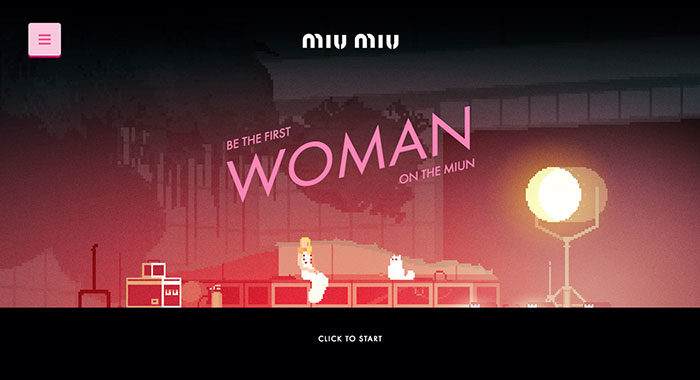
To celebrate the launch of Miu Miu new fragrance, we created a pixel art game inspired by Elle Fanning space odyssey. Join the adventure to become the first woman on the MIU-n!
TAG Heuer – Alec Monopoly
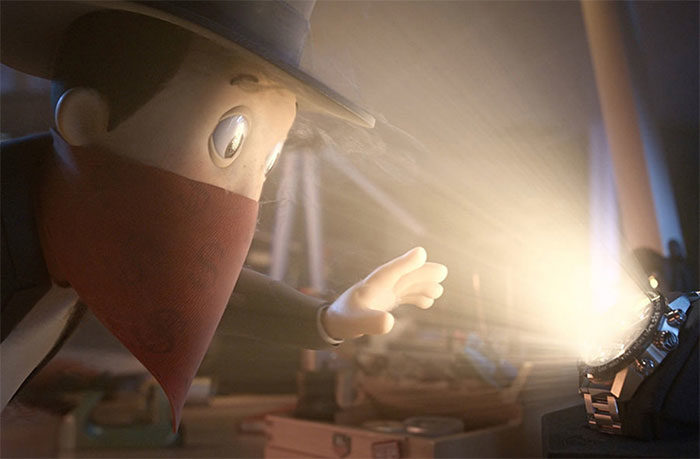
In order to communicate on the limited edition with Alec Monopoly, TAG Heuer asks Bonhomme to create the visuals of the campaign and the design of their website.
Adel Vakula
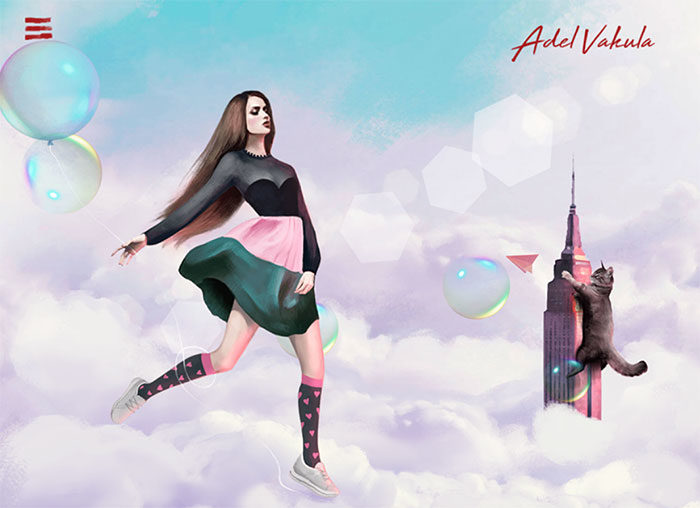
The world-famous model, charismatic and intriguing personality. Website designed and illustrated by us emphasizes its uniqueness and its creative nature.
Won Hundred
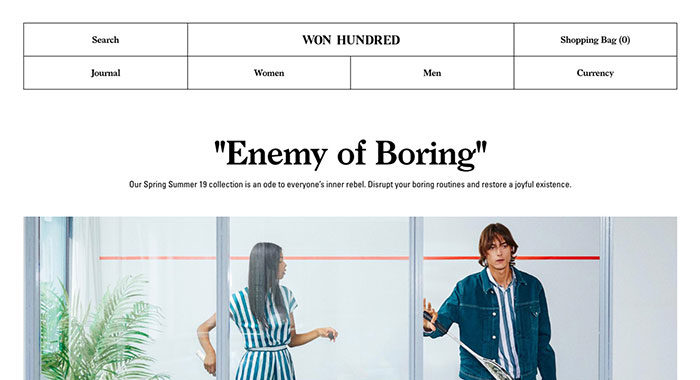
Won Hundred is a Danish fashion brand with deep roots in denim. The e-commerce site features a visible grid, a folding menu, different take on mobile navigation and everything just fits.
Zero Studios Birthday Site
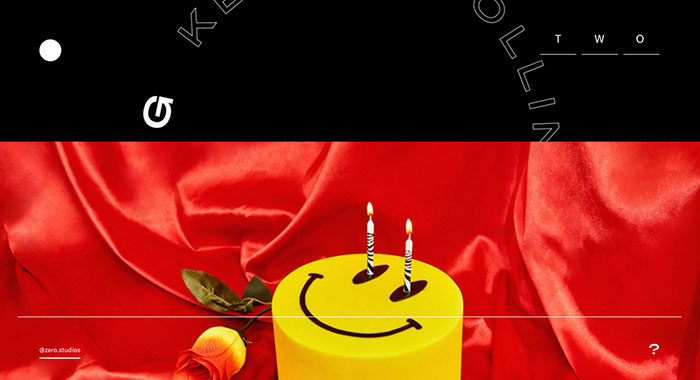
Zero Studios’ digital birthday party.
Perq Studio
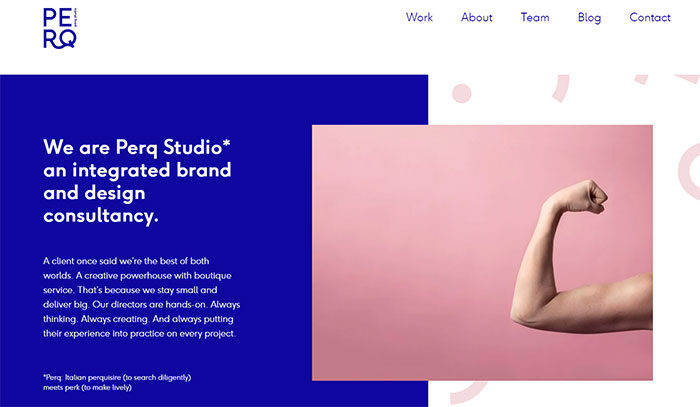
We are Perq Studio, an integrated brand and design consultancy. A client once said we’re the best of both worlds. A creative powerhouse with boutique service.
Superrb
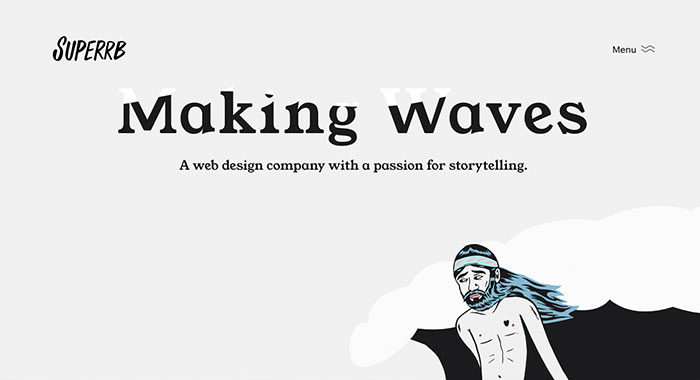
A web design company with a passion for storytelling.
Le Bon Marché, L’homme à venir
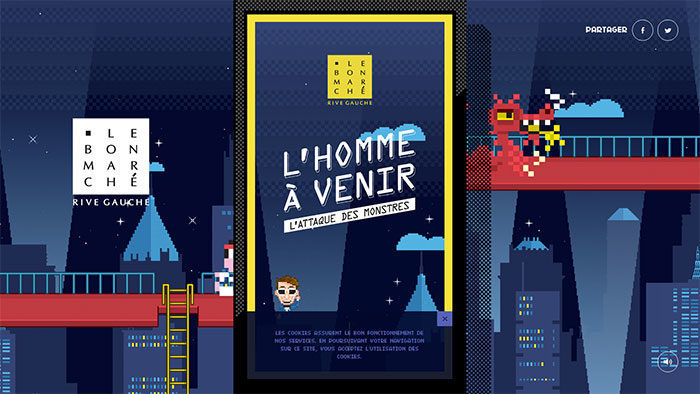
The famous Parisian shop “Le Bon Marché” asked us to imagine a universe full of pixels and monsters. We designed & produced a mini-game for mobile to win many gifts and have fun!
Sonoma Valley Museum of Art
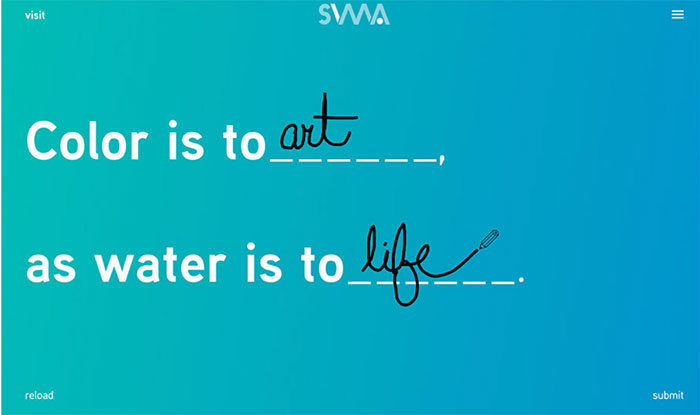
Visitors to SVMA’s new site are invited to personally redefine art, talent, and imagination through an interactive fill-in-the-blank homepage experience.
Bruegel – Once in a Lifetime
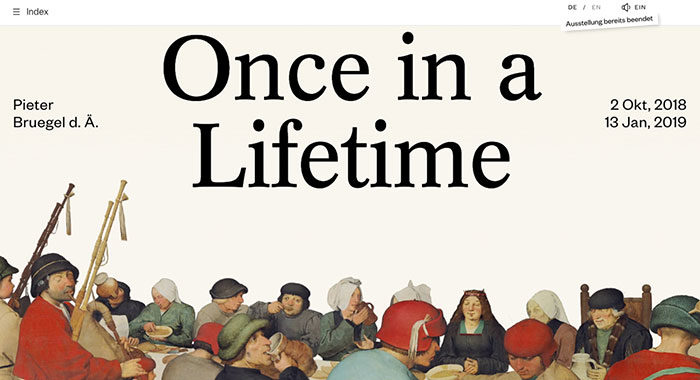
An interactive info site for the once in a lifetime exhibition about Pieter Bruegel the Elder, initiated by the Art History Museum in Vienna.
TommySport
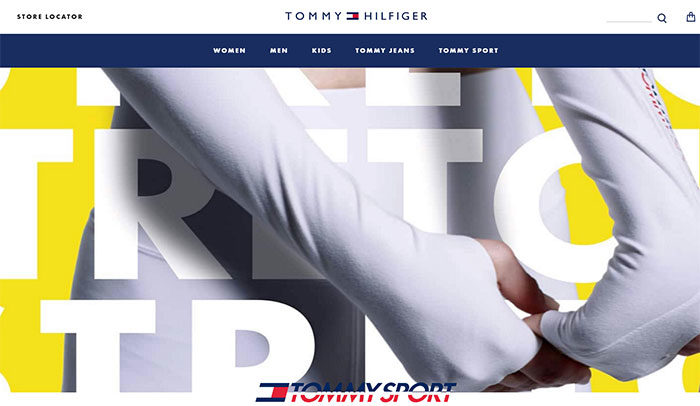
TommySport. Bringing fun into performance. This is an entry-page for Tommy HIlfiger’s new division. Providing a clear entry into the new collection.
Flume, Inc.
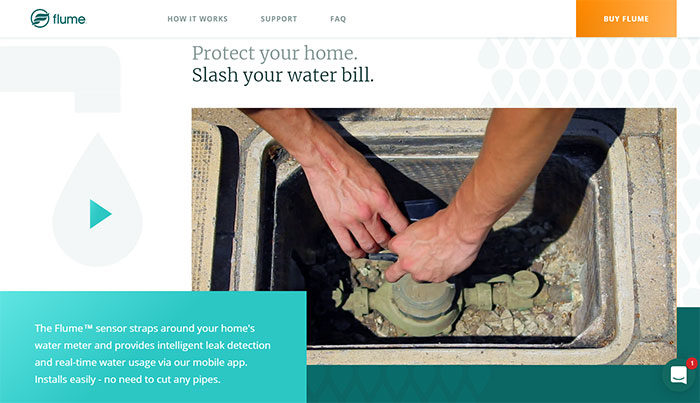
Flume, Inc. is a sensor that allows saving water and money providing intelligent leak detection and water management via their mobile app.
Borraginol Town
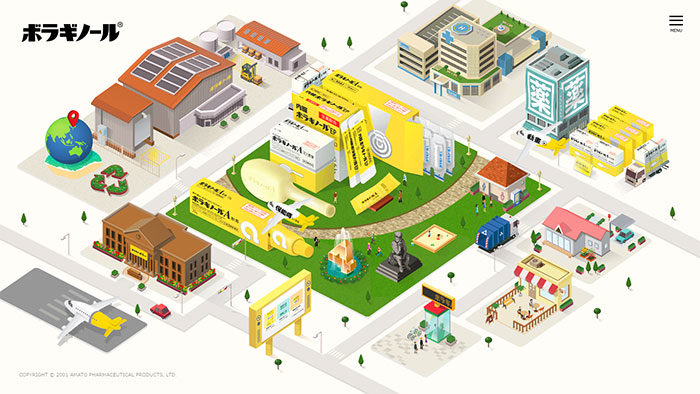
Explore Borraginol Town and discover Borraginol a Japanese pharmaceutical company and its history.
Versett
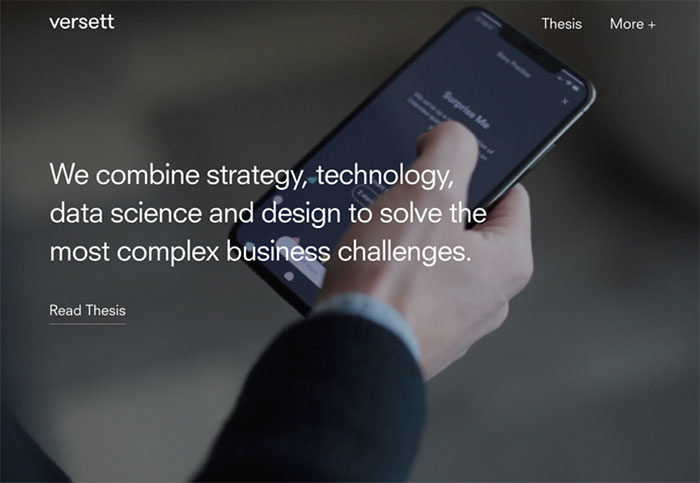
A Product Design and Engineering Consultancy in Toronto, Calgary and New York
It’s worth it
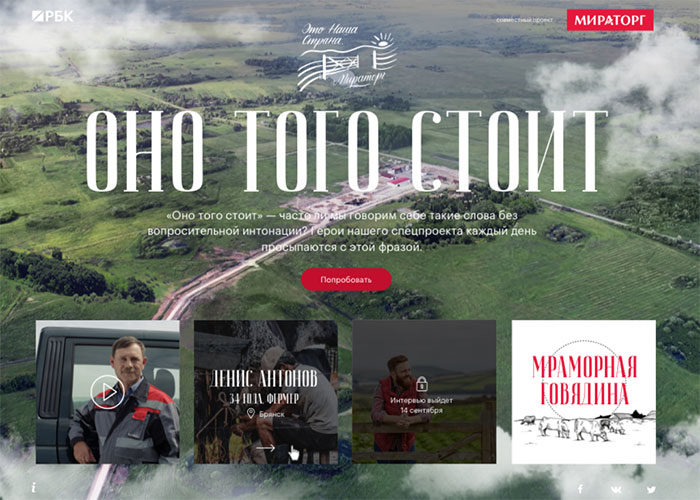
The project is about people of different professions who produces steaks for restaurants and shops. A farmer, a cook, and a technologist talk about their life’s work.
Hinderer and Wolff
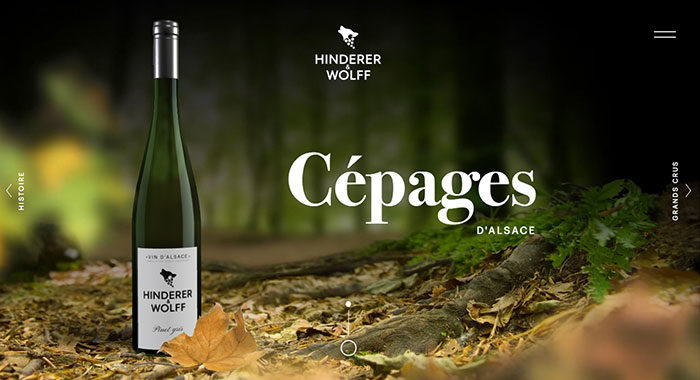
Hinderer & Wolff is a new brand of great Alsatian wines. Its 3D website immerses the spectator in the heart of the authentic Alsace through four different universes.
Curiious
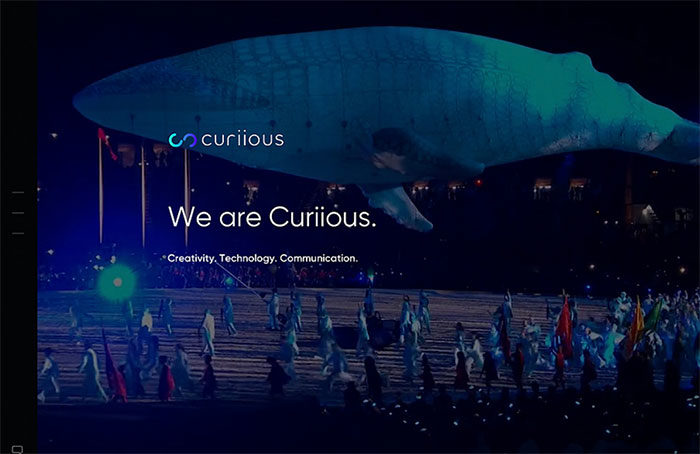
We are Curiious. Creativity. Technology. Communication.
MAGU KOMBUCHA
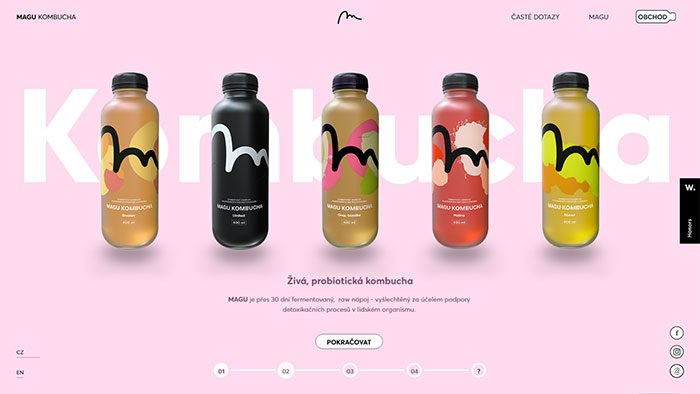
Minimalist E-Commerce website representing newly established Czech foodtech startup
Watson Design Group
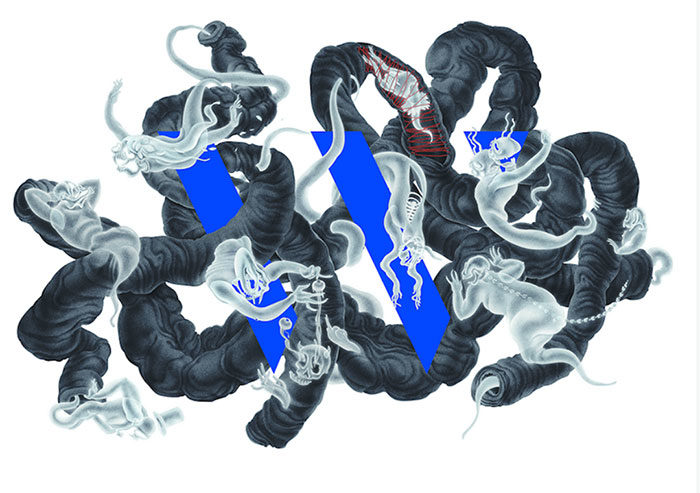
Watson Design Group launched a new agency website showcasing our latest work and capabilities. We build immersive digital campaigns for clients in the entertainment space.
Christopher’s World Grille
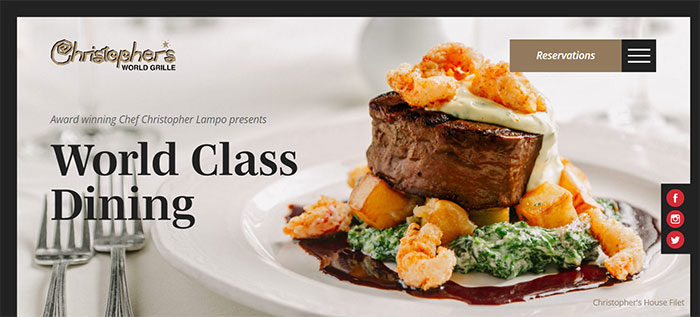
Christopher’s World Grille is a fine dining restaurant with a rich history and world class cuisine located in Bryan, Texas.
Dapper Fundation
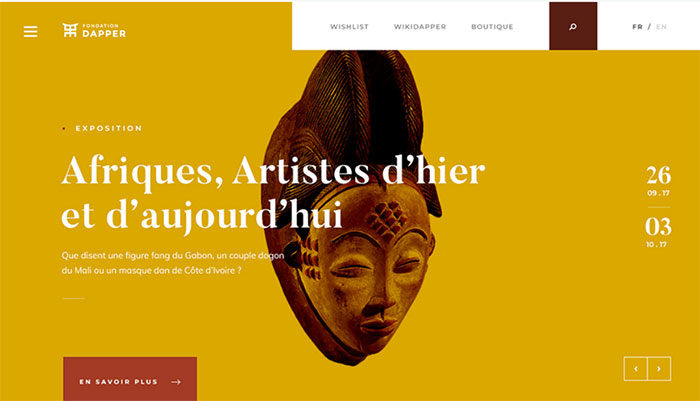
Since its creation in 1986, the Dapper Foundation’s objective is to promote arts and cultures of Africa, the Caribbean and their diaspora.
ultranoir.com
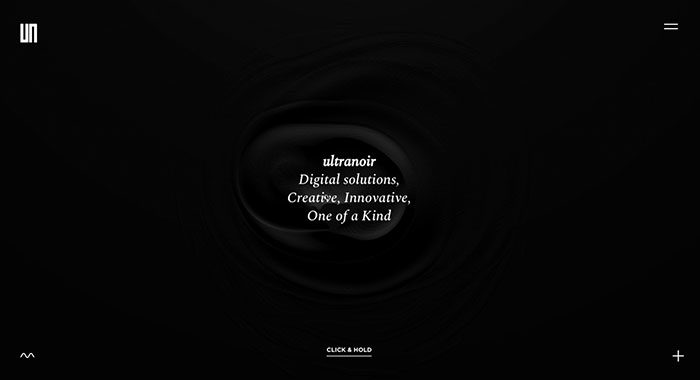
Here is the new version of our website. ultranoir is a French Awards Winning Digital Agency. We craft bold and deeply inspired digital experiences.
A new special SWISS livery
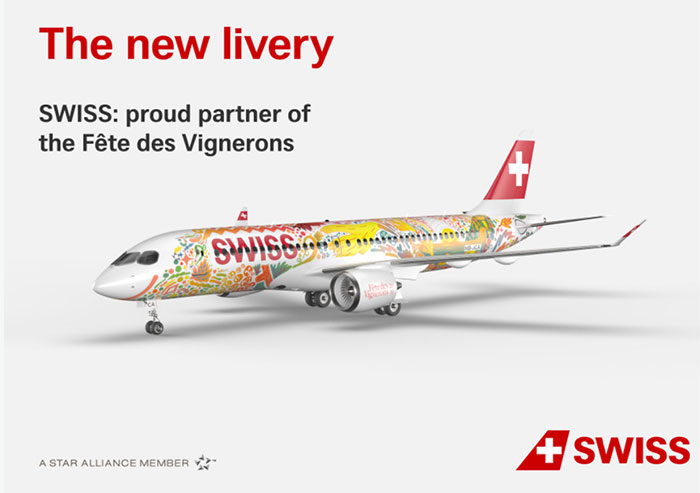
As colorful as the new SWISS Int. Air Lines livery designed by Fichtre, the website is the core of a campaign based on a short movies series where the audience influences the story.
PropertyClub
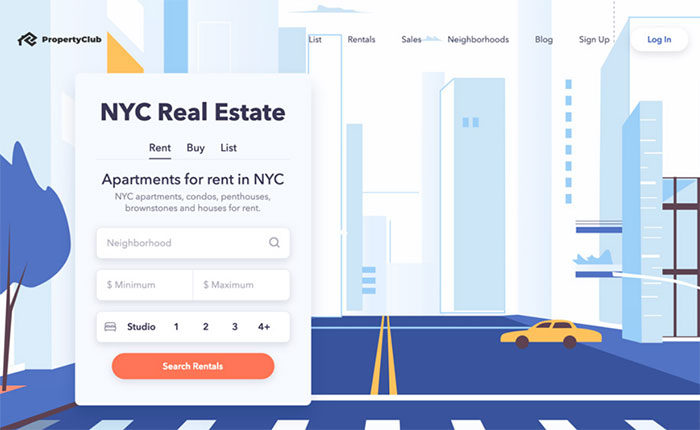
New York City’s Blockchain Real Estate Marketplace. Search for and List Properties while Earning Cash and Crypto Rewards when you Rent or Buy!
FAQ on Cool Website Designs
What makes a website design “cool”?
A cool website design combines creative web layouts with intuitive navigation systems. It stands out through unique visual storytelling, thoughtful typography, and interactive website elements. The best designs balance stunning aesthetics with user experience optimization, creating memorable digital experiences without sacrificing functionality or loading speed.
Which tools do professionals use to create cool website designs?
Professional UI/UX designers typically use Figma, Adobe XD, and Sketch app for wireframing and prototyping. For development, front-end developers rely on CSS frameworks like Bootstrap, JavaScript libraries, and platforms such as Webflow or WordPress. These tools enable everything from custom cursor designs to complex micro-interactions that elevate site appearance.
What are current trends in website design for 2025?
Current trends include dark mode interfaces, glassmorphism design elements, and 3D elements on websites created with Three.js. Asymmetrical layouts, gradient color schemes, and SVG animations also dominate trendy web interfaces. Minimalist site structures continue to be popular, though more designers are experimenting with bold site color schemes and artistic web creations.
How important is mobile responsiveness in website design?
Mobile responsiveness is absolutely critical. With most internet traffic coming from smartphones, responsive design examples show that cool website designs must adapt seamlessly across devices. Mobile-friendly layouts aren’t optional. They affect user engagement, search rankings, and overall perception of your brand’s digital portfolio.
What role does white space play in modern website design?
White space (negative space) is a fundamental aspect of modern site aesthetics. It creates visual hierarchy, improves readability, and directs attention to key elements. Contemporary web templates use strategic white space to prevent visual clutter and create elegant site structures that feel spacious and professional.
How can animations enhance website design?
Thoughtful animations through GSAP animations or CSS design techniques can transform a static page into an experiential web design. Loading page transitions, scroll-triggered effects, and subtle micro-interactions create dynamic site features that engage visitors. However, animation should enhance rather than distract from content.
What makes a website design accessible?
Accessible cool website designs follow web accessibility guidelines by ensuring proper color contrast, keyboard navigation, and screen reader compatibility. They incorporate information architecture that works for all users, regardless of ability. Sites that win CSS Design Awards now prioritize inclusive design as a core component of impressive site designs.
How do color choices impact website effectiveness?
Color choices significantly influence user perception and behavior. Effective color palette generators help create cohesive schemes that align with brand identity while ensuring visual comfort. Sleek webpage layouts often use strategic color theory for websites to elicit specific emotional responses and guide user attention through visual hierarchy.
What’s the difference between a template and custom website design?
Templates (like those from Squarespace or Wix editor) offer pre-designed structures that can be customized to varying degrees. Custom website designs are built from scratch to meet specific brand needs. While templates provide cost-effective solutions with faster deployment, custom designs offer unique website templates and greater flexibility for implementing creative digital portfolios.
How do I find inspiration for my website design?
Find website inspiration through platforms like Awwwards, Dribbble inspiration galleries, Behance portfolios, and the Web Design Museum. Study stunning website examples that have won recognition, analyze their approaches to color, layout, and user experience. Remember that the best eye-catching web designs solve real user problems while looking beautiful.
Conclusion
Finding inspiration in cool website designs can transform your online presence. The examples we’ve explored showcase how cutting-edge digital interfaces combine form and function to create lasting impressions.
Remember that beautiful online portfolios aren’t just visually striking web pages. They’re carefully crafted experiences built using:
- Material Design principles that ensure consistency
- Responsive breakpoints that adapt to different devices
- Information architecture that guides users naturally
- WebGL effects that add depth without sacrificing performance
The best stylish web aesthetics balance minimal website elements with functional beauty. As design systems continue to evolve, staying current with CSS Design Awards and exploring Dribbble inspiration galleries will keep your projects fresh.
Whether you use WordPress themes or work with Sketch app to build from scratch, focus on creating impressive site designs that tell your story. The most successful websites combine sleek webpage layouts with intuitive user experiences that visitors remember long after they click away.
If you liked this article with cool website designs, you should check out these other articles with awesome designs:
- Graphic Designer Websites (31 Creative Examples)
- Modern Website Layout Ideas (27 Examples)
- Portfolio Website Examples And Tips To Create Them
- Awesome New Website Designs To Inspire You

Renowned for his expertise in logo design and visual branding, Bogdan has developed a multitude of logos for various clients.
His skills extend to creating posters, vector illustrations, business cards, and brochures. Additionally, Bogdan's UI kits were featured on marketplaces like Visual Hierarchy and UI8.
He also wrote in the past years on sites like Design Your Way, WebDesignerDepot, WPDean, Designmodo, Speckyboy, Slider Revolution, and more.
- How to Create Product Design Principles That Evolve With Your Product - 29 September 2026
- Canva vs Midjourney: AI Design Tools Compared - 28 September 2026
- A Brand Identity Is Only Finished When Someone Else Can Use It - 28 September 2026

Bogdan Sandu is a seasoned designer who has been designing websites since 2008. Renowned for his expertise in logo design and visual branding, Bogdan has developed a multitude of logos for various clients. His skills extend to creating posters, vector illustrations, business cards, and brochures. Additionally, Bogdan's UI kits were featured on marketplaces like Visual Hierarchy and UI8. He also wrote in the past years on sites like Design Your Way, WebDesignerDepot, WPDean, Designmodo, Speckyboy, Slider Revolution, and more.
You Might Also Like