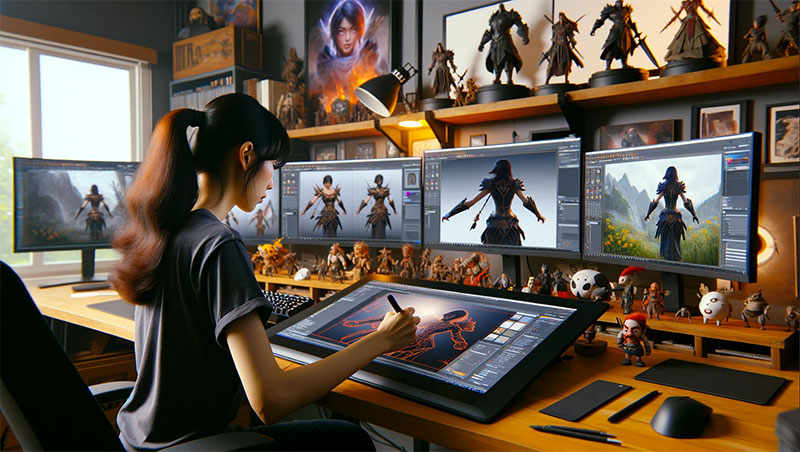
Have you ever put your clips into an editor and immediately felt drowned by the fact that there were too many buttons, layers, and tools for you to even make a simple cut? If this is the case, then you are not an isolated case. The majority of creators arrive at this point, and as a result, editing turns into a slow, technical task that is not their creative process anymore.
That’s why so many people are comparing traditional editing workflows to timeline-based editing. One feels detailed but complex; the other feels visual, simple, and fast. So the real question is, which one actually makes editing easier and worth your time, traditional tools or a timeline video editor like Wondershare Filmora?
|
Navigation Part 1: Understanding Traditional Video Editing Part 2: What Is a Timeline Video Editor (And Why Everyone’s Talking About It) Part 3: Timeline Video Editor vs Traditional Editing – Head-to-Head Comparison Part 4: Why 2025 Creators Are Choosing Timeline Editors Over Legacy Tools Part 5: But When Does Traditional Editing Still Win? Conclusion |
Part 1: Understanding Traditional Video Editing
Traditional video editing, which is also known as non-linear editing, has been the mainstay of post-production for quite a long time. It enables editors to have absolute control over every individual frame, track, and audio waveform.
If you have seen a film editor using complex tools and multiple sequencing layers, this is the conventional approach.
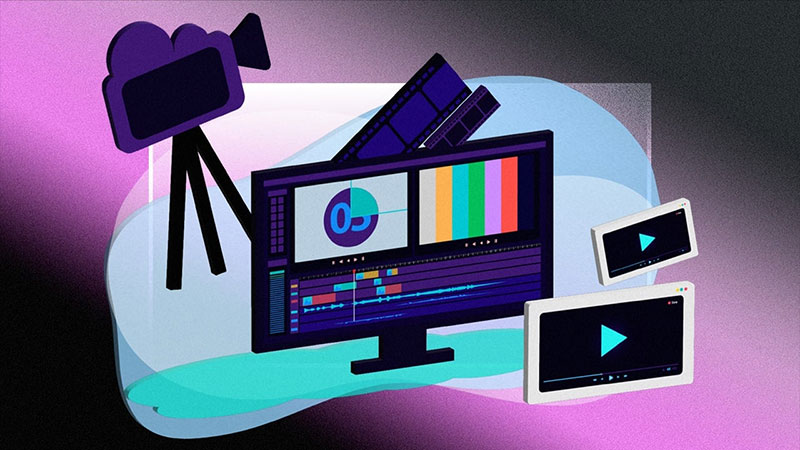
Where traditional editing shines:
- Precise control over multi-layer compositions
- Advanced color grading and masking
- Professional workflows for large-scale projects
But there’s a flip side:
- Steeper learning curve
- Time-consuming structure
- Overwhelming interface for new creators
Traditional editing methods are still popular with certain groups, such as those working in film, television, and VFX pipelines. However, for fast-paced creators, the workflow is frequently viewed as too slow and complicated.
Part 2: What Is a Timeline Video Editor (And Why Everyone’s Talking About It)
A timeline video editor allows you to construct videos visually by organizing clips, audio, and effects directly within a single, continuous timeline. It simplifies the editing process: instead of wrestling with complicated layers, you simply drag, drop, and fine-tune elements until your narrative flow is perfect. It offers a clear, intuitive way to tell your story.
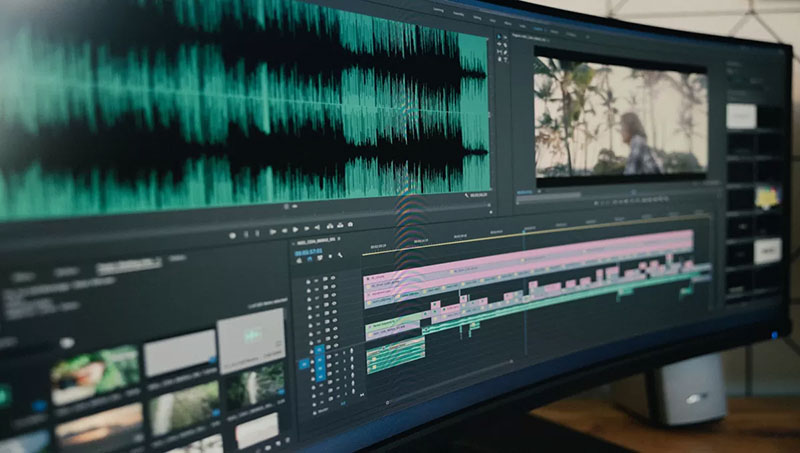
This streamlined, timeline-based approach lets you:
- Rearrange and trim footage using drag-and-drop.
- Visually split clips and sync audio.
- Insert transitions, text, and effects right where they belong.
- Instantly preview every change you make.
This smoother, more beginner-friendly workflow is why modern content creators are increasingly choosing timeline-based tools like Filmora. And with the recent Filmora V15 update, the timeline experience has been improved, providing even better performance and usability for everyday editors.
Part 3: Timeline Video Editor vs Traditional Editing – Head-to-Head Comparison
It all comes down to workflow preference when deciding between timeline video editing software and a conventional editor. Traditional editing tools are built for detailed, technical control, ideal for large or complex productions. A timeline video maker, on the other hand, emphasizes speed, clarity, and ease of use, making it ideal for modern content creation where turnaround time is critical.

Here’s a quick side-by-side look:
| Feature | Traditional Editing | Timeline-Based Editing |
| Learning Curve | High and technical | Beginner-friendly |
| Workflow Style | Layer-heavy and manual | Drag-and-drop visual editing |
| Editing Speed | Slower, detailed adjustments | Faster, intuitive workflow |
| Best Suited For | Films, VFX, TV production | YouTube, social content, tutorials |
| User Skill Level | Intermediate to expert | Beginner to advanced creators |
| Overall Experience | Precise but complex | Simple, flexible, and efficient |
The conclusion is that while both are useful, a timeline video editor provides the ideal mix of ease of use and creative control for the majority of regular creators.
Part 4: Why 2025 Creators Are Choosing Timeline Editors Over Legacy Tools
Today’s creators don’t just edit; they publish quickly across multiple platforms. From Instagram Reels to YouTube Shorts and brand content, video has become a fast-moving ecosystem.
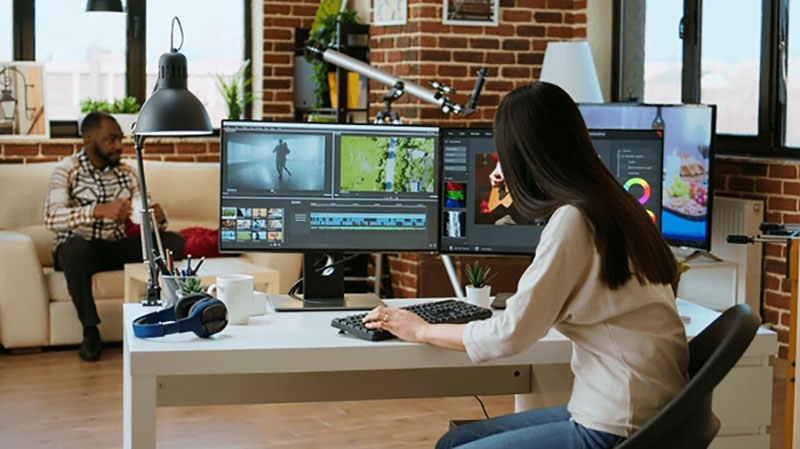
A modern timeline video editing software supports that pace. Instead of spending hours stacking tracks, users edit visually and focus on pacing, message, and creativity.
Filmora’s timeline video maker includes features like:
- Real-time preview
- Clip auto-sync
- Built-in transitions and motion effects
- Audio ducking
- Smart AI tools
For YouTubers, marketers, students, and businesses, this workflow increases speed and flexibility while allowing creativity to take the lead.
Part 5: But When Does Traditional Editing Still Win?
Traditional editing isn’t disappearing; it still dominates advanced productions like cinema, TV, and visual-effects-heavy content. Where ultra-fine precision is required, traditional tools offer industry-grade controls.
For example:
- Feature films
- Multi-camera studio edits
- Advanced sound engineering
- Full-scale color science workflows
So while a free video timeline editor or streamlined tool like Wondershare Filmora covers most everyday content creation, traditional platforms remain the go-to for large production teams and cinematic outputs. The balance? Filmora isn’t replacing those systems, but it offers a practical, approachable alternative for nearly 90% of today’s video creators.
Conclusion
Each editing style is strong in certain aspects. Conventional instruments are ideal for tasks that require minute accuracy or high-level cinematic control. However, if you desire a more efficient workflow that allows you to carry out edits at a quicker speed while maintaining quality, then a timeline video editor is definitely the better option.
If your goal is to simplify the editing process while still producing attractive videos in fewer hours of work, then use the Filmora timeline video editor to begin the process of editing intelligently in 2025.

Renowned for his expertise in logo design and visual branding, Bogdan has developed a multitude of logos for various clients.
His skills extend to creating posters, vector illustrations, business cards, and brochures. Additionally, Bogdan's UI kits were featured on marketplaces like Visual Hierarchy and UI8.
He also wrote in the past years on sites like Design Your Way, WebDesignerDepot, WPDean, Designmodo, Speckyboy, Slider Revolution, and more.
- Best Visual Regression Testing Tools for Web and App Design in 2026 - 13 October 2026
- Jujutsu Kaisen Font Generator - 12 October 2026
- The Windsurf Logo History, Colors, Font, And Meaning - 10 October 2026

Bogdan Sandu is a seasoned designer who has been designing websites since 2008. Renowned for his expertise in logo design and visual branding, Bogdan has developed a multitude of logos for various clients. His skills extend to creating posters, vector illustrations, business cards, and brochures. Additionally, Bogdan's UI kits were featured on marketplaces like Visual Hierarchy and UI8. He also wrote in the past years on sites like Design Your Way, WebDesignerDepot, WPDean, Designmodo, Speckyboy, Slider Revolution, and more.
You Might Also Like