Adobe Express is a popular tool for creating graphics, logos, and marketing content. However, many users look for alternatives that are faster, easier to use, or offer more design options.
Some platforms focus on speed and simplicity, helping you generate designs in seconds, while others provide deeper customization and branding tools for more control.
Top 3 Adobe Express Alternatives in 2026
In this article, we’ll look at three of the best alternatives: Design.com, BrandCrowd, and DesignEvo. Each tool has its own strengths, depending on what you need.
1. Design.com – Best Overall Alternative

Best for: All-in-one branding and fast, high-quality design
Design.com is a complete design platform that helps users create logos, websites, social media graphics, and more — all in one place. It combines a large template library with AI tools to make the design process quick and simple.
Platform Highlights
- Huge template library
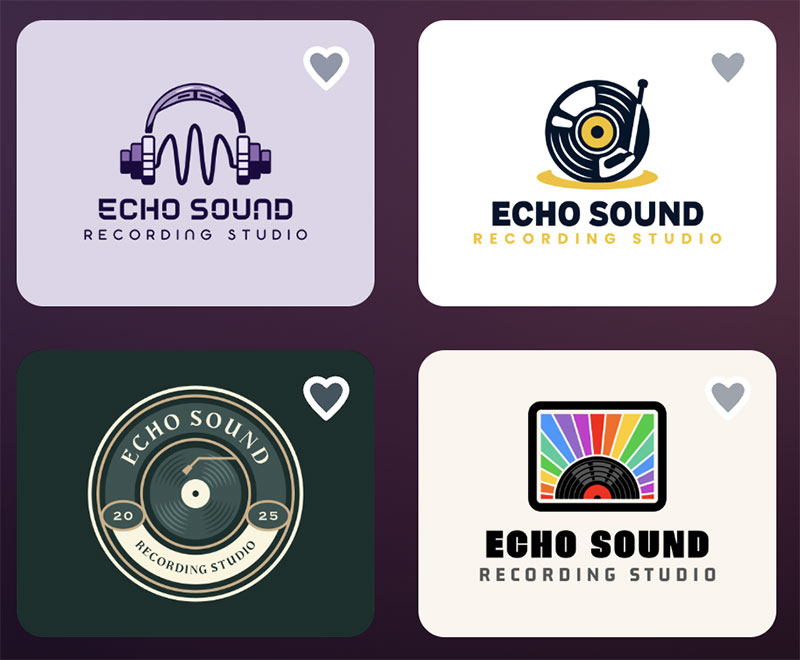
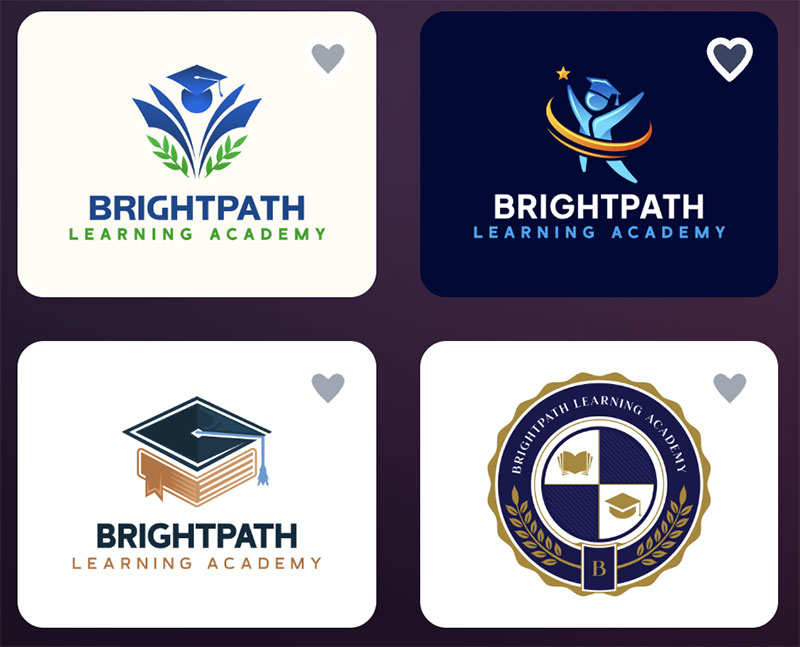
Design.com gives you access to over 400,000 logo templates and more than 1 million design assets. This means you’ll always have plenty of options to choose from. Here are some examples of generated logos:

- AI design tools
You can generate logos, websites, and other designs using AI in just a few seconds. This makes it much faster to get started.
- Easy editing
You can quickly change colors, fonts, and layouts using simple tools or AI suggestions. You don’t need any design experience.
- All-in-one platform
It includes tools for social media, presentations, websites, and more. This helps you keep everything consistent across your brand.
- Download in different formats
You can download your designs in formats like PNG, JPG, SVG, and PDF. These work for both online and print use.
- Commercial use included
All designs come with a license, so you can use them for your business without worrying.
Why It Stands Out
Design.com is built as a full branding platform, not just a design tool. You can go from a logo to a complete brand identity in minutes, with everything automatically matching your colors and style.
Performance Overview
- Speed: Very fast -create a logo in seconds
- Quality: High – professional, ready-to-use designs
- Quantity: Thousands of logo options generated instantly
2. BrandCrowd – Best for Logo Variety & Branding
Best for: Users who want many logo options and strong branding tools
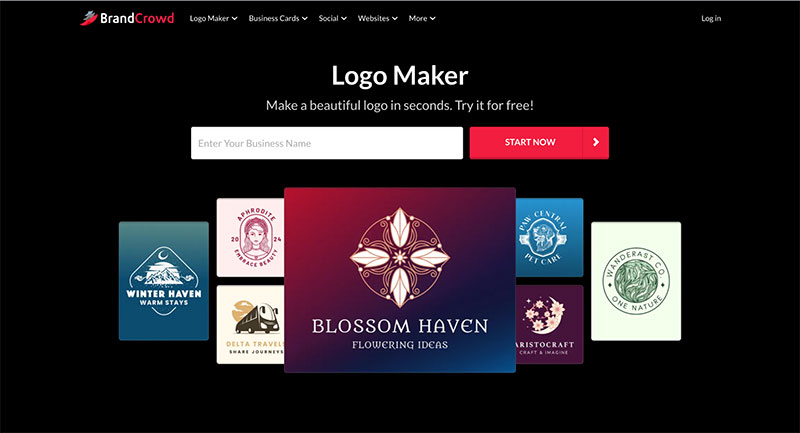
BrandCrowd is another powerful design platform focused on logos and brand identity. It offers a large template library and AI tools similar to Design.com, making it easy to create designs quickly.
Platform Highlights
- Large template collection
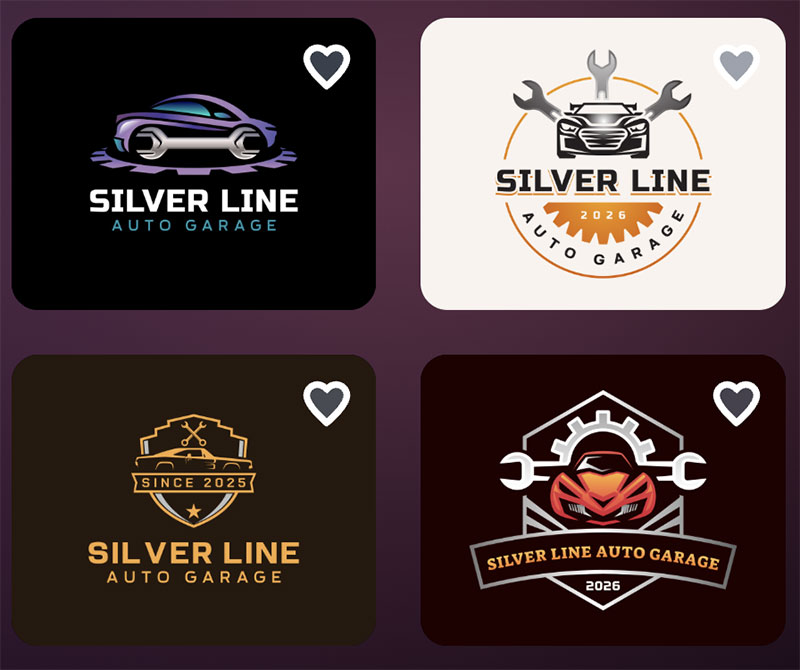
BrandCrowd offers over 380,000 logo templates and a huge range of design assets. This makes it easy to find something that fits your brand. Below are some examples:

- AI logo generator
You can enter your business name and get many logo ideas instantly. This helps you quickly explore different styles.
- Branding tools
You can create business cards, social media posts, and more that match your logo. Everything stays consistent.
- Flexible editing
You can customize colors, fonts, and layouts easily. This helps you fine-tune your design.
- Commercial license
Logos come with usage rights, so you can safely use them for business.
- Multiple file formats
You can download files for web and print, including PNG, JPG, and vector formats.
Why It Stands Out
BrandCrowd gives users a huge number of design choices, making it ideal if you want to explore many different logo styles before deciding.
Performance Overview
- Speed: Very fast – generate logos instantly
- Quality: High – professionally designed templates
- Quantity: Large number of logo variations per search
3. DesignEvo – Best for Simple Logo Design
Best for: Basic logo creation with minimal features
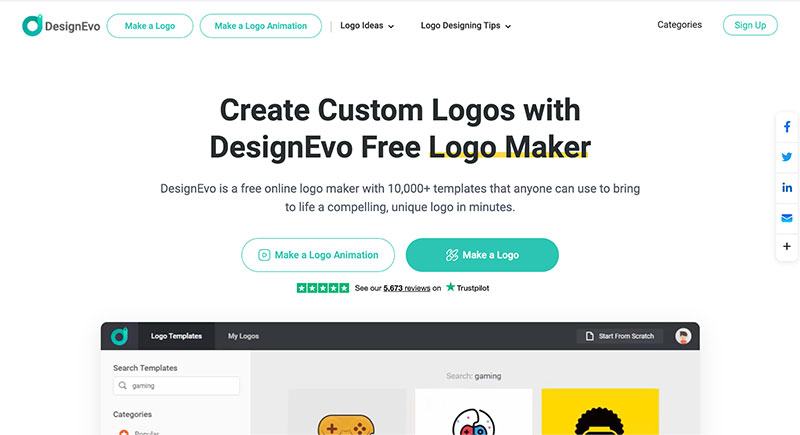
DesignEvo is a simpler logo maker focused mainly on creating logos. It doesn’t offer the same full branding tools as the other platforms, but it works well for basic needs.
Platform Highlights
- Ready-made templates
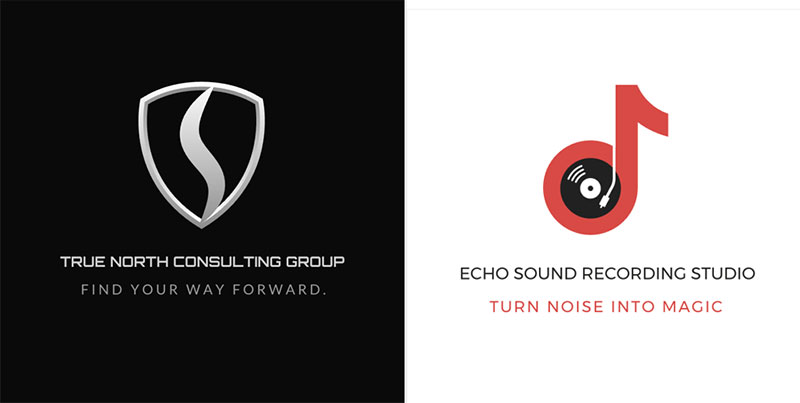
DesignEvo provides pre-designed templates you can edit. This makes it easy to create a logo quickly, just like we did below:
- Simple editing tools
You can change text, colors, and icons with a few clicks. The tools are very easy to use.
- Beginner-friendly
The platform is simple and doesn’t require any design skills. It’s great for first-time users.
- Focused on logos only
Unlike other tools, it mainly focuses on logo design. It doesn’t offer full branding features.
Why It Stands Out
DesignEvo is a good option if you only need a quick and simple logo without extra tools or features.
Performance Overview
- Speed: Moderate – more manual steps required
- Quality: Mixed – some designs need editing
- Quantity: Smaller selection compared to larger platforms
Quick Comparison Table
Let’s look at the key differences between these tools side-by-side:
| Feature | Design.com | BrandCrowd | DesignEvo |
| Template library | 400K+ logos, 1M+ templates | 380K+ logos, 1M+ templates | Smaller library |
| AI tools | Extensive | Multiple | Limited |
| Design quality | High | High | Mixed |
| Speed | Very fast | Very fast | Moderate |
| Branding tools | Full platform | Full platform | Limited |
| Customization | Advanced | Advanced | Basic |
| Best for | Full branding | Logo + branding | Simple logos |
How to Choose the Right Tool
Choosing the right tool depends on what you need:
- Choose Design.com if you want a complete branding solution with speed and simplicity
- Choose BrandCrowd if you want more logo variety and flexibility
- Choose DesignEvo if you only need a basic logo with minimal features
Conclusion
There are many alternatives to Adobe Express, but not all of them offer the same level of quality, speed, and features.
Design.com stands out as the best overall choice thanks to its all-in-one approach and large template library. BrandCrowd is also a strong option, especially if you want more design variety. DesignEvo is a simpler tool that works well for basic logo creation.
In the end, the best tool depends on your goals – whether you need full branding or just a quick and simple design.

Renowned for his expertise in logo design and visual branding, Bogdan has developed a multitude of logos for various clients.
His skills extend to creating posters, vector illustrations, business cards, and brochures. Additionally, Bogdan's UI kits were featured on marketplaces like Visual Hierarchy and UI8.
He also wrote in the past years on sites like Design Your Way, WebDesignerDepot, WPDean, Designmodo, Speckyboy, Slider Revolution, and more.
- The Windsurf Logo History, Colors, Font, And Meaning - 10 October 2026
- How to Remove Background From Product Photos (No Photoshop) - 10 October 2026
- How Designers can Build a Stronger Online Creative Identity - 9 October 2026

Bogdan Sandu is a seasoned designer who has been designing websites since 2008. Renowned for his expertise in logo design and visual branding, Bogdan has developed a multitude of logos for various clients. His skills extend to creating posters, vector illustrations, business cards, and brochures. Additionally, Bogdan's UI kits were featured on marketplaces like Visual Hierarchy and UI8. He also wrote in the past years on sites like Design Your Way, WebDesignerDepot, WPDean, Designmodo, Speckyboy, Slider Revolution, and more.
You Might Also Like