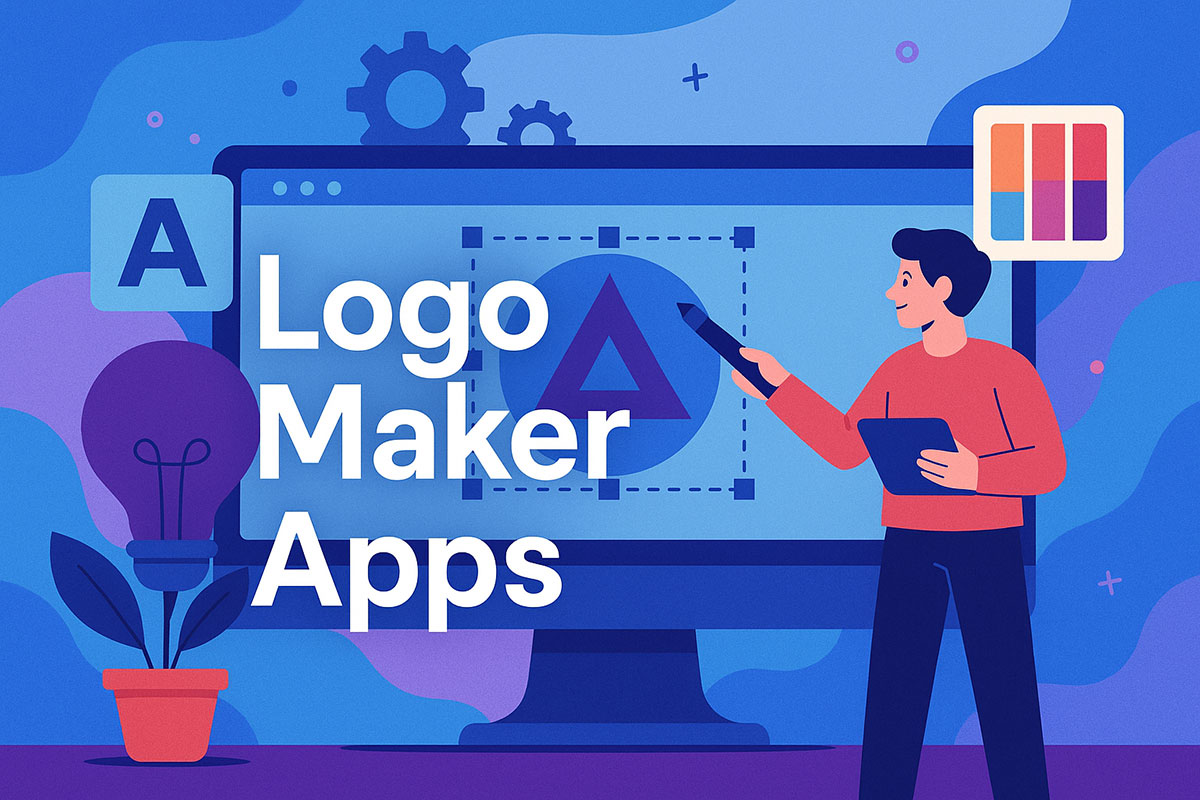
Your brand deserves better than clip art slapped together in five minutes. Logo maker apps have evolved past the cheesy templates and generic symbols that once dominated the space.
These tools now offer real design power. Professional typography, vector graphics, AI-assisted layouts. The difference between a forgettable brand mark and something that actually sticks with customers often comes down to the app you choose.
We tested dozens of platforms (some brilliant, others frustrating wastes of time) to find which mobile design apps and desktop tools deliver results. You’ll learn which free logo generators hold up against premium options, what features matter most for brand identity creation, and where beginners trip up when building their first business logo.
No fluff. Just practical guidance on creating logos that work.
In-browser logo maker apps
Design.com
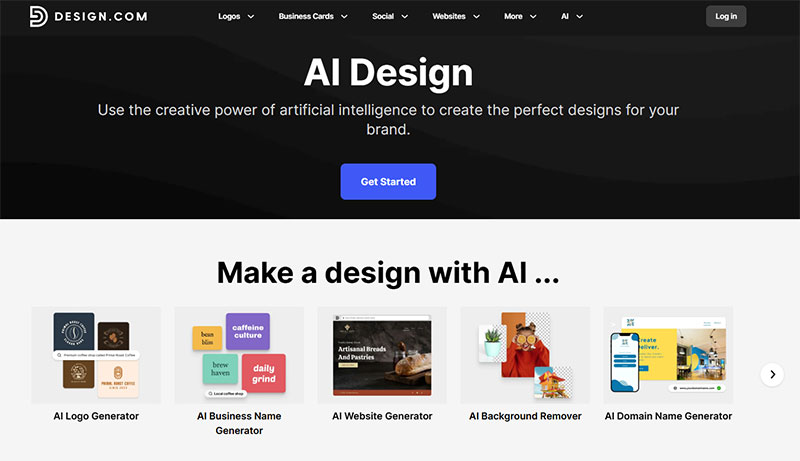
Design.com makes it easy to create stunning, professional-quality logos in just seconds with their customizable templates and AI logo generator. All you have to do is enter your business name or a keyword, and the tool instantly generates logo templates that perfectly match your brand’s identity.
But Design.com isn’t just limited to logos. It’s also packed with AI design tools like an AI background remover, AI website builder, AI business name generator, and AI poster maker. It’s basically a one-stop design hub for entrepreneurs who want high-quality visuals fast.
Key Features:
- Logo Design: Instantly generate logos tailored to your brand with over 350,000+ templates covering all industries and styles. Every design is fully customizable and editable.
- Easy Customization: The platform’s intuitive drag-and-drop editor makes it simple for anyone to create polished results.
- Social Media Design: Access ready-made templates for social media posts, covers, videos, and profile images.
- Marketing Collaterals: Explore templates for everything from posters, flyers, and business cards to email signatures, presentations, invoices, and even t-shirts.
BrandCrowd
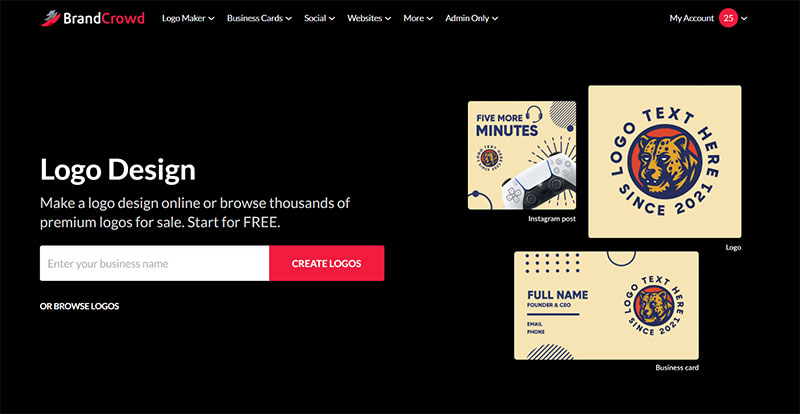
BrandCrowd’s logo maker helps you design professional and eye-catching logos in just a few clicks. Simply enter your business name or keyword, and the tool will instantly suggest logo templates that fit your brand’s style and industry. From sleek minimalist designs to funky retro logos, there’s something for every kind of business.
BrandCrowd also offers a wide range of branding tools to help you create a consistent visual identity across all platforms. Whether you’re setting up your social media profiles or creating a poster to promote your store launch, everything you need to build your brand is right in one place.
Key Features:
- Choose from over 300,000+ customizable logo templates designed by professional graphic designers worldwide.
- Personalize your design with their easy drag-and-drop editor that lets you tweak fonts, colors, and layouts effortlessly.
- Build cohesive branding with templates for social media, including covers, posts, and banners.
- Explore a wide range of marketing materials, from business cards and flyers to email signatures and invoices.
Wepik Logo Maker
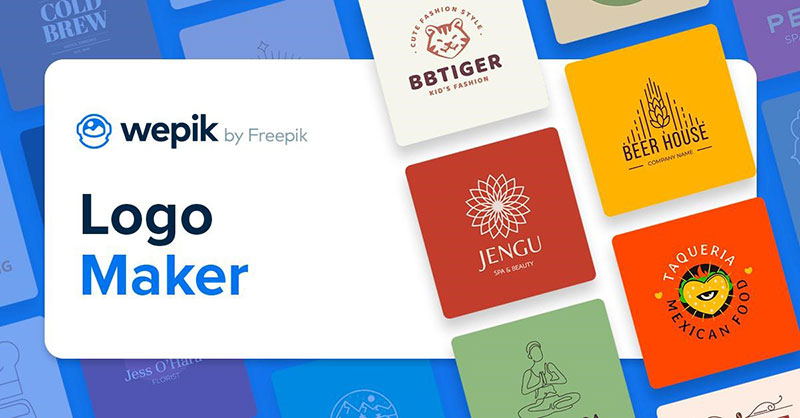
In a world where branding is king, the importance of a distinctive and memorable logo cannot be overstated. It’s the visual cornerstone of your brand identity, playing a vital role in how your business is perceived and remembered. Enter Wepik, an innovative logo maker app that empowers both design professionals and business owners to craft stunning logos with ease.
Wepik sets itself apart with a host of unique features designed to streamline the logo creation process. Its extensive library of icons, graphics, and fonts offers users a wealth of resources to kickstart their design journey. The app’s customization tools enable precise adjustments to design elements, ensuring your logo perfectly encapsulates your brand’s essence. With its user-friendly interface, Wepik makes logo design accessible to all, regardless of design expertise. Experience the power of intuitive, efficient logo creation with Wepik.
Logogenie
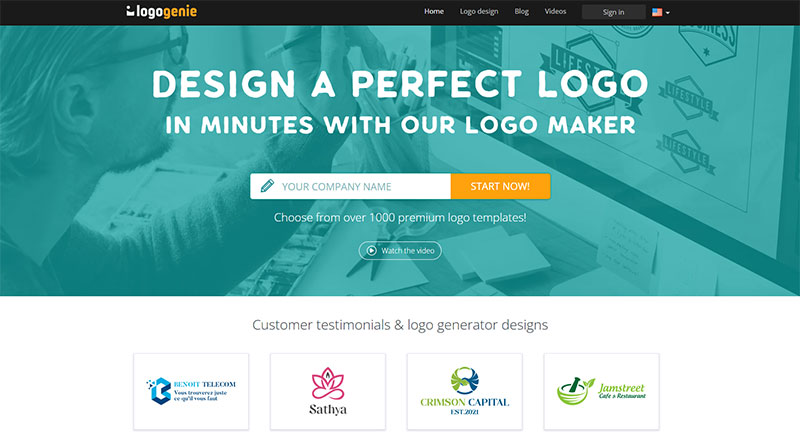
Logogenie is a one-of-a-kind online logo maker that uses artificial intelligence to narrow down the perfect logo templates for your business. Customizing your logo is possible with it’s creative online tools that allow you to do just about anything with your logo. Whether you are a small company just starting up or an established business, Logogenie has the tools you need to bring the most out of your creative ideas.
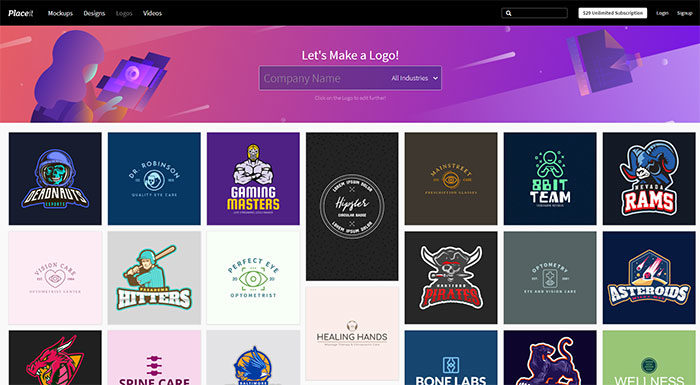
PlaceIt logo maker
Logaster
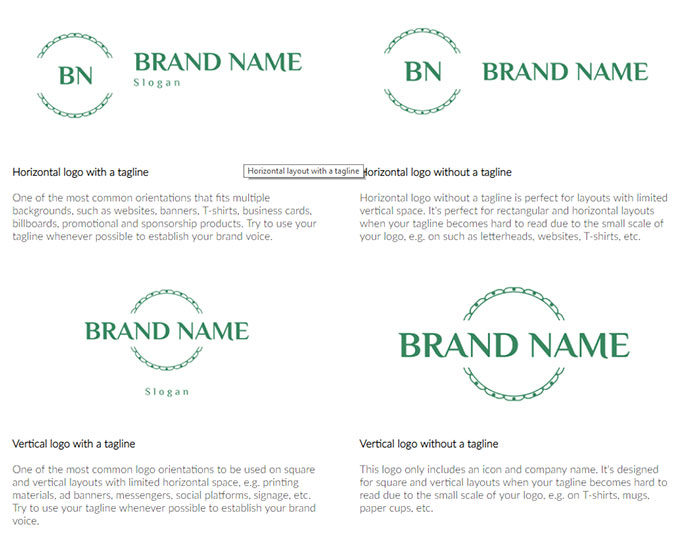
Logo by Squarespace
Hatchful
Your logo says a lot about your brand. If it looks good, it leaves a good impression on your potential customers. If it looks bad, it could leave a bad impression, even if your products or services are top-notch.
Test out logo variations and create a one-of-a-kind logo that’s perfect for your business.
Best of all, you don’t have to have any graphic design experience to create a business logo you can be proud of – the logo generator makes it easy.
Logojoy
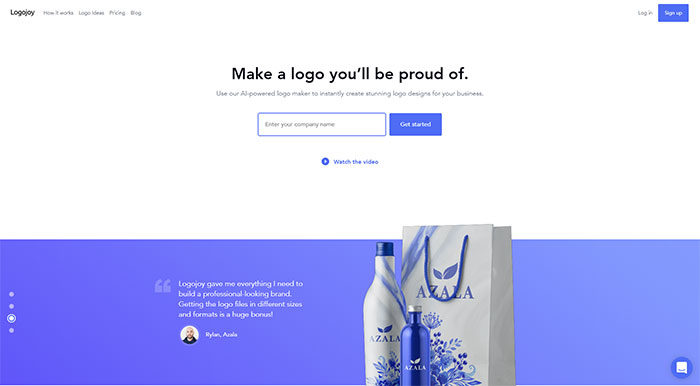
Logojoy is an online logo maker that harnesses the power of artificial intelligence to create designer-quality images, at a fraction of the cost of a professional. Whether it be for your business, team, club, or special event, our easy to use interface can take you from conception to completion, in ten minutes or less.
Wix’s logo maker app
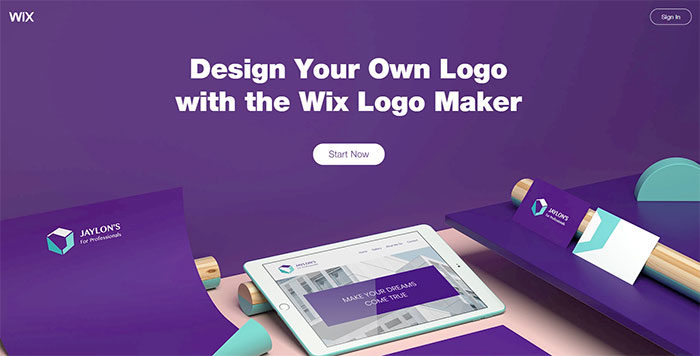
Get your own free logo design with our logo maker. You can create a logo that looks exactly the way you want. Your logo comes with full commercial usage rights and is completely customizable. Change the font, color, size, text and more to fit your brand.
Canva’s Online Logo Maker
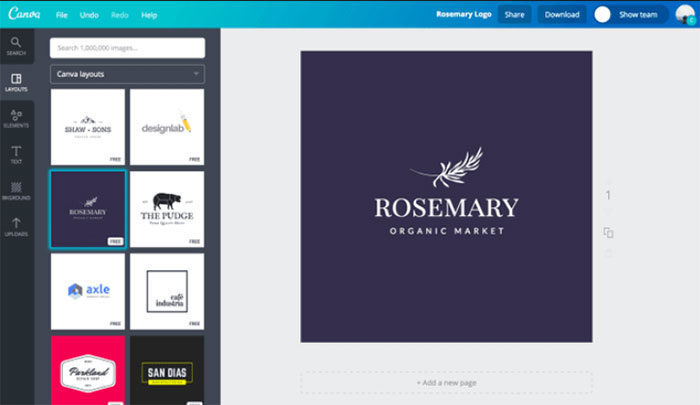
Get the recognition that your business deserves with a remarkable logo that your customers can easily identify and connect to your brand. It’s simple and stress-free with the help of Canva’s powerful design tools.
Upload your own images and elements with Canva’s intuitive drag-and-drop interface or choose from any of the free elements. With Canva you’ve got everything you need to design a professional logo right at your fingertips.
Adobe Spark’s Free Logo Creator
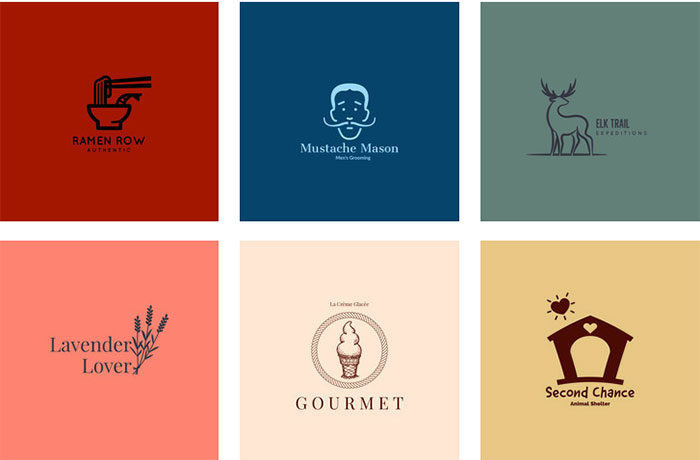
Your logo is the face of your brand, an immediately recognizable image that tells the world what you’re all about.
With Adobe Spark, you can easily create your own logo to convey the personality of your organization and instantly place that logo on your website and in email or advertising.
Best Logo Design Software Apps for iOS
LogoScopic Studio- Logo Maker
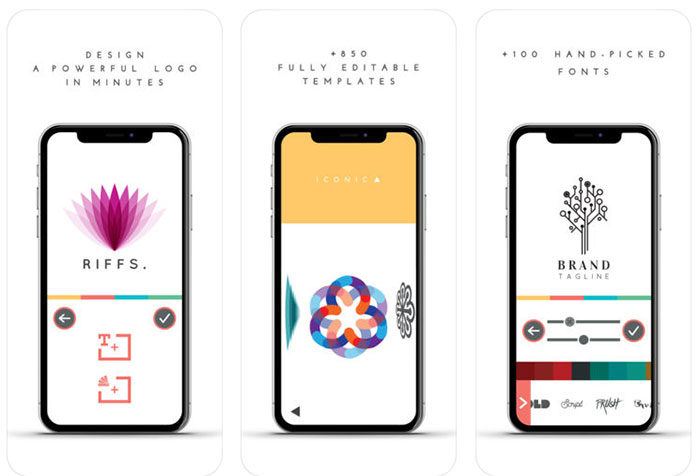
This is one of the best logo creator apps out there. It features 850 custom-made and fully editable logo templates. You can easily create advanced artwork and do more elaborate edits with the tools available in the app.
It also offers over 100 options for font so you can make sure your text looks just right. They are some truly revolutionary typefaces, too, with a number of styles available for whatever tone your logo needs. The app also allows you to send the logo to both digital and print users.
DesignMantic
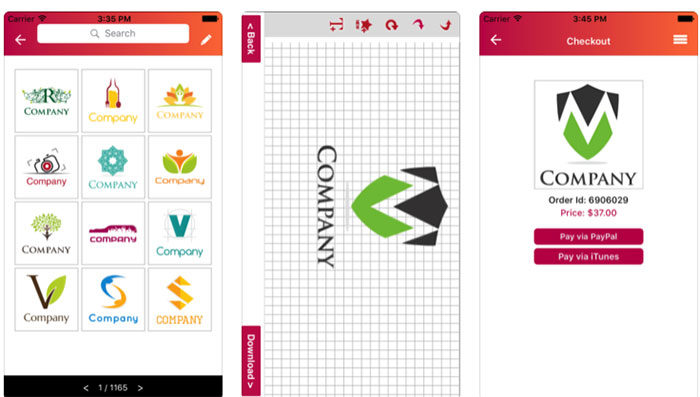
This is another highly popular logo making app. It gives you a wide and diverse number of logo designs to work from.
All you need to do to make a logo on this logo maker app is choose a template, customize it, and then instantly download it. You can download your logo design in .jpg, .png, and .pdf, all of which you can freely use as you need to. It is free to use this logo creator app and you only need to pay if you are buying your logo design for commercial use.
Logo Maker
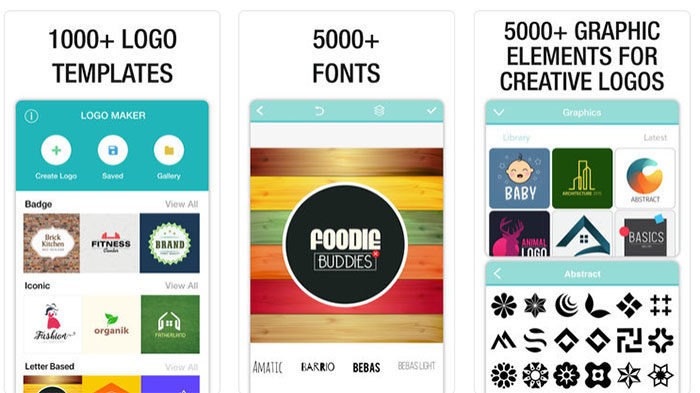
Logo Maker is the simplest app to create a logo on your iPhone, iPad, and iPod. Create stunning logos, icons, symbols, posters in just a few clicks.
Logo Maker helps you visualize and communicate the value of your brand without any design experience from your side.
Best Logo Design Software Apps for Android
If iOS isn’t your thing, you’re not out of luck. Here are some great logo creator apps for Android!
LogoFactoryApp- Logo Maker
With this logo maker app, you’ll get professional quality results for free. It is among the highest rated apps for those who want to create a DIY logo for their own company. It also allows for you to create a highly versatile logo to use on packaging, letterhead, swag, and more.
This logo creator app has a simple, intuitive user interface. You can create a great logo in a few seconds. It is easy to do so even for those who find graphic design a challenge. It provides an exhaustive gallery of images and fonts alike.
FAQ on logo maker apps
Can I create a professional logo without design experience?
Yes. Most logo maker apps like Canva and Looka offer drag and drop interfaces built for beginners. Template libraries provide starting points, while guided workflows walk you through typography options, color palette selection, and layout basics without requiring graphic design skills.
Are free logo makers actually worth using?
Depends on your needs. Free tools like Hatchful and LogoMakr work fine for basic brand marks. You’ll hit limitations with export formats, resolution settings, and customization depth. Premium features in Adobe Express or Tailor Brands unlock vector graphics and commercial licensing that matter for serious business branding.
What file formats should my logo maker export?
Vector formats (SVG, EPS, PDF) are non-negotiable for scalability. PNG works for digital use, while JPEG suffices for basic applications. Professional logo design software should provide multiple resolution settings and transparent backgrounds. Skip any tool that only exports low-res raster files.
Do mobile logo apps match desktop software quality?
Not quite, but they’re close. iOS logo apps like Logo Maker Plus offer solid design workspaces with decent layering features. Desktop platforms like Adobe Illustrator still dominate for complex brand identity creation. Mobile works great for quick iterations and simple visual branding projects.
How long does it take to design a logo using these apps?
Anywhere from 10 minutes to several hours. AI logo design tools like Looka generate options instantly. Custom work through drag and drop designers takes longer, especially when refining typography and testing logo variations. Rush jobs look rushed. Quality brand identity tools reward patience.
Can I trademark a logo made with a generator?
Usually, yes. Most online design platforms grant commercial rights to created logos. Read licensing terms carefully. Template-based designs might lack distinctiveness for trademark approval. Original customization strengthens your case. Consult a trademark attorney before filing, regardless of which logo builder you used.
What’s the difference between AI and template-based logo makers?
AI tools like Turbologo analyze your business details and generate unique concepts. Template libraries in DesignEvo let you modify pre-made designs. AI offers more originality but less control initially. Templates provide immediate visual direction but risk looking generic without substantial editing through the design interface.
Do I need different logo versions for various platforms?
Absolutely. Your brand kit should include horizontal, vertical, and icon-only variations. Social media demands square formats. Websites need transparent PNGs. Print requires high-res vectors. Quality logo maker tools like BrandCrowd automatically generate these logo variations from your primary design.
Are subscription-based logo apps better than one-time purchase tools?
Depends on frequency. Subscriptions to Canva or Adobe Express make sense if you’re constantly creating branding assets and design elements. One-time tools like Affinity Designer suit occasional users. Consider your workflow. Monthly fees add up fast if you only need a logo once.
Can logo maker apps help with full brand identity beyond just logos?
Many do now. Platforms like Renderforest and Placeit expand into business card maker features, mockup generators, and complete brand guidelines. You get color schemes, typography recommendations, and design templates that maintain consistency. True branding toolkit functionality versus simple emblem generators separates premium from basic options.
Conclusion
The right logo maker apps transform vague brand concepts into tangible visual identities. Whether you’re launching a startup logo design or refreshing existing branding, these tools democratize professional-level creative work.
Free options like Shopify Hatchful get you started. Premium platforms like Looka and Tailor Brands justify their costs with advanced design assets and comprehensive brand identity tools.
Your business deserves more than a rushed symbol thrown together during lunch. Take time exploring template libraries, testing color palette selectors, and experimenting with typography options. The difference shows.
Vector graphics matter for scalability. Commercial licensing protects your investment. Multiple logo variations ensure consistency across every touchpoint.
Custom branding tools have leveled the playing field. Small businesses now access the same design software capabilities that agencies charge thousands for. Use them wisely, and your brand mark will actually mean something.
Start creating. Your audience notices quality faster than you think.
If you enjoyed reading this article about logo maker apps, you should read these as well:

Renowned for his expertise in logo design and visual branding, Bogdan has developed a multitude of logos for various clients.
His skills extend to creating posters, vector illustrations, business cards, and brochures. Additionally, Bogdan's UI kits were featured on marketplaces like Visual Hierarchy and UI8.
He also wrote in the past years on sites like Design Your Way, WebDesignerDepot, WPDean, Designmodo, Speckyboy, Slider Revolution, and more.
- Black Metal Font Generator - 2 November 2026
- Best Cursor AI skills for web designers building responsive websites - 2 November 2026
- Designing One Flutter App for Phones, Tablets, Mac and Vision Pro - 30 October 2026

Bogdan Sandu is a seasoned designer who has been designing websites since 2008. Renowned for his expertise in logo design and visual branding, Bogdan has developed a multitude of logos for various clients. His skills extend to creating posters, vector illustrations, business cards, and brochures. Additionally, Bogdan's UI kits were featured on marketplaces like Visual Hierarchy and UI8. He also wrote in the past years on sites like Design Your Way, WebDesignerDepot, WPDean, Designmodo, Speckyboy, Slider Revolution, and more.
You Might Also Like