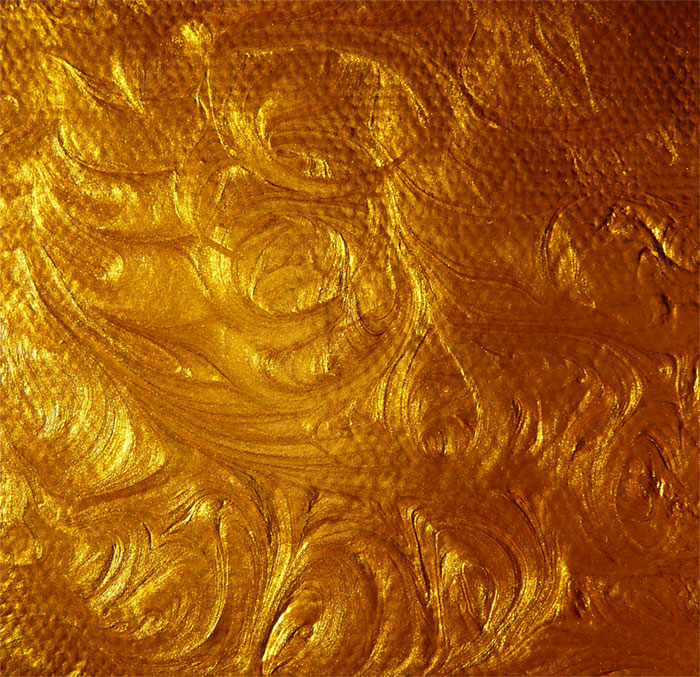
There’s something undeniably captivating about the rich textures of wood. Whether you’re crafting a digital masterpiece or seeking the perfect backdrop for a photography project, wood background textures offer an organic charm that is both versatile and timeless.
In this article, we dive into the world of wood grain patterns and rustic wood backgrounds to uncover the potential they hold for your creative endeavors.
From hardwood textures to distressed wood finishes, you’ll discover how these natural materials can elevate your design projects with organic patterns and visual aesthetics.
By the end of this read, you’ll understand how to seamlessly integrate wood panel textures and plank backgrounds into your work, enhancing both the interior design and digital aspects of your creations.
We’ll explore surface designs, provide tips on using digital textures, and showcase inspiring graphic design elements.
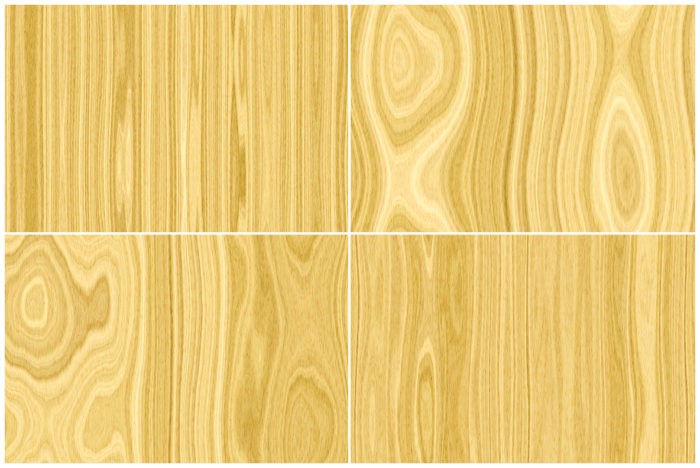
It also helps to build brand identity and help increase the sense of the personality of the business or web page by creating a good sense of atmosphere. It is a good way to catch the eyes of viewers, so a wood background is a good way to create a solid information architecture.
As useful as wood textures are, be cautious when using them. It can be quite tricky.
Use wood textures sparingly and smartly, usually as either the main background and only the main background, or as a background for important sections like headers, sidebars, sliders, and footers.
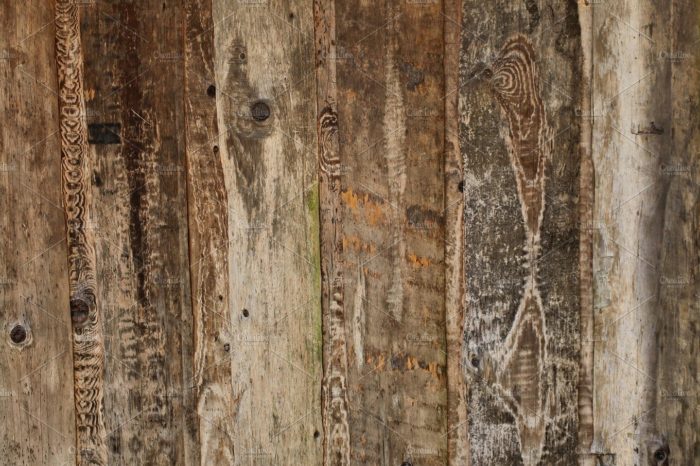
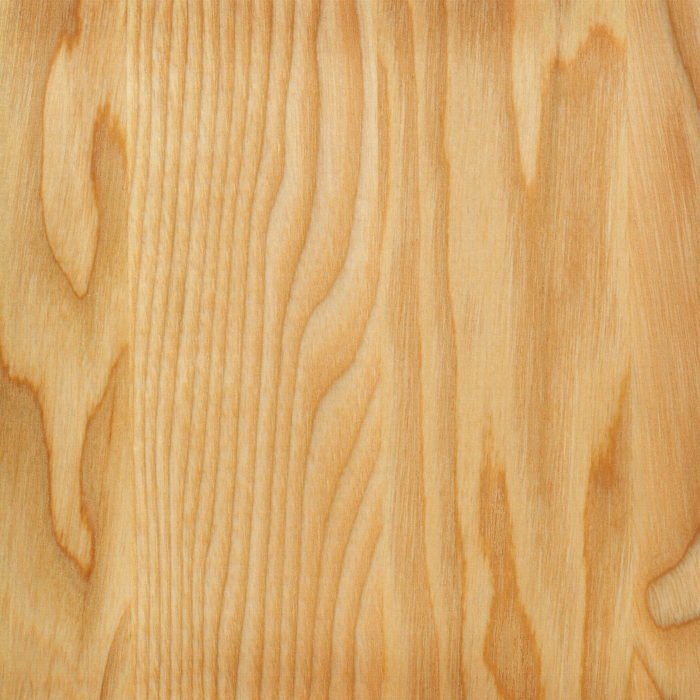
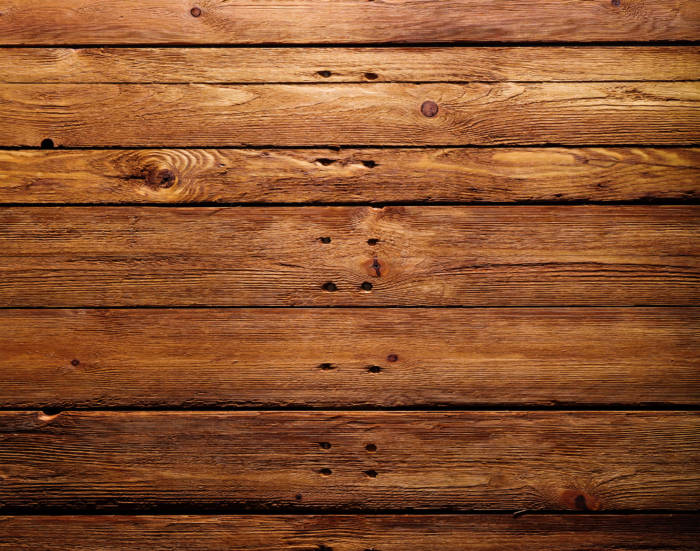
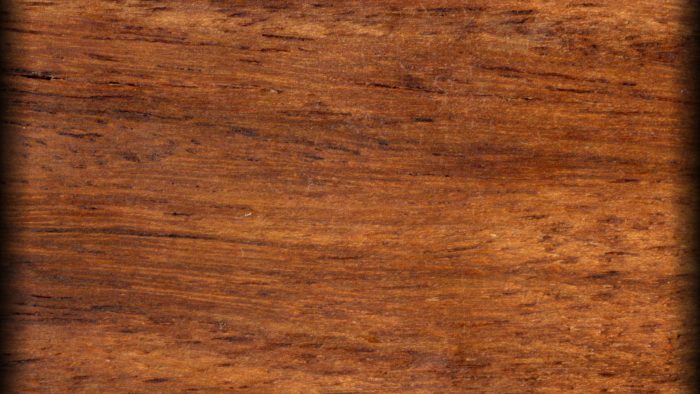
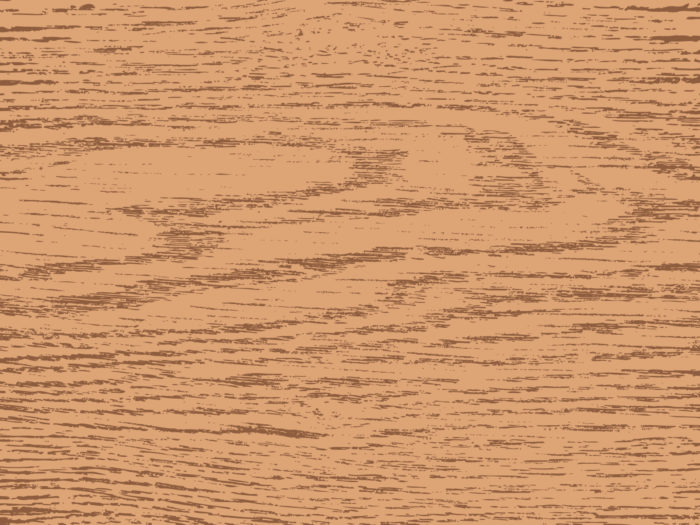
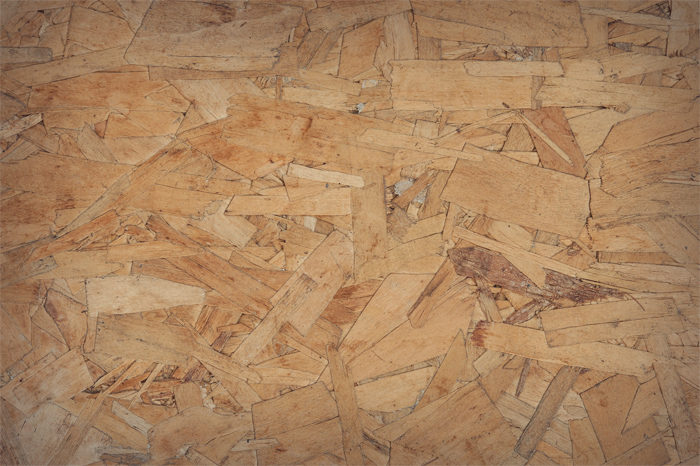
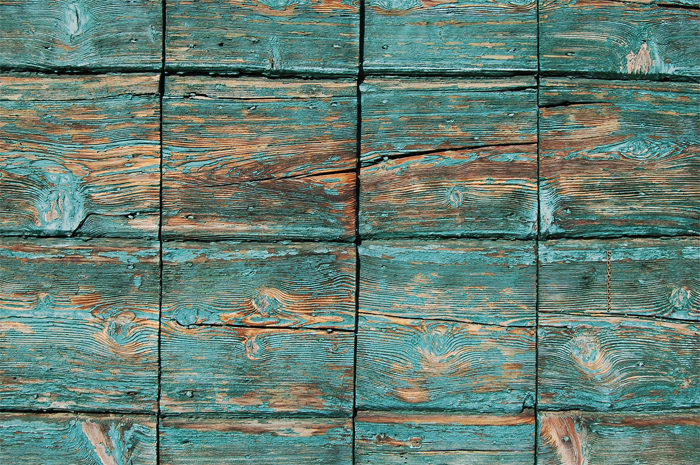
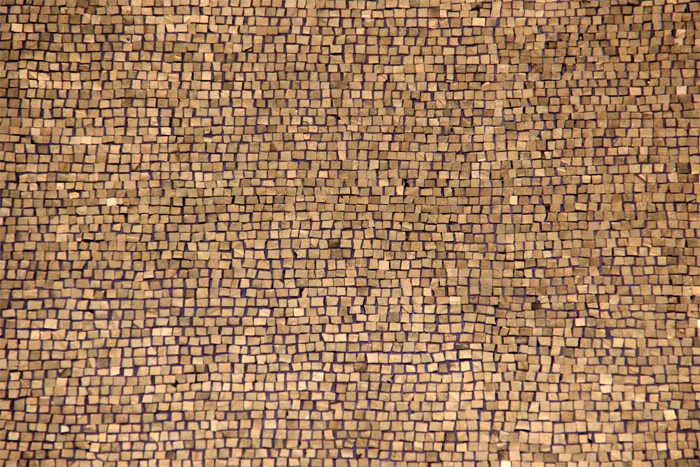
Wood background textures to check out
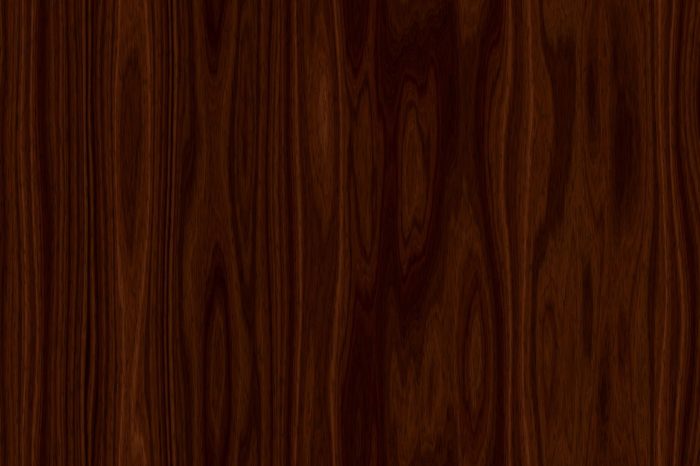

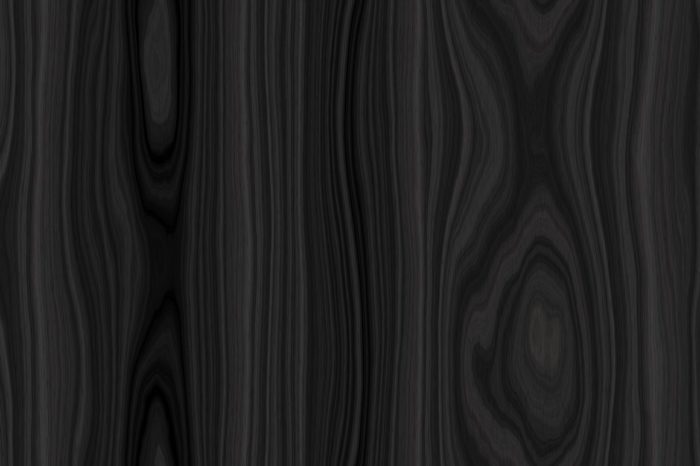
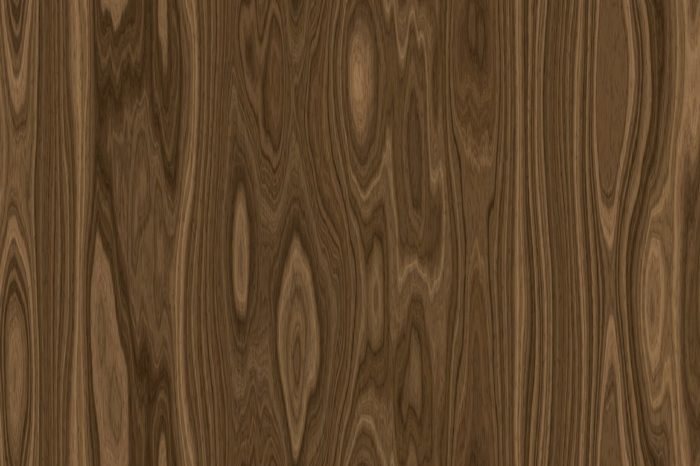
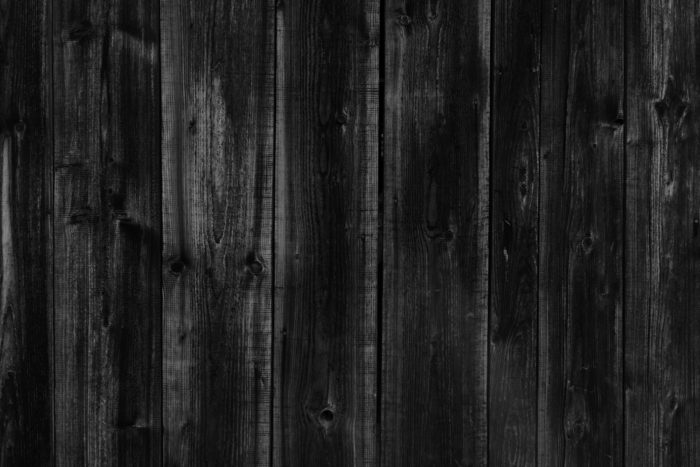
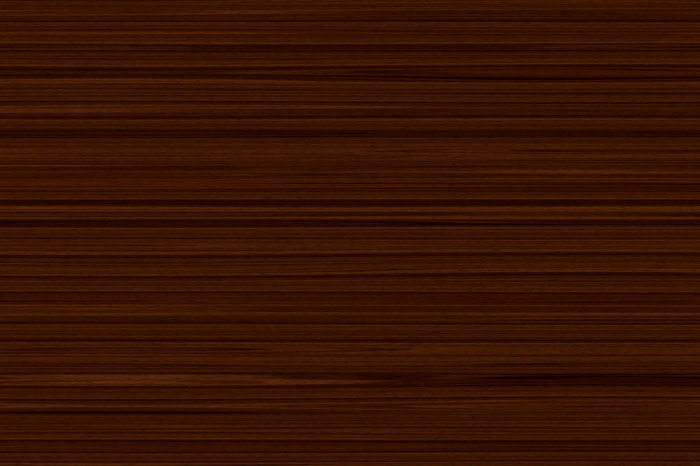
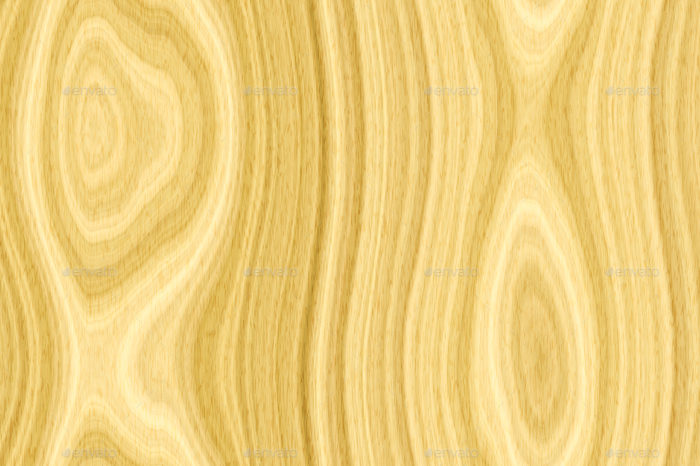
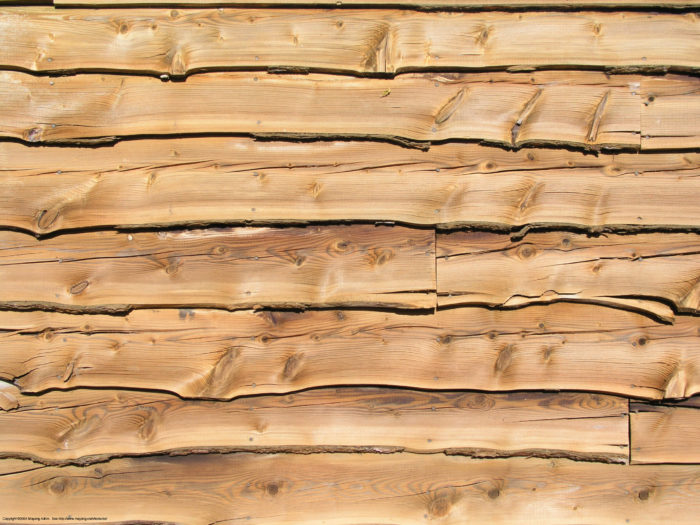
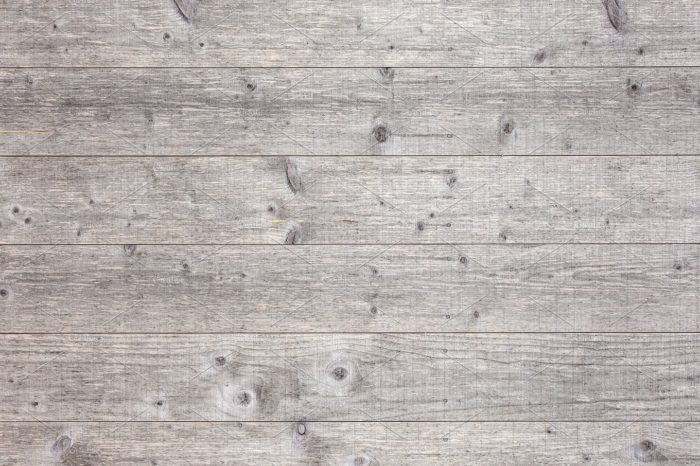


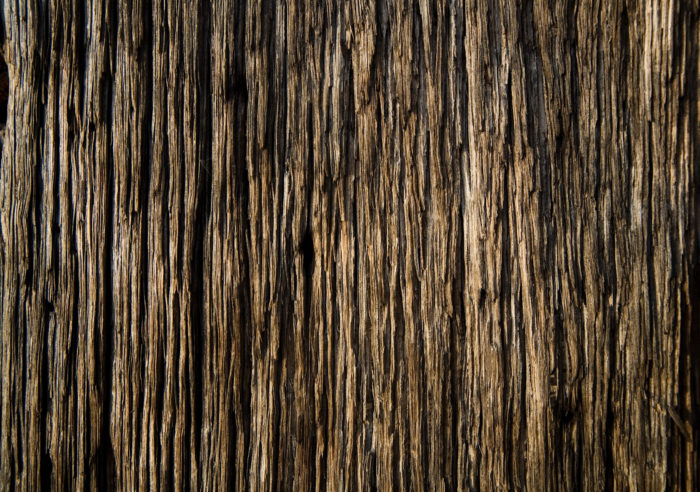
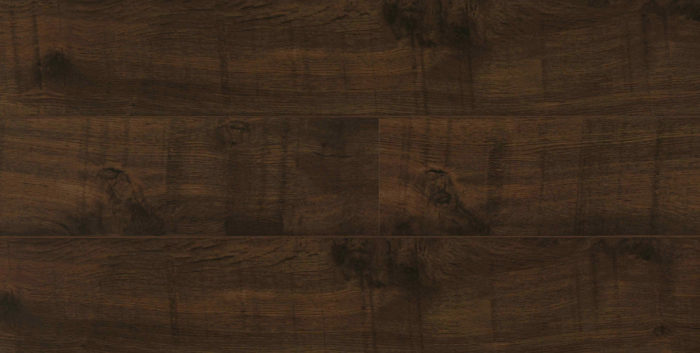
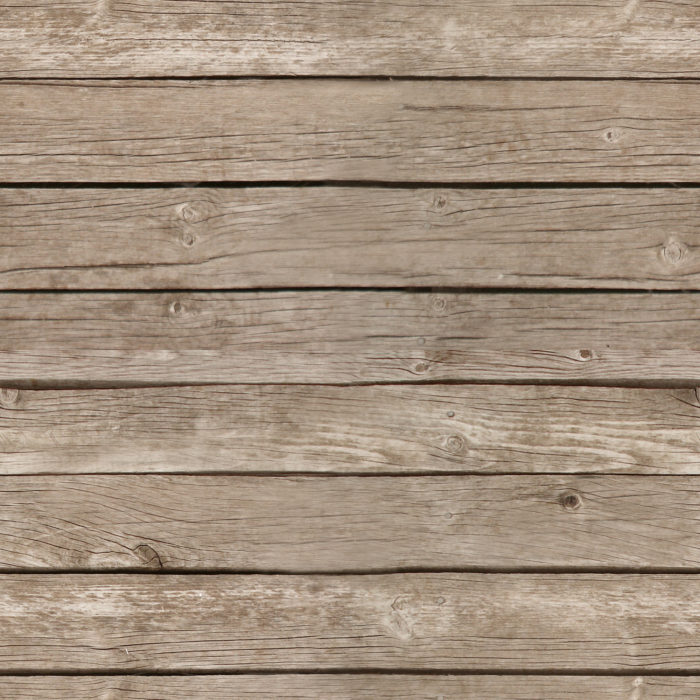
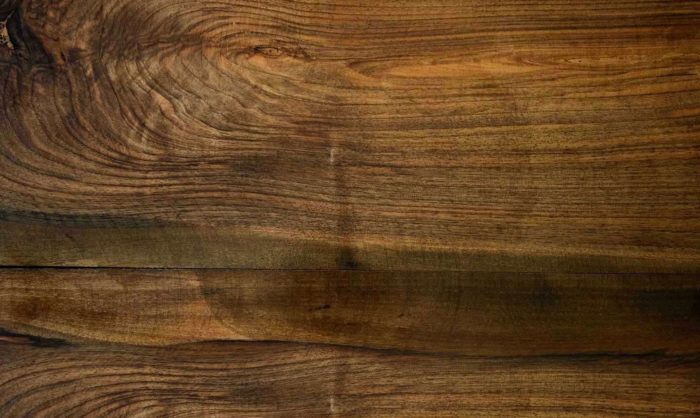
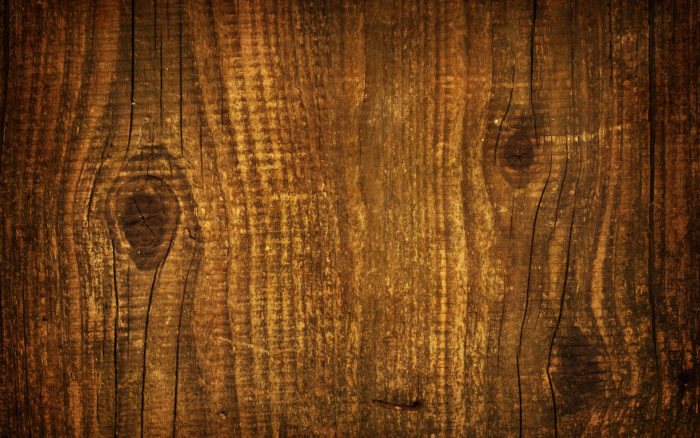

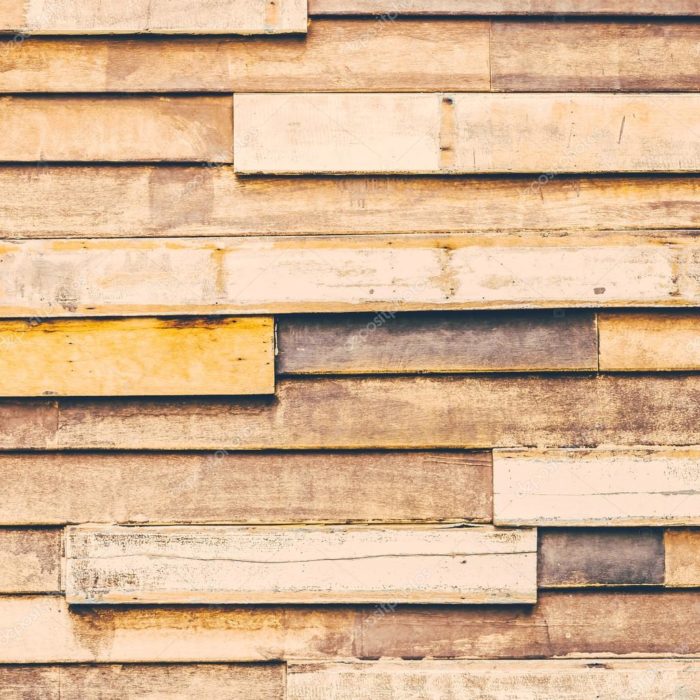
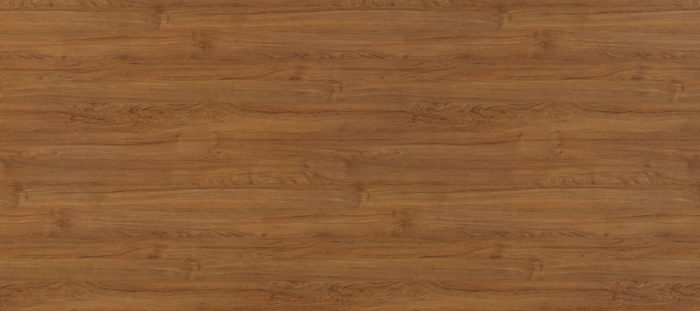
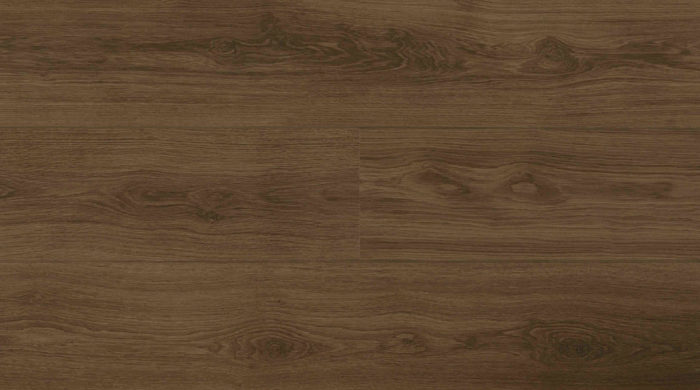
Sourcing Wood Textures
If you want to create a design with a wood texture, there are some ways to get one you can use. A few of them are:
- Use your camera to shoot and scan images of wood surfaces
- Source your texture in a stock imagery library
- Create your own with Adobe Illustrator
The first two are certainly a good option on their own right. Of course, you need to have a good camera to take good pictures of wood surfaces.
You’ll also need to make sure that they are in the right resolution and of good quality otherwise. With stock photos of wood grain textures, you will likely have to pay to get good ones you can use without watermarks or noting the source.
However, if you want to create your own wood texture background, it’s actually pretty simple and will only cost you time!
Creating a Wood Texture in Adobe Illustrator
Once you master these techniques, you can use them to create wood textures on your own!
Also, this tutorial was designed for Adobe Illustrator CS3.
Create Rectangles
Create a 5 inch by 5-inch rectangle using the Rectangle Tool (m). An easy way to do this is to click on the artboard with the Rectangle Tool (m) to bring up the Rectangle dialog to enter dimensions. Fill the rectangle with a light brown and take off the stroke.
Then, Copy (c) the rectangle and Paste In Front (f). With the copied rectangle selected, change the dimensions for the width to 2.5 inches and the height to .25 inches in the Transform Panel. Fill the rectangle with a 40% black.
Create the Texture
Select the smaller rectangle and go Effect > Sketch > Graphic Pen. When the Graphic Pen Effect dialog appears, change it to the following settings:
- Stroke Length = 15
- Light/Dark Balance = 2
- Stroke Direction = Vertical
Trace and Expand
With the texture selected, click Object > Expand Appearance. With the texture still selected, the Control Panel will default to the Live Trace options. Click the arrow beside the Live Trace Button and click Tracing Options. You can also select Object > Live Trace > Tracing Options. Change the options to the ones below:
- Mode: Black and White
- Path Fitting: 1px
- Minimum Area: 1px
- Corner Angle: 1
- Ignore White: Check this box
These are not all the options on the list, only the ones you need to change.
Transform and Color
With the texture selected, change the width to 5 inches and the height to 5 inches in the Transform Panel. Then change the color of the texture to a darker brown than the first rectangle.
Warp
Double click on the Warp Tool (shift r) in the Tools Panel to bring up the Warp Tools Options dialog. They are likely on the default settings, but if they are not, press the reset button on the right. Once the settings are back to default, change the Intensity to 10% and click OK.
Select just the texture and click and drag with the Warp Tool (shift r). Going up and down and slightly back and forth is a good option that will produce a wood grain effect. You can do as much as you want.
Twirl
Click and hold down on the Warp Tool (shift r) in the Tools Panel to bring up the other transform tools. Click on the Twirl Tool. Use this tool to add some knots to your wood texture if you would like. Double click on the Twirl Tool in the Tools Panel to bring up the Twirl Tool Options dialog. Below are the settings to use:
- Width =.69 (50pts)
- Height =.97 (70pts)
- Twirl Rate =10°
- Simplify = 20
With your texture selected, click and hold on the texture until you the knot looks right. The Twirl Rate is slow so it will be easy to see when you need to let go.
Feel free to experiment with the look of your wood texture!
Using Wood Textures in Web Design
Wood textures are not new in web design. They were actually very trendy in the late 19190s and early 2000s, though they fell out of style after that.
They’ve begun to make a comeback. Wood is an earthy material closely associated with all sorts of experiences, from picnics to boardroom tables. You can use it to your benefit and bring in a classical and interesting touch to any website.
FAQ On Wood Background Textures
What are wood background textures?
Wood background textures are digital or physical patterns that mimic the look of wood. These textures can range from hardwood textures and distressed wood finishes to rustic wood backgrounds.
Designers use them to add an organic and natural feel to their projects, enhancing the overall visual aesthetics.
How do I use wood background textures in graphic design?
Using wood background textures in graphic design involves incorporating wood grain patterns and plank backgrounds into your layouts.
They work well as backdrops for text, images, and other design elements. For digital textures, adjust the opacity or blend modes in your design software to achieve the desired effect.
Where can I find high-quality wood background textures?
You can find high-quality wood background textures on design resource websites like Unsplash, Pexels, and Shutterstock.
Additionally, tools like SEMrush and Ahrefs might help you discover sites offering digital wood patterns and texture overlays. Always ensure the textures you choose match the visual aesthetics you aim to achieve.
What types of projects benefit from wood background textures?
Wood background textures enhance a variety of projects, from web design and branding to digital art and photography.
They bring a touch of natural materials to graphic design elements, making them ideal for interior design presentations, product mockups, and photo backdrops.
Can I create my own wood background textures?
Absolutely. Creating your own wood background textures can be as simple as photographing real wood surfaces or using graphic design software to simulate wood grain patterns.
Experiment with different hardwood textures and distressed wood finishes to create unique and customized backgrounds for your projects.
What are the benefits of using wood background textures?
The benefits of using wood background textures include adding a natural, timeless feel to your designs.
They enhance surface designs and interior design projects, providing a warm, organic look that resonates with viewers. Wood grain patterns also add depth and character to digital and print media.
How can I ensure wood background textures look realistic?
To ensure wood background textures look realistic, focus on high-resolution images and pay attention to details like wood grain patterns and knots.
Use natural materials and organic patterns in your designs, and adjust lighting and shadows to match the visual aesthetics of real wood surfaces.
Are wood background textures suitable for websites?
Yes, wood background textures are suitable for websites, especially those focused on interior design, natural materials, or rustic themes.
They can be used as background graphics, wall textures, or accents. Ensure they are optimized for web use to maintain site speed and performance.
How do I optimize wood background textures for web use?
Optimizing wood background textures for web use involves compressing images without losing quality, using the correct file formats, and ensuring fast loading times.
Tools like TinyPNG can help. Always balance visual aesthetics with user experience and maintain mobile-friendliness.
Can wood background textures be used in print design?
Absolutely. Wood background textures add depth and character to print designs, from business cards to posters.
Use high-resolution images and consider the surface designs of your print materials. Wood grain patterns and distressed wood finishes provide a rich, tactile quality to printed projects.
Conclusion
If you enjoyed reading this article about wood backgrounds, you should read these as well:
- Fall background images that you can use in your designs
- Clouds background images to use in your design
- Cute wallpapers to download for your desktop background
- Free wooden background images and textures
- Neat stars background images
- Rustic background images
- Metal background images and textures
- Marble background images and textures

Renowned for his expertise in logo design and visual branding, Bogdan has developed a multitude of logos for various clients.
His skills extend to creating posters, vector illustrations, business cards, and brochures. Additionally, Bogdan's UI kits were featured on marketplaces like Visual Hierarchy and UI8.
He also wrote in the past years on sites like Design Your Way, WebDesignerDepot, WPDean, Designmodo, Speckyboy, Slider Revolution, and more.
- Black Metal Font Generator - 2 November 2026
- Best Cursor AI skills for web designers building responsive websites - 2 November 2026
- Designing One Flutter App for Phones, Tablets, Mac and Vision Pro - 30 October 2026

Bogdan Sandu is a seasoned designer who has been designing websites since 2008. Renowned for his expertise in logo design and visual branding, Bogdan has developed a multitude of logos for various clients. His skills extend to creating posters, vector illustrations, business cards, and brochures. Additionally, Bogdan's UI kits were featured on marketplaces like Visual Hierarchy and UI8. He also wrote in the past years on sites like Design Your Way, WebDesignerDepot, WPDean, Designmodo, Speckyboy, Slider Revolution, and more.
You Might Also Like