Photoshop CC vs CS6-it’s the silent battle that’s been raging in designer circles like a hush-hush kind of civil war.
It’s like picking between a vintage wine and the latest craft beer; both have their aficionados.
We’re diving deep into this duel to arm you with the intel you need. By the end, you’ll be the one calling the shots on which creative giant wins a spot on your dock.
Expect to unravel the mystery of cloud-based storage options versus the comfort of a one-time purchase.
We’ll be decrypting Adobe CC updates without missing a beat on the classic performance of CS6. From smart objects that might outfox you to magic wand tools that know the old spells, you’ll become the insider on all things Photoshop.
Buckle up; it’s not your average compare-and-contrast-think of it as your golden ticket to making an informed pixel-perfect decision.
Key takeaways
- Interface and Functionality: Photoshop CC’s interface is very similar to that of CS6, with both versions sharing many core functions. However, CC includes additional programs like Illustrator and InDesign and offers cloud-based updates and collaboration features.
- New Features in Photoshop CC: CC introduces new tools such as Focus Mask for better selection, improved blur filters for creative effects, enhanced Smart Sharpen with better clarity and noise reduction, and Intelligent Upsampling to maintain image quality when resizing.
- Cloud Integration: Photoshop CC provides advantages in cloud collaboration, allowing for easy sharing of files, saving of customized settings, brushes, and workspaces. It also offers free cloud storage for data.
- Content-Aware Technology: Improvements in content-aware features in Photoshop CC give users more control over blending colors and textures, enhancing the overall editing experience
Photoshop CC vs CS6
Photoshop CS6 details
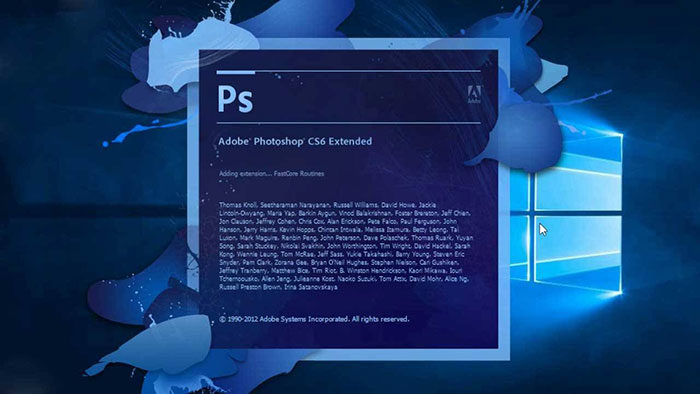
As it was launched in 2012, the Creative Suite brought a new way to purchase Adobe software. It is one of a kind idea and it seems to have been a success. Usually, all Adobe products were sold using perpetual licensing that never expires.
The big disadvantage of this was that the tools come with a big price tag. Many people can’t really afford to go for them as a solution.
Photoshop CC Details
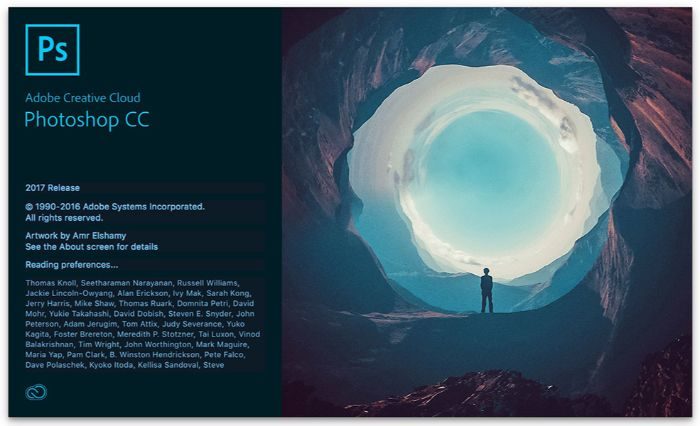
Photoshop CC brings the Adobe suite of creativity in the cloud. This giant that has dominated the creative industry for two decades is still doing this.
Photoshop CC vs CS6 details
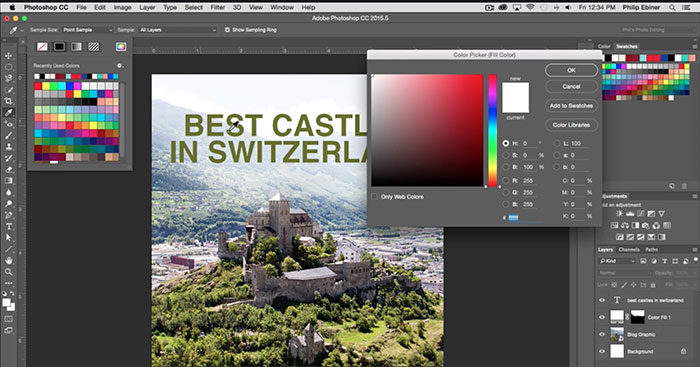
The CC interface is very similar to CS6. There are still a few differences but they are not big at al. When we look at their functionality you don’t need to upgrade from CS6 to CC.
Photoshop CC has all functions from Photoshop CS6. It also includes the well know programs like Illustrator, InDesign, After Effects, Audition, Dreamweaver, and so on.
In order to understand better, the CC, we need to understand the Creative Cloud. This comes with the newer version of the apps that make Creative Suite 6. Many of the programs don’t run online, you simply get them on your computer like you would do with another on.
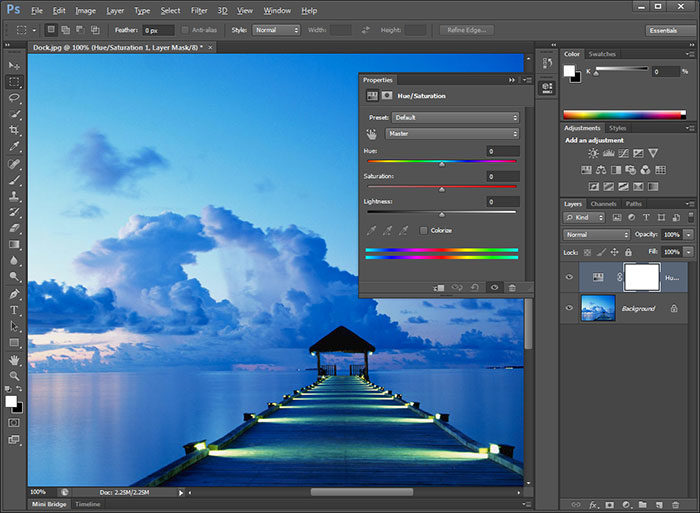
What you need is simply an internet connection so you can keep them updated.
This is why if we talk about Photoshop CC vs CS6 we can say the following. For sure Photoshop CC has an advantage when we speak about cloud collaboration. What is nice about this is that you can share all of your files fast and easily.
On top of that, you can save customized settings, brushes your workspace, and so on. If you want you can get 20GB of free cloud storage that you can use it for data.
Tools in Photoshop CC vs CS6
Focus Mask
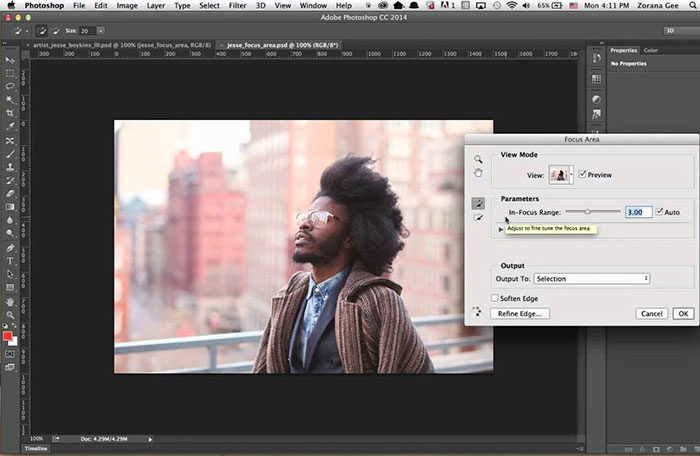
Learning how to use the selection tools is probably the first thing you need to do when mastering Photoshop. This is because this is the core function that helps you interact with it.
Photoshop CC vs CS brings a new selection tool that is called Focus Mask. What it does is creates a selection by choosing the areas of the image that are in focus. This is the best tool when you want to make a selection.
Additional Motion Blurs
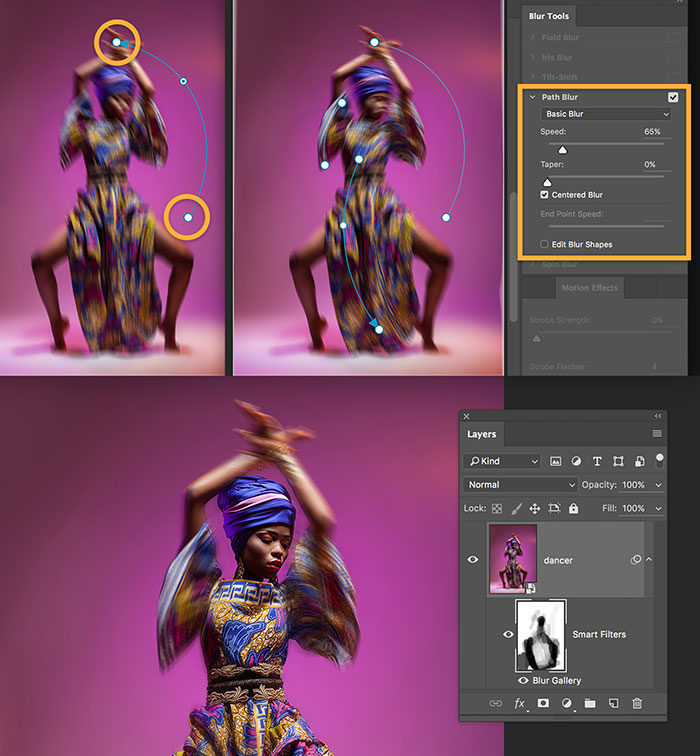
Here, Photoshop CC also brings some new addition. It has different filters that can be used for certain projects. As you can figure it out from its name, we are talking about blur options. They are useful when you want to get some extra creative opportunities that can be used to create dynamic moving effects.
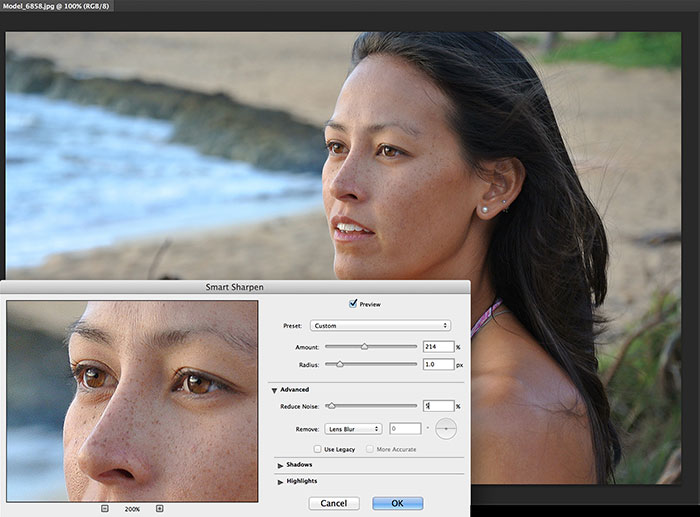
Smart Sharpen
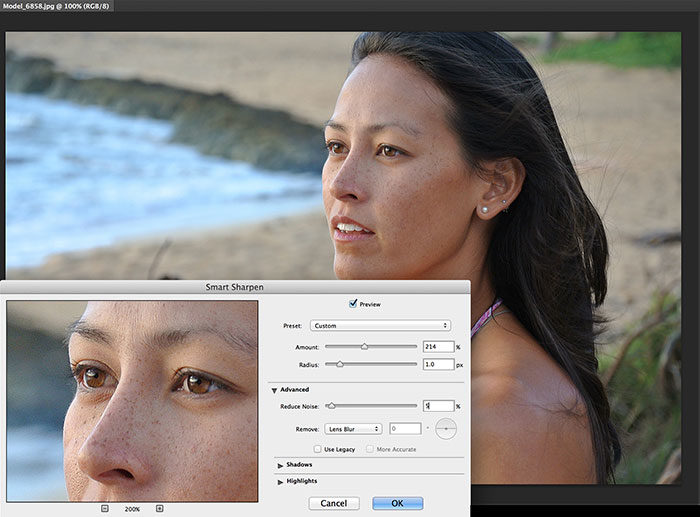
In the Photoshop CC vs CS6 discussion, they are also different when we talk about this tool. In CC it has its clarity improved together with noise reduction.
Better Upsampling
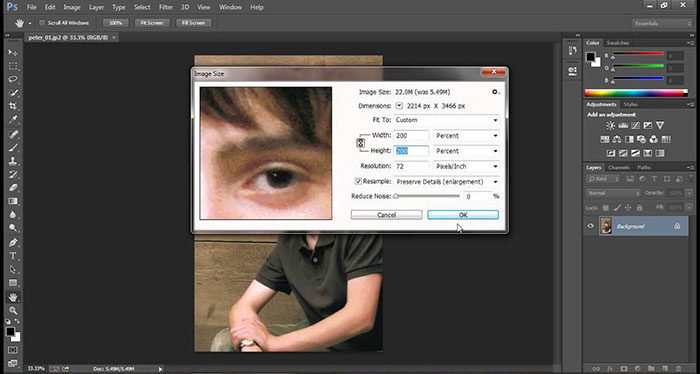
If you are not familiar with Photoshop this is the process of creating a bigger image from a small source. Using bitmap images means there is a natural degradation of quality. What Photoshop CC has different is Intelligent upsampling. What this does is to preserve the quality of the image when you make it larger.
It’s really useful for designers that have to work with multiple sizes in their projects.
Multi-Path and Shape Selection
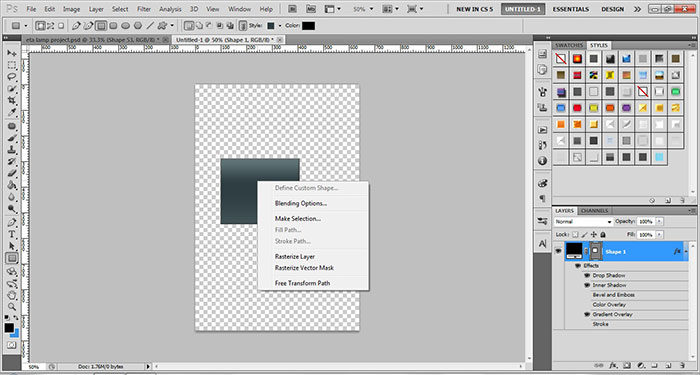
This is quite a simple function that lets you select multiple paths and shapes at the same time.
Improvements to Content-aware technology
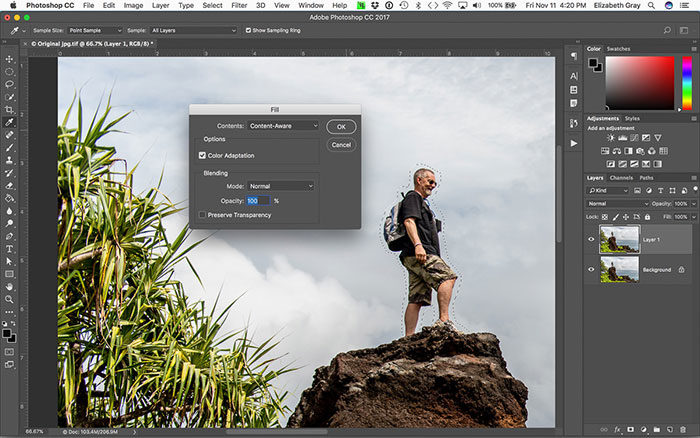
If you used before this feature in Photoshop chances are quite big that you like it a lot. In adobe cc vs cs6 using it means you will get more control for the blending colors and textures.
Photoshop CC vs CS6 – Which is the best for you?
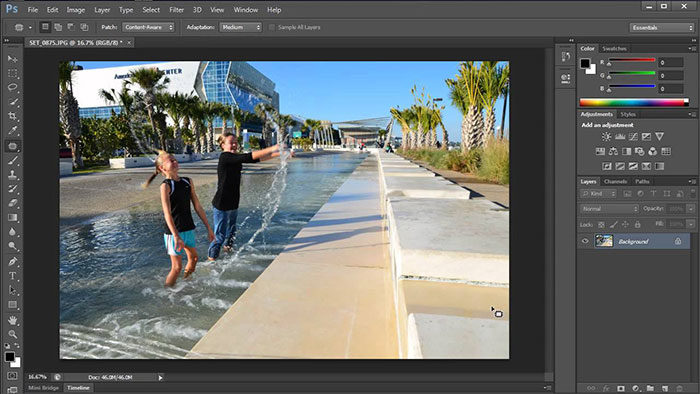
As there are so many changes going on in the last years it can be difficult to know what to buy. The decision that you are going to take depends on how you intend to use the software. Here are some questions that you can think about when deciding:
- How long you want to use the products?
- How often do you plan to upgrade and get a new version?
- What Adobe products do you need at this moment?
- What tools do you want to use in the close future?
- What are the latest tools that you want to get?
- Do you already have a similar product that you can upgrade?
After you answer all of them choosing between CC vs CS6 is going to be easier. Remember that your expectations are probably the best way to figure out what you need. After you figure them out it should be easy to navigate around this.
Ending thoughts on Photoshop CC vs CS6
In conclusion, Photoshop CC vs CS6 is indeed a topic that many designers speak about. We just showed you some of the details that we consider relevant. Now it is up to you to figure out exactly what you want. When ready make the decision and enjoy your new program.
If you enjoyed reading this article about Photoshop CC vs CS6, you should read these as well:
- How to make an album cover – 46 artwork examples
- 37 Photoshop textures that must be a part of your toolbox
- Adobe InDesign tutorial examples that will teach you how to use InDesign
- Photoshop Typography Tutorials (80 Examples)

Renowned for his expertise in logo design and visual branding, Bogdan has developed a multitude of logos for various clients.
His skills extend to creating posters, vector illustrations, business cards, and brochures. Additionally, Bogdan's UI kits were featured on marketplaces like Visual Hierarchy and UI8.
He also wrote in the past years on sites like Design Your Way, WebDesignerDepot, WPDean, Designmodo, Speckyboy, Slider Revolution, and more.
- The Best Fonts for Real Estate Branding and Marketing - 15 July 2026
- Hosting in the USA: How to Choose Dedicated Servers for the North American Market - 15 July 2026
- NHL Team Color Codes - 14 July 2026

Bogdan Sandu is a seasoned designer who has been designing websites since 2008. Renowned for his expertise in logo design and visual branding, Bogdan has developed a multitude of logos for various clients. His skills extend to creating posters, vector illustrations, business cards, and brochures. Additionally, Bogdan's UI kits were featured on marketplaces like Visual Hierarchy and UI8. He also wrote in the past years on sites like Design Your Way, WebDesignerDepot, WPDean, Designmodo, Speckyboy, Slider Revolution, and more.
You Might Also Like