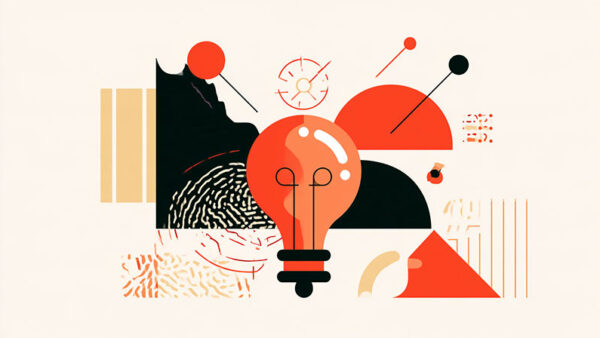
AI in graphic design means software that generates images, suggests layouts and colors, and automates repetitive production tasks, while the designer still makes the creative decisions. It has moved from curiosity to everyday tool, and it touches art as much as it touches workflow. AI-generated images are now a normal starting point for concepts, and the tools around them are changing how design work gets planned, produced and personalized.
How is technology changing art and design?
Art has always reflected the tools of its time, and digital canvases and 3D printing were earlier steps in the same direction. AI is the biggest change so far because it can produce visuals, not just help make them. Whether the result is a conceptual sketch or a large-scale project, generated images open options that used to take hours of manual work.
Artists can also animate photos with AI, turning static visuals into short moving pieces. The line between traditional artistry and generated media is getting blurrier, and designers now spend part of their time directing the tool rather than drawing every element.

What can AI actually do in graphic design?
It handles four kinds of work well: generating drafts, suggesting design options, automating production steps and analyzing audience behavior. Machine learning models pick up patterns in data and in visual style, which lets software suggest edits or produce a first draft from a short description.
- Generating images and concept sketches from text prompts.
- Suggesting color palettes, layouts and type pairings.
- Sorting stock images, color grading and other repetitive production tasks.
- Analyzing user behavior to show which designs get engagement.
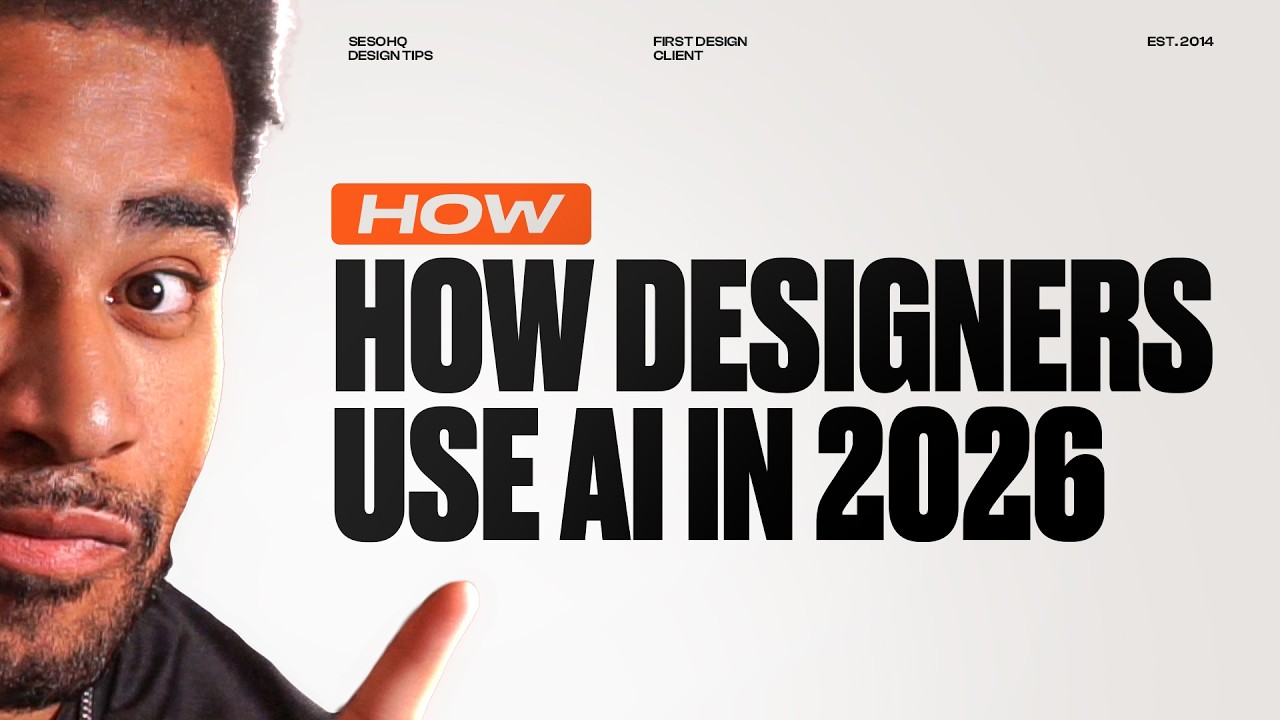
It is not limited to the final production stage, either. AI is increasingly used in planning and concept work, where analytics on consumer behavior can shape which designs get made in the first place. If you want to see where this fits in a working process, this piece on how generative AI is redefining design workflows goes into more detail. This video shows how working designers use it day to day.
What are the benefits of AI in graphic design?
The main benefits are speed, more time for creative work, data-informed decisions, personalization and better teamwork. None of them removes the need for a designer’s judgment, but each one makes it easier to apply.
Efficiency and speed
AI can process large amounts of material quickly, which shortens the design process. It automates repetitive tasks such as sorting stock images or color grading, so a designer can spend the saved hours on harder problems. Treat time savings as a range that depends on the project; they will not be the same on every job, and the biggest gains usually come from tasks you repeat weekly.
More room for human creativity
When the tool handles the routine work, designers can focus on ideas. It can suggest color palettes and layout options and produce basic drafts, which gives you something to react to rather than a blank page. That leaves more mental space for experiments and unusual directions.
Analytics combined with aesthetics
AI can analyze user behavior and other metrics to inform design choices. It can show which color scheme draws more engagement or which kind of imagery resonates with a target audience. Numbers do not replace taste, but they help you test it. A practical habit is to treat every AI suggestion as a hypothesis: try the two versions side by side, look at what the audience actually does, and keep the one that performs.
Personalization at scale
Traditional design delivers one version to everyone. With machine learning, a site can adjust its layout, color scheme or content to the visitor, which makes the experience feel more relevant. This is one of the most promising uses, and it is also where good design judgment matters most, because a personalized page still has to look coherent.
Collaboration and communication
AI can turn data from the marketing team into design-ready input, and it can support shared work on a project so team members stay consistent. The effect is fewer handoff problems between departments.
Which AI tools should designers try first?
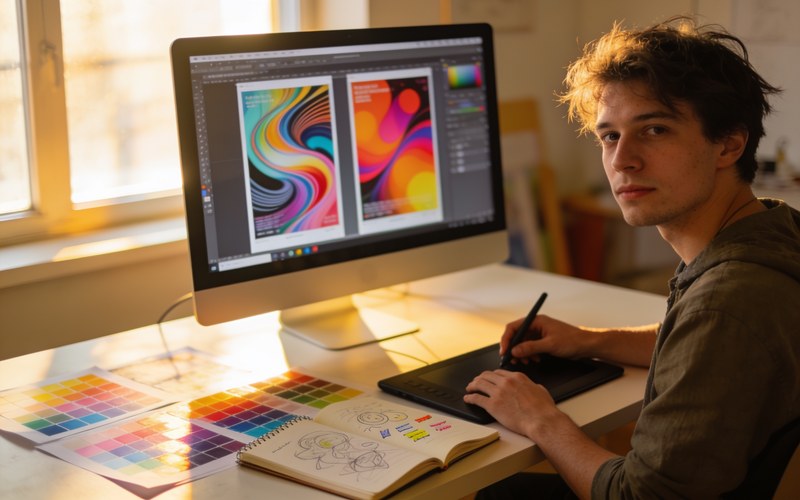
Start with the tool that matches the task you do most often. An AI image generator is the natural first step if you need concept visuals without hours of manual work. If you build decks regularly, an AI presentation maker can suggest layouts and take over some tedious slide formatting.
Beyond those two, there are specialized tools for typography, color theory and more, and some offer real-time collaboration for teams in different locations. For a broader comparison, see the best AI tools for UI and UX design, and for smaller teams, how small brands can use AI design tools.
How do you use AI without losing your own creative voice?
Use it for the early and repetitive stages, and keep the final decisions yourself. Generate options, then edit, combine and reject most of them. Check outputs for odd details and for similarity to existing work, since generated images can look generic or carry flaws that are easy to miss. There is a practical walkthrough in how to use AI in graphic design without losing creativity, and a checklist for reviewing outputs in the designer checklist for AI-generated images.
Frequently asked questions
Will AI replace graphic designers?
It changes the work more than it removes it. AI is good at drafts and repetitive tasks, while concept, taste and client judgment still come from people.
Can I use AI-generated images in client work?
Check the licensing terms of the tool you use and the client’s requirements. Rules differ by platform, so read them before delivering anything.
What is the easiest way to start?
Pick one repetitive task, such as generating concept visuals or sorting stock images, and let a tool handle it for a week. Keep what saves time and drop the rest.
Where should you go from here?
Choose one project, try AI at the sketch or draft stage only, and compare the result with your usual process. When you want more ideas for integrating these tools, explore more guides on DesignYourWay.

Renowned for his expertise in logo design and visual branding, Bogdan has developed a multitude of logos for various clients.
His skills extend to creating posters, vector illustrations, business cards, and brochures. Additionally, Bogdan's UI kits were featured on marketplaces like Visual Hierarchy and UI8.
He also wrote in the past years on sites like Design Your Way, WebDesignerDepot, WPDean, Designmodo, Speckyboy, Slider Revolution, and more.
- How to Design Marketing Materials That People Actually Keep - 27 November 2026
- Behind the Logo: What Font Does Starbucks Use? - 26 November 2026
- Visual Hierarchy in Short Videos: How to Guide Attention Across a Sequence - 26 November 2026

Bogdan Sandu is a seasoned designer who has been designing websites since 2008. Renowned for his expertise in logo design and visual branding, Bogdan has developed a multitude of logos for various clients. His skills extend to creating posters, vector illustrations, business cards, and brochures. Additionally, Bogdan's UI kits were featured on marketplaces like Visual Hierarchy and UI8. He also wrote in the past years on sites like Design Your Way, WebDesignerDepot, WPDean, Designmodo, Speckyboy, Slider Revolution, and more.
You Might Also Like