How to design a shirt in Photoshop: cool tutorials
How To Make Your First Shirt Design In Photoshop
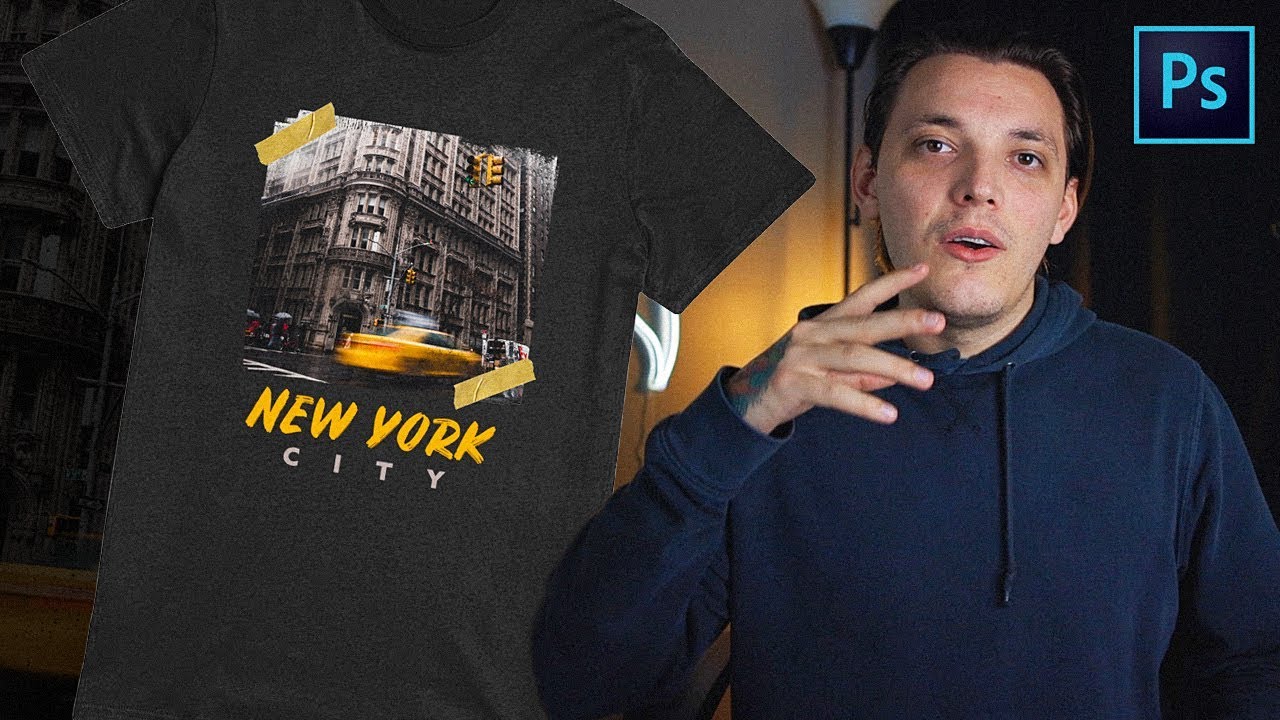
This is a video tutorial that shows how to design a shirt in Photoshop for free. It has all the steps explained so anybody can have a go at it even if you are new to Photoshop. Enjoy the lessons and see what you will learn from them.
How-to Put Any Design on A Shirt Using Photoshop
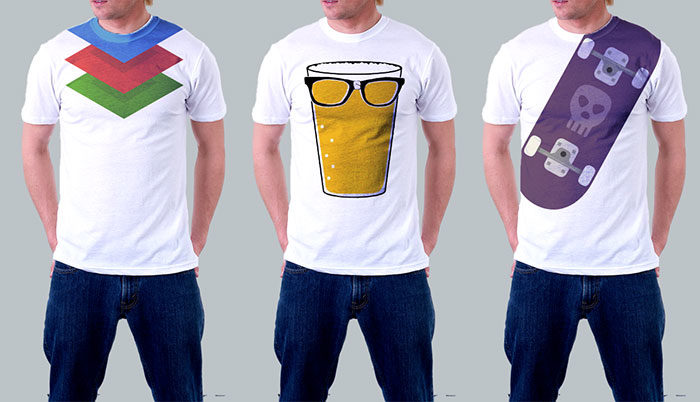
If you are launching your own online store or building your own team for sure you want to have some custom shirts. This tutorial shows you how to take any design you have in mind and put it on a model.
Draw a T-Shirt in Photoshop
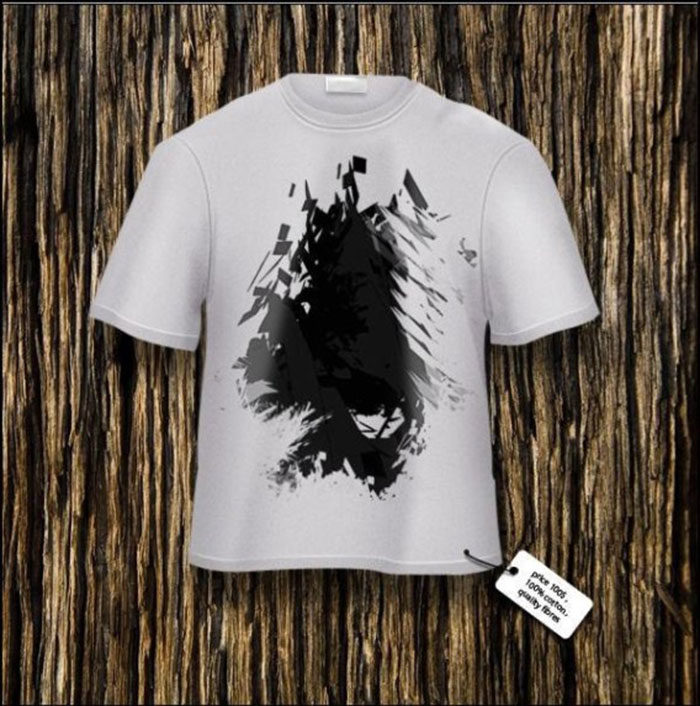
Discover how to draw your own realistic t-shirt by just using Photoshop! This step-by-step tutorial has all that you need in order to create shapes, do shading and more.
How to Create a T-Shirt Mockup in Photoshop
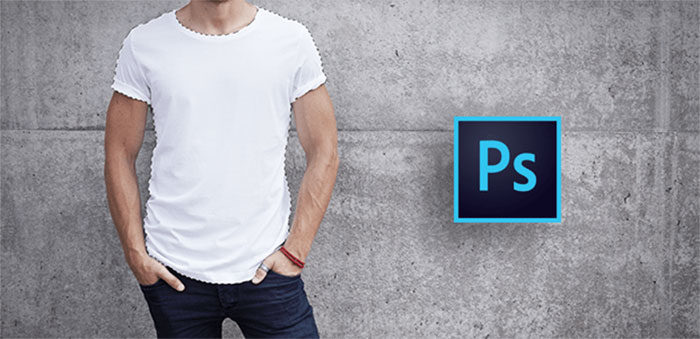
Do you want to create your own t-shirt? Learning how to design by using Photoshop t-shirt templates that are a helping hand for any beginner. This one shows you how to create your own mockup.
Create Shirt Designs using Photoshop,
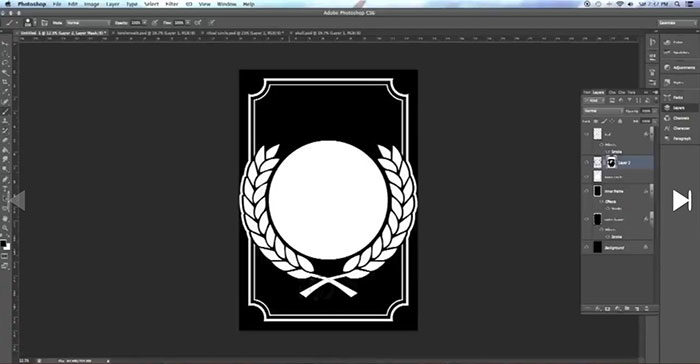
This tutorial shows you all the steps that need to be done in order to create a t-shirt using Photoshop. It doesn’t matter if you haven’t used before Photoshop, with this tutorial you will understand all the techniques and key moments when you need to pay attention. Learn how to design a shirt in Photoshop using it.
How to Design Clothes in Photoshop
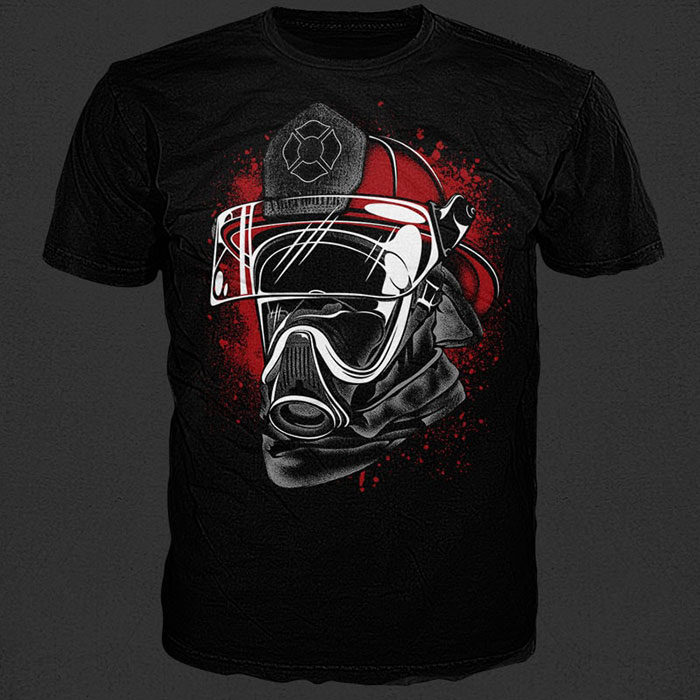
The steps described in this tutorial will show you how to create your own clothing designs.
Design Your Own Graphic Tee in Photoshop
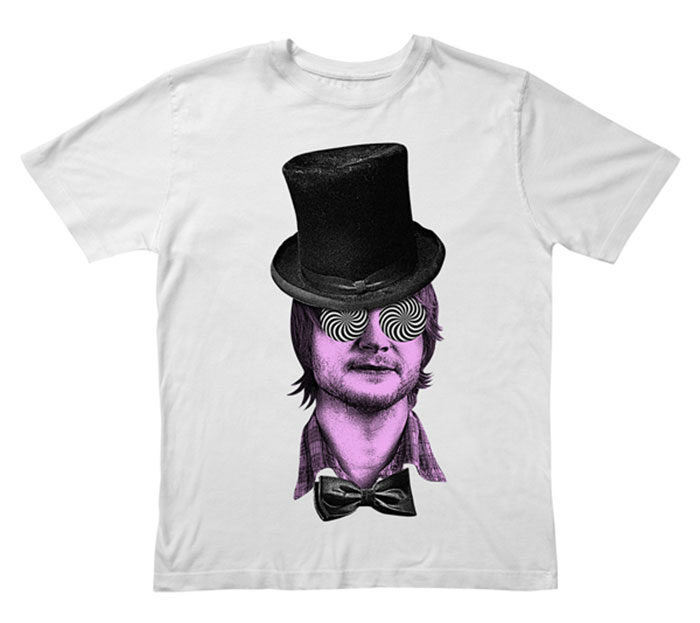
Photoshop is a very popular tool that you can use for your creative designs. This tutorial focuses a lot on how to create a shirt by using it and to show you the principles behind it.
T-Shirt Design in Photoshop Tutorial
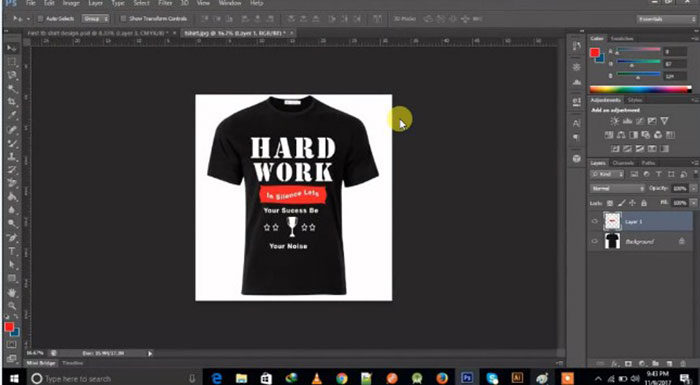
If you were searching for a way to design clothes using Photoshop this will be the best tutorial to start with. You don’t need any previous experience and you can take the entire process step by step. Have a go and see what you will discover.
Transparent Shirt – Photoshop Effect
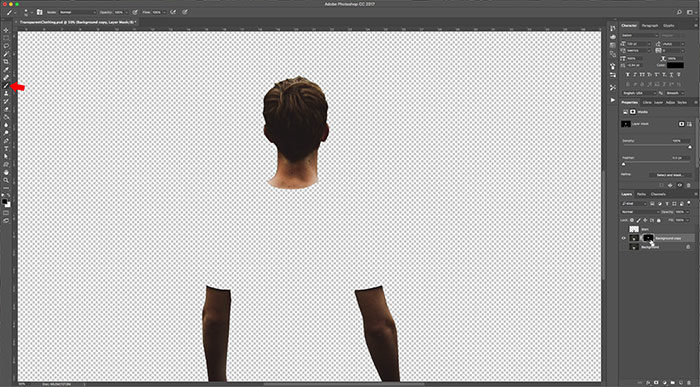
This is a simple Photoshop tutorial that shows you how to create a transparent effect for your clothing designs.
Create a T-Shirt Design for a Fantasy Association in Adobe Photoshop and Illustrator
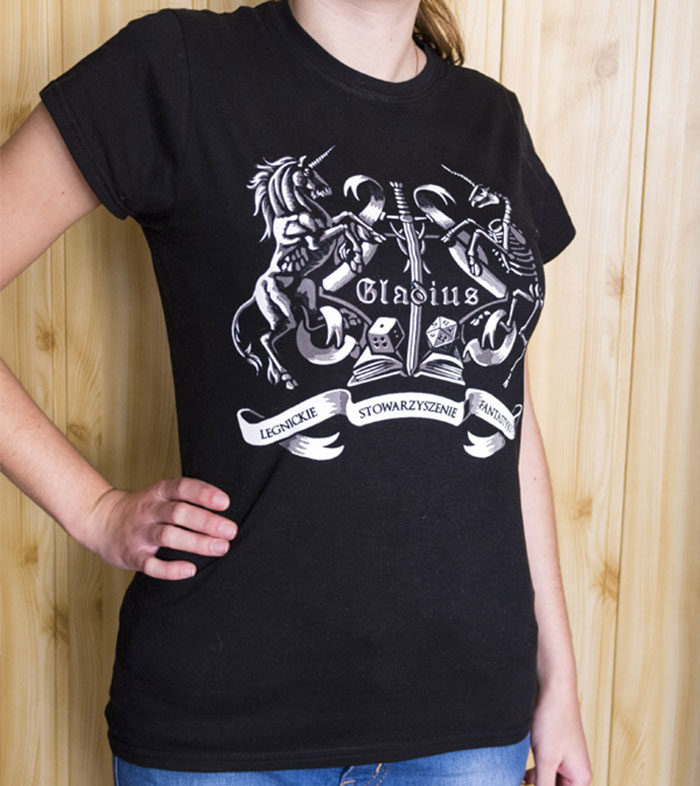
This is a more complex tutorial that shows you both Adobe Photoshop and Illustrator techniques to help you create any idea you might have. Take your time and follow all the steps that are shown in it.
How to Change T-Shirt Design in Photoshop cc
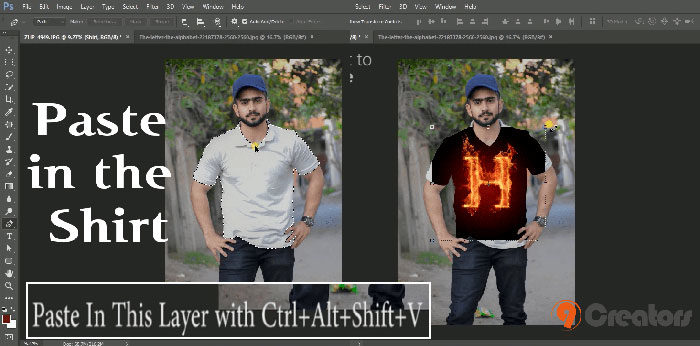
Get this tutorial if you want fast how to design a shirt in Photoshop by just using a few steps. You also understand how to add any kind of background till you make them look realistic so consider it a great opportunity to improve your skill.
Photoshop For T-shirt Design: For Beginners
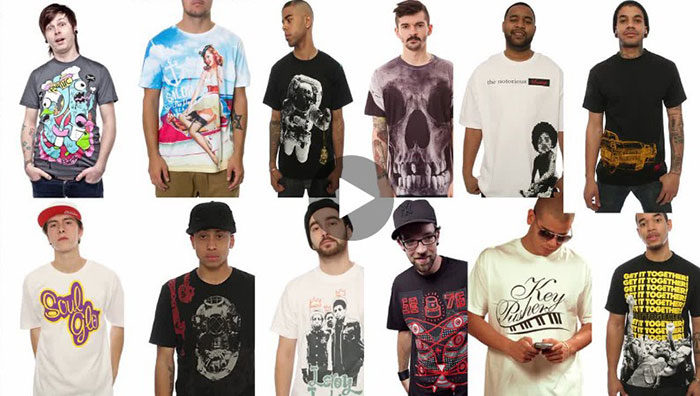
This is a full course that speaks a lot about Photoshop and its use in designing T-shirts. It can be done by both beginners and pros. The great part of it is that for beginners they don’t only understand how to design a shirt in Photoshop they also learn how to use the program itself.
How to Distress a T-Shirt Design in Photoshop
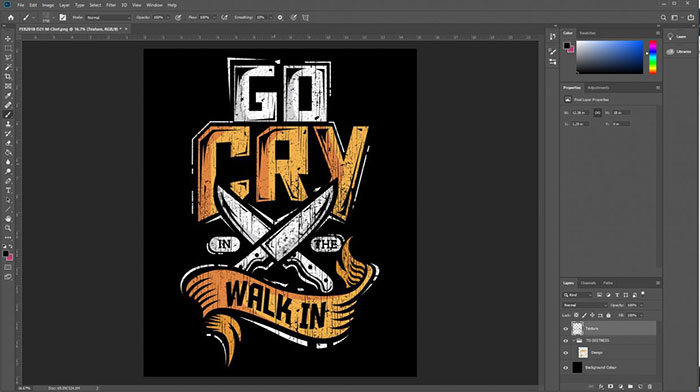
If you are a t-shirt designer or you aspire to become one, then for sure you have to check this tutorial out. You will be using Photoshop and will see how to make all kind of changes in your artwork in order to get it ready to be printed on a t-shirt.
Photoshop for fashion design
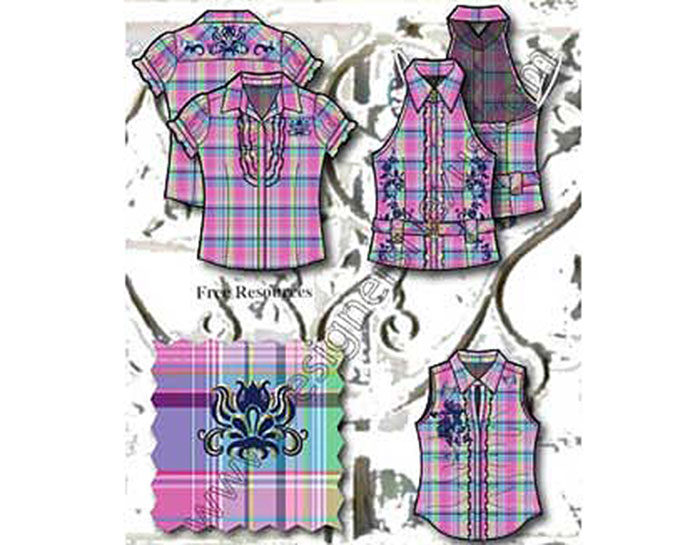
If you are a fashion artist, you should take advantage of this tutorial because it will show you everything you need to know in order to use Adobe Illustrator and Photoshop for your fashion designs. It has all the steps well explained so for sure you will get it quite fast.
How to Make Nice Clothes in Photoshop
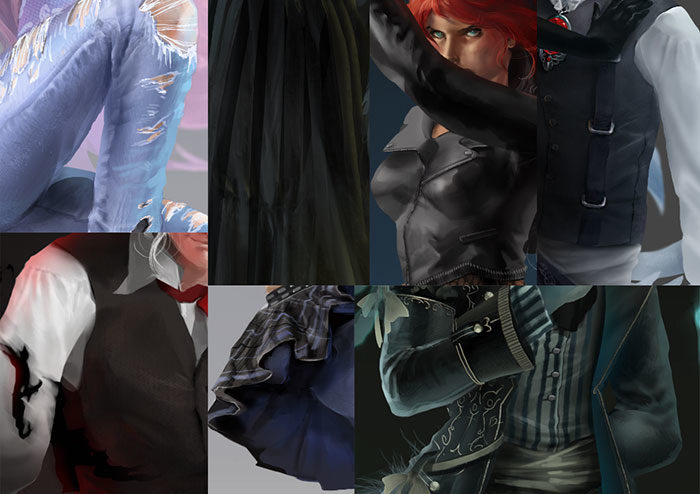
Learn how to design a shirt in Photoshop using this step-by-step guide. It shows you everything you need to know and also offers techniques that can be used for future work.
How to use a T-shirt template on Photoshop
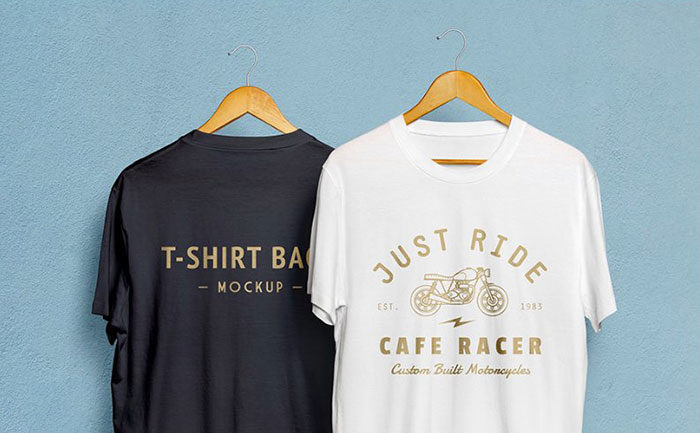
If you have a printing business or are just curious how the design process goes for this type of activities this tutorial shows many details that are useful.
How to Design a T-shirt in Photoshop – Full Color T-shirt Design Tutorial?
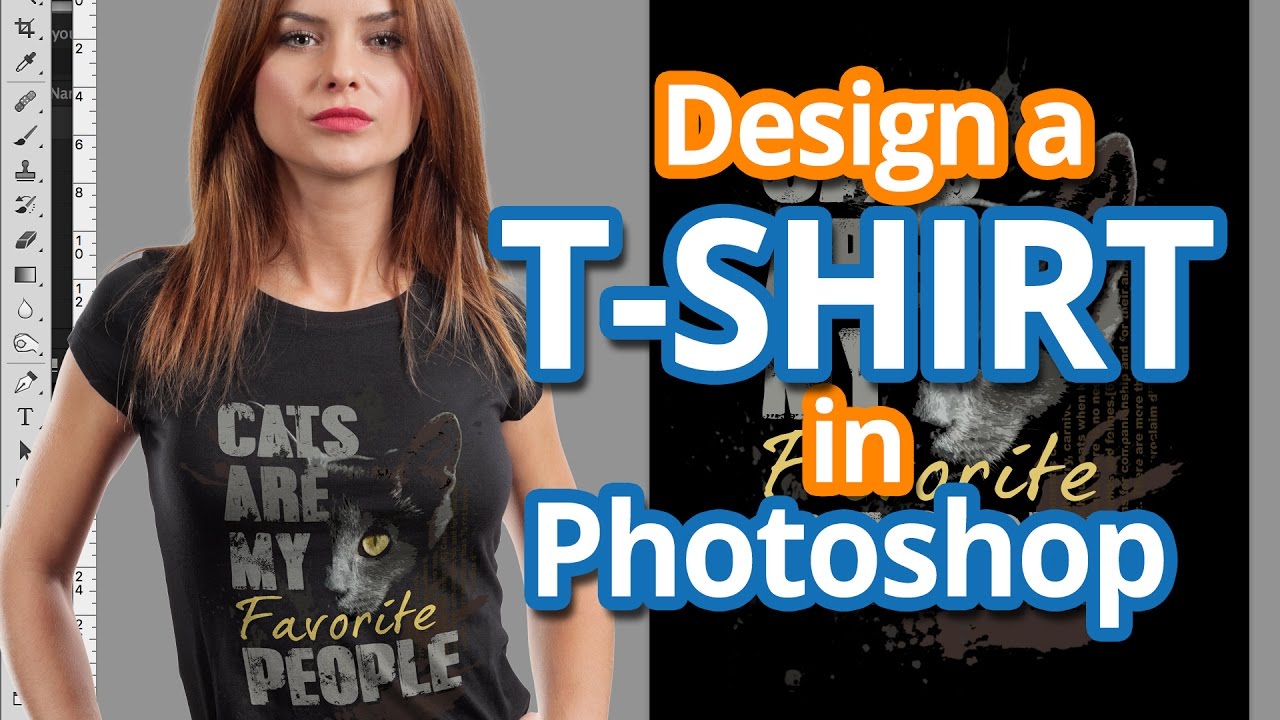
This is a video tutorial that shows you how to create your own Photoshop shirt template in a few minutes.
Learn how to Design A T-shirt.
Give this tutorial a try and discover for yourself how to design a shirt in Photoshop by just using some simple steps. You will need Adobe Photoshop for this.
In conclusion, any designer that wants to learn how to design a shirt in Photoshop should give this tutorial a chance. Not only you learn that, but you will also discover new features of Photoshop.
FAQ On How To Design A Shirt In Photoshop
What are the basic steps to design a shirt in Photoshop?
Start with a shirt mockup template. Create a new layer for your graphic design. Use vector graphics for clean lines and scalable images.
Add typography design elements, choosing fonts that complement your artwork. Adjust colors using Photoshop effects. Save as a print-ready file.
How do I choose the right shirt mockup template?
Look for design templates that match the style of shirt you plan to create. Ensure the mockup has high resolution and multiple angles.
Check if it includes Photoshop layers for easy customization. Templates should support detailed digital illustration to visualize your design accurately.
What tools in Photoshop are essential for shirt design?
Use Photoshop brushes for custom textures and patterns. Leverage layer styles to add depth and dimension. Utilize the Creative Cloud library for assets and templates.
Color palettes are crucial for maintaining consistent design themes. Mastering these tools enhances your apparel design skills.
How can I create vector graphics for my shirt design?
In Photoshop, use the Pen Tool to draw paths and shapes, then convert them into vector graphics. This ensures scalability without losing quality.
Incorporate these graphics into your T-shirt graphic design to keep lines crisp and clean, essential for print-ready designs.
What are the best practices for using typography in shirt design?
Choose fonts that align with your design theme. Ensure readability at different sizes. Use Photoshop effects like shadows or outlines to make text stand out.
Experiment with typography design by layering different fonts and styles. This adds visual interest and hierarchy to your custom T-shirt.
How do I ensure my design is print-ready?
Check the resolution is at least 300 DPI. Use CMYK color mode for accurate printing. Ensure design templates are fully layered and labeled. Convert text to outlines if necessary. Save your file in a print-ready format, such as TIFF or PDF, to preserve quality.
What are some common mistakes to avoid when designing a shirt in Photoshop?
Avoid using low-resolution images, as they can appear pixelated when printed. Don’t neglect layer styles and effects that add depth. Ensure your color palettes are consistent.
Overloading the design with too many elements can make it look cluttered. Keep your T-shirt graphic design clean and focused.
How do I add textures and patterns to my shirt design?
Use Photoshop brushes to create custom textures. Apply Photoshop effects like noise or grain for subtle texture. Incorporate textile patterns directly onto the shirt mockup.
Experiment with different layer styles to blend textures seamlessly. This enhances the overall look of your custom apparel.
What file format should I use to save my shirt design?
Save your design templates in PSD format for easy editing. For final prints, use high-resolution formats like TIFF or PDF. These formats ensure your print-ready designs retain quality and detail. Always keep a layered file for any future adjustments or tweaks.
How can I add custom artwork or logos to my shirt design?
Import your artwork or logo into Photoshop. Use vector graphics for scalability. Place the artwork on a separate layer and adjust its size and position.
Apply Photoshop effects to integrate the logo with your design. Ensure it complements the overall apparel design theme.
Conclusion
Mastering how to design a shirt in Photoshop opens up endless possibilities for creating unique and custom apparel. By leveraging Photoshop layers, vector graphics, and design templates, you can transform your ideas into stunning graphic design that stands out.
Key takeaways:
- Use essential tools: Photoshop brushes, layer styles, and Creative Cloud resources.
- Ensure print-readiness: High resolution, CMYK color mode, and proper file formats.
- Avoid common mistakes: Maintain high image quality, consistent color palettes, and a clean design.
Whether it’s for a personal project or to launch your own custom T-shirt line, understanding the intricacies of apparel design and digital illustration in Photoshop is crucial. This guide has equipped you with the knowledge to create professional-quality designs that are ready for screen printing and other production methods.
Keep experimenting with different techniques and styles to refine your craft and produce truly exceptional shirts that reflect your unique vision and creativity.
If you enjoyed reading this article about how to design a shirt in Photoshop, you should read these as well:
- How to make an album cover – 46 artwork examples
- Best Business Card Designs – 300 Cool Examples and Ideas
- Packaging Design: Tips, Ideas, and Inspiration

Renowned for his expertise in logo design and visual branding, Bogdan has developed a multitude of logos for various clients.
His skills extend to creating posters, vector illustrations, business cards, and brochures. Additionally, Bogdan's UI kits were featured on marketplaces like Visual Hierarchy and UI8.
He also wrote in the past years on sites like Design Your Way, WebDesignerDepot, WPDean, Designmodo, Speckyboy, Slider Revolution, and more.
- Iconic Helvetica Font Pairing Ideas That Always Work - 30 October 2026
- Designing One Flutter App for Phones, Tablets, Mac and Vision Pro - 30 October 2026
- The Clickup Logo History, Colors, Font, And Meaning - 28 October 2026

Bogdan Sandu is a seasoned designer who has been designing websites since 2008. Renowned for his expertise in logo design and visual branding, Bogdan has developed a multitude of logos for various clients. His skills extend to creating posters, vector illustrations, business cards, and brochures. Additionally, Bogdan's UI kits were featured on marketplaces like Visual Hierarchy and UI8. He also wrote in the past years on sites like Design Your Way, WebDesignerDepot, WPDean, Designmodo, Speckyboy, Slider Revolution, and more.
You Might Also Like